
Print templates and countries
Two small cards that touch every working day: print templates decide how your printed paperwork looks in front of a customer, and countries decide dialling codes and contact addresses.
Print templates
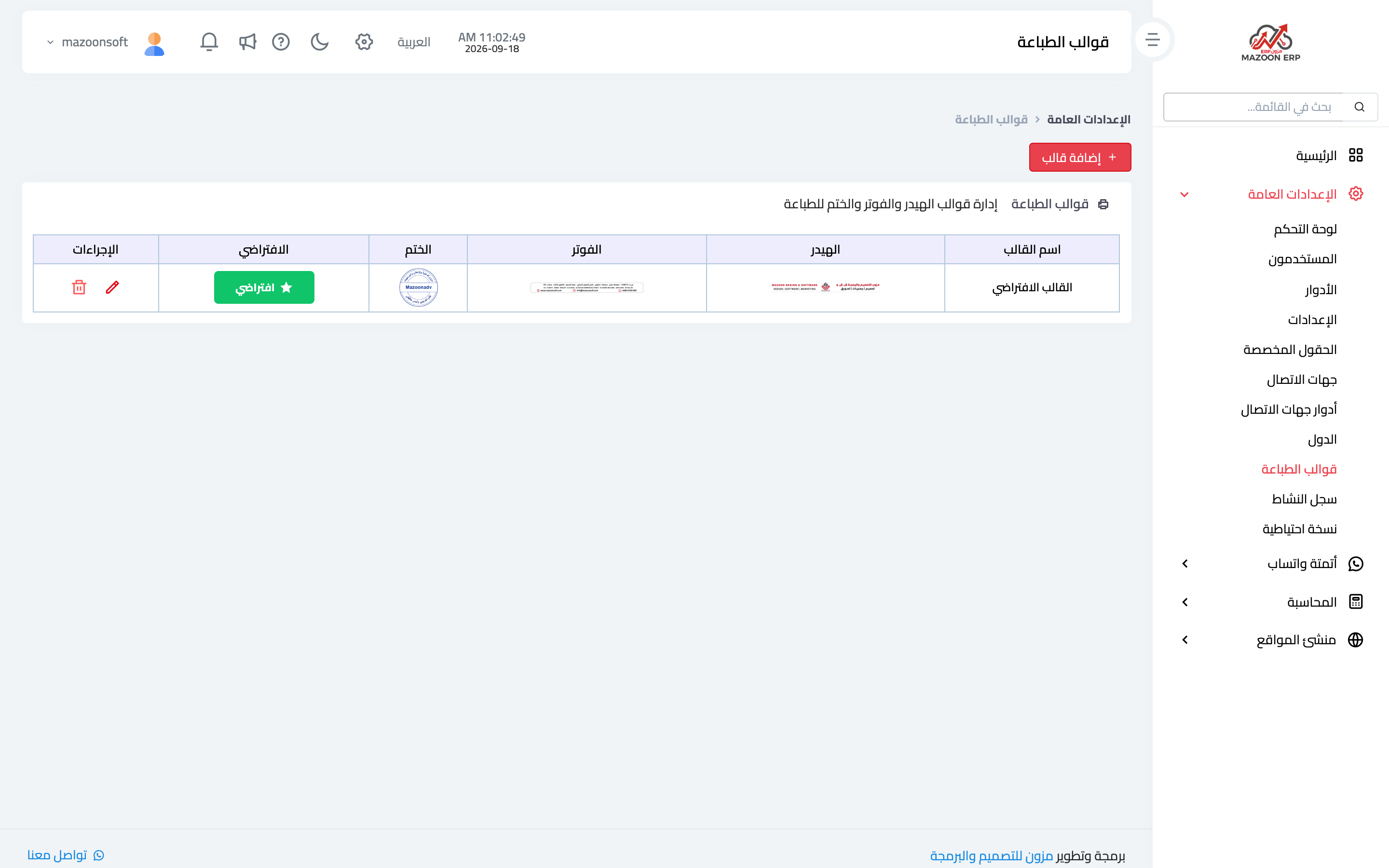
A template is the header, footer and stamp added to your documents when printed: invoices, receipts and quotations. From General Settings, open the Print Templates card. The list appears as in image 1, with a thumbnail of each template's header, footer and stamp.
Adding a template
Press Add Template and upload three images along with the template name:
- Header — the top of the page: logo, business name and details.
- Footer — the bottom: address, contact numbers or any fixed text.
- Stamp — the stamp image shown on the printed document.
When editing, each image has its own delete option, so you can replace one and keep the rest.
The default template
The template marked Default is the one used for printing. To switch, press Set as default on the template you want. This is the easiest way to change your official paperwork seasonally or after a rebrand: prepare the new template in advance, then make it the default in one click.
A practical tip
Make the header and footer images full page width on a white or transparent background, and print a real invoice after every change — an on-screen preview does not always reveal how the margins come out on paper.
Countries
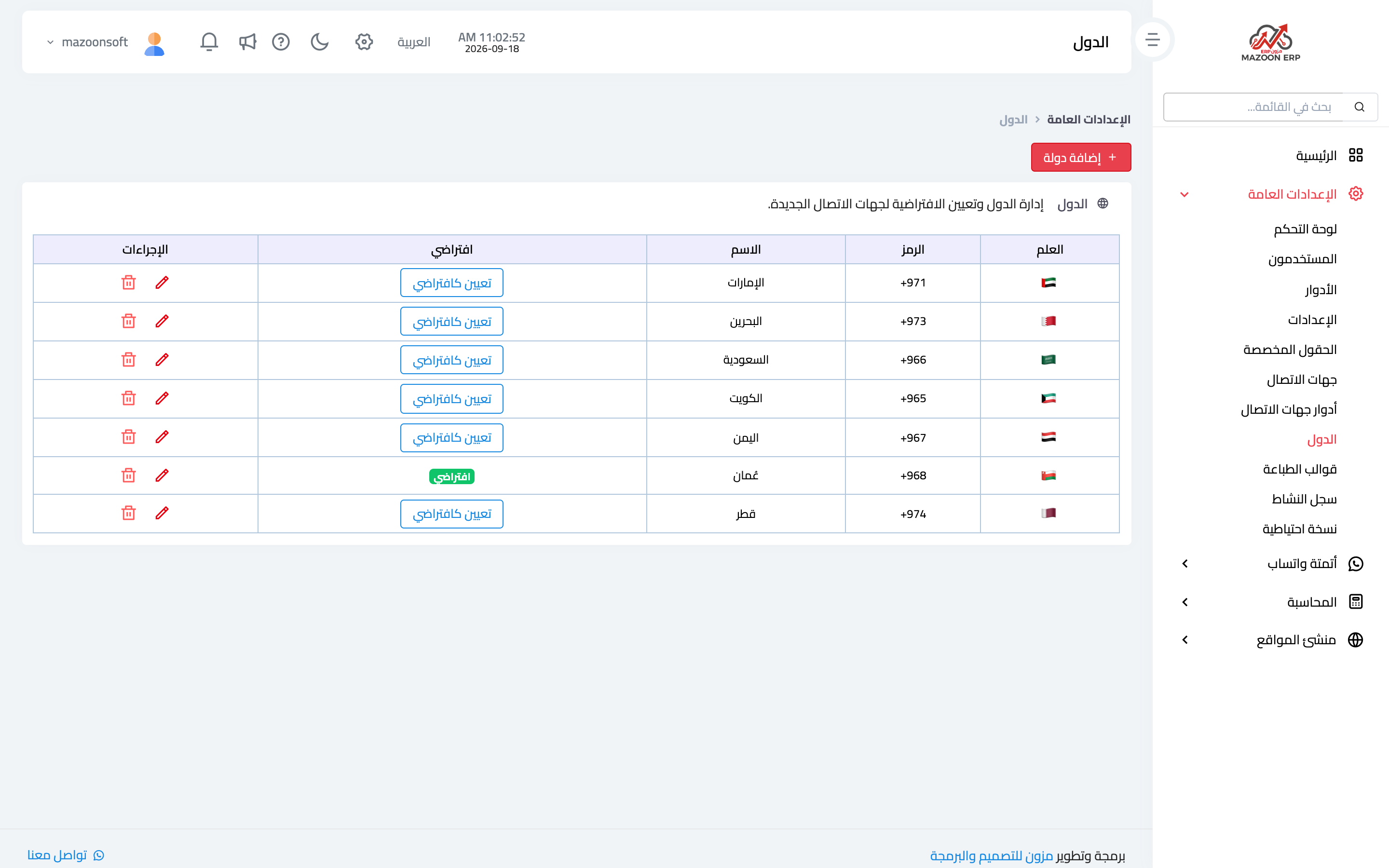
The Countries card manages the list of countries used in the system, as in image 2: flag, dialling code, name, and a Set as default button.
The default country is selected automatically when a new contact is added, and its code is what gets prefixed to numbers written locally — which is why the contact form asks for the number without the country code.
Add only the countries you actually deal with; a short list means faster selection and fewer mistakes. If you import or export, add your customers' and suppliers' countries so their phone numbers are stored with the right dialling code.
Screenshots
Try what you just read on your own data
Open a free 7-day trial — no credit card, with your own company link in minutes.