
How do I open and close a point-of-sale shift?
The shift is what makes the cashier accountable for their till: you open it with an amount, close it with an amount, and the difference between the two is recorded in their name. Without a shift you never know where a shortage went.
Opening the shift
- Open Sales → Point of sale — Figure 1 — then press Shift.
- Enter the opening balance — Figure 2 — the actual cash in the drawer at the start. Count it; do not estimate it.
- Press Open shift; from here every invoice is assigned to it.
Closing the shift
- Press Close shift, and the system shows the expected amount: opening + cash sales − refunds.
- Count the drawer for real and enter the actual amount.
- The system computes the difference and records it. If there is one, write its cause in the notes before closing.
- After closing, the shift appears in the shift history — Figure 3 — and cannot be edited.
What the shift tells you
A recurring difference with one cashier is a signal not to ignore, however small the amount. And a positive difference (a surplus) is not good news; it usually means a sale never recorded or change never returned to the customer.
Notes
- One shift per cashier; two people sharing a shift removes the accountability entirely.
- Do not leave a shift open into the next day; comparing two days together hides where the fault lies.
- Move the cash to the safe with a transfer after closing, so the POS till balance keeps matching the drawer.
Screenshots

Figure 1
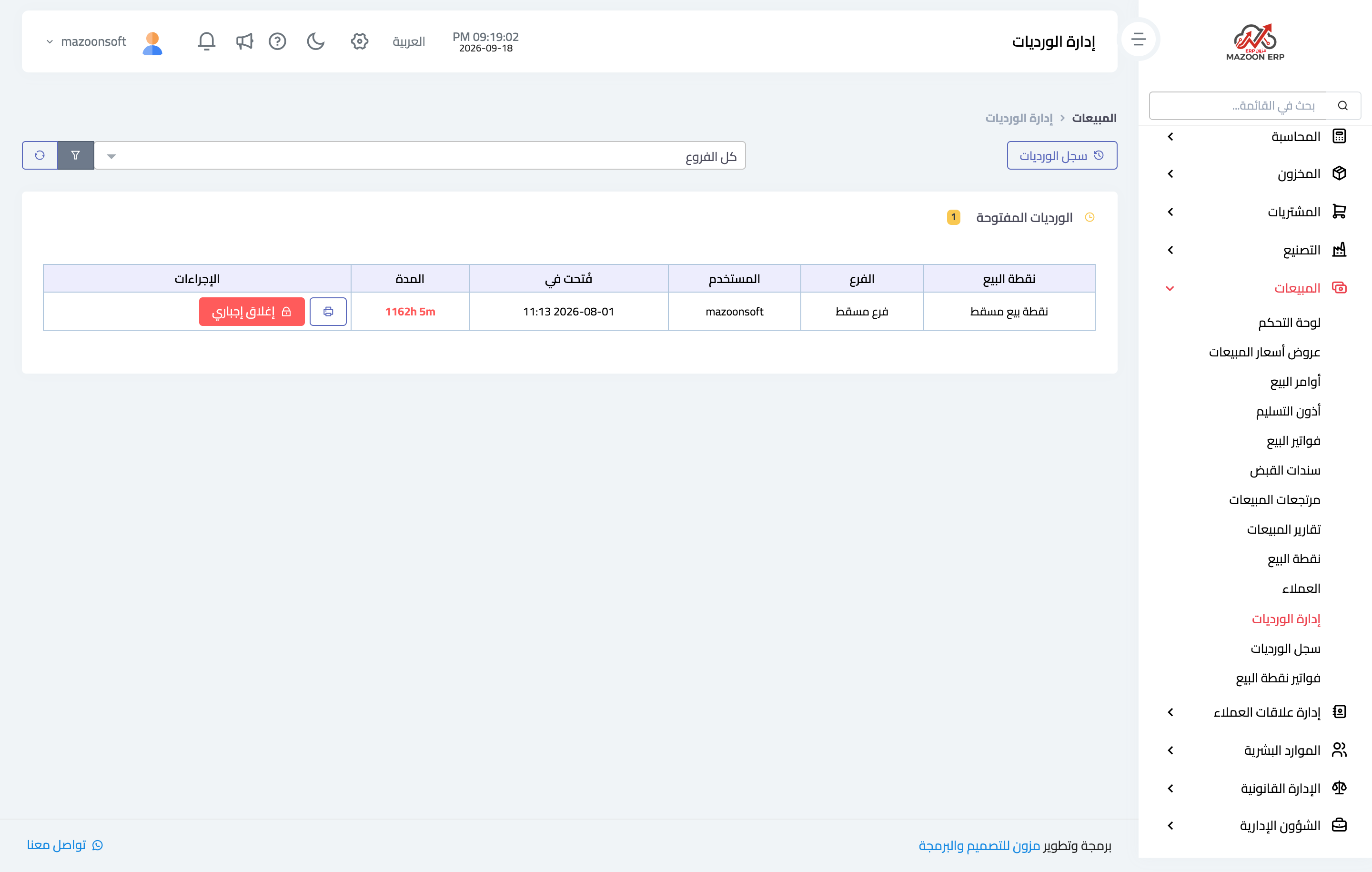
Figure 2
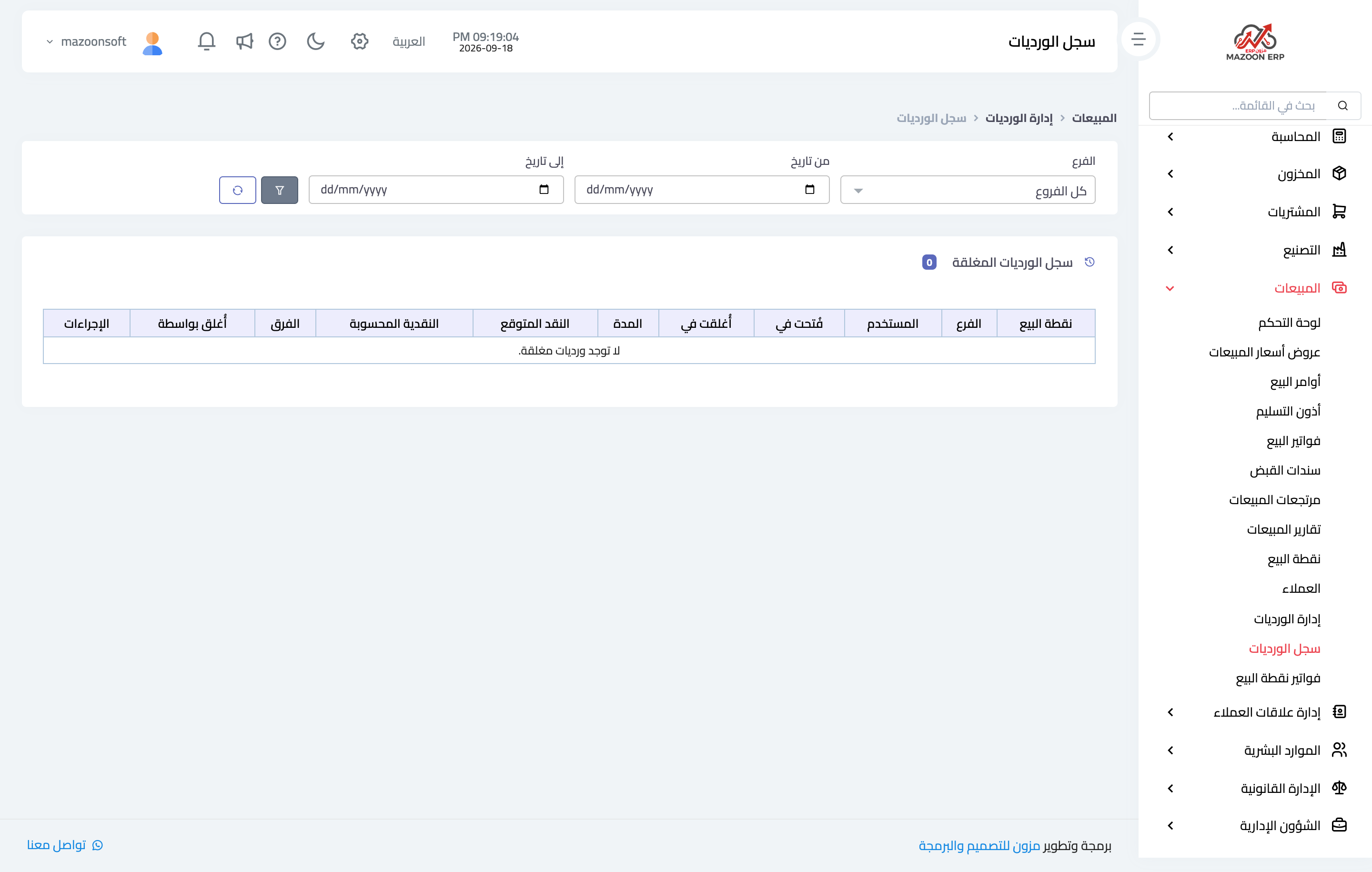
Figure 3
Try what you just read on your own data
Open a free 7-day trial — no credit card, with your own company link in minutes.