
How do I post a stock adjustment?
An adjustment corrects the balance of a single item for a reason you know: damage, loss, expiry, or an old keying mistake. If the difference spans the whole warehouse, what you need is a stocktake, not an adjustment.
Steps
- Open Inventory → Stock adjustments — Figure 1 — then press New adjustment.
- Choose the warehouse then the item — Figure 2 — and the system shows its current balance and cost.
- Set the type: increase for something found that was never recorded, or decrease for something gone that was never issued.
- Enter the quantity, then the reason clearly — the most important field on the screen, because it is the only thing that explains the difference six months later.
- Press Save then Approve. The system creates the stock movement and the accounting entry together.
The accounting effect
A decrease raises the shortage and damage expense and lowers the stock value; an increase does the opposite. That is why an adjustment is not the way to bring in purchased goods — that is a supplier bill.
Notes
- Repeated adjustments on one item point to a broken procedure rather than a broken balance; find the cause.
- Do not use an adjustment to move an item between warehouses; that has its own stock transfers screen.
- Restrict the adjustment permission to a few users; it is the shortest route to changing a balance without a document.
Screenshots
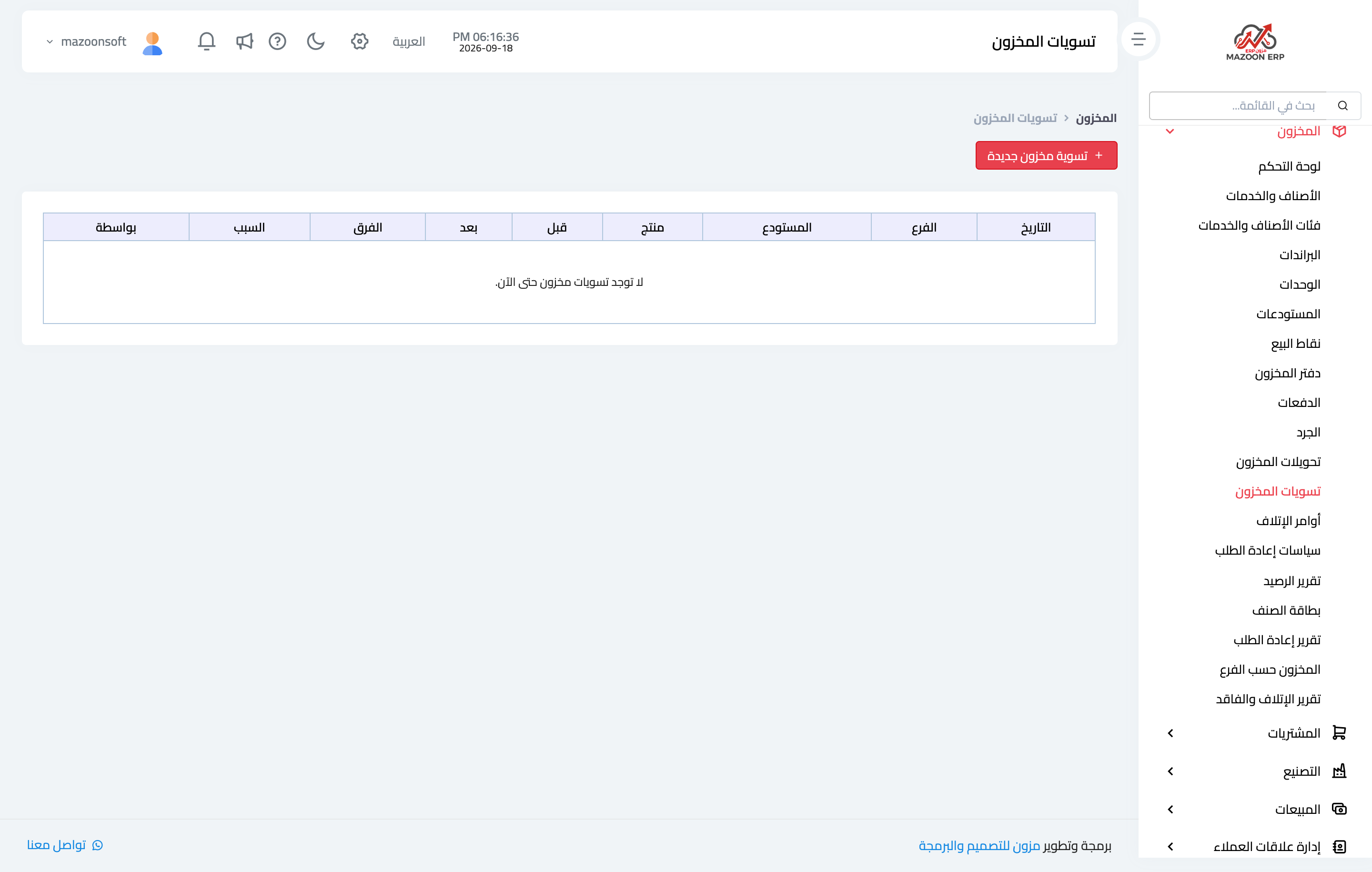
Figure 1
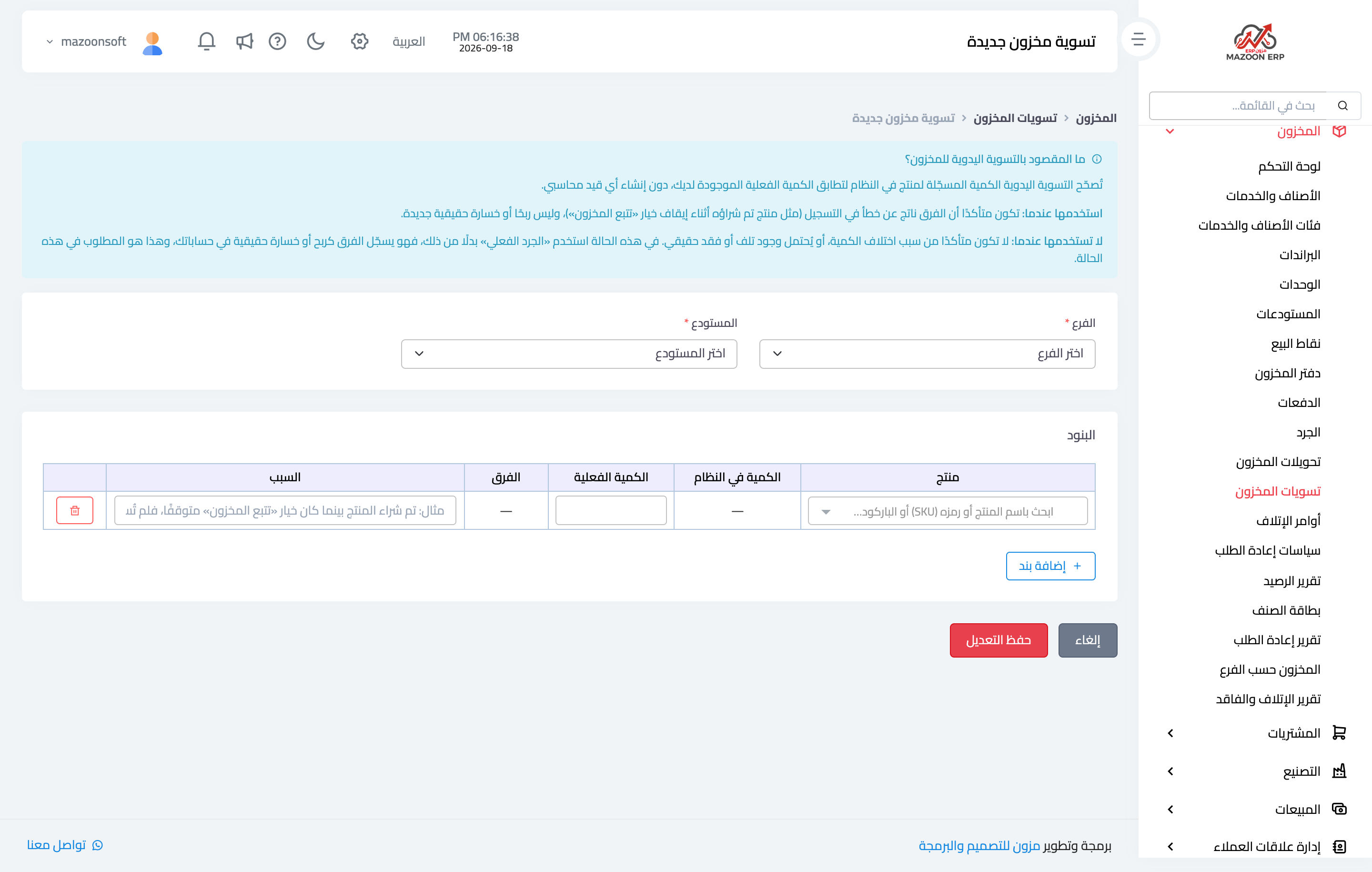
Figure 2
Try what you just read on your own data
Open a free 7-day trial — no credit card, with your own company link in minutes.