
How do I record a sales return or a purchase return?
A return is not a deletion of the invoice; it is a separate document that reverses its effect in part or in full. That is the accounting-correct approach: the original transaction and the return both stay on record.
Sales return
- Open Sales → Returns — Figure 1 — then Add return.
- Choose the original invoice — Figure 2 — and the system pulls in its lines and prices.
- Remove what was not returned and adjust the remaining quantities; a partial return is far more common than a full one.
- Set the return date and the warehouse the goods come back into, then Save and Approve.
- If you refunded cash, set the refund date and its method; the sales reports date the return by that date, not by the moment you pressed the button.
Purchase return
The same logic from Purchasing → Returns — Figure 3 and Figure 4: choose the supplier bill and set what is going back (damaged or off-specification), and the goods leave stock while what you owe the supplier drops.
Notes
- Do not cancel the invoice instead of issuing a return when the customer has taken delivery and paid; cancelling erases a transaction that actually happened.
- A POS invoice with a return against it must not be cancelled; delete the return first or the stock is doubled.
- Put the reason for the return in the notes; repeated returns on one item point to a fault in the item, not in the customer.
Screenshots
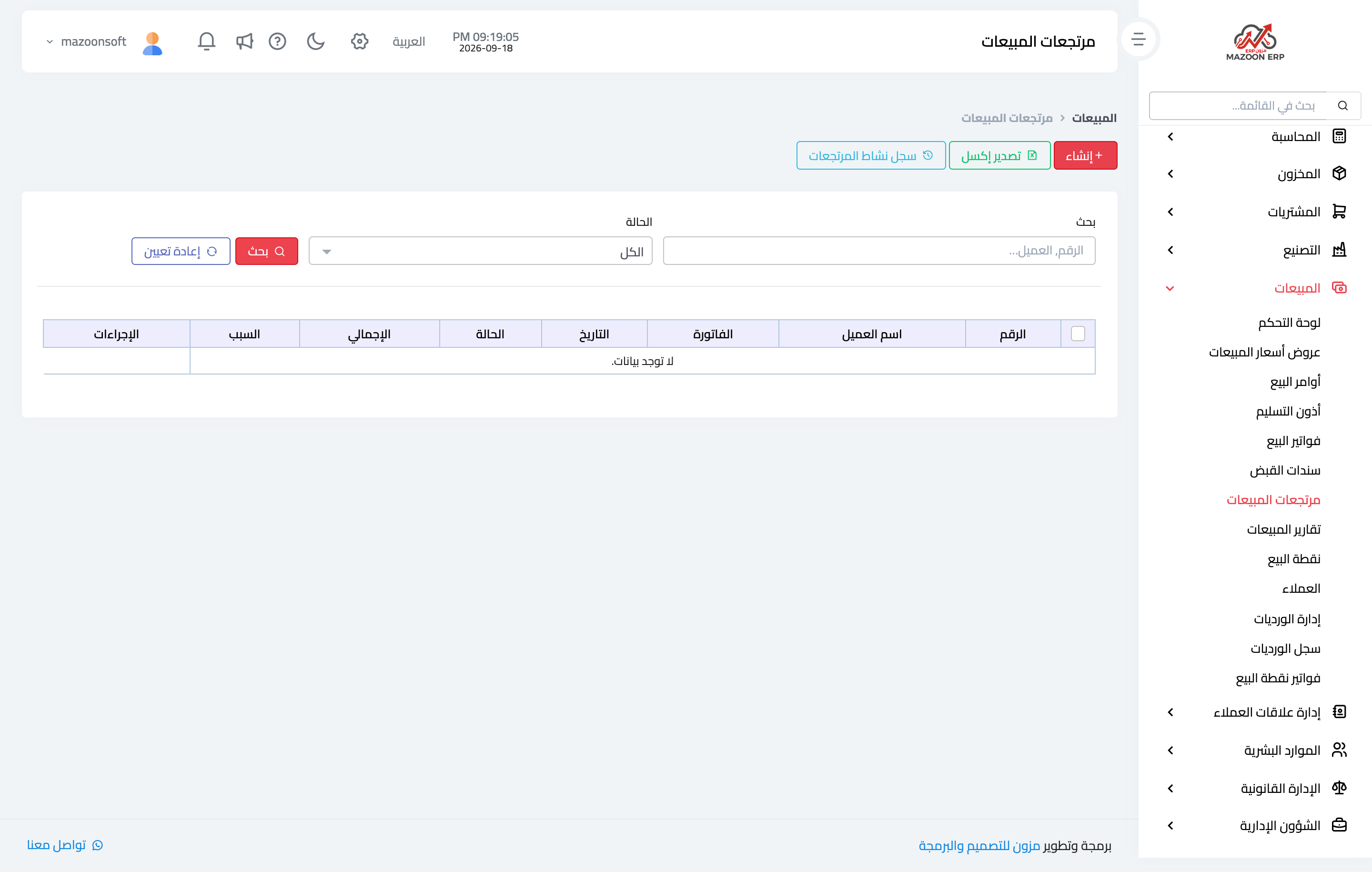
Figure 1
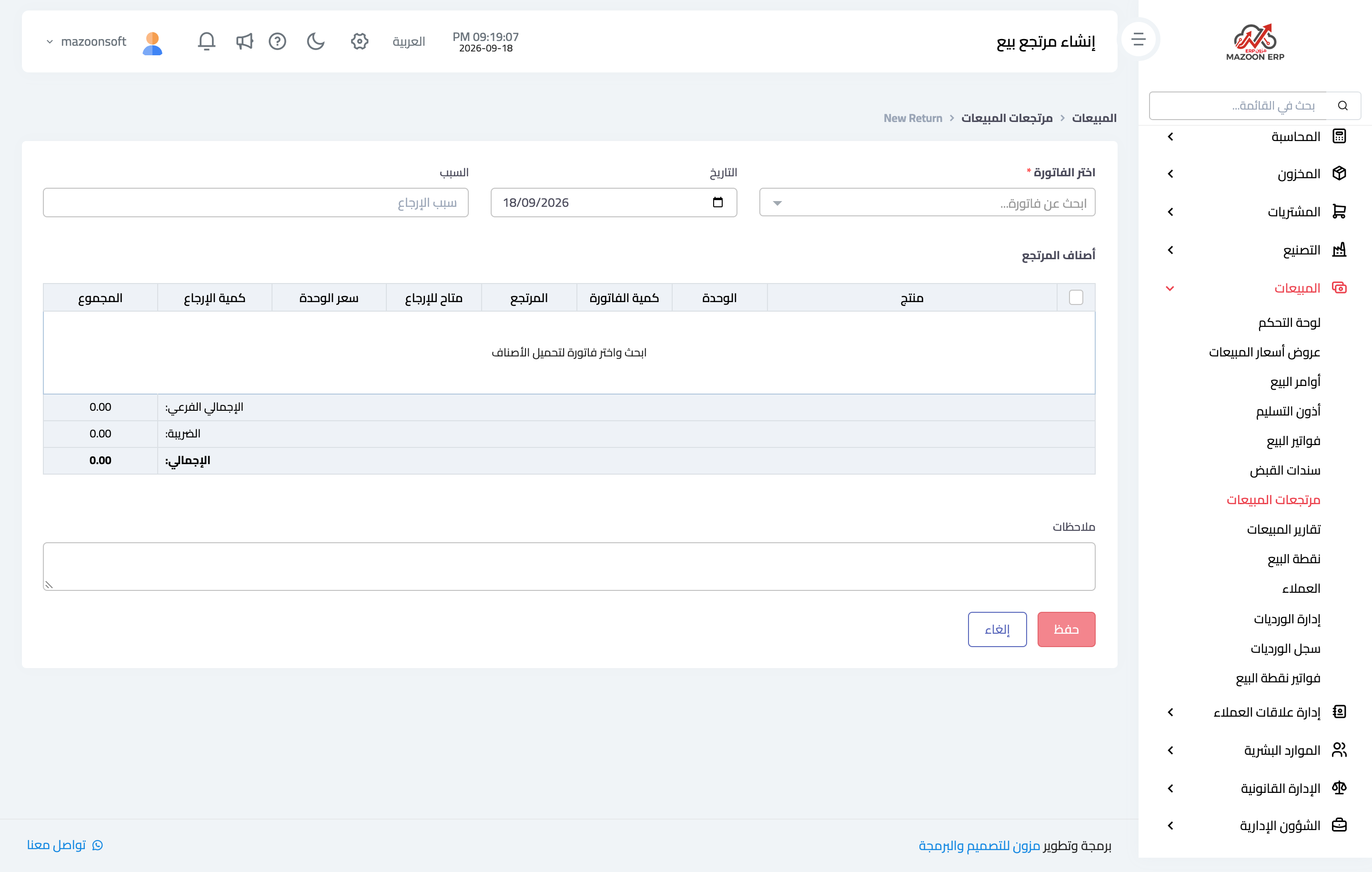
Figure 2
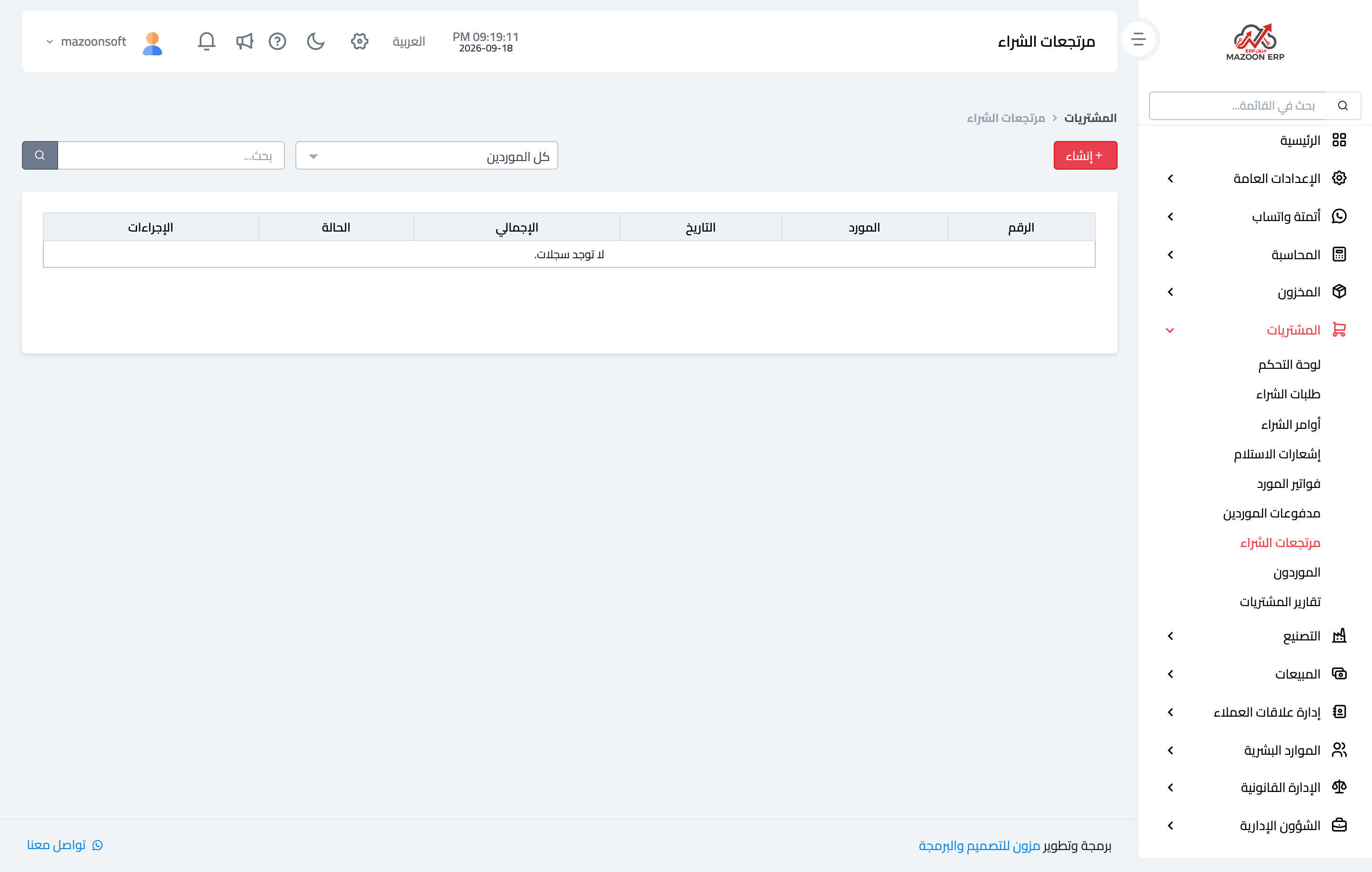
Figure 3
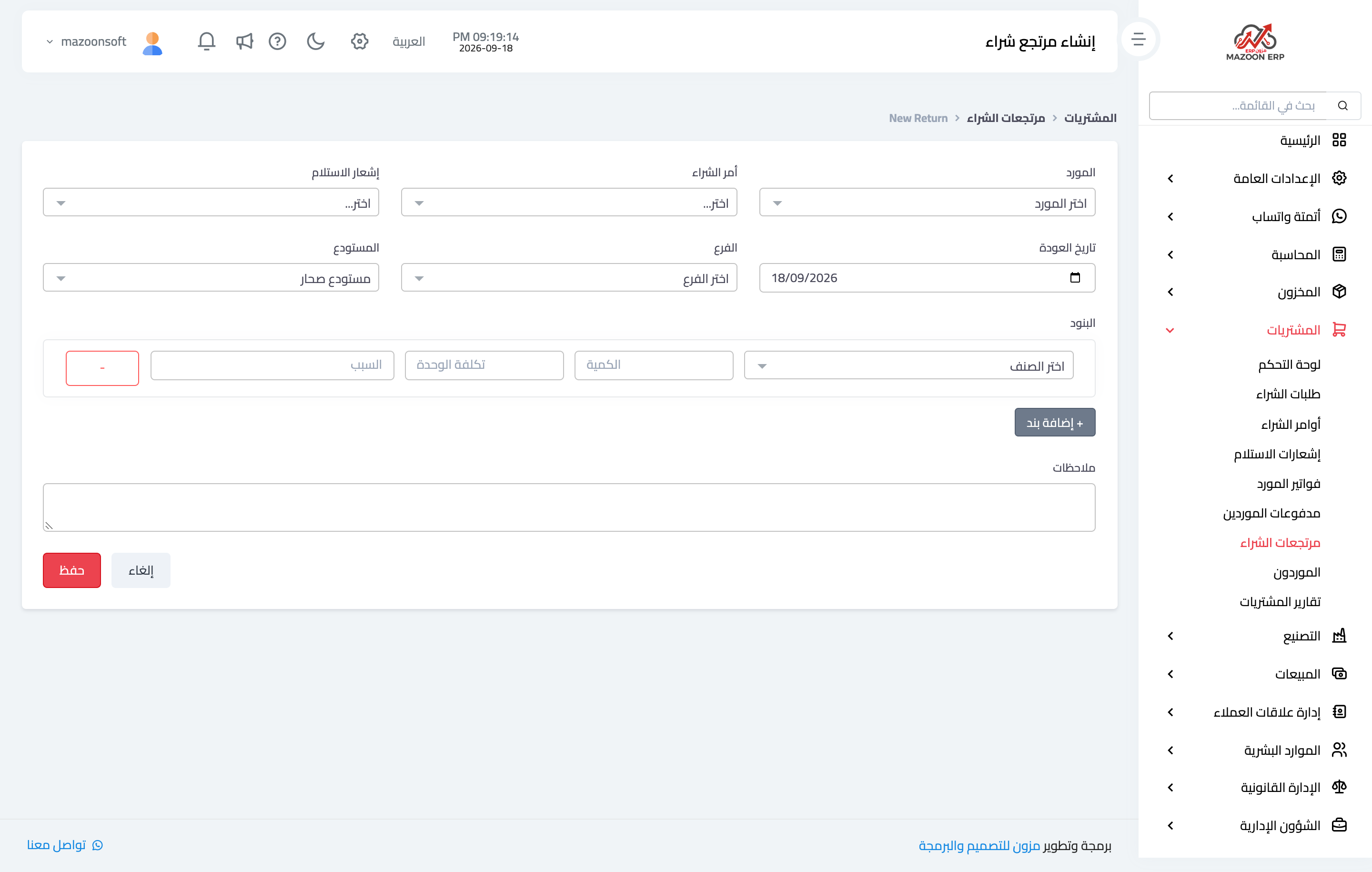
Figure 4
Try what you just read on your own data
Open a free 7-day trial — no credit card, with your own company link in minutes.