
How do I give an employee an advance and deduct it from their salary?
An advance is money you give the employee today and recover in instalments from their coming salaries. The system deducts the instalment automatically, so you never have to remember it each month.
Steps
- Open HR → Employee advances — Figure 1 — then Add advance.
- Choose the employee and enter the amount and the reason — Figure 2.
- Set the number of instalments or the monthly deduction, and the system computes the other one.
- Save; the advance stays pending until approved.
- Press Approve, then Disburse and set the payment method; the accounting entry is created and the money leaves the till or the bank.
How the instalment is deducted
With every payroll run the system deducts the month’s instalment from the employee’s net pay and reduces the outstanding balance of the advance, until it runs out and its status becomes completed.
Bonuses and deductions
If you want a one-off amount that is not recovered — a performance bonus or a disciplinary deduction — use Bonuses — Figure 3 — or Deductions — Figure 4. You set the effective month on them, so they enter that month’s payroll only.
Notes
- Do not set a monthly instalment larger than the salary can bear; a negative net on the payroll means you are asking the employee for money.
- Approve the advance and the bonus before generating the payroll; anything still pending is not counted.
- Do not use a payment voucher to hand out an advance; the system will not track its recovery and you will be remembering it by hand.
Screenshots
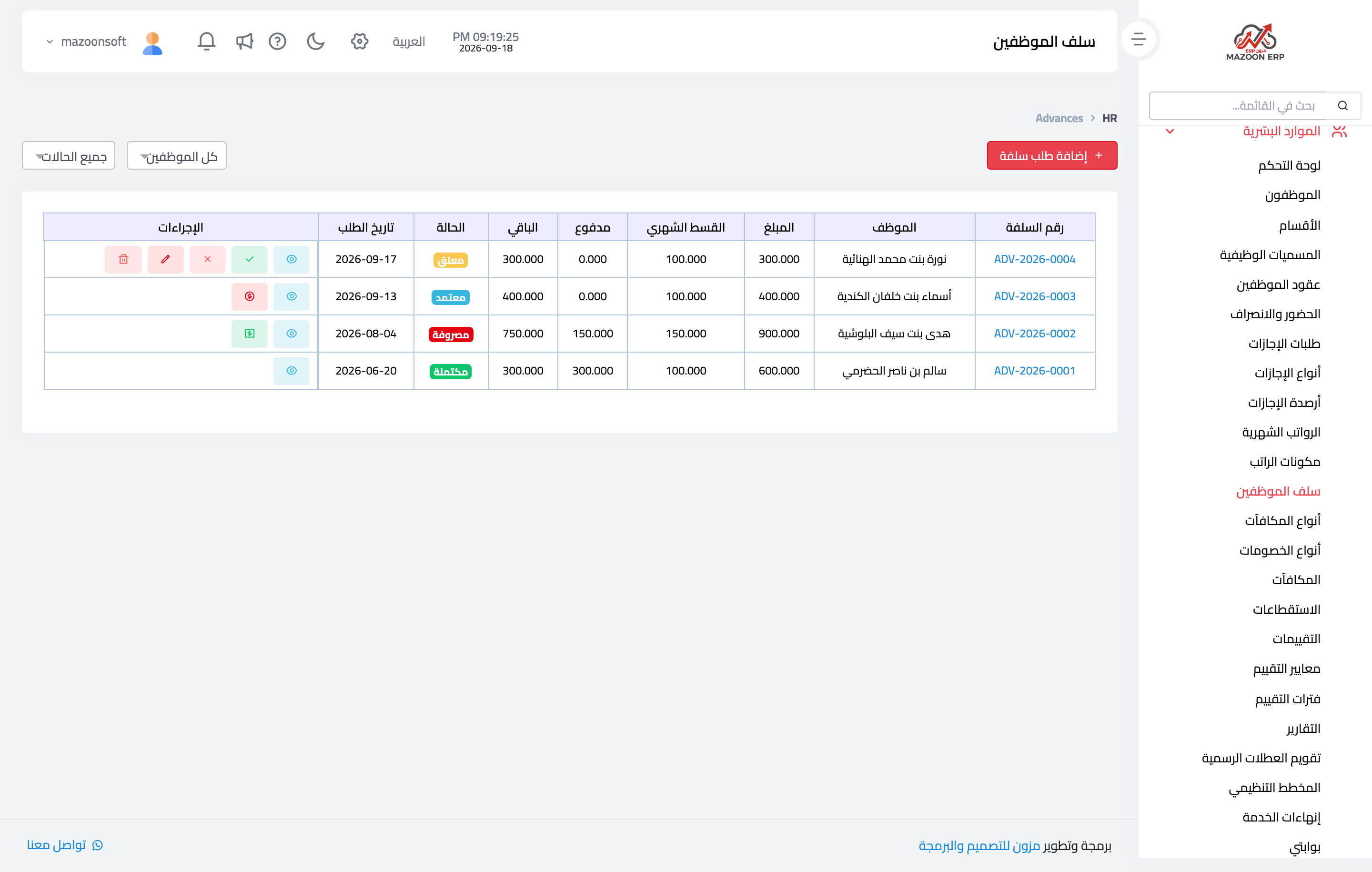
Figure 1
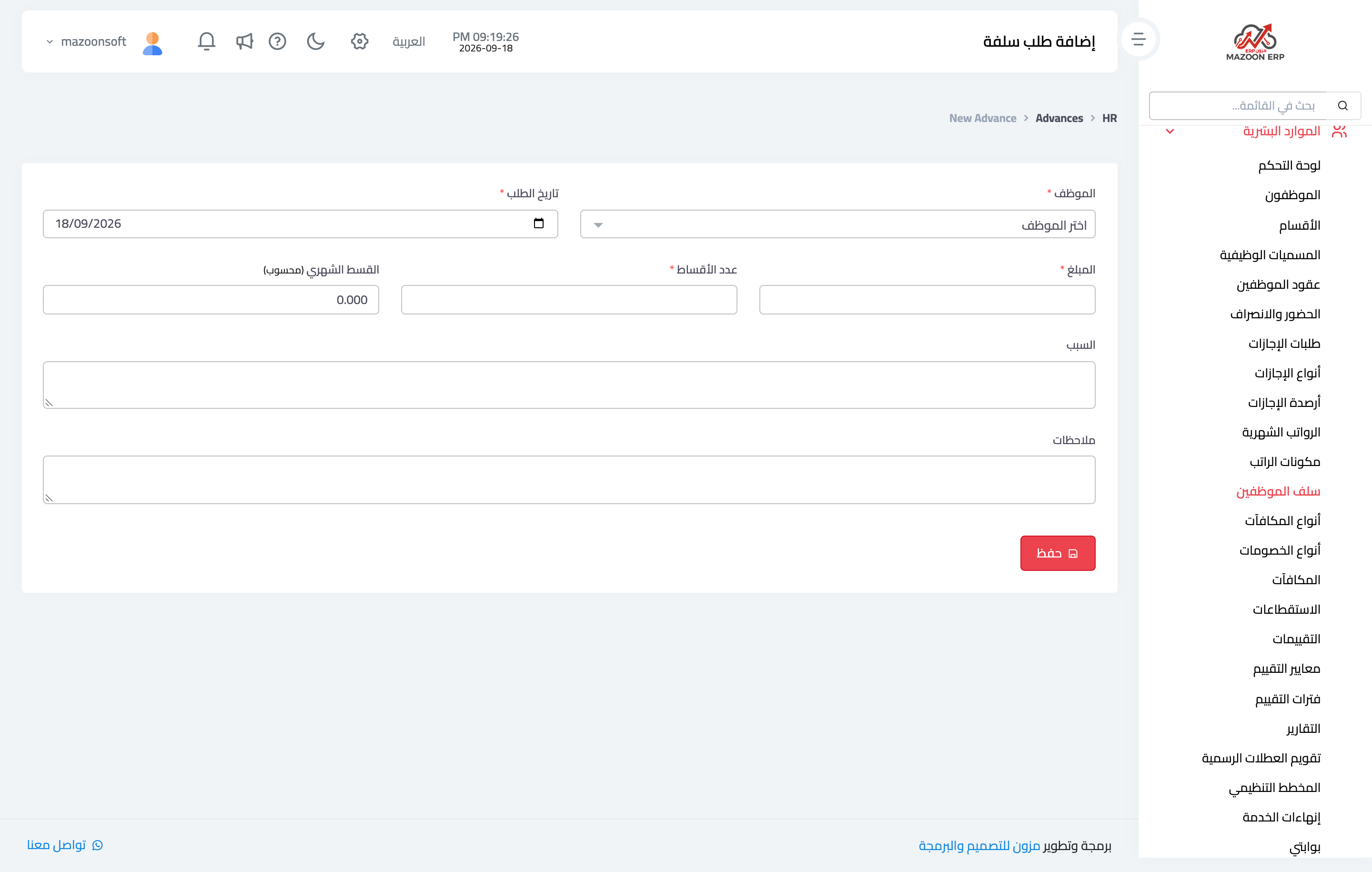
Figure 2
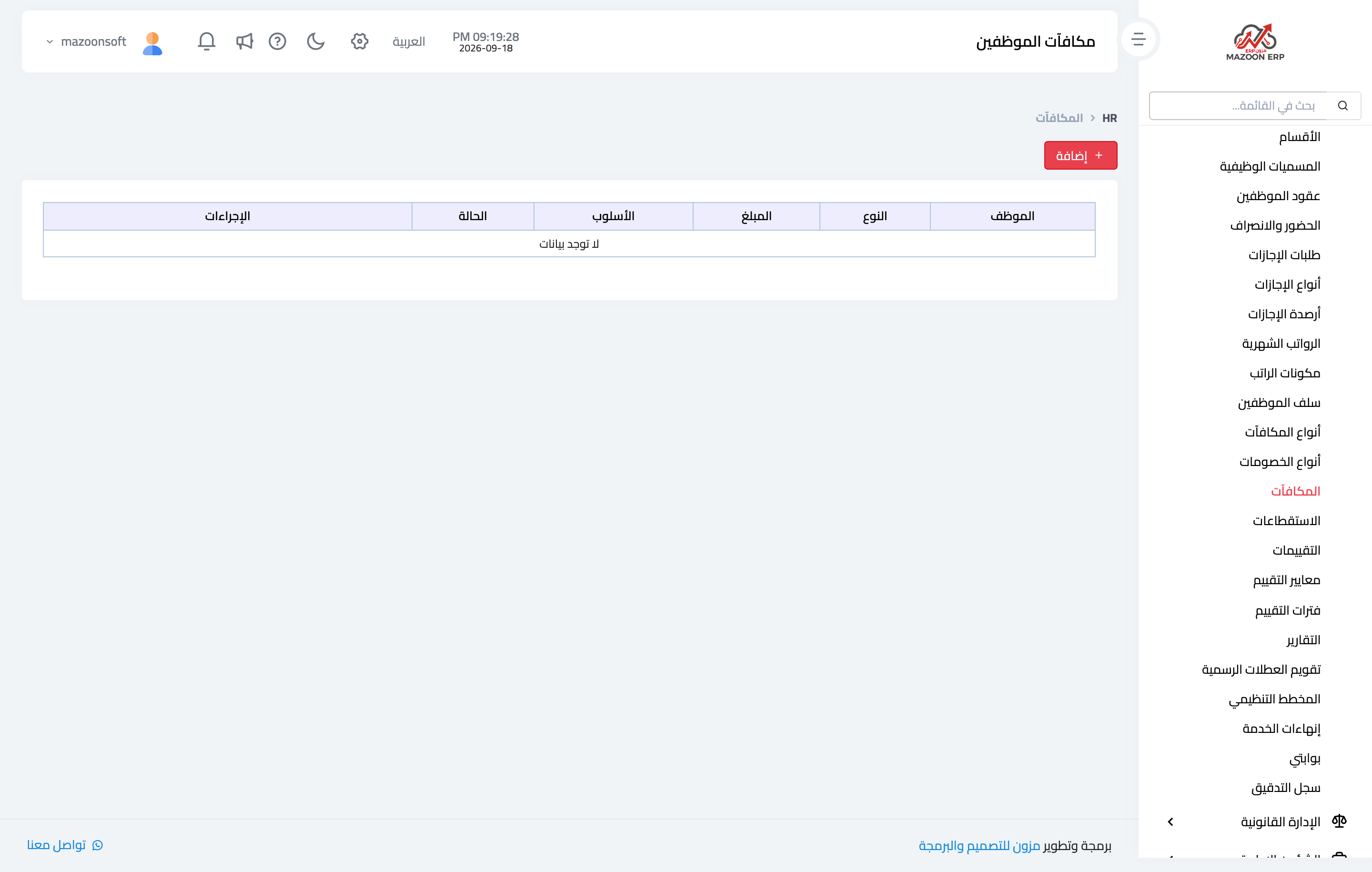
Figure 3
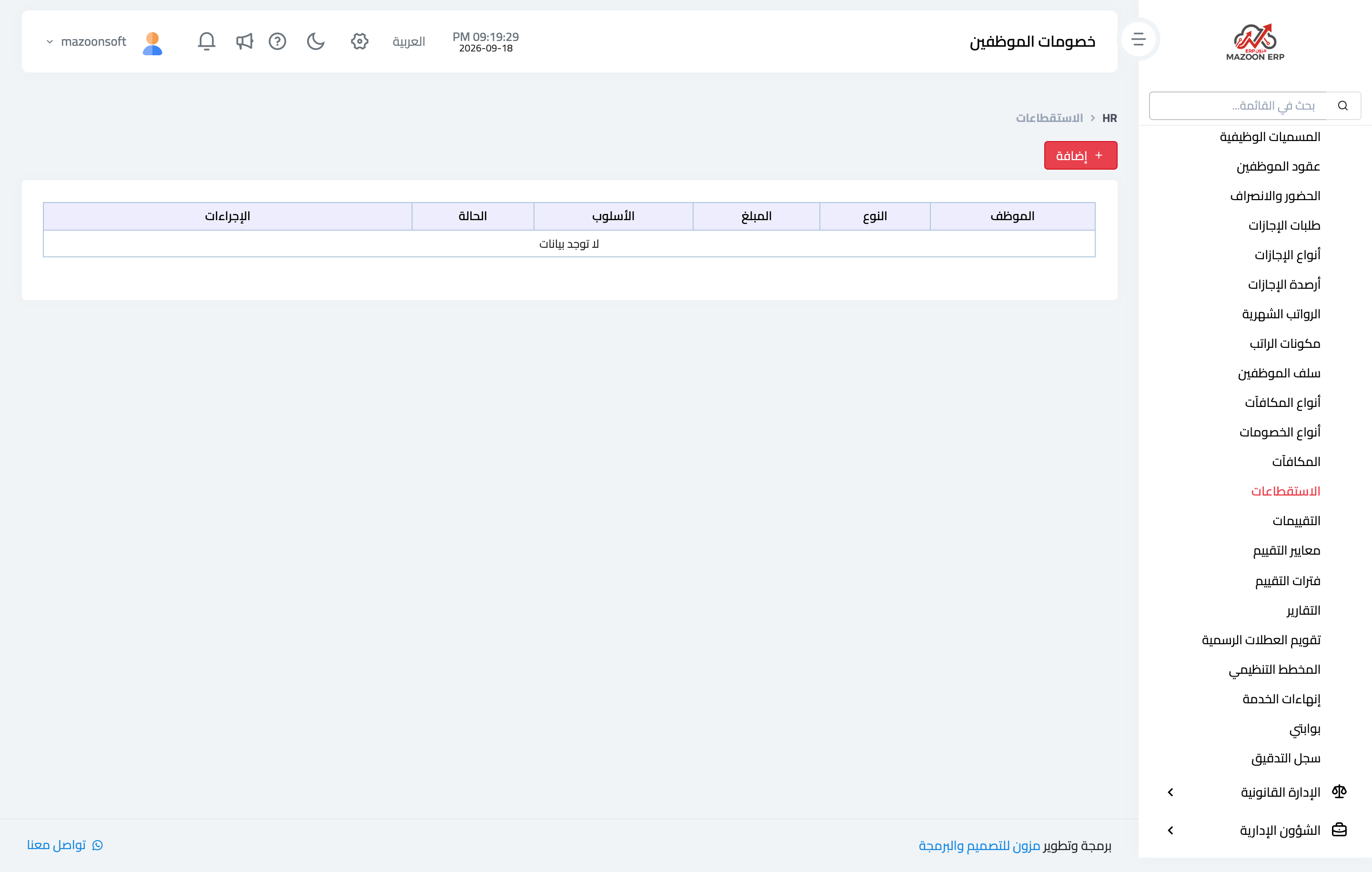
Figure 4
Try what you just read on your own data
Open a free 7-day trial — no credit card, with your own company link in minutes.