
How do I offboard an employee and compute their end-of-service?
Offboarding is not deleting the employee; it is a document that gathers what they are owed and what they owe, and closes their file in a way you can go back to.
Before you start
Open HR → Reports → End-of-service calculator — Figure 1 — and enter the employee, the end date, and the reason, so you see the amount before you commit to it in front of them.
Steps
- Open Offboardings — Figure 2 — then Add.
- Choose the employee and set the last working day and the reason (resignation, contract end, dismissal) — the reason is what determines the entitlement in law.
- The system shows the components: end-of-service gratuity, unused leave balance, salary for the remaining days, less any outstanding advances.
- Review the figures, then Approve and Pay; the entry is created and the money goes out.
- On approval the employee’s status becomes terminated, so they do not enter next month’s payroll, while their file and history stay intact.
What usually gets forgotten
- Disabling the login: open Users and switch off account status; offboarding does not close their access by itself.
- Company property: a vehicle, a device, or keys issued in their name.
- Documents: attach the resignation or the termination notice to the employee file.
Notes
- Never delete the employee; deleting severs them from every past payroll and leave, and takes your evidence with it if a claim arises.
- Offboard before generating the month’s payroll, or someone no longer employed goes into it.
- Print the mutual release and sign it with the employee at payment; it settles any later dispute.
Screenshots
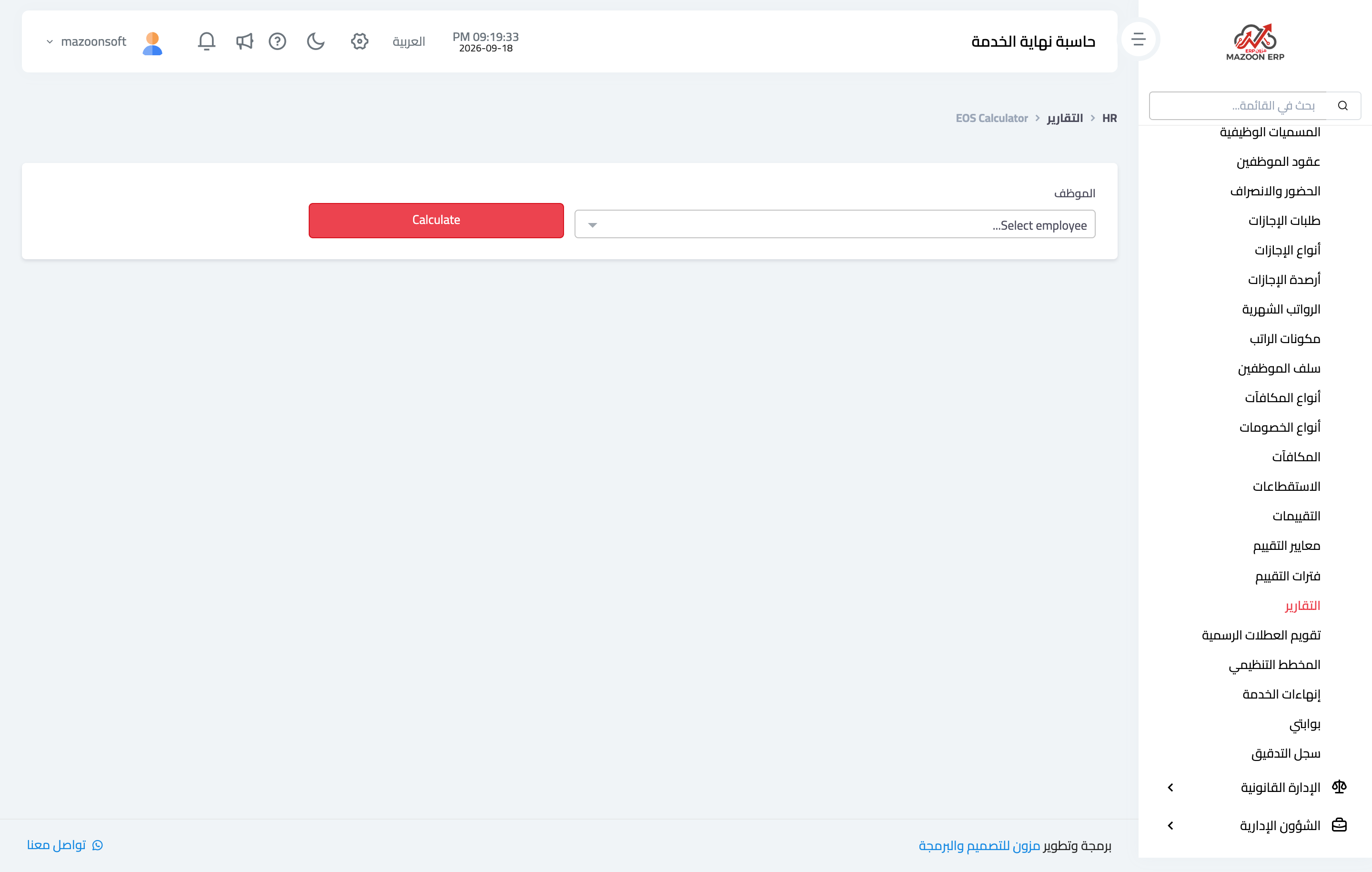
Figure 1
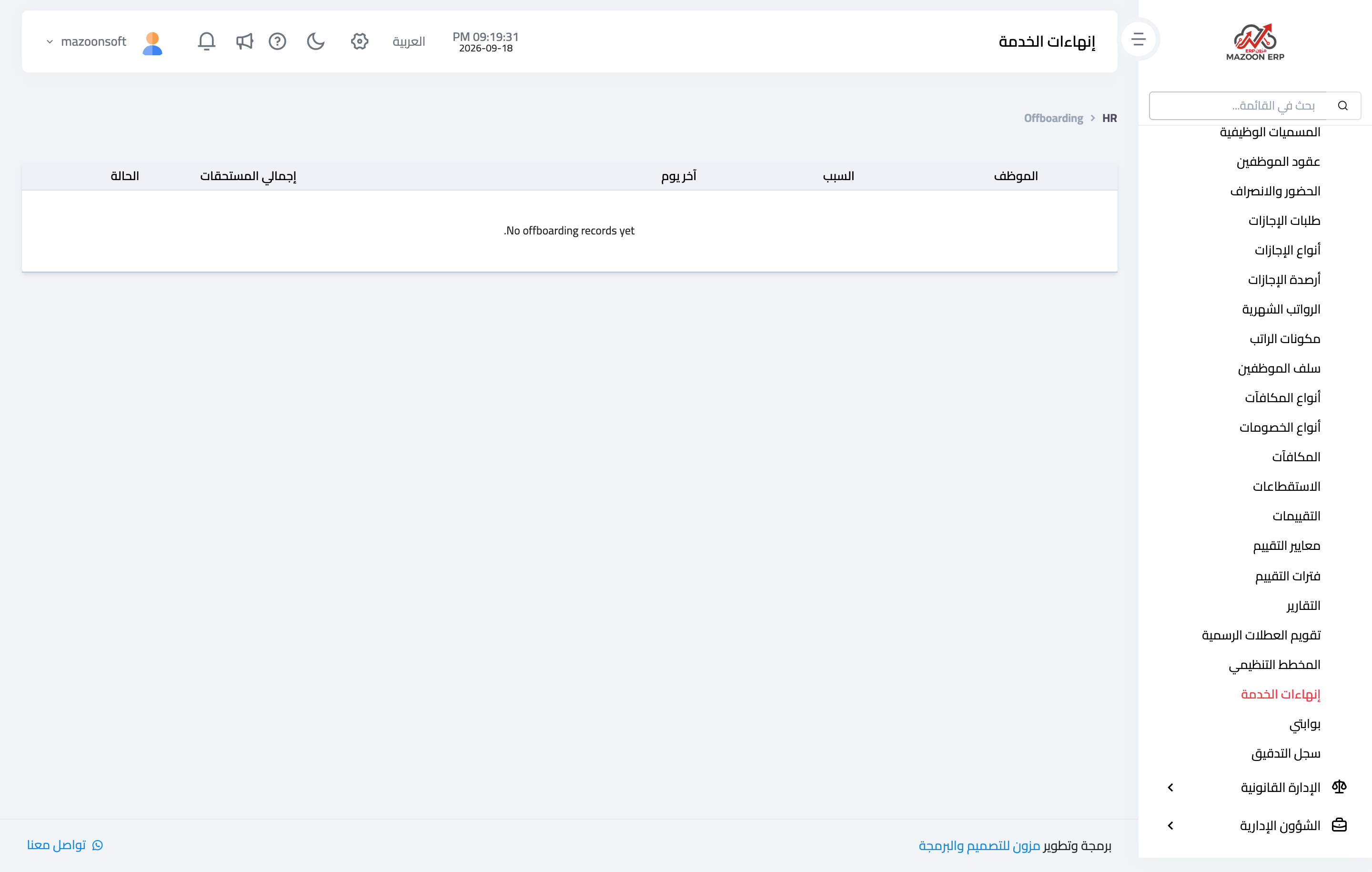
Figure 2
Try what you just read on your own data
Open a free 7-day trial — no credit card, with your own company link in minutes.