
How do I record an expense and pay it?
There are two routes for an expense, and one question tells them apart: have you paid now, or will you pay later?
- Payment voucher — you paid straight from the till or the bank. This covers most day-to-day expenses.
- Expense bill — the bill arrived and you have not paid yet, so it stays a liability until you settle it.
The payment voucher
- Open Accounting → Payment vouchers — Figure 1 — then Add.
- Choose the expense category — Figure 2 — which is what decides the account it posts to.
- Set the from account (till or bank), the amount, the date, and the payee.
- Attach the bill or the receipt, then Save and Approve.
The expense bill
Create it from Expense bills with the party, the amount, and the due date. Then when you settle it, open Expense payments and record the payment against it. This is what keeps the supplier payables report right.
Expense categories
On the Expense categories screen you add what suits your business (rent, electricity, fuel, hospitality, maintenance) and tie each category to its account once. After that your clerk types the category name alone and needs no accounting knowledge.
Notes
- Do not use a payment voucher to settle a supplier who has a bill; that has purchase payments, which is what closes the bill.
- Always attach the receipt; an expense with no document is the first thing an auditor challenges.
- Keep the categories few and clear; fifty categories make the income statement unreadable.
Screenshots
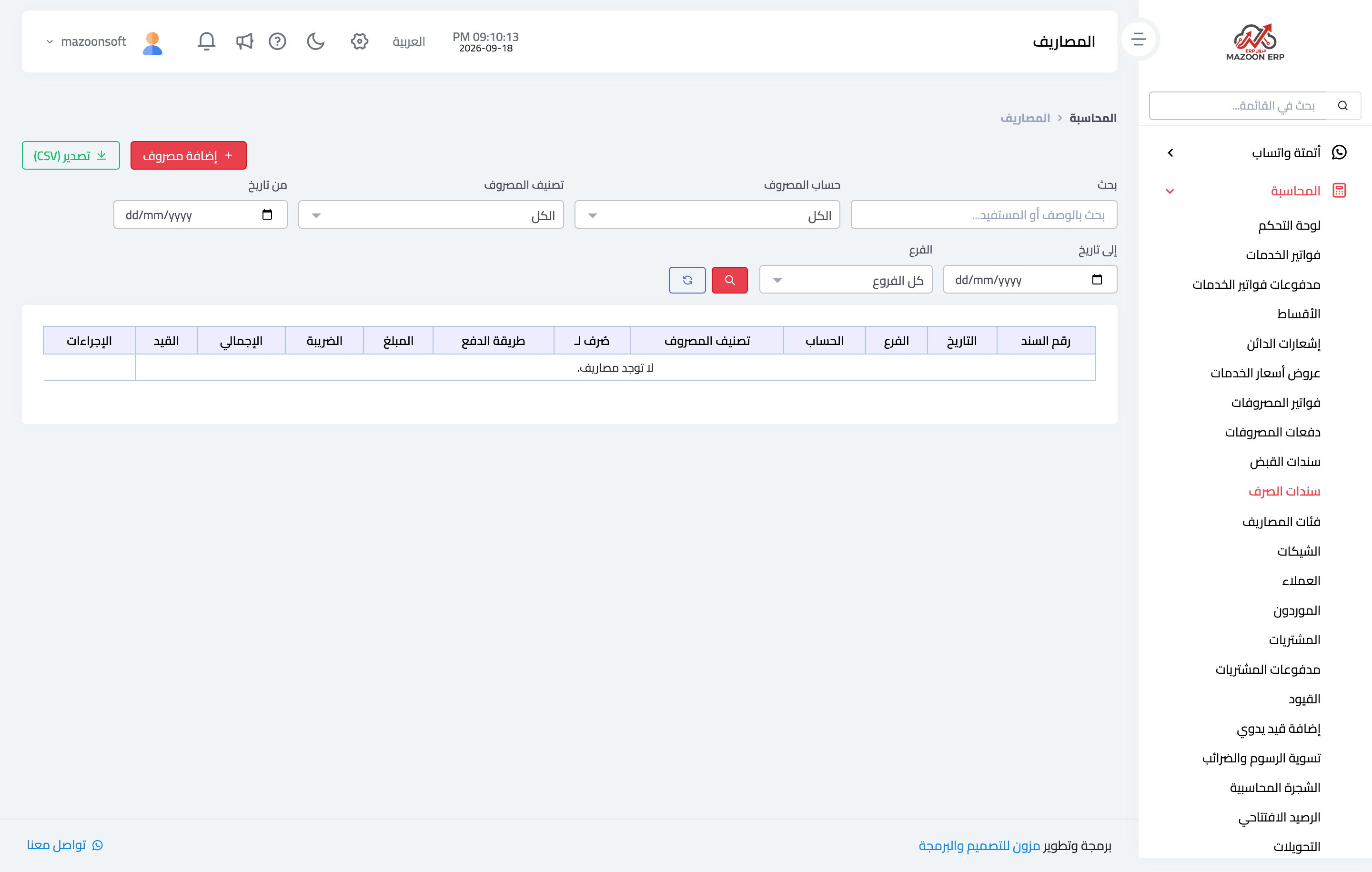
Figure 1
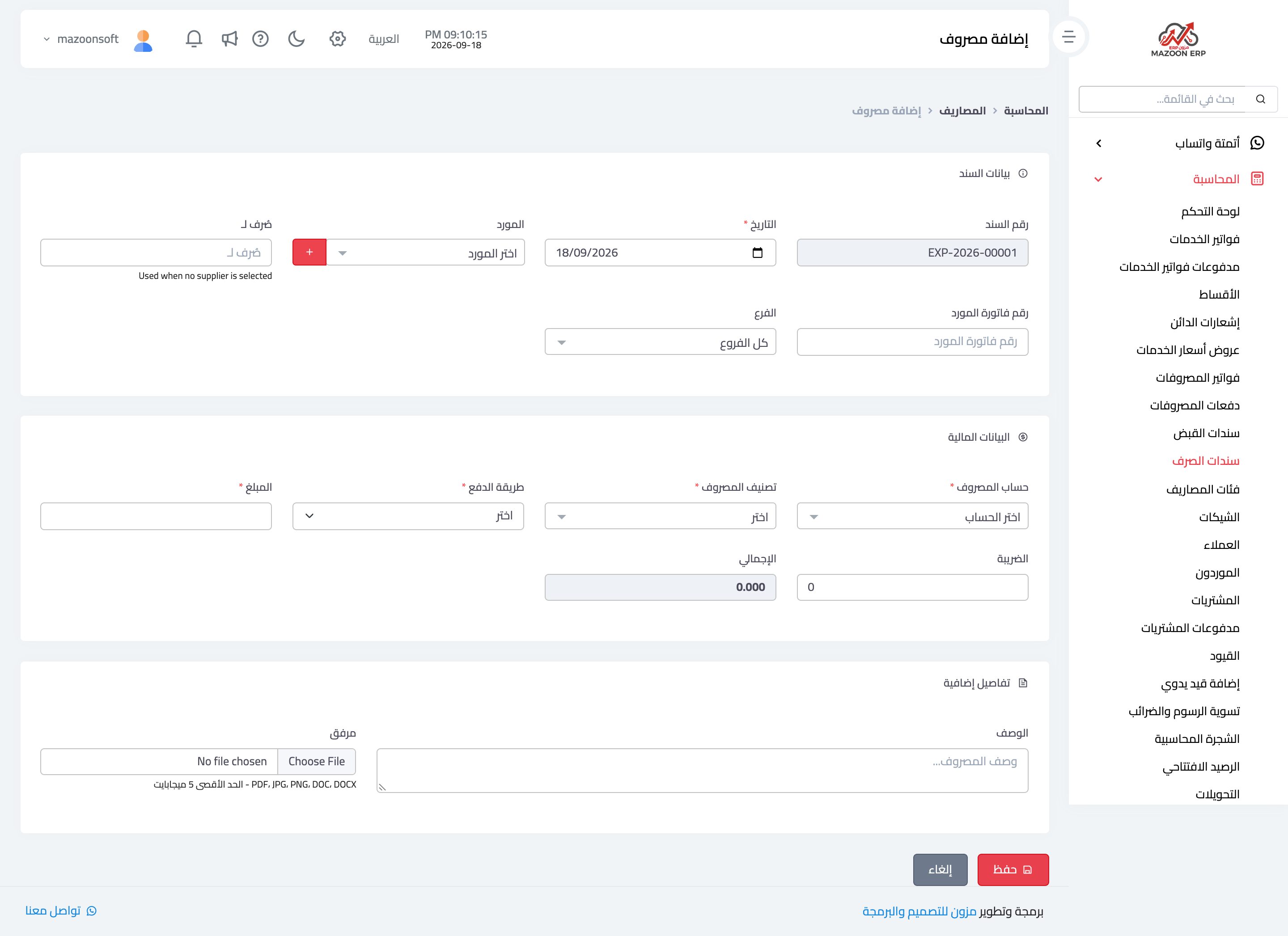
Figure 2
Try what you just read on your own data
Open a free 7-day trial — no credit card, with your own company link in minutes.