
How do I run a bank reconciliation?
Your bank balance in the system usually does not match the bank statement, and that is normal: a cheque you issued that has not been presented, a transfer that arrived and was not recorded, fees the bank took without notice. The reconciliation is what explains the difference.
Steps
- Get the month’s bank statement; that is the reference, not your system.
- Open Accounting → Bank reconciliations — Figure 1 — then New reconciliation.
- Choose the bank account and the statement date, and enter the balance per bank — Figure 2.
- The system lists every unreconciled movement on the account. Tick ✓ against each one you find on the statement.
- What stays unticked is the difference: outstanding cheques or deposits in transit. That is normal and carries to the next month.
- Anything on the statement but not in your system (fees, interest, an incoming transfer) must first be entered as a document, then come back and tick it.
- When the difference reaches zero, press Approve.
When to do it
Monthly, as soon as the statement arrives. Putting it off three months turns the difference into a knot that is hard to untie, and you may find in it a mistake a whole quarter old.
Notes
- Do not adjust your balance to match the bank with a vague balancing entry; a difference always has one cause, and it is found by matching, not by hiding.
- A cheque outstanding for more than six months deserves review; usually it was lost or cancelled and never recorded.
- Keep a copy of the bank statement with every approved reconciliation in the electronic archive.
Screenshots
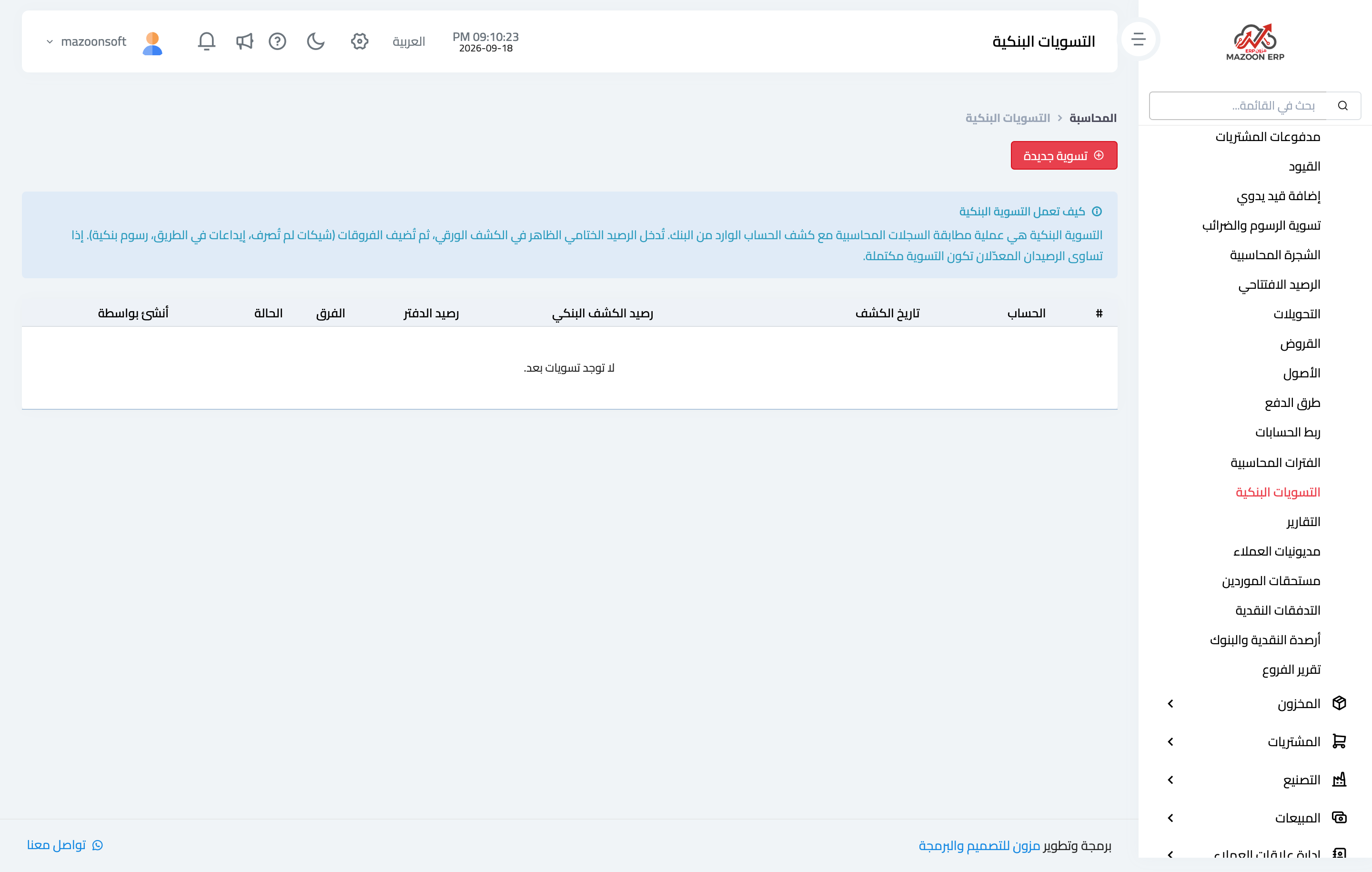
Figure 1
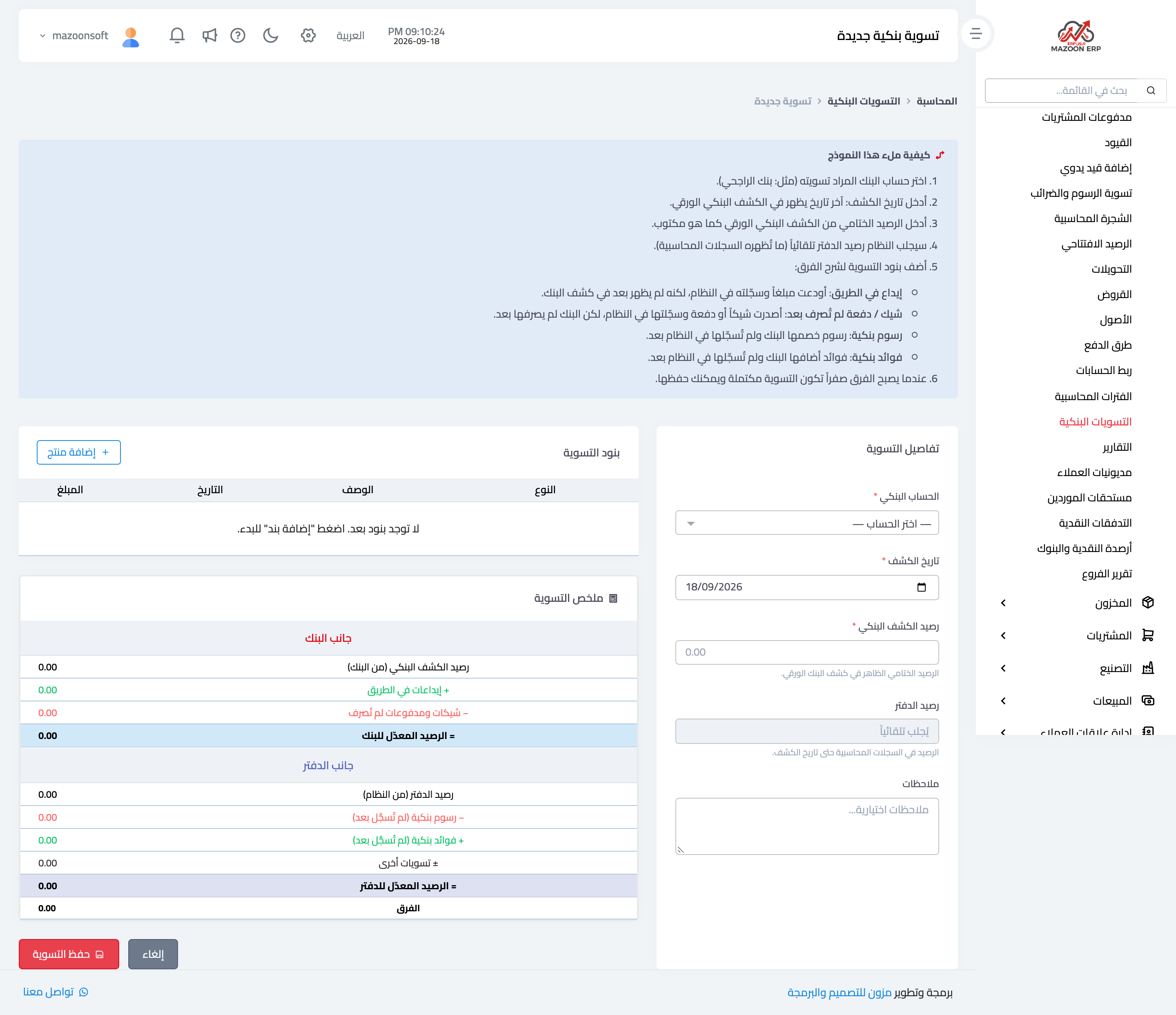
Figure 2
Try what you just read on your own data
Open a free 7-day trial — no credit card, with your own company link in minutes.