
Sales orders: how they reserve stock, and what the statuses mean
A sales order is a recorded commitment: the customer has agreed and the goods have not shipped. Its great advantage is that it reserves the quantity, so a colleague cannot sell it to someone else.
Creating one
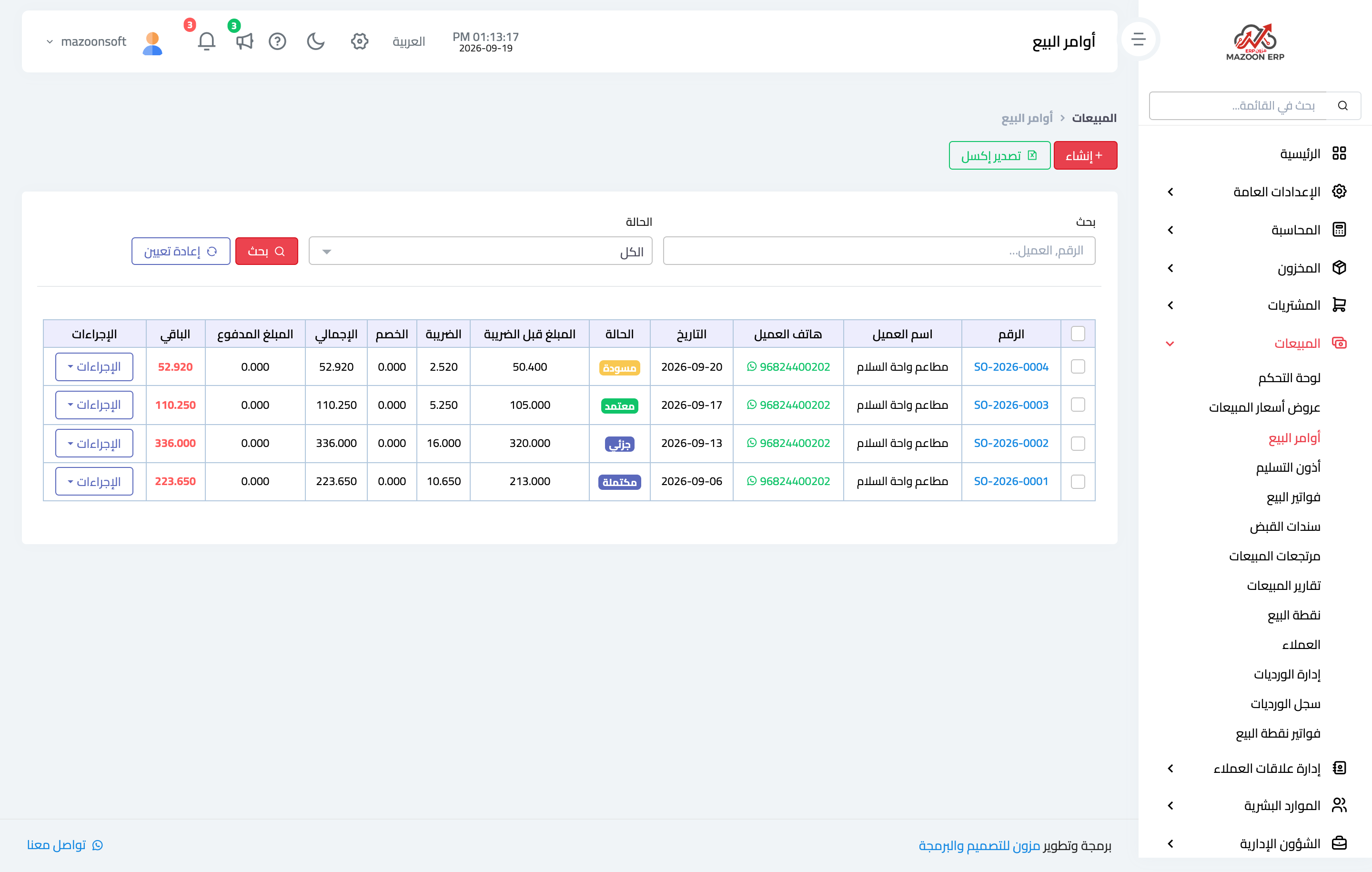
- Open Sales → Sales Orders and press + Create, or convert an existing quotation — image 1.
- Pick the customer, branch and warehouse.
- Set the date and the expected date of delivery.
- Enter the lines with quantities and prices, then Save.
The reservation: what approval does
A draft reserves nothing. Press Approve and the system reserves each line's quantity in the order's warehouse: on hand stays the same, reserved goes up and available goes down.
This is why an item can be on the shelf and still be refused for sale — it is held for an undelivered order. The reservation is released automatically when a delivery note is issued, for the delivered quantity, or when the order is cancelled.
Statuses
- Draft — editable and deletable, with no reservation and no effect.
- Approved — the quantities are held and the order is live.
- Cancelled — the reservation is released and the quantities return to available.
The system also shows partial and completed. As things stand an order does not move into them automatically after delivery, so track what shipped through the delivery notes linked to the order, or change the status by hand once it is finished, otherwise it keeps showing under the reports' Pending tab.
Notes
- Invoicing from an order proposes only what is not yet invoiced, so staged invoicing is accurate.
- Delivering from an order, however, proposes the full quantity every time — edit the quantities by hand on a second delivery note or you will ship more than was ordered.
- An approved order cannot be deleted, only cancelled.
- Review old orders periodically; a forgotten one keeps quantities reserved for nothing.
- If you do not need an advance reservation, skip the sales order entirely and raise an invoice.
Screenshots
Try what you just read on your own data
Open a free 7-day trial — no credit card, with your own company link in minutes.