
Quotations and sales orders
Two steps before the invoice protect a sale from misunderstanding: a quotation documents what was agreed, and a sales order turns it into a commitment to supply.
Sales quotations
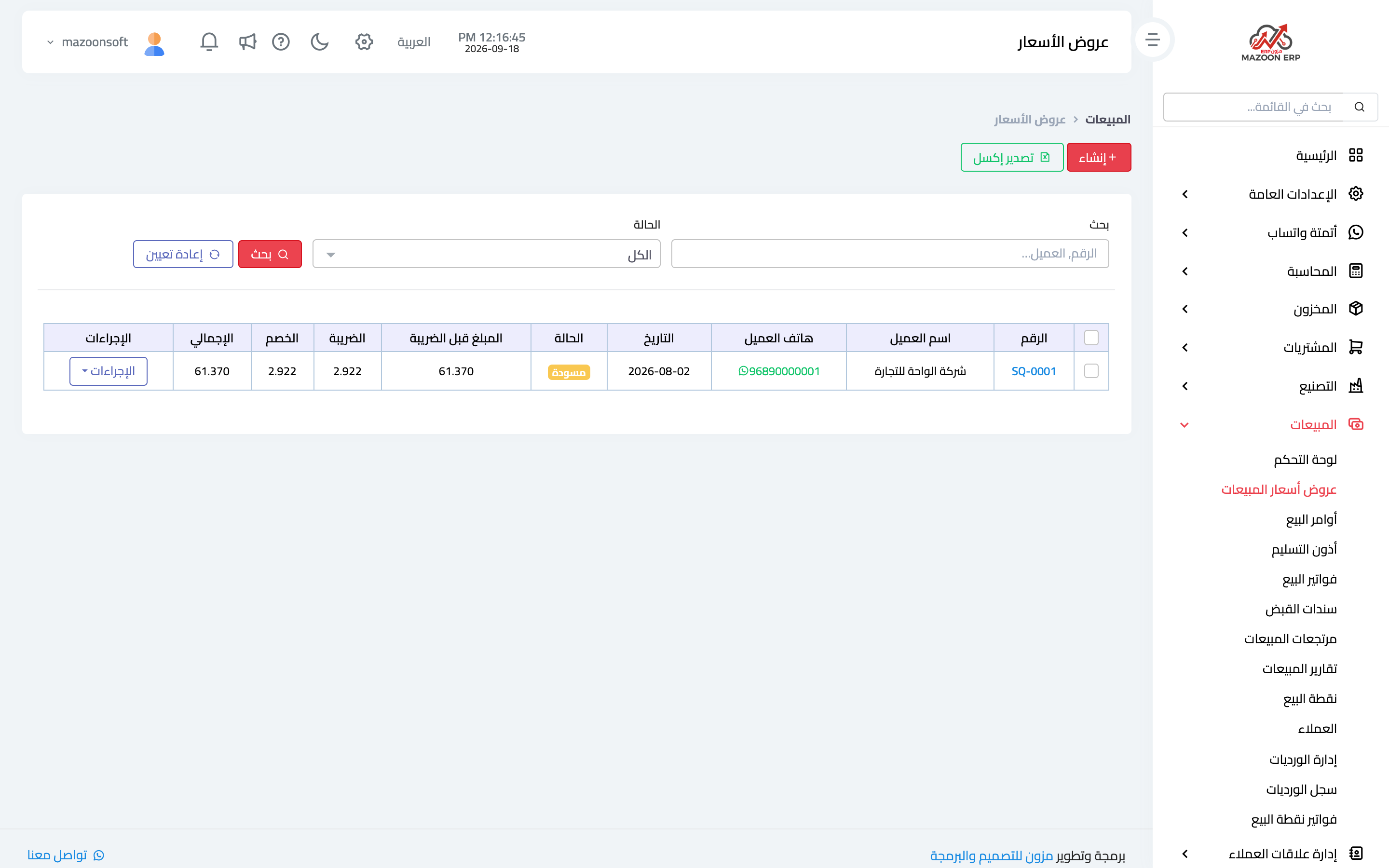
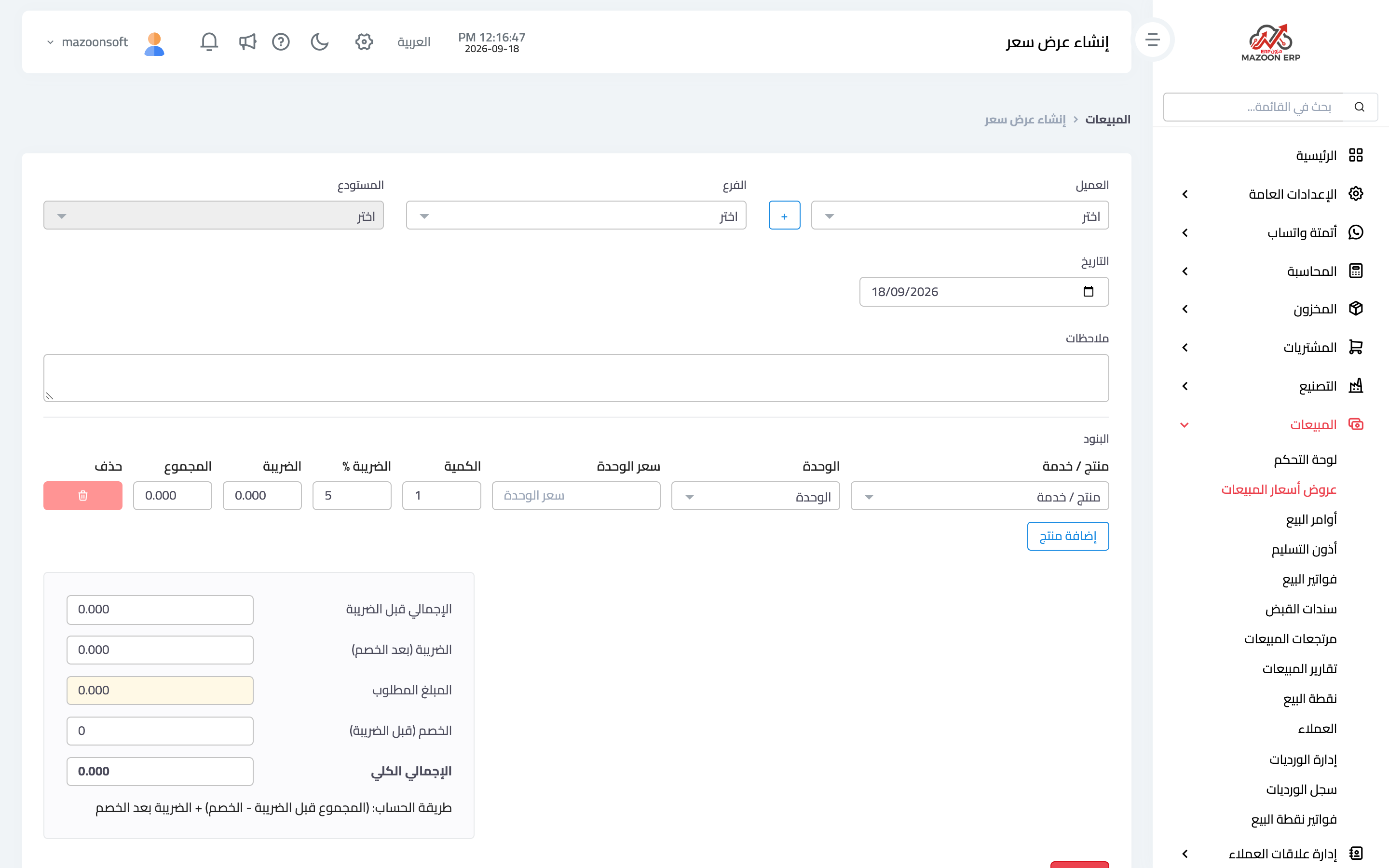
From the sales dashboard open the Quotations card — image 1 — to see quotations with their statuses and values. To create one press Add as in image 2:
- Customer, date and validity date.
- Branch and warehouse the order would be served from.
- Lines — item, quantity, price, discount, tax.
- Terms and notes — lead time, payment terms, and any caveat you want on record.
A quotation deducts no stock and creates no entry. The validity date is not a formality: it is what protects you when costs rise two months later and the customer returns with an old quote.
Sales orders
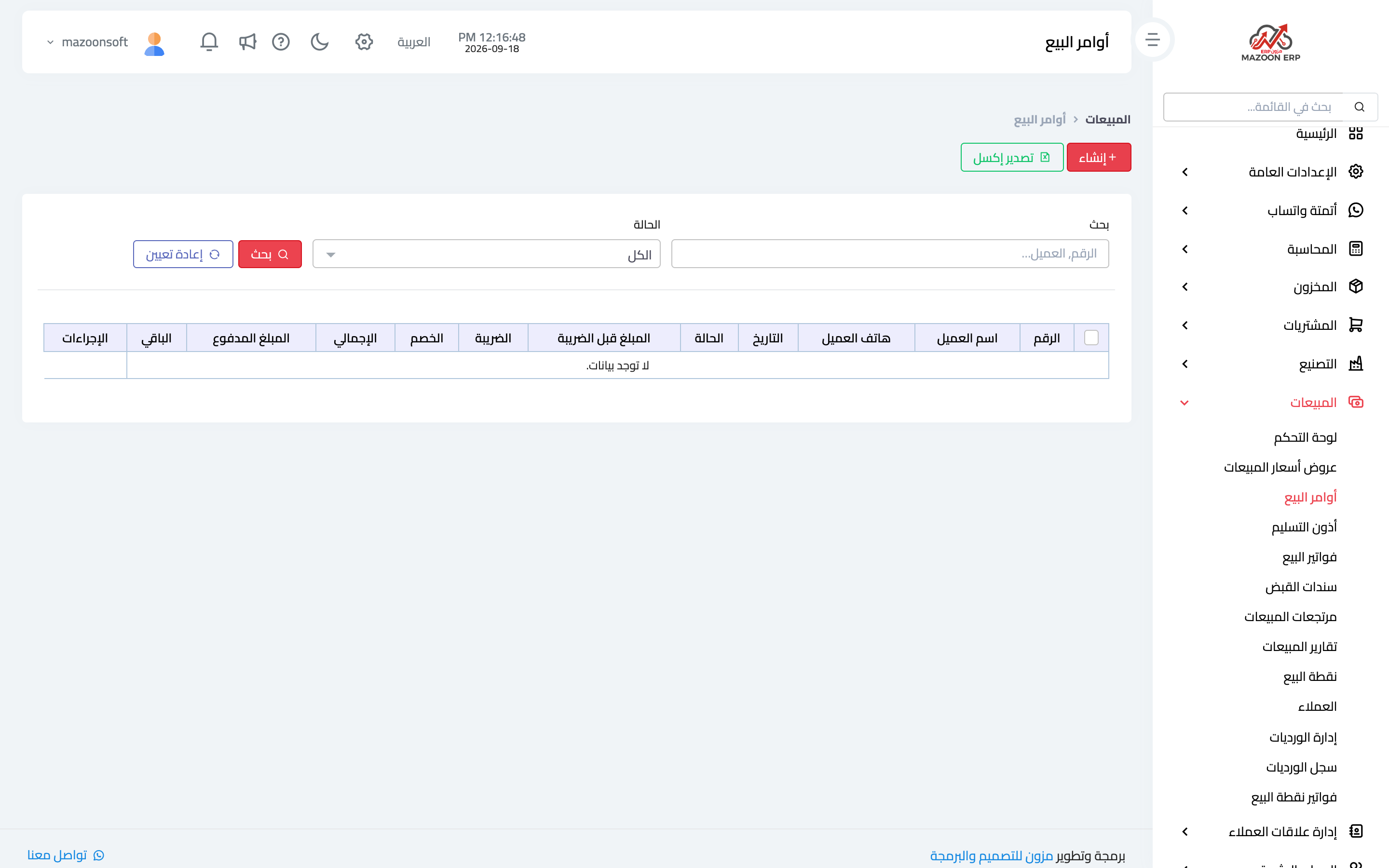
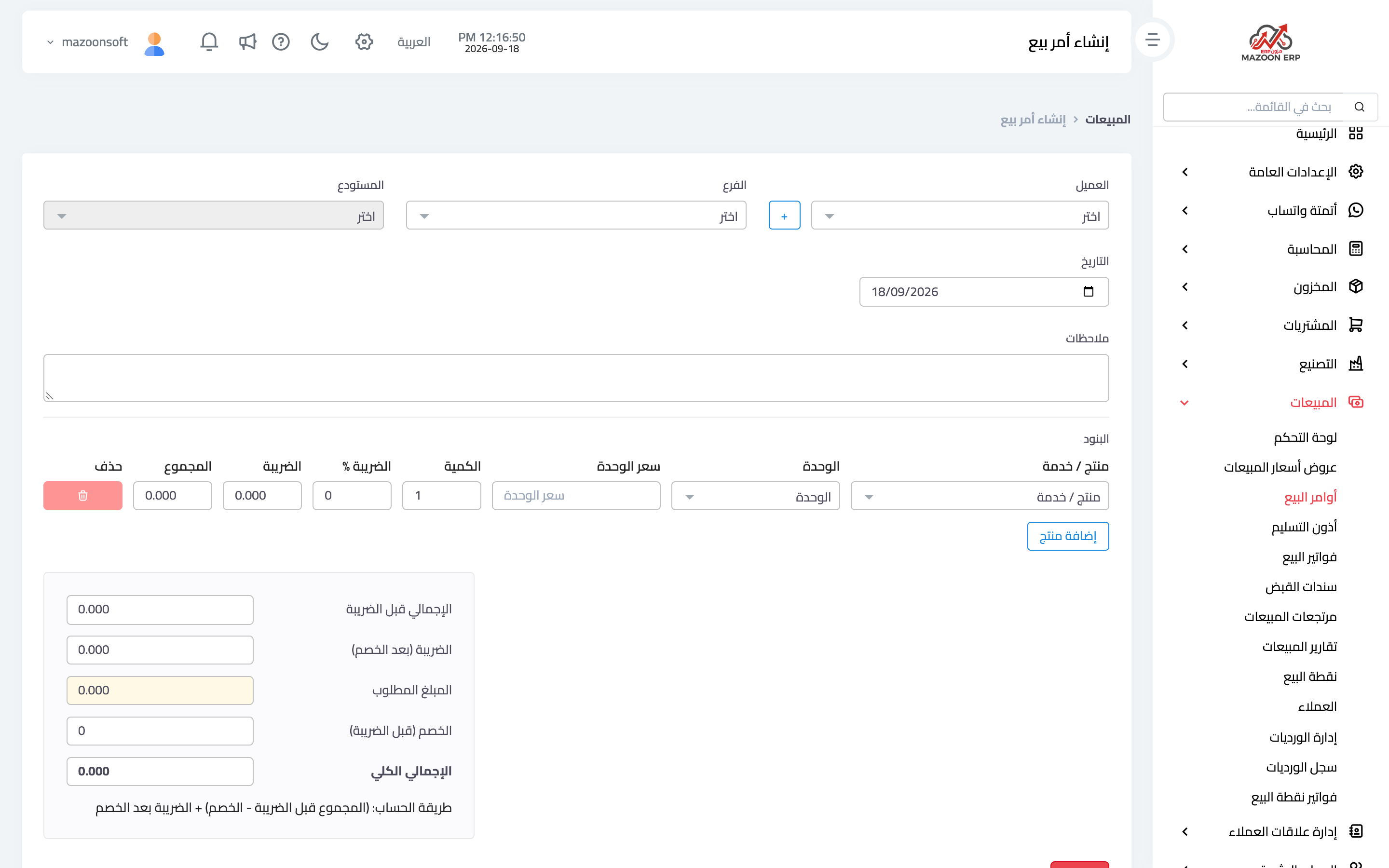
Once the customer accepts, convert the quotation into a sales order rather than retyping the lines. From the Sales Orders card — image 3 — you can also create an order directly as in image 4: customer, order date, expected delivery date, branch and warehouse, and the lines.
The order records the commitment: what you promised and when. The pending sales orders indicator on the dashboard shows what has not been delivered or invoiced yet — the first list a sales supervisor should review every morning.
From order to delivery and invoice
An order deducts no stock and creates no accounting entry. The deduction happens at the delivery note or at invoice approval, depending on how you work:
- Deliver first and invoice later ⟵ delivery note, then invoice.
- Invoice and deliver at the same moment ⟵ an invoice straight from the order.
Tips
- Put payment terms on the quotation itself, not in a separate message; the quotation is the document you return to in a dispute.
- Review draft quotations weekly; one sitting in draft for two weeks usually means a customer waiting for an answer.
- Convert a quotation into an order or invoice rather than rewriting it, so the link between documents stays visible in the customer's history.
Screenshots
Try what you just read on your own data
Open a free 7-day trial — no credit card, with your own company link in minutes.