
Approving a return, refunding the customer, and the refund date
A saved return has done nothing yet. Two steps separate paper from money: approval and then the refund, each with a different effect.
First: approval
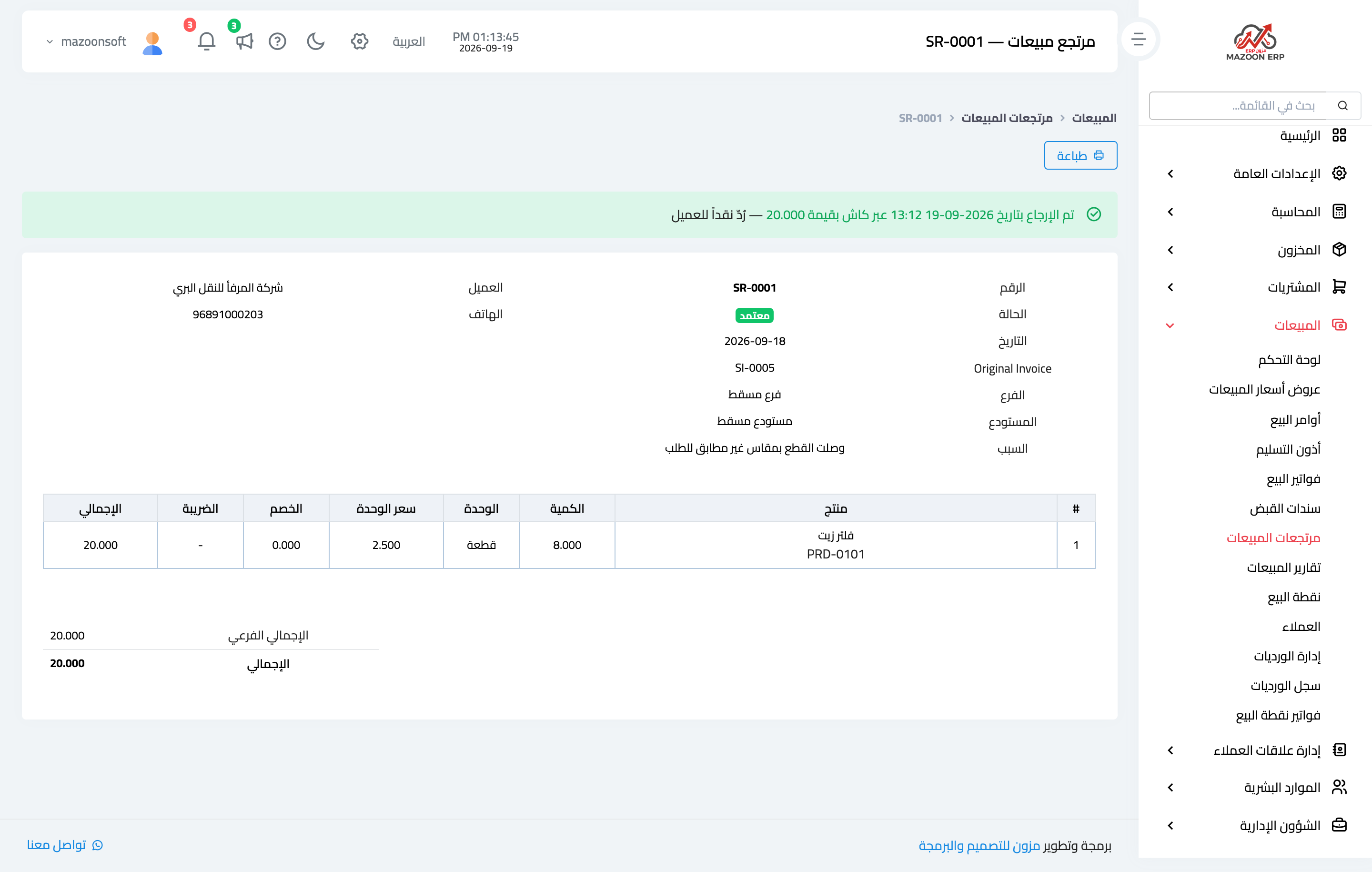
- Open the return from Sales → Sales Returns — image 1.
- Press Approve and confirm.
On approval the quantities go back into the chosen warehouse and a journal entry reduces sales, tax and the customer's receivable. Note that approval pays out nothing — it only reduces what the customer owes.
Second: the refund
If the customer had paid and you want to hand the cash back, press Refund on the approved return and enter:
- Payment method — the till or bank the money leaves from.
- Amount — no more than the return total, and it may be less.
- Refund date — the day the money actually went out.
- Notes.
The refund date: the field that keeps your reports honest
The system distinguishes two moments: when the button was pressed, and the refund date you enter. The journal entry is posted on the refund date, and the sales reports date refunds by it as well.
So if you approve the return today and pay out three days later, enter the real payout date — otherwise the cash loss lands on the wrong day and your report stops matching the bank statement.
Notes
- Only an approved return can be refunded, and never twice; the system blocks it with a plain message.
- The payment method must be available to the return's branch, or it is refused.
- If the customer never paid, refund nothing; approval alone is enough because it reduced their balance.
- The Returns report shows total, approved and pending returns and the most-returned products — read it monthly, it exposes quality or description problems.
- Cancelling an approved return reverses the entry and puts the quantities back as they were.
Screenshots
Try what you just read on your own data
Open a free 7-day trial — no credit card, with your own company link in minutes.