
How do I cancel a POS sale, and when does the system block it?
A cashier picked the wrong item or quantity and completed the sale. Cancelling reverses everything at once, but its window is deliberately narrow.
Steps
- Press Recent in the POS bar to see the latest sales, or open Sales → POS Invoices.
- Open the sale and press Cancel.
- Confirm: "Are you sure? This will reverse the invoice, its receipt, stock and journal entries."
What gets reversed
- Stock — the quantities go back into the terminal's warehouse.
- The journal entry — the invoice's entry is reversed.
- The receipts — all of them are deleted, including every leg of a split payment, not just the first.
- The sale's status — becomes cancelled.
When the system blocks you
- The shift is closed. The message: "Cannot cancel this transaction because its shift has already been closed." That shift's cash has been counted and reconciled, so it cannot change retroactively. Cancel before closing the shift — that is the window.
- The invoice has a return. The return already gave part of the goods back; cancelling afterwards would credit the quantity a second time and inflate stock. Delete the return first.
- You lack the permission. Cancelling a POS sale is a separate permission from cancelling ordinary invoices, usually given to a supervisor rather than a cashier.
- It was already cancelled by a simultaneous request; the system prevents a double reversal.
Notes
- A POS invoice can never be edited, neither at the till nor from the invoices list. Cancel and re-ring is the way — image 1.
- Once the shift is closed, the only route left is a sales return with a refund.
- Review the sales before closing the shift; two minutes there saves a return and an extra piece of paper.
- Cancellation is written to the activity log with who did it and when.
Screenshots
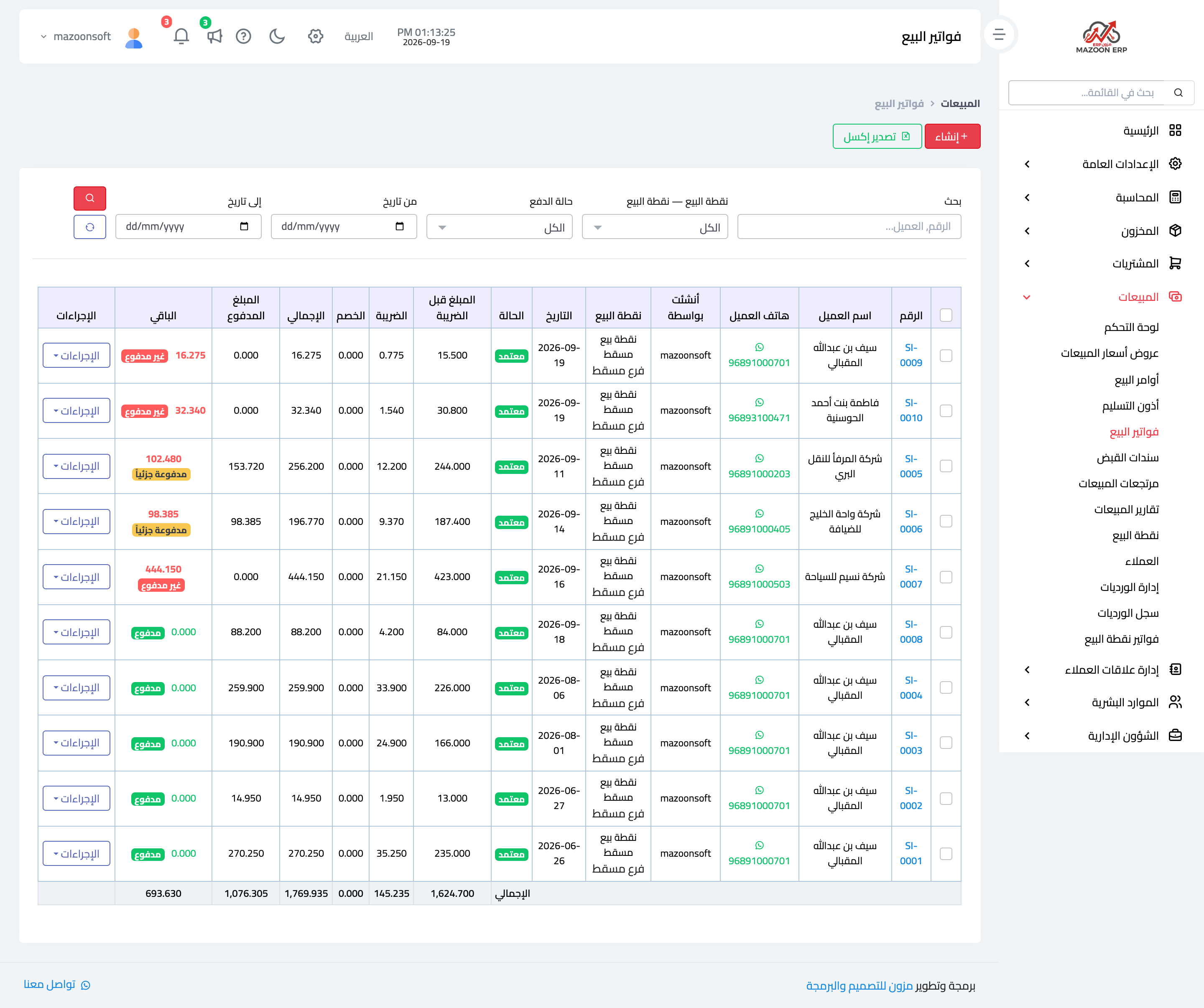
Figure 1
Try what you just read on your own data
Open a free 7-day trial — no credit card, with your own company link in minutes.