
The full sales cycle: which document do I need, and when?
Five documents in the Sales menu, and many people assume they must pass through all of them. In fact only the invoice is mandatory; the rest are used when the work calls for them — image 1.
The full chain
- Quotation — what you send before the customer agrees. No effect on stock or accounts.
- Sales order — the customer agreed. It reserves the quantity so nobody else gets it, without deducting it yet.
- Delivery note — the goods left the warehouse. This is where stock is actually deducted.
- Sales invoice — the financial claim. Approving it books the revenue and the receivable.
- Receipt — the customer paid. It reduces the receivable and increases cash or bank.
Which path fits you?
- Over-the-counter sale — use POS. One document does everything: deducts stock, issues the invoice and records the payment.
- Credit sale to a customer — an invoice, then a receipt when they pay. No quotation or order needed.
- A negotiated project or deal — quotation → order → invoice. The order holds the goods until delivery day.
- Supply in instalments — one order, a delivery note per shipment, then an invoice.
What moves stock and accounts?
| Document | Stock | Accounting |
|---|---|---|
| Quotation | nothing | nothing |
| Sales order (approved) | reservation only | nothing |
| Delivery note (approved) | real deduction | nothing |
| Invoice (approved) | real deduction* | revenue and receivable |
| Receipt | nothing | collection entry |
| Return (approved) | back into stock | reversing entry |
* An invoice created from a delivery note does not deduct stock again — the note already did.
Notes
- The golden rule: a draft does nothing. Every document is saved as a draft first, and no stock or account moves until you press Approve.
- Do not create a document you do not need. A pointless sales order reserves stock and stays open in the reports.
- Converting between documents is one button: Convert to Order, Create Delivery, Create Invoice — no re-entering lines.
- Start with the simplest path. Add a link to the chain when the business demands it, not before.
Screenshots
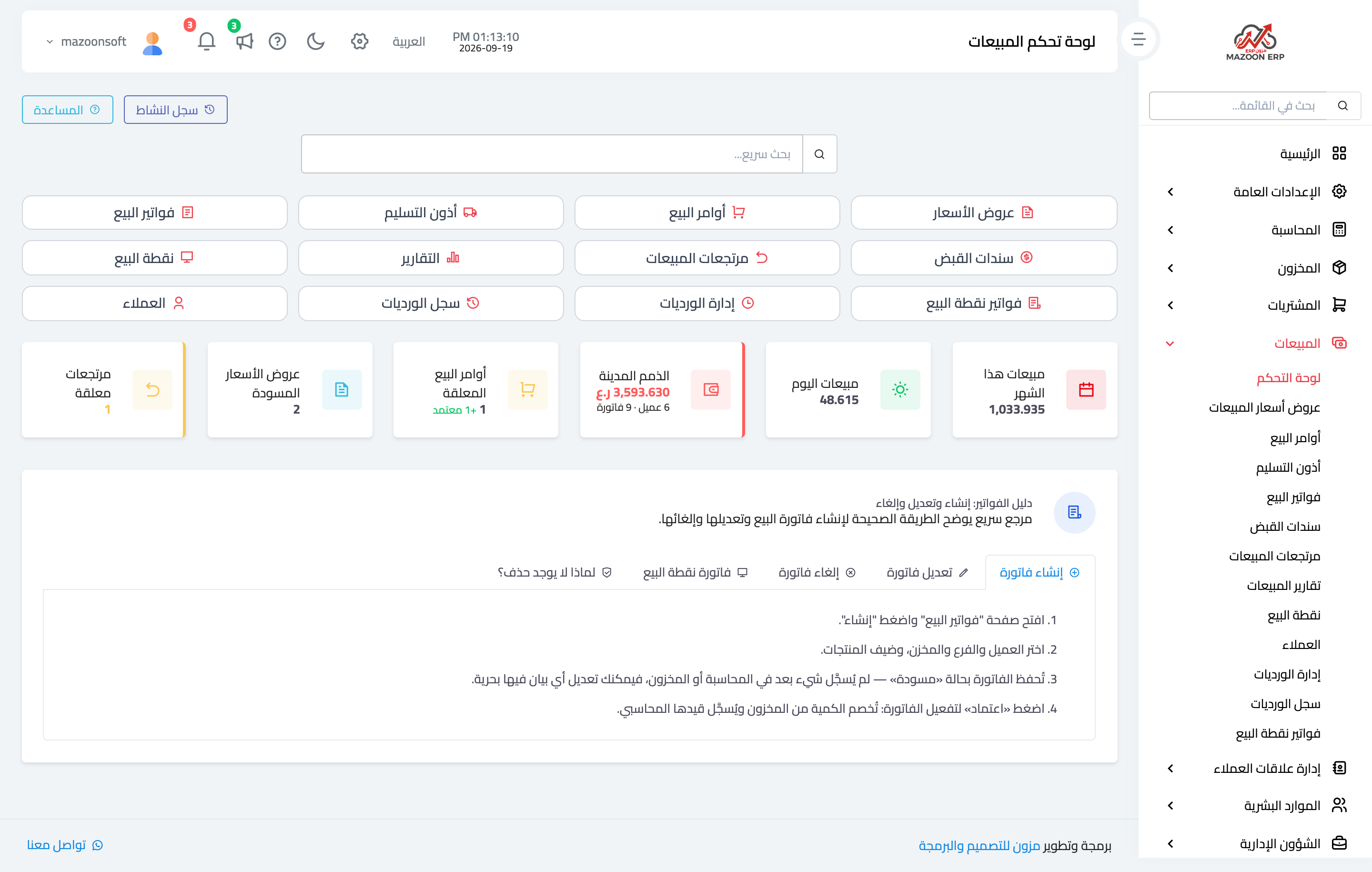
Figure 1
Try what you just read on your own data
Open a free 7-day trial — no credit card, with your own company link in minutes.