
How do I create a ready-made service package?
If you type the lines of “10,000 km periodic service” by hand ten times a day, a package reduces that to a single line.
Steps
- Open Workshop → Packages — Figure 1 — then New package.
- Enter the Arabic and English name and a description, and set the status to active.
- Go into Package items — Figure 2 — and add each line: a service (labour) or a spare part from stock.
- Enter the quantity, unit price and tax rate per line; the package total shows under the list.
- When raising a quotation or an invoice, pick the package and its lines are inserted in one go, then adjust as needed.
Notes
- Build packages around the work you actually repeat: periodic service, brake replacement, air-conditioning service.
- A package standardises the price across your staff, which on its own prevents embarrassing differences in front of a customer.
- Revisit package prices whenever parts prices move; an old package quietly sells at a loss.
- Set a package inactive rather than deleting it if past invoices used it.
Screenshots
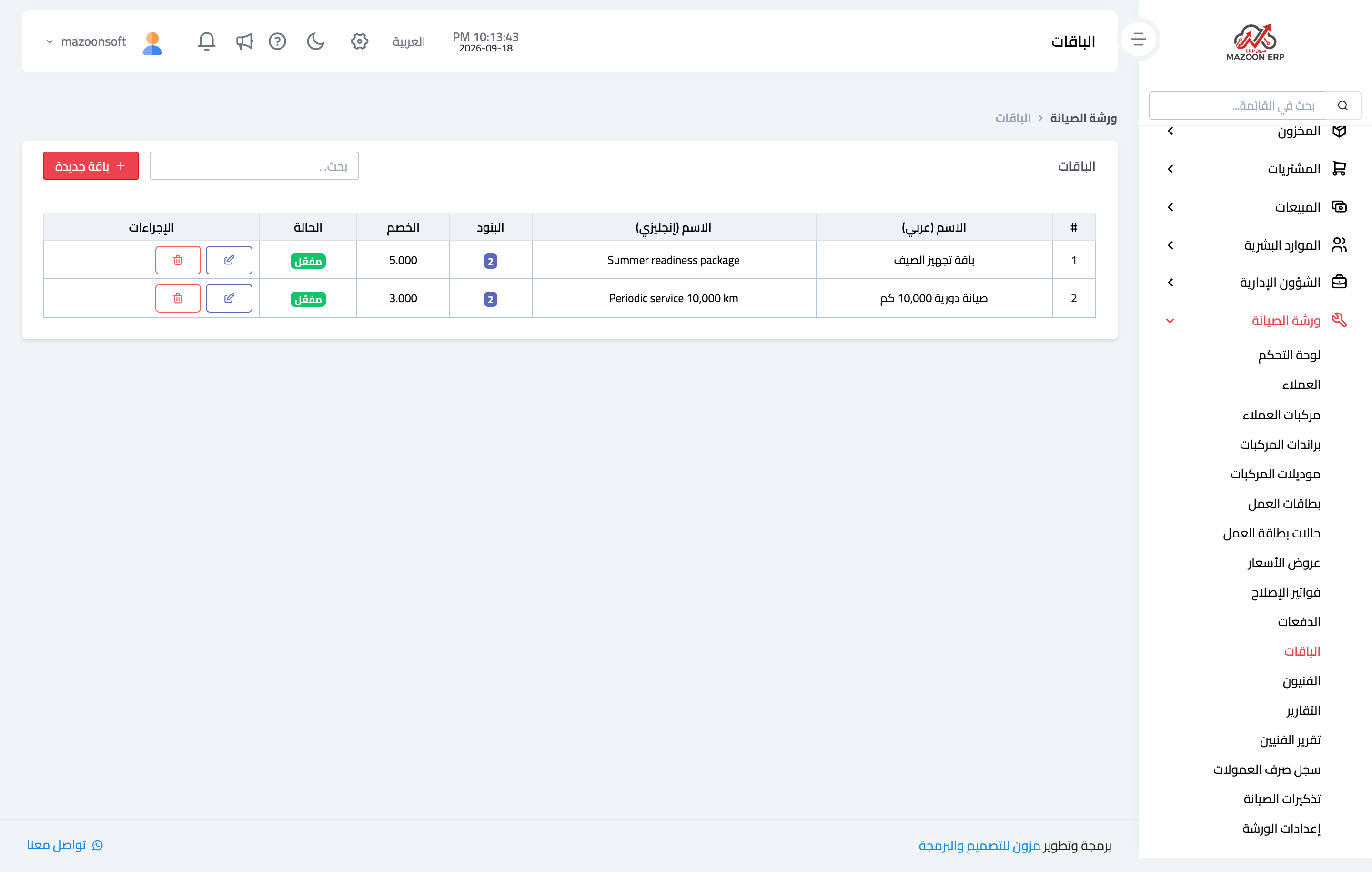
Figure 1
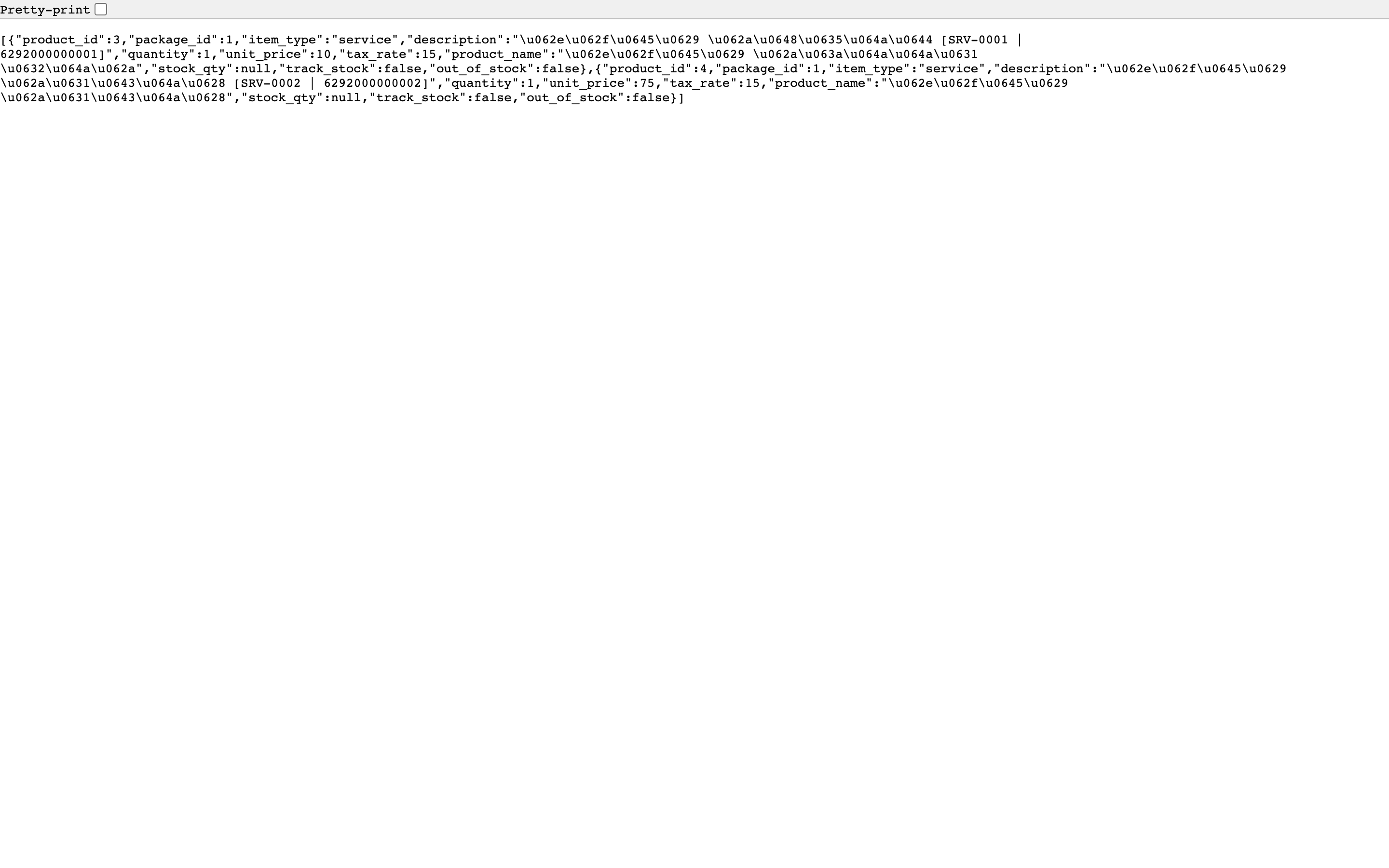
Figure 2
Try what you just read on your own data
Open a free 7-day trial — no credit card, with your own company link in minutes.