
How do I cancel a repair invoice?
An approved invoice has already reached accounting and stock, so it is not deleted but cancelled, and cancelling reverses exactly what approval did.
Steps
- Open the invoice from Workshop → Repair invoices — Figure 1.
- If it has payments, delete the payments first from the payments tab; the system refuses to cancel an invoice that has been collected against.
- Press Cancel invoice (credit note) and write the reason in the box that appears.
- The accounting entry is reversed on the cancellation date, the spare parts go back into stock, and the technicians’ commissions tied to it fall away.
- A credit note is issued with its own number, dated the cancellation day and carrying the reason; it appears at the top of the invoice page with a Print credit note button.
When to cancel and when to edit
- Draft — just edit it; it has not reached the books yet.
- Approved with a material error — cancel it and issue a correct invoice.
- Approved, collected, and the customer brought the work back — check with your accountant first; a refund document may be more correct than a cancellation.
Notes
- Do not cancel an invoice from a closed accounting period without going back to the accountant.
- Cancelling keeps the invoice visible with a “cancelled” status, which is what tax invoice numbering requires. The invoice stays in its own period in the VAT return, and the credit note appears as a negative in the cancellation period.
- If the invoice was sent to ZATCA (phase two), it can only be cancelled once ZATCA has accepted it, and the credit note is sent to ZATCA automatically.
- Check stock after cancelling, especially when the part was actually fitted to the vehicle.
Screenshots
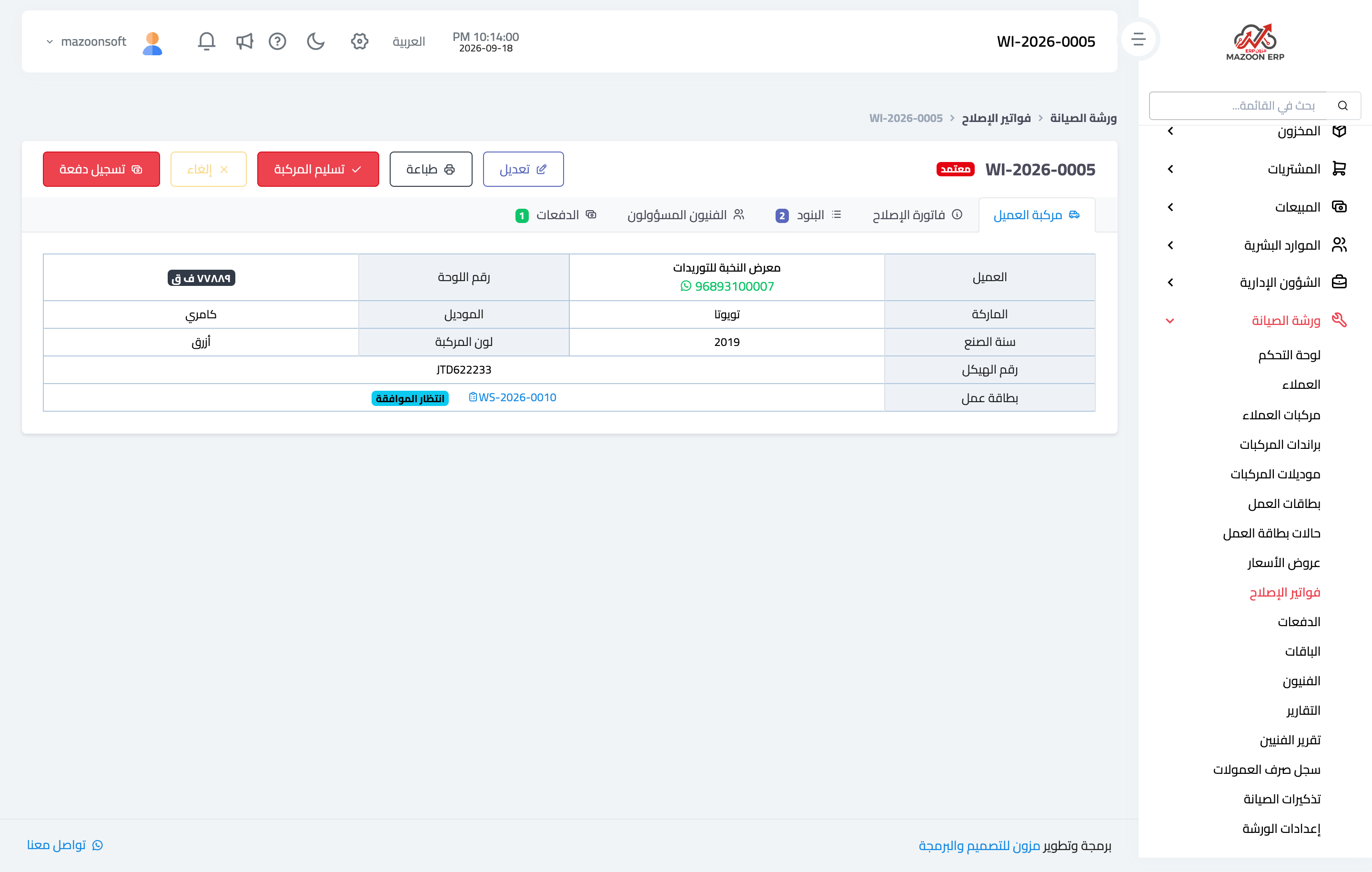
Figure 1
Try what you just read on your own data
Open a free 7-day trial — no credit card, with your own company link in minutes.