
How do I compute and pay a technician’s commission?
The commission is computed automatically, but it needs two things right from you: a correct rate on the technician, and a correct assignment on the invoice.
How it is computed
- Open the invoice and go to the Assigned technicians tab — Figure 1.
- Assign whoever did the work, then approve the invoice.
- On approval the commission accrues at the rate recorded on the technician’s record.
Paying and tracking it
- Open Workshop → Commission payouts — Figure 2 — to see what has been paid and what has not.
- Or open the technician from the Technicians list and go into their commissions for an invoice-by-invoice breakdown.
- Pay what is due and print the payout voucher for the technician.
Notes
- The commission is based on the invoice assignment, not the job card assignment; this is where the mistake is most often made.
- Cancelling an invoice drops its commission, so review technician balances before paying out at month end.
- Commission accrues on approval, not on collection; if you actually tie payouts to collection, check the arrears list first.
- Print each technician a monthly statement from their commissions page; clarity here removes half the friction on a workshop floor.
Screenshots
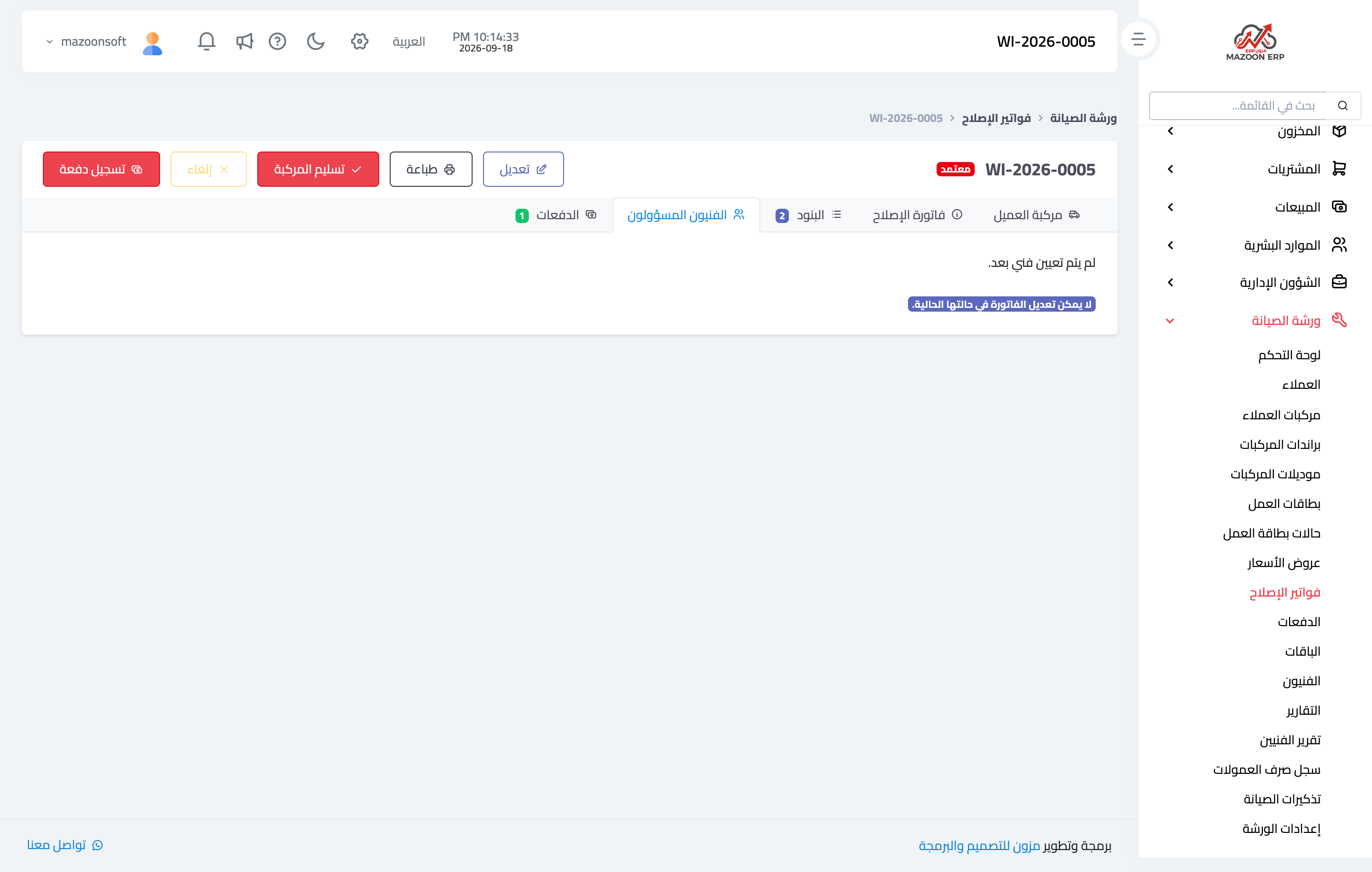
Figure 1
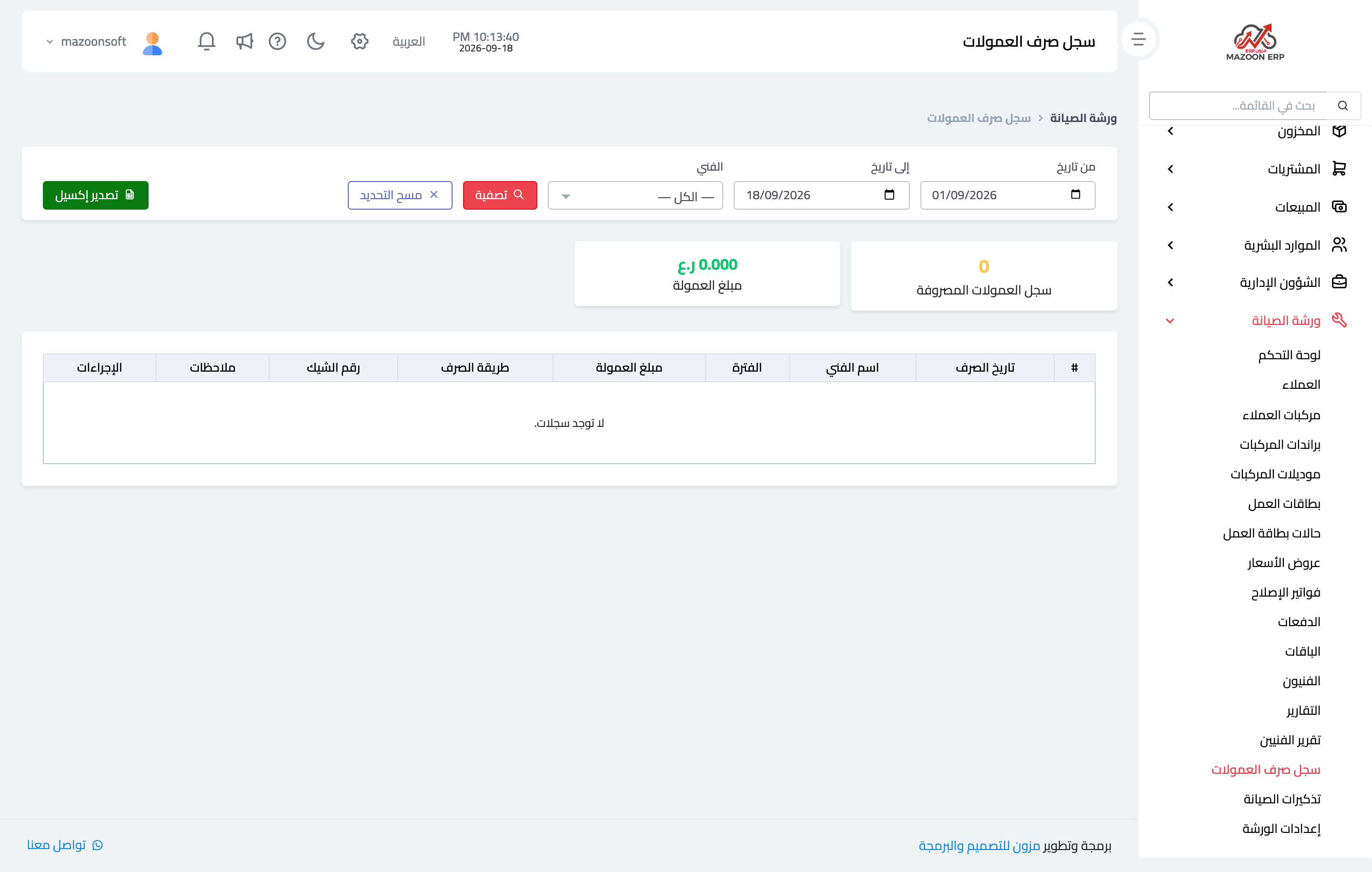
Figure 2
Try what you just read on your own data
Open a free 7-day trial — no credit card, with your own company link in minutes.