
How do I open a new job card?
The job card is the vehicle’s admission file: the quotation, the invoice and the technician’s commission all come out of it, and it is what you are judged on in a dispute.
Steps
- Open Workshop → Job cards — Figure 1 — then New job card.
- Pick the customer then the vehicle — Figure 2. If the customer is new, the Add customer button is right there.
- Enter the entry date and time and the entry odometer.
- Record the driver name and where the car came from if relevant — an insurer or a dealership.
- Write the customer complaint / requested works in the customer’s own words, not as your diagnosis.
- Note the vehicle condition at handover and mark existing damage on the vehicle diagram by clicking where the damage is.
- Upload the repair permit if the work goes through an insurer, then save.
After saving
The file gets an automatic card number and starts in the received status. From the card page you can raise a quotation or an invoice directly, assign technicians, upload photos, and print the card for the customer to sign.
Notes
- The entry odometer is not decoration; the next service is computed from it and warranty claims rest on it.
- The customer’s own wording matters more than you think; it is your reference if they come back saying the fault was never fixed.
- Marking damage on the diagram at handover saves a long argument over the first scratch the customer blames on you.
- Do not start work before opening the card; undocumented work usually ends up unbilled.
Screenshots
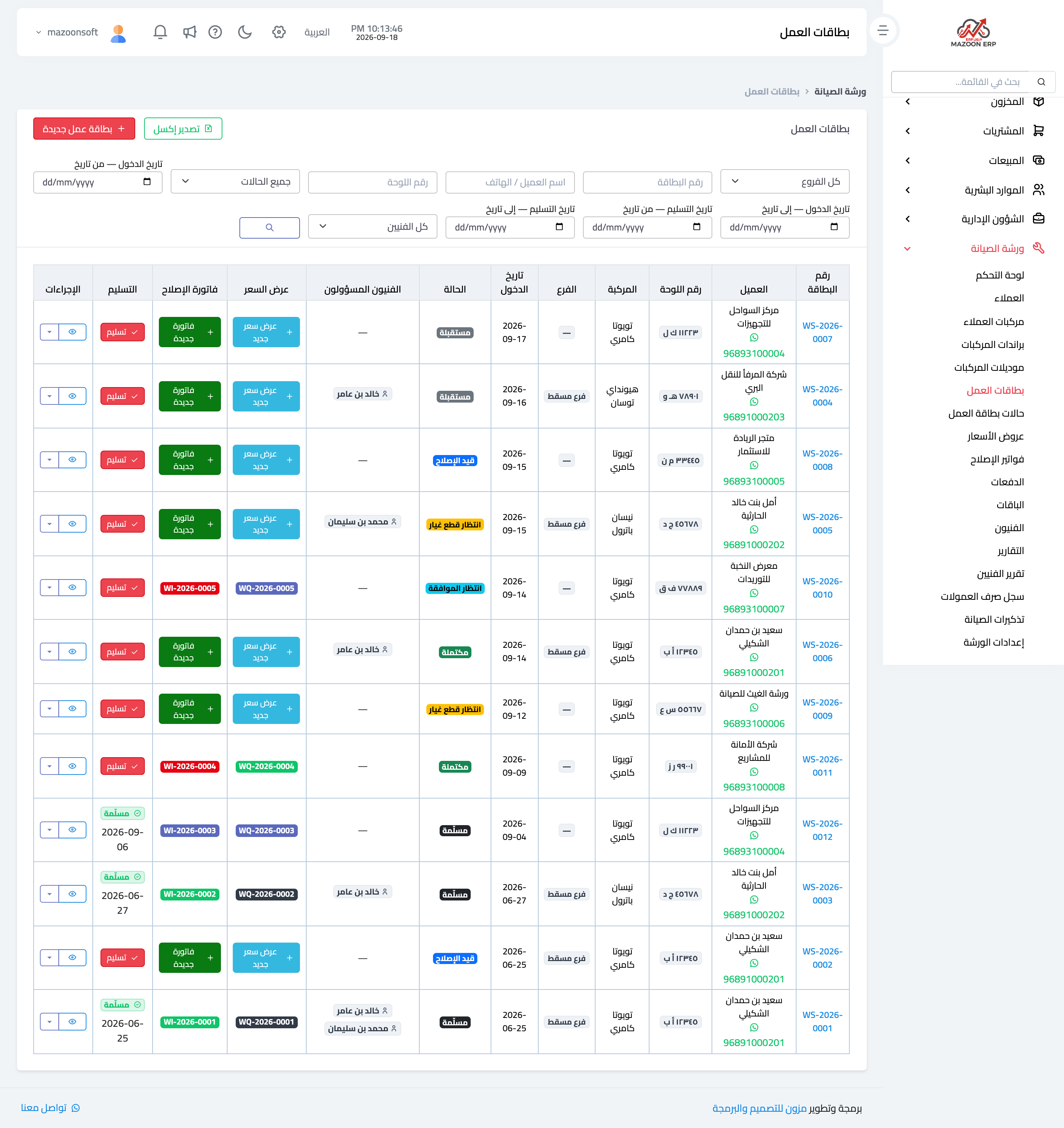
Figure 1
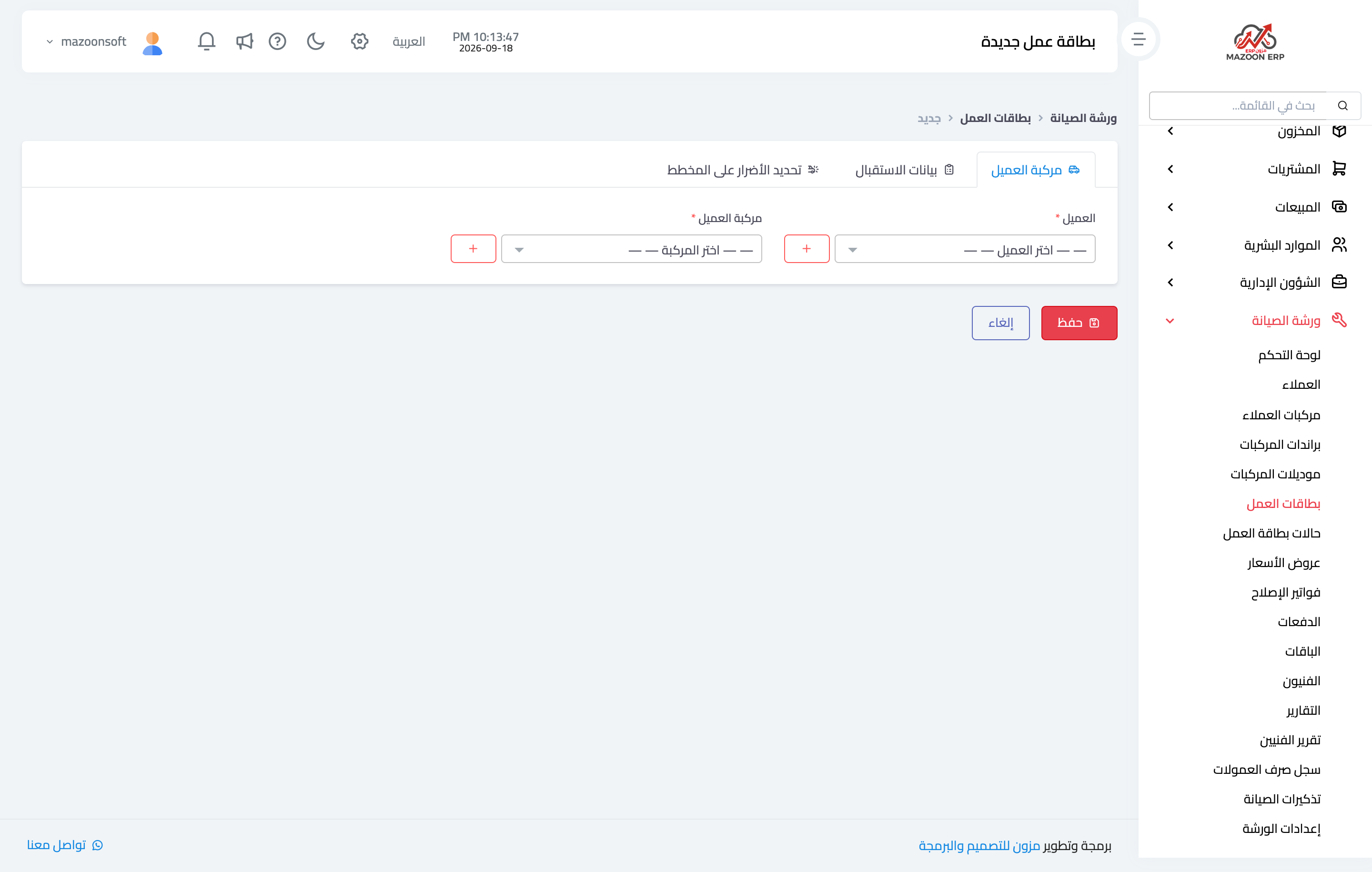
Figure 2
Try what you just read on your own data
Open a free 7-day trial — no credit card, with your own company link in minutes.