
How do I raise a repair invoice and approve it?
The repair invoice closes the cycle: it books the revenue, takes the parts out of stock, and earns the technician their commission.
Steps
- From the job card press New invoice, or open Workshop → Repair invoices — Figure 1.
- Confirm the customer, vehicle and warehouse, and set the invoice date and due date.
- Add the lines — Figure 2 — each as a service or a spare part, with quantity, price and tax.
- Add a discount if any and check the total including tax.
- On the Assigned technicians tab, assign whoever did the work; the commission is built on that.
- Save, then press Approve.
What happens on approval?
The accounting entry is posted, the spare parts leave the warehouse, and the technicians’ commissions accrue. No payment can be recorded against an unapproved invoice.
Notes
- Approval is a precondition for recording payments, so do not let draft invoices pile up until month end.
- Check the stock policy in workshop settings; it decides whether a shortage blocks approval or merely warns.
- Do not release the vehicle before the invoice is raised; collecting after the car has left is far harder.
- An invoice tied to a job card prints with the vehicle details and odometer, which is exactly what corporate customers ask for.
Screenshots
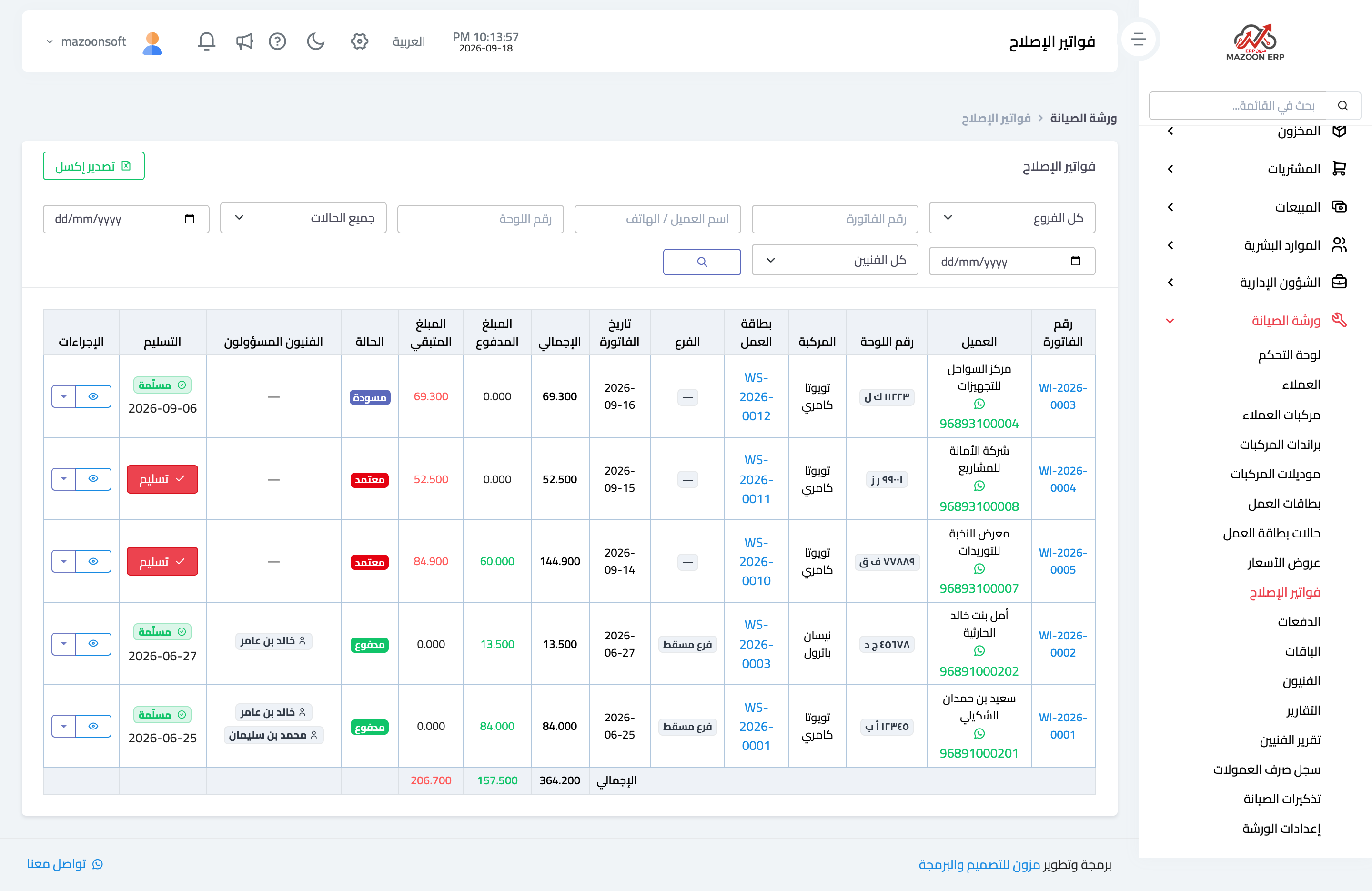
Figure 1
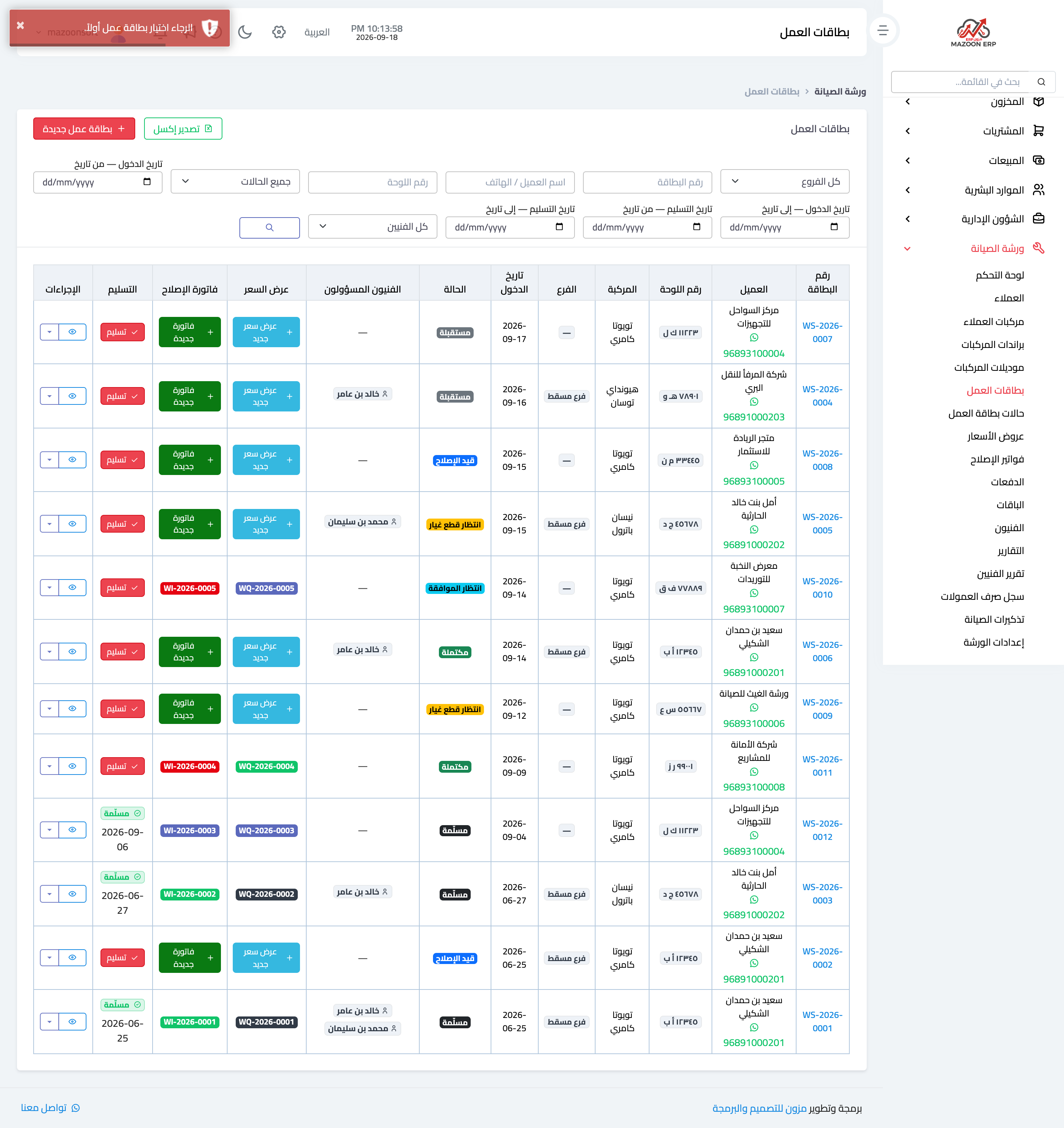
Figure 2
Try what you just read on your own data
Open a free 7-day trial — no credit card, with your own company link in minutes.