
Adjusting a generated payroll: monthly payroll adjustments
You generated the payroll and then spotted one employee with a missing or excess figure. Don't delete the whole run — use Monthly Payroll Adjustments at the bottom of the payroll page — image 1.
Adding an adjustment
- Open the payroll — it must be a draft.
- Scroll to Monthly Payroll Adjustments.
- Pick the employee, then the type: earning or deduction.
- Pick the salary component the line will appear under on the payslip.
- Enter the amount and notes, then Save Adjustment.
The system immediately recalculates total earnings, total deductions and net salary for that employee, and the payroll's total amount.
Rules the system enforces
- Adjustments can be added and removed in draft status only. After approval the panel is closed.
- The employee must already be in this payroll; you cannot add a new employee through an adjustment.
- The salary component type must match the adjustment type — an earning component for an earning, a deduction component for a deduction.
- A second adjustment for the same employee, component and type replaces the first rather than stacking on it.
- Net salary never goes below zero; it stops there no matter how large the deductions.
When to use an adjustment and when not to
- Use it for a one-off correction inside a generated run: missed overtime, or a late deduction.
- Don't use it for a recurring bonus or deduction — that belongs on the Bonuses or Deductions screen in "with payroll" mode, so it is picked up automatically every month.
- Don't use it for a real change in pay — fix the contract and regenerate the run.
Deleting and regenerating
If the error is across the board — wrong month, or attendance missing for everyone — delete the payroll while it is a draft and generate again. Deleting is blocked for approved and paid runs; those are cancelled, not deleted.
Screenshots
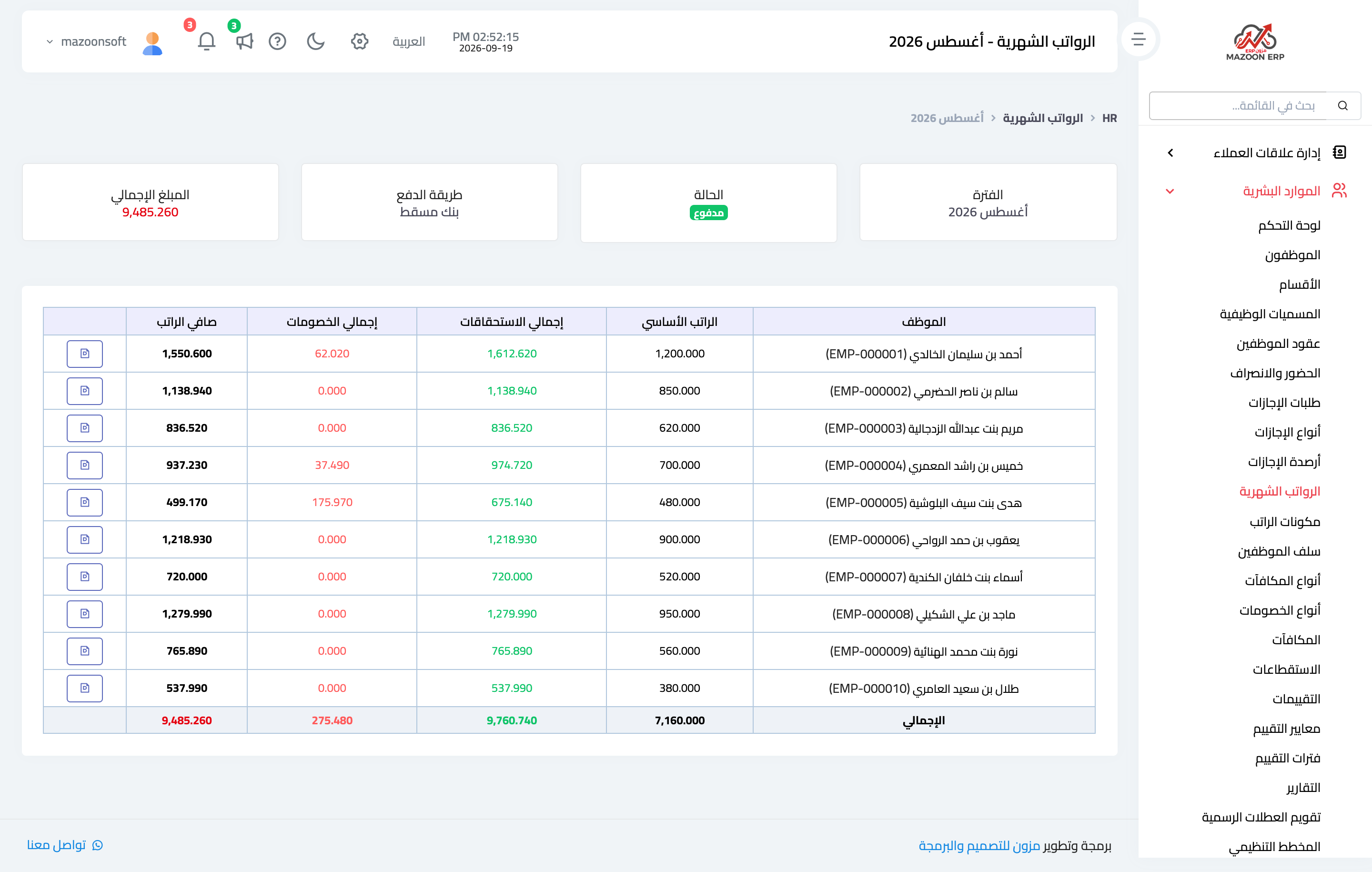
Figure 1
Try what you just read on your own data
Open a free 7-day trial — no credit card, with your own company link in minutes.