
Appraisals, offboarding and HR reports
Beyond daily operation: appraising performance, offboarding when the relationship ends, and the reports that read the whole picture.
Appraisals
Three cards work together:
- Appraisal criteria — what you assess: punctuality, quality of work, cooperation, initiative… each with its weight.
- Appraisal periods — when you assess: quarterly, half-yearly, annually, with start and end dates.
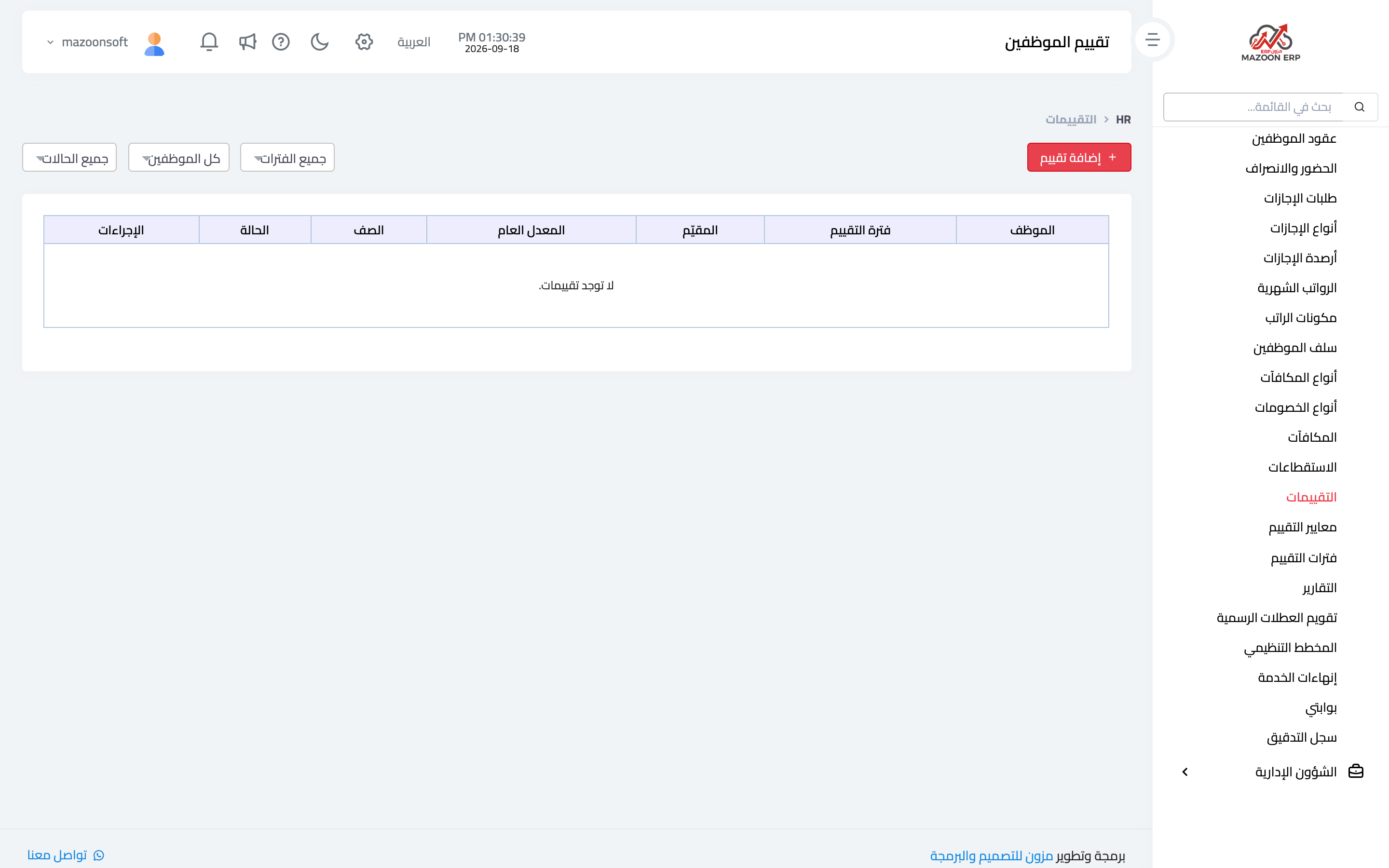
- Appraisals — image 1 — the actual assessment per employee for a period: a score per criterion, the assessor's notes, and the final result.
Define criteria and periods once, and every appraisal becomes entering scores rather than building a form from scratch. An accumulated appraisal record makes promotion and raise decisions rest on documented evidence rather than a moment's impression.
Offboarding
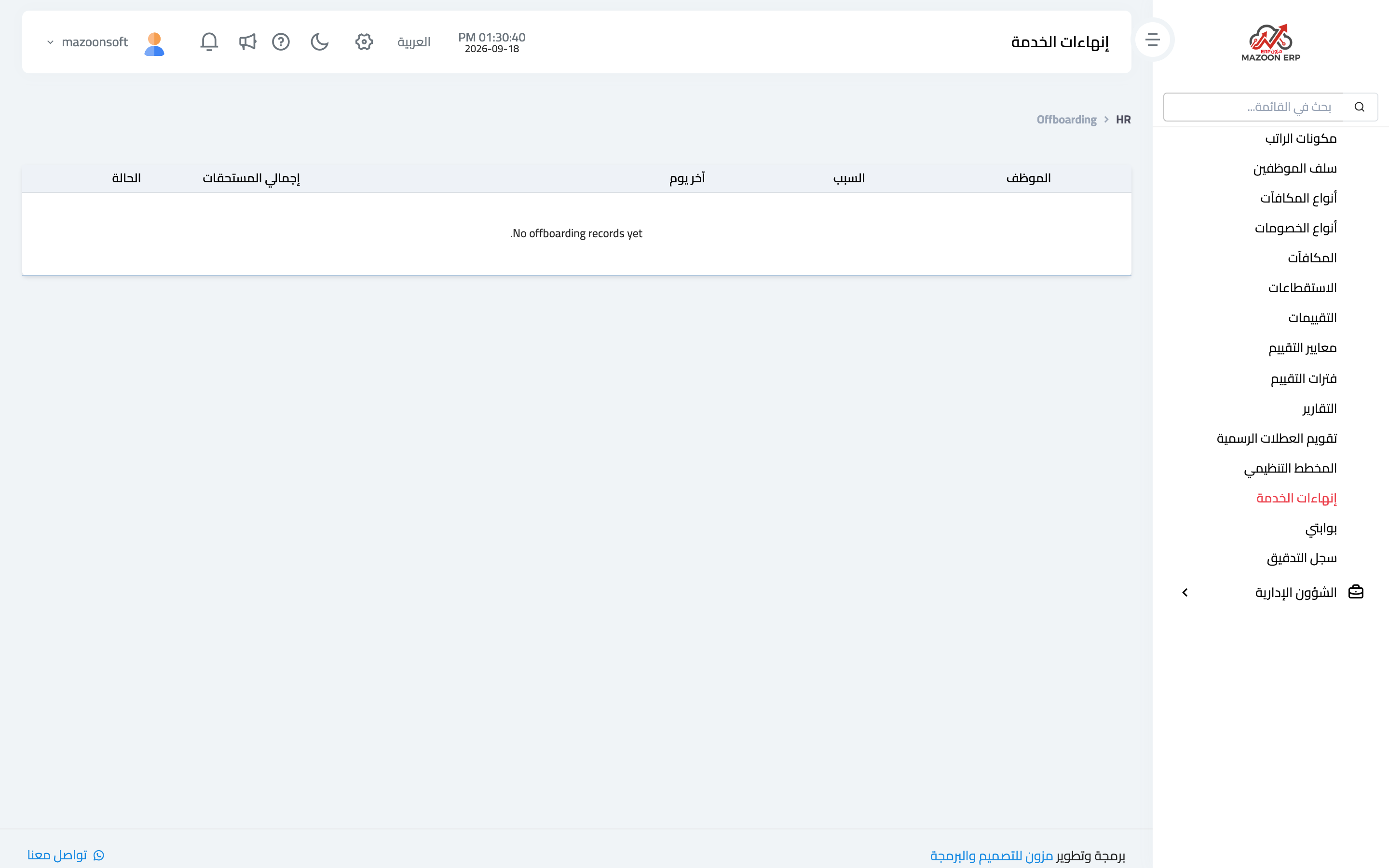
When an employee leaves — resignation, contract end or termination — record it from the Offboarding card — image 2: employee, last working day, reason, final dues and notes.
Do not delete the employee. Deleting severs past payroll, leave and documents from their owner and leaves previous years' reports incomplete. Offboarding stops them entering new payroll runs while keeping their history intact — exactly what you need for any later claim or audit.
The reports section includes an end-of-service calculator to help work out the entitlement from length of service and salary.
HR reports
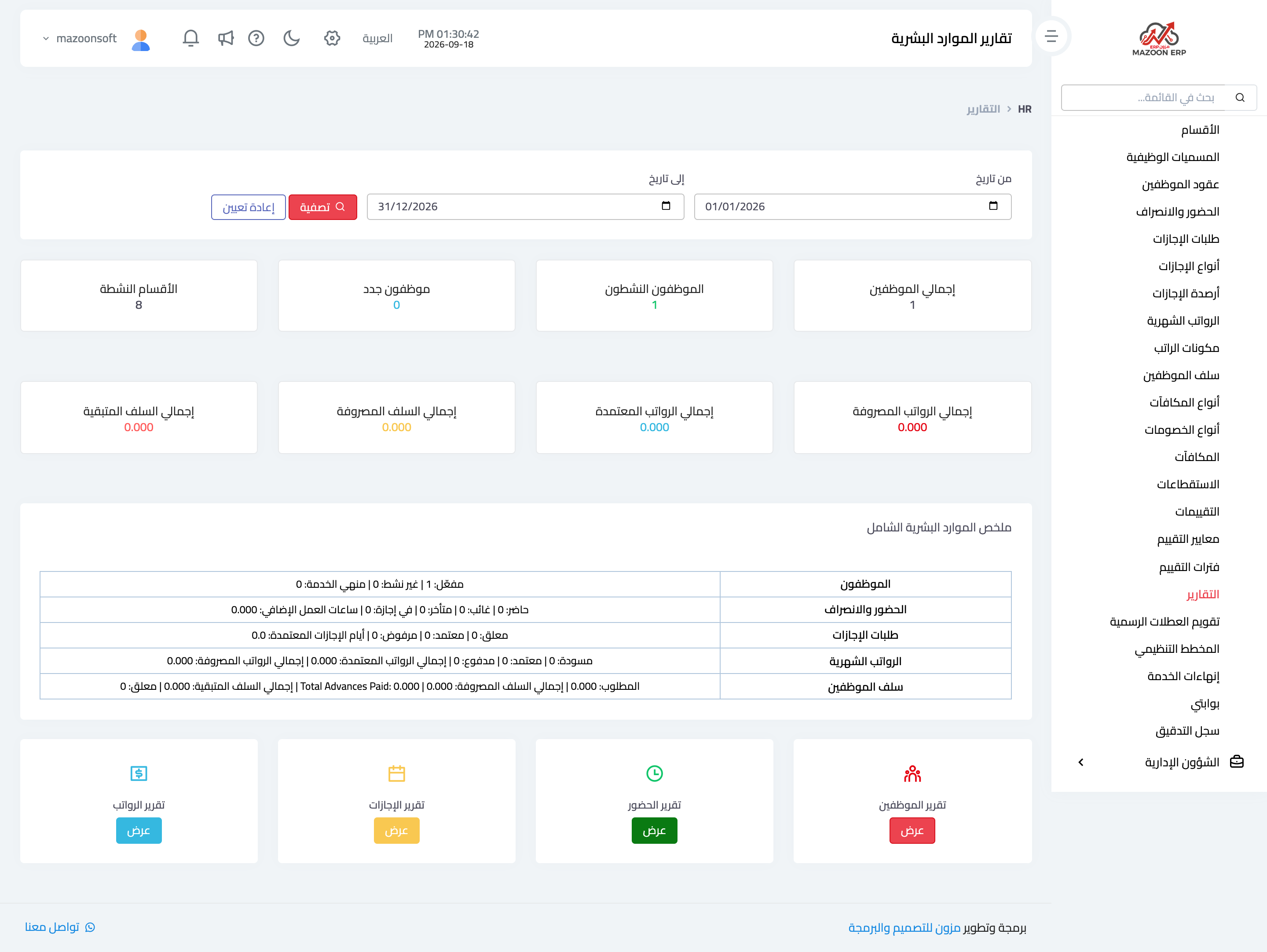
The Reports page — image 3 — brings together:
- Employee report — a full list with whatever filters you need.
- Demographics — distribution by department, gender, nationality and age band.
- Attendance report — days present, absent and late per employee over a period.
- Leave report and leave balance summary — what was used and what remains.
- Payroll report and payroll register — runs in detail across periods.
- Contract expiry report — expired and approaching contracts; worth a monthly look.
- End-of-service calculator.
The employee portal
The My Portal card is what an employee sees with their own account: their details, attendance record, leave requests and payslips. Enabling it cuts the repeated questions HR fields and makes requests documented rather than WhatsApp messages.
To give an employee access, tick create a system user when adding them, or create a user for them and assign the right role from the users screen.
Audit log
The Audit Log card shows every change made inside the module, by whom and when: a salary edited, a leave request deleted, a contract changed. With data this sensitive the log is not a luxury — it is what settles a dispute when one arises.
Screenshots
Try what you just read on your own data
Open a free 7-day trial — no credit card, with your own company link in minutes.