
Generating the monthly payroll: where every number comes from
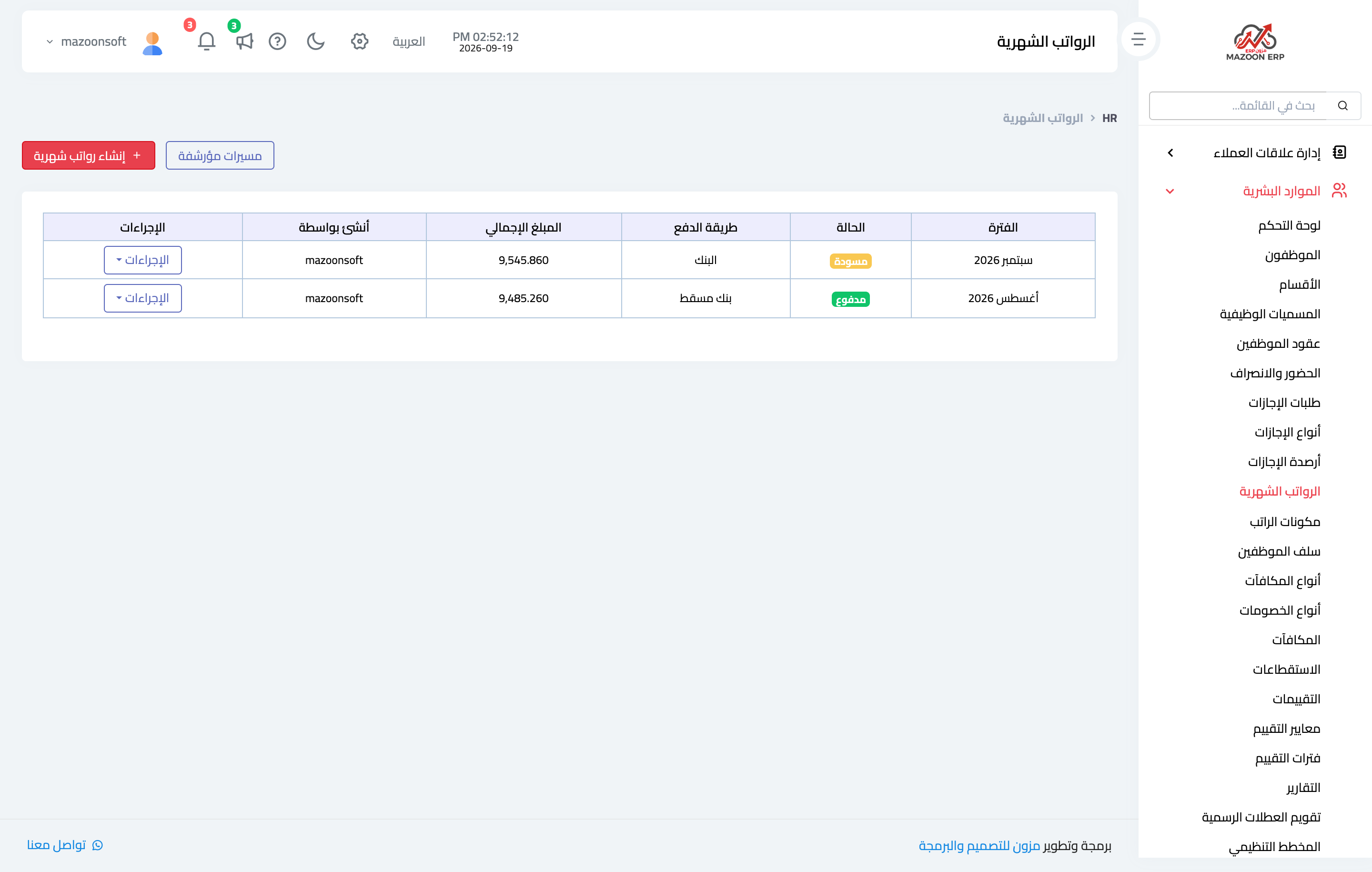
A payroll is not typed in by hand; it is generated from the month's data. Open HR → Payrolls and press Generate Payroll — image 1.
The screen
- Choose the month and year, and the branch if you are running payroll for one branch.
- The payroll preview appears immediately: one row per employee with its columns, and the estimated net total below.
- Review the preview, then press Generate.
The preview writes nothing to the database — read it and fix what needs fixing before generating.
Where each column comes from
- Basic salary, contract allowances and fixed contract deductions — from the employee's active contract.
- Absence deduction — from attendance: total earnings divided by monthly working days, times the number of absent days, with a half day counting as half.
- Overtime — overtime hours recorded in attendance × hourly rate × 1.25. The hourly rate is basic ÷ (monthly working days × daily working hours) from the contract.
- Advance deduction — instalments of disbursed advances.
- HR bonus / deduction (payroll) — approved bonuses and deductions in "with payroll" mode for this month and year.
Who is included and who is not
Only active employees with an active contract are included. An employee with no active contract simply does not appear — this is the most common "an employee is missing from the payroll" complaint.
If the run is tied to a branch, it is limited to that branch's employees.
One payroll per month
The system will not accept two payrolls for the same month and year. If an earlier payroll for that period was deleted, it is archived and still reserves the period, so either restore it or delete it permanently before generating. A cancelled payroll, by contrast, does not reserve the period, and a new run can be generated right after it.
Before pressing Generate
- Finish recording attendance for the whole month; absences entered later will not flow back into a generated payroll.
- Approve every pending bonus and deduction — the run does not see drafts.
- Check for expiring contracts near the end of the month.
Screenshots
Try what you just read on your own data
Open a free 7-day trial — no credit card, with your own company link in minutes.