
Bonuses and deductions: immediate or with payroll?
Bonuses and deductions are two screens with identical behaviour: HR → Bonuses and HR → Deductions — image 1 and image 2.
Before the first bonus
Define bonus types and deduction types first, and link each type to a salary component. The type is what decides the accounting account and the payslip line; if you leave it unlinked, the system falls back to a default component.
Creating the record
- Pick the employee and the bonus type (or deduction type).
- Enter the amount and the request date.
- Choose the disbursement mode:
- Immediate — paid on its own after approval, with a payment method and date you choose.
- With payroll — waits for the payroll run. The system then asks for the effective month and effective year so it knows which run to join.
- Save. The record starts as a draft.
The status path
Draft → approved → paid, with cancellation possible before payment.
- Approval works only from draft, and records who approved and when.
- Disburse now appears only for approved records in immediate mode; it asks for the payment method, reference and date, and creates the journal entry.
- An approved record in with payroll mode is picked up by the payroll run for its month and year on its own.
- Cancellation is available for drafts and approved records, and blocked on paid ones. A paid record is handled with a reversing bonus or deduction, not a cancellation.
Common mistakes
- Recording it as with payroll and then forgetting to approve it — the run only picks up approved records.
- Choosing an effective month whose payroll is already closed; pick the next month.
- Using a deduction to repay an advance — advances have their own screen with automatic monthly deduction, so see the advances article.
Screenshots
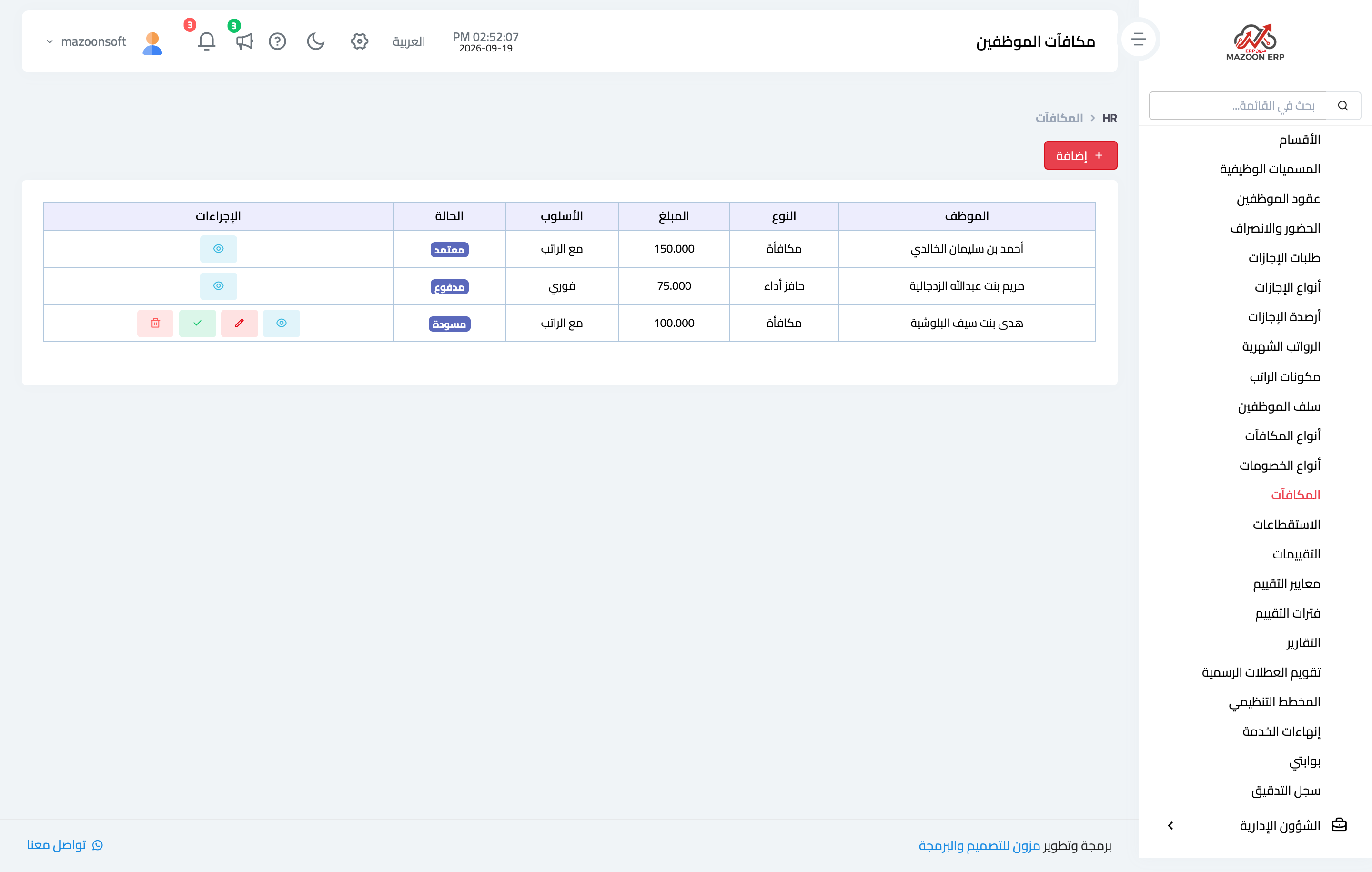
Figure 1
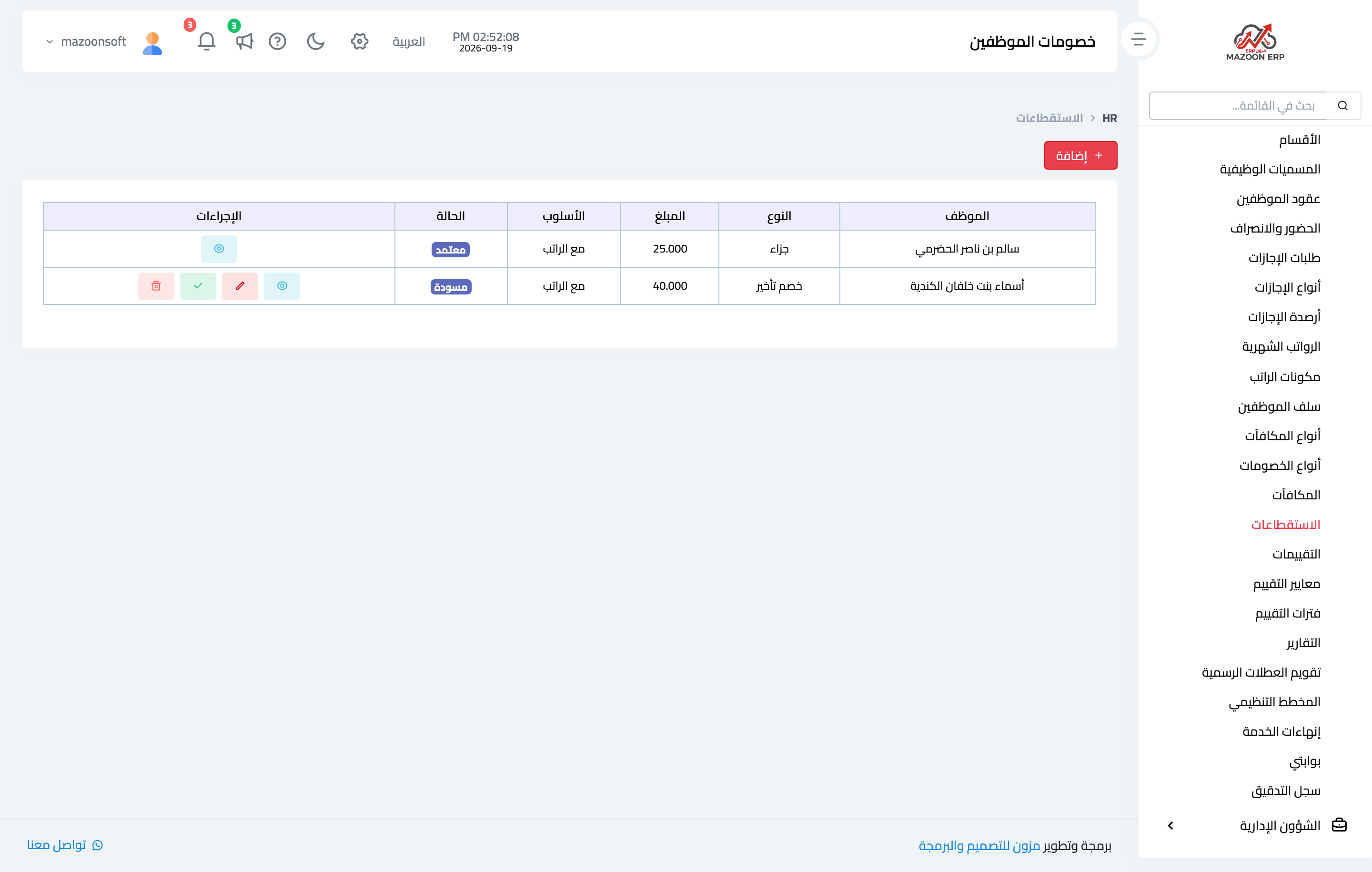
Figure 2
Try what you just read on your own data
Open a free 7-day trial — no credit card, with your own company link in minutes.