
Monthly payroll, advances and bonuses
Payroll is the sum of everything before it: contracts, attendance, leave, advances, bonuses and deductions. When the foundation is right, running it is a button press and a review.
Before you generate
- Make sure every employee has a valid contract — anyone without one is excluded.
- Complete attendance to the last day of the month.
- Approve pending leave requests.
- Record the month's bonuses and deductions.
- Check advances and the instalments due this month.
Advances
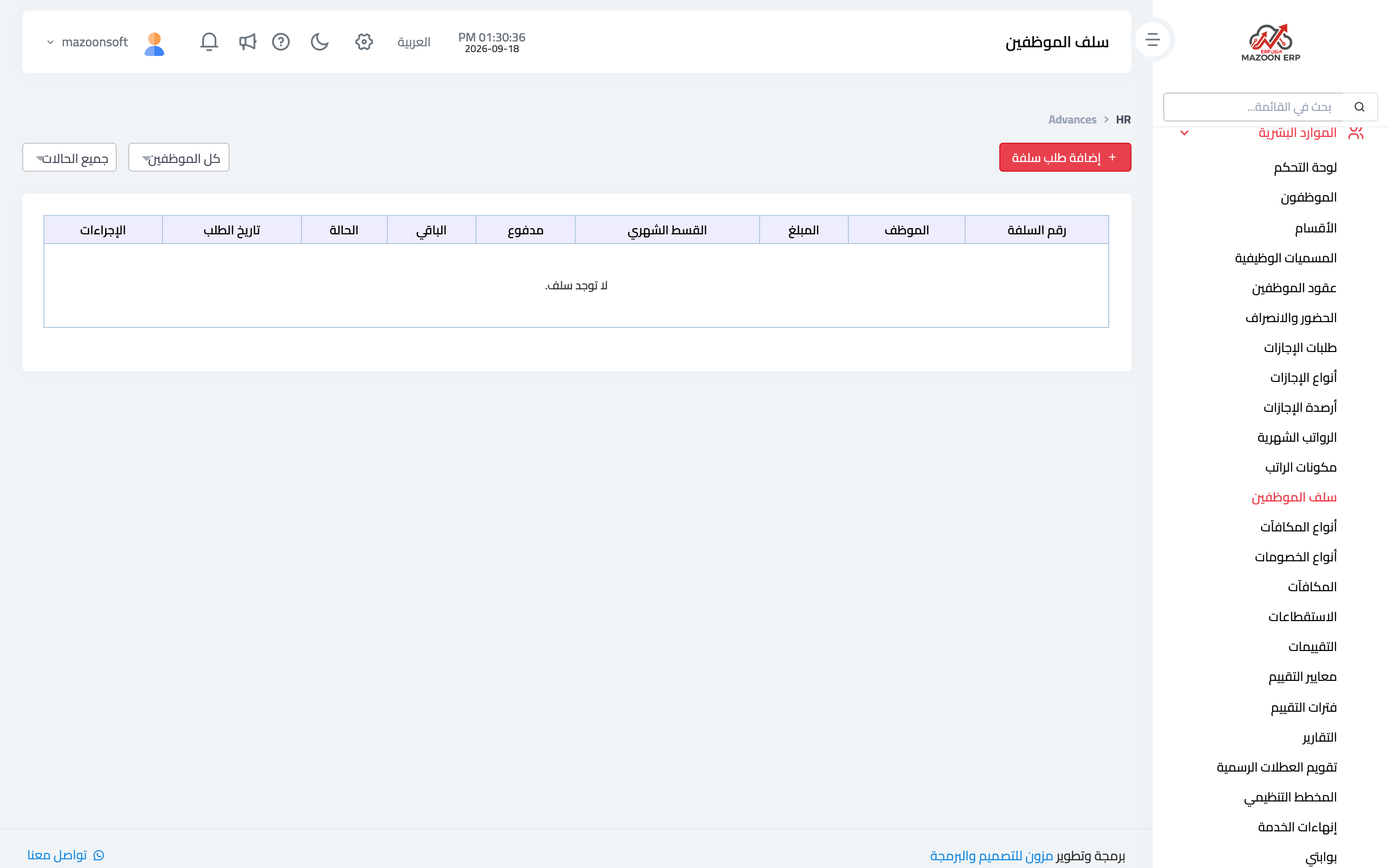
The Employee Advances card — image 3 — records an advance: employee, amount, date, and how it is repaid (number of instalments or a monthly deduction).
The system deducts the instalment from each month's pay automatically until it is settled, and the remainder shows in the outstanding advances indicator on the HR dashboard. This is more reliable than tracking advances in a separate file — anyone doing that by hand eventually misses an instalment.
Bonuses and deductions
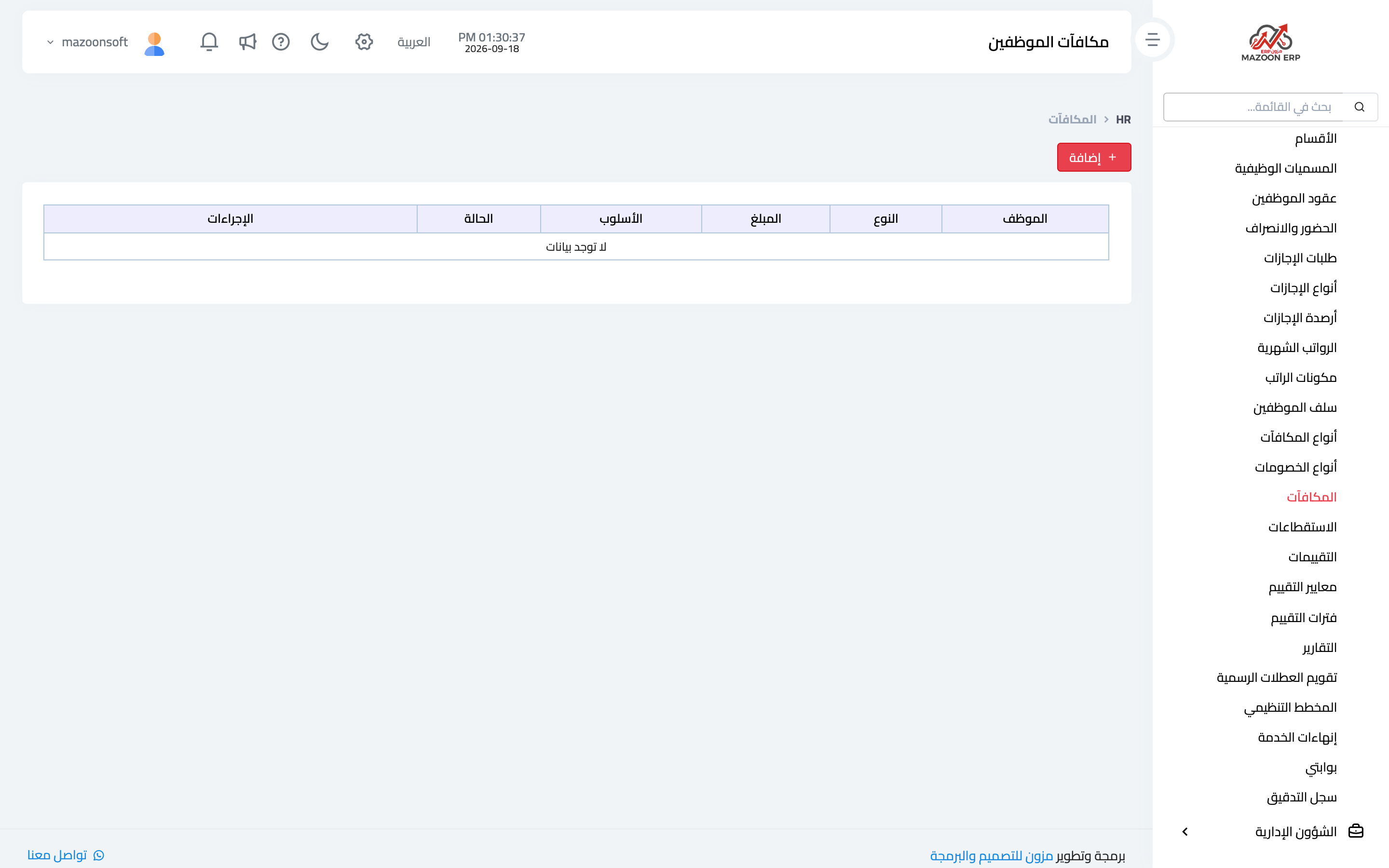
The Bonuses card — image 4 — records a bonus for a given month and employee: the type (from the bonus types you defined), amount, month and reason. The Deductions card works the same way for deductions.
Both flow automatically into that month's payroll — there is no need to adjust a salary by hand.
Generating payroll
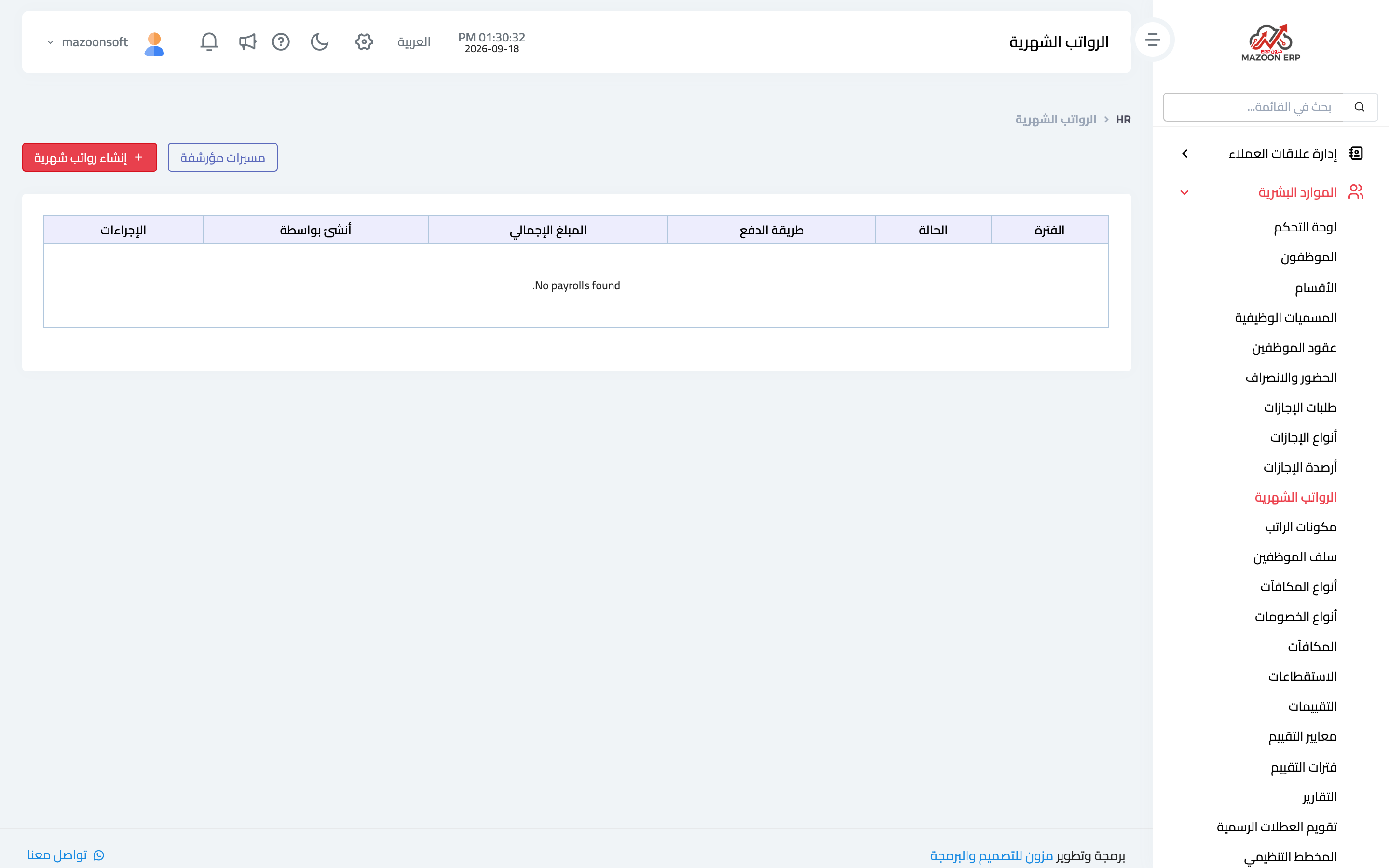
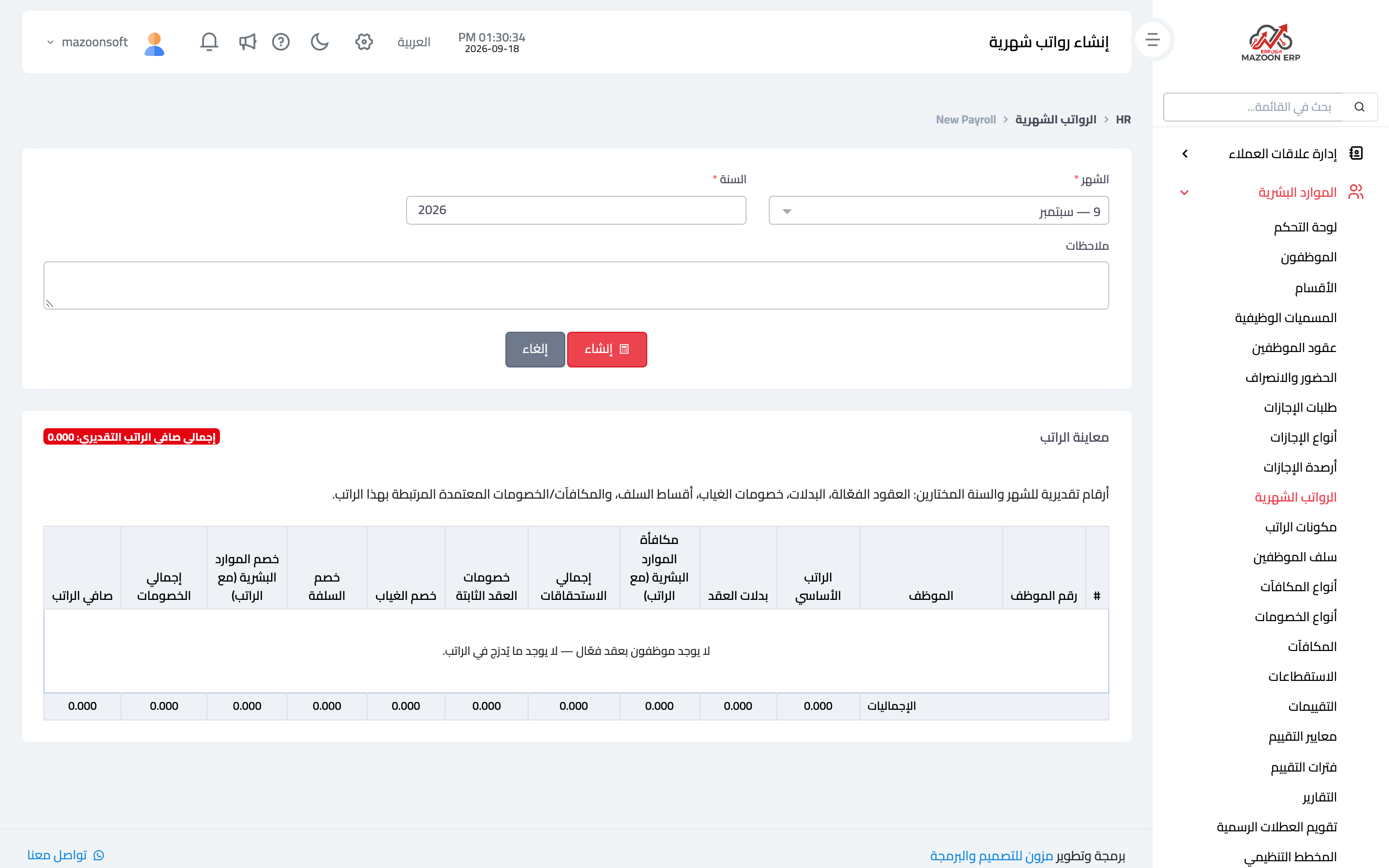
From the Payrolls card — image 1 — press New payroll as in image 2: choose the month and year, and a preview appears before generating:
- Employee and employee number.
- Basic salary and contract allowances.
- Fixed contract deductions.
- Absence deduction and advance instalments.
- The month's bonuses and deductions.
- The expected net per employee, and the estimated total.
Review the preview before pressing generate; it is your chance to catch a missing contract or an unexpected deduction before payroll becomes an accounting document.
After generating
- The run appears in the list with its status and totals, and can be opened to review each employee's line.
- Approving it creates the accounting entry: salary expense on the debit side, liabilities or cash on the credit side — according to the account linking set in Accounting.
- Each employee gets a payslip they can see from their portal.
An archived run for the same month
The system does not allow two runs for the same month and year. If an archived run exists for that period, the screen offers two options: restore it to carry on working with it, or delete it permanently to generate a new one — deletion cannot be undone, so be sure first.
A common mistake
Editing a salary by hand inside the run to paper over a difference. The right fix is the cause: a contract that was never updated, incomplete attendance, or a bonus that was not recorded — then generate again. Payroll mirrors the data, and editing the mirror does not change what it reflects.
Screenshots
Try what you just read on your own data
Open a free 7-day trial — no credit card, with your own company link in minutes.