
Attendance and leave
Attendance and leave are what turn pay from a fixed number in a contract into an amount that reflects what actually happened during the month. Both feed the payroll run automatically.
Attendance
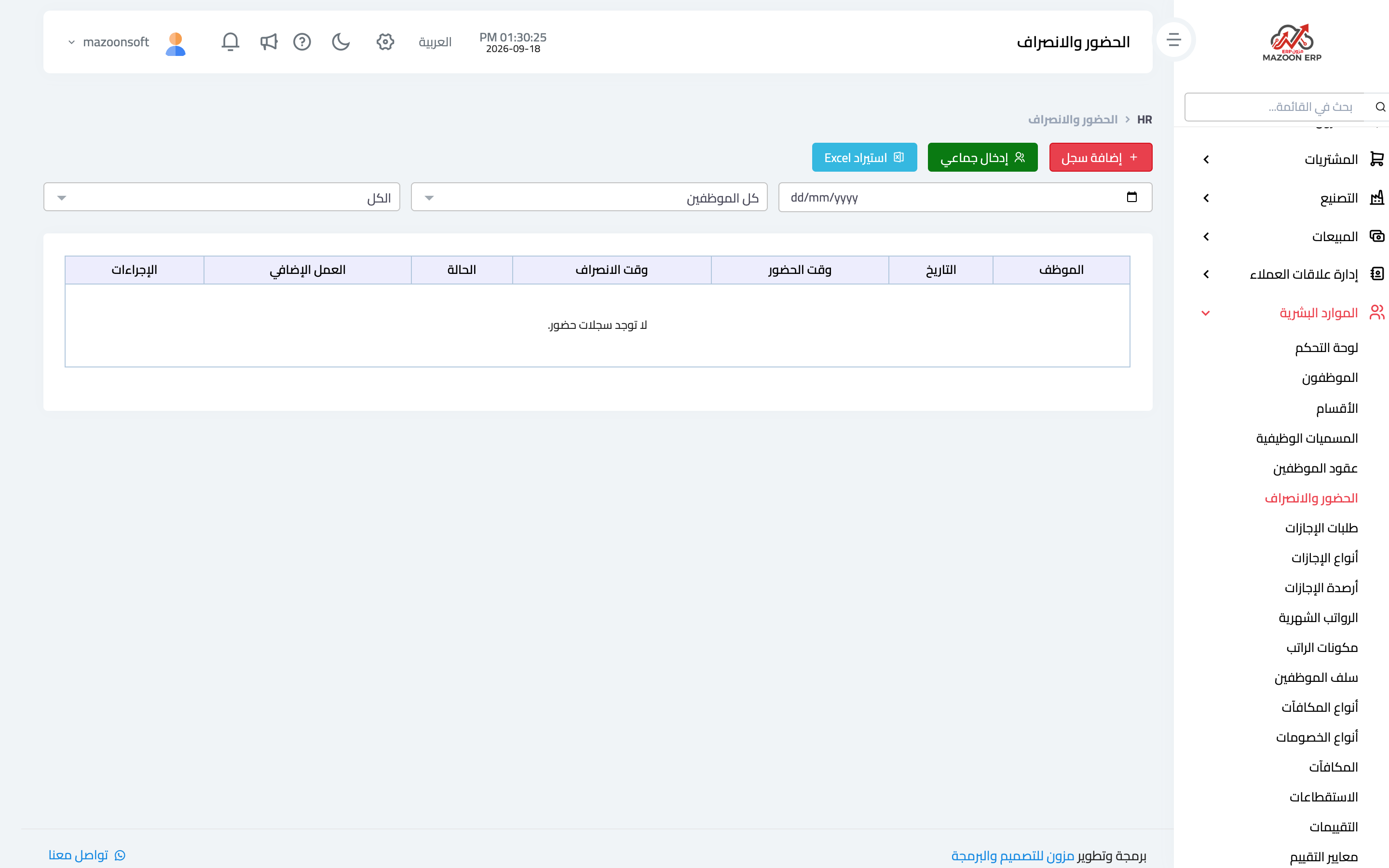
From the HR dashboard open the Attendance card — image 1 — to see records by date and employee, with check-in and check-out times and status.
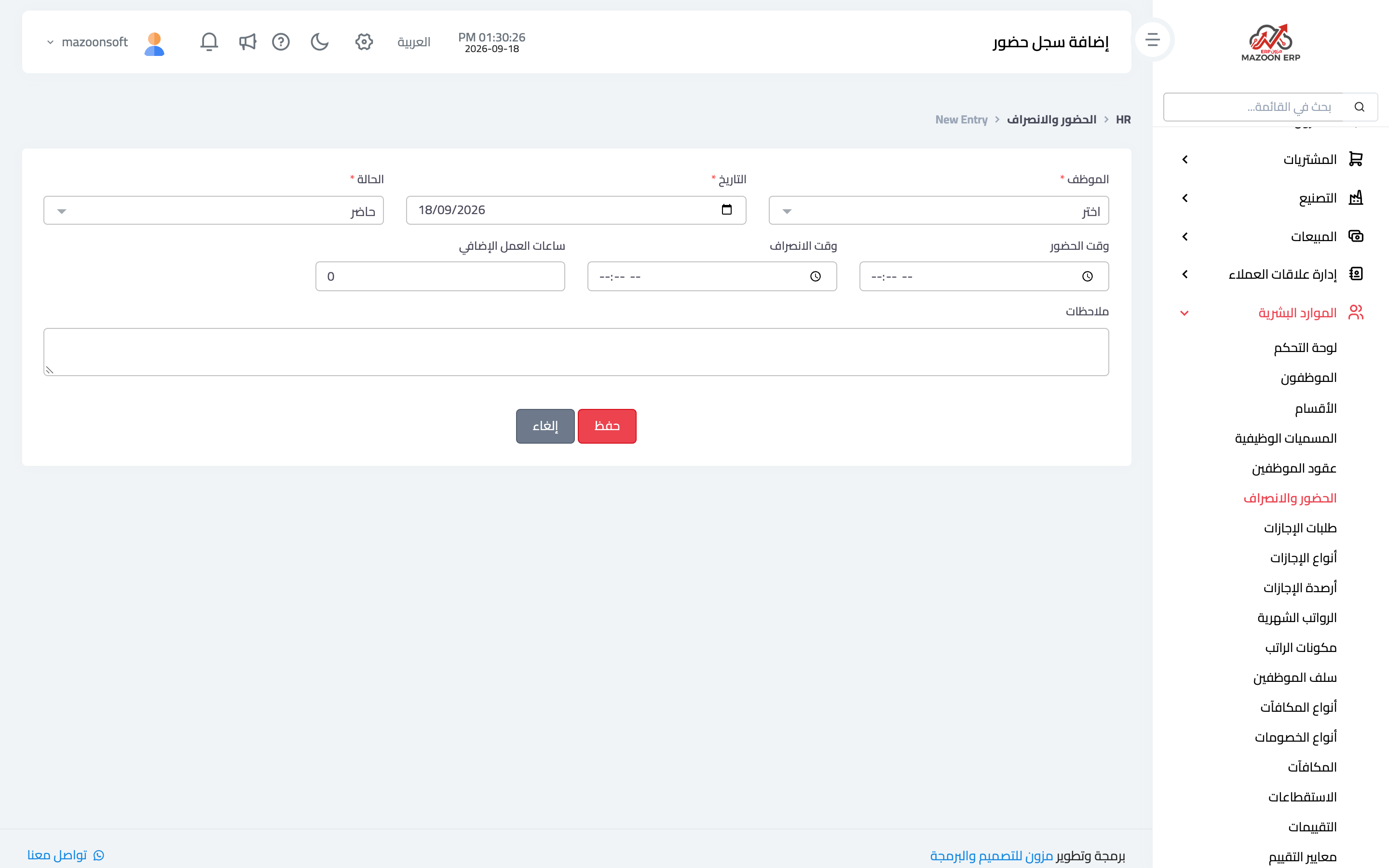
To record attendance press Add as in image 2: employee, date, check-in and check-out times, status (present, absent, on leave, late) and notes.
Three ways to enter it
- A single record — for exceptions or corrections.
- Bulk entry — record a whole day for all employees at once; the fastest way day to day.
- Import from a file — for anyone with a fingerprint device or an external attendance system: export a file from it and upload it here. The screen offers a downloadable template showing the required columns.
Public holidays recorded in the calendar are not counted as absence — which is why entering them at the start of the year matters.
Leave types and balances
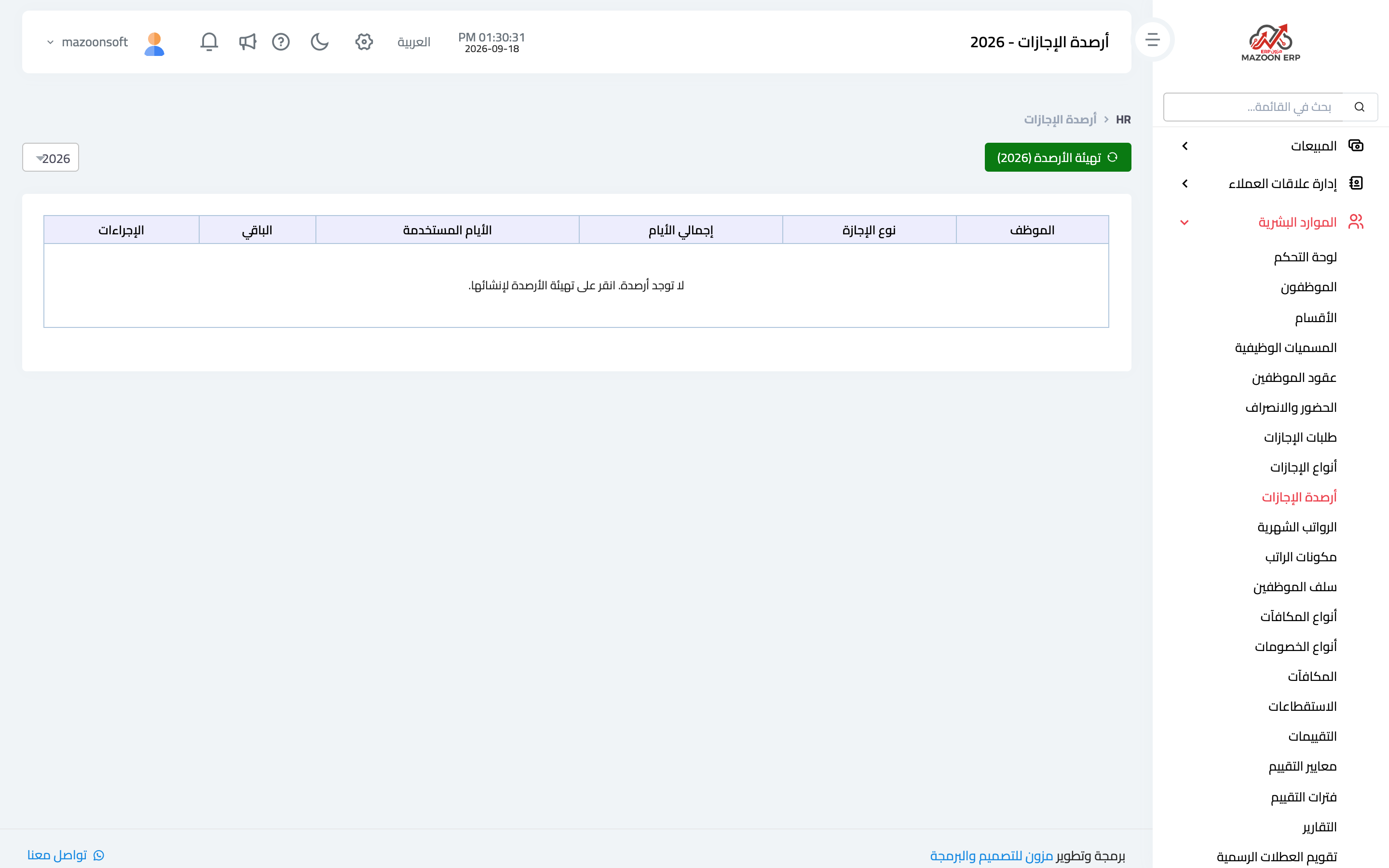
Every employee has a balance per leave type, shown on the Leave Balances card — image 5: yearly entitlement, used and remaining. This screen is the reference in any disagreement with an employee about what they have left.
Leave requests
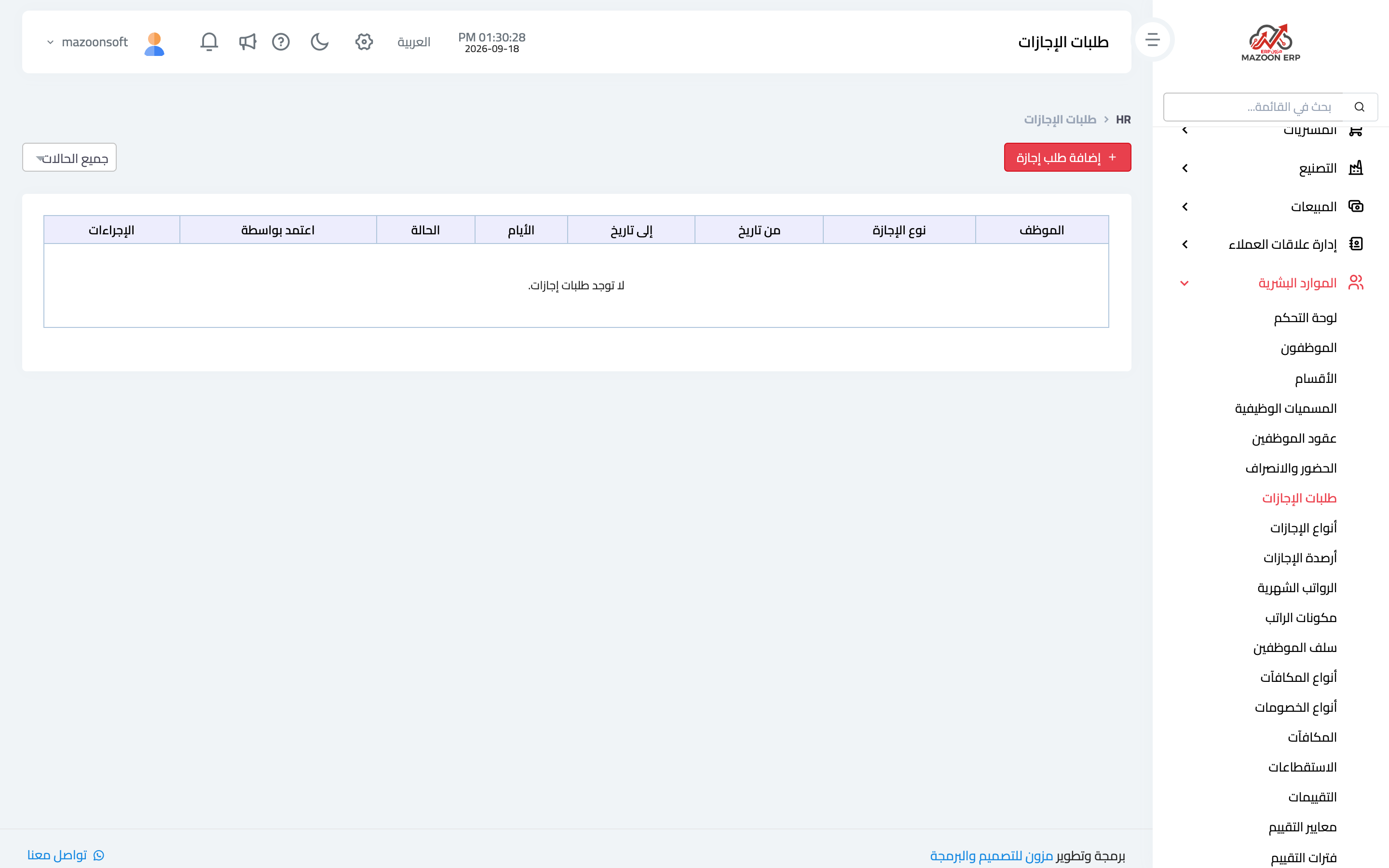
The Leave Requests card — image 3 — shows requests and their status: pending, approved, rejected.
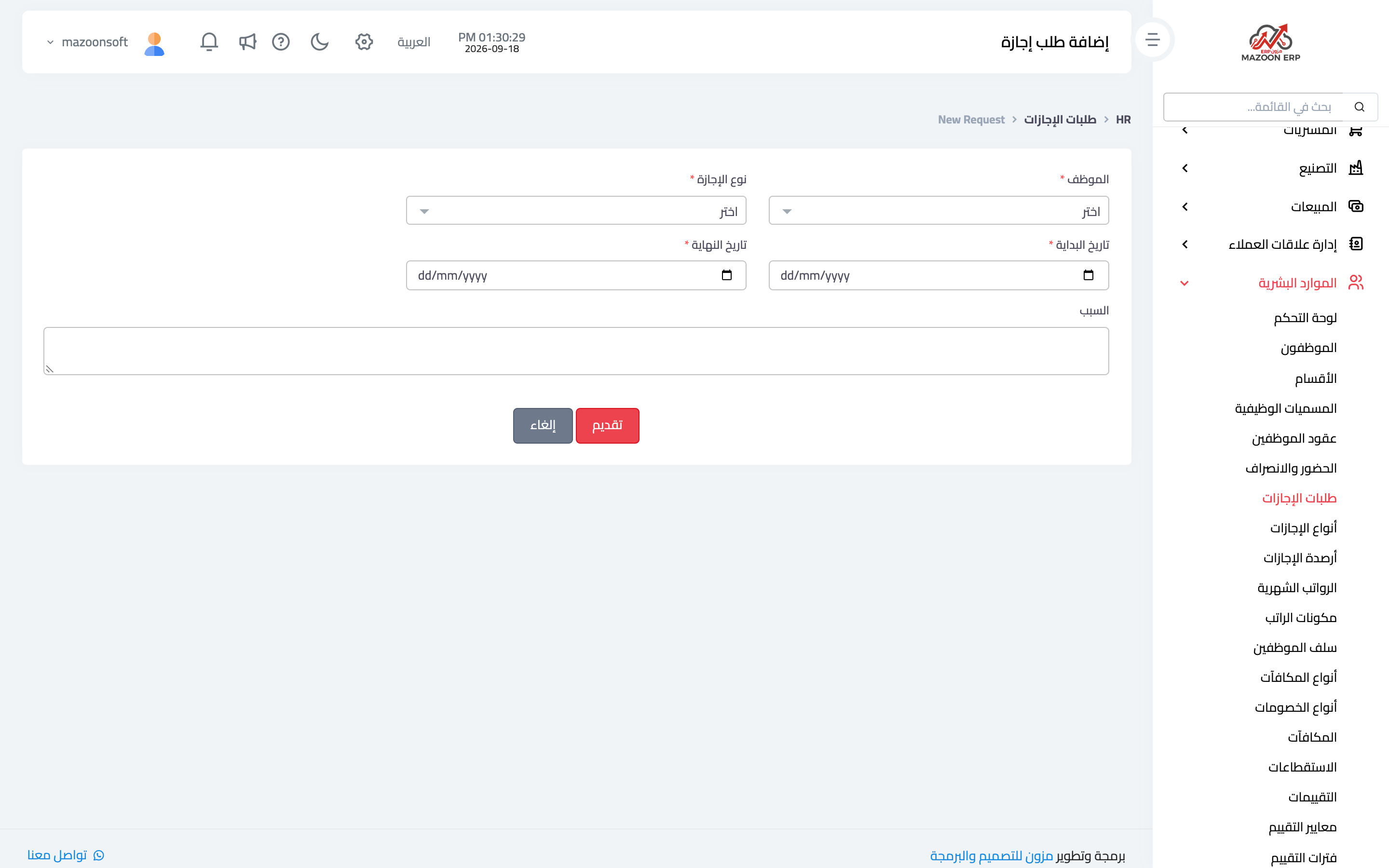
To record one press Add as in image 4: employee, leave type, start and end dates, the calculated number of days, the reason, and an attachment where relevant (a medical report, say).
The request cycle
- The request is submitted — by the employee through their portal, or by HR on their behalf.
- It appears under pending leave on the HR dashboard.
- On approval the balance of that leave type is reduced, and the days are treated in attendance as leave rather than absence.
- On rejection the balance is untouched and the reason is recorded.
How this affects pay
- Paid leave does not affect the salary.
- Unpaid leave and unexcused absence appear in payroll as an absence deduction.
- Lateness is handled with its own deduction type, recorded on the deductions screen.
Tips
- Record attendance as it happens; entering it retroactively after payroll has been generated means recalculating.
- Ask employees to submit leave requests from My Portal; it saves you the data entry and leaves a clear trace of who asked and when.
- Review leave balances before year end; accumulated balances are a real financial liability for the business.
Screenshots
Try what you just read on your own data
Open a free 7-day trial — no credit card, with your own company link in minutes.