
The contract expiry report and the end-of-service calculator
Two tools that prevent two expensive surprises: a contract that expired unrenewed and quietly dropped its holder out of payroll, and an end-of-service settlement calculated by guesswork.
The contract expiry report
- Open HR → Reports → Contract Expiry — image 1.
- It lists contracts approaching their end with the employee, department, end date and days remaining.
- Each one needs a decision: renew with a new contract, or let it end with offboarding.
The dashboard shows the same figure on two cards: contracts expiring soon within thirty days, and contracts nearing expiry within ninety — the first for action, the second for planning.
The end-of-service calculator
Open HR → Reports → EOS Calculator — image 2. Pick an employee and it works out the benefit before you commit to it.
The formula applied
- Half a month's salary for each of the first three years.
- A full month for each year after the third.
- Calculated on the basic salary of the active contract, not the gross.
- Years of service are counted from the hire date, including fractions.
An example: an employee on a basic of 950 with 5.6 years → (3 × 0.5) + 2.6 = 4.1 months × 950 = 3,895.
Notes
- The formula is the common Gulf one; check it against the labour law that applies to you before relying on it for a formal commitment.
- The accuracy comes from the hire date and the basic salary. An error in either shows up here multiplied by the years of service.
- The calculator is for reference; the actual settlement is created from Offboardings, which adds pending salary and leave value and deducts outstanding advances.
- Renew contracts before they expire, not after; an expired one drops the employee from payroll silently.
- Read the report at the start of each month — ninety days is enough time to negotiate and prepare.
Screenshots
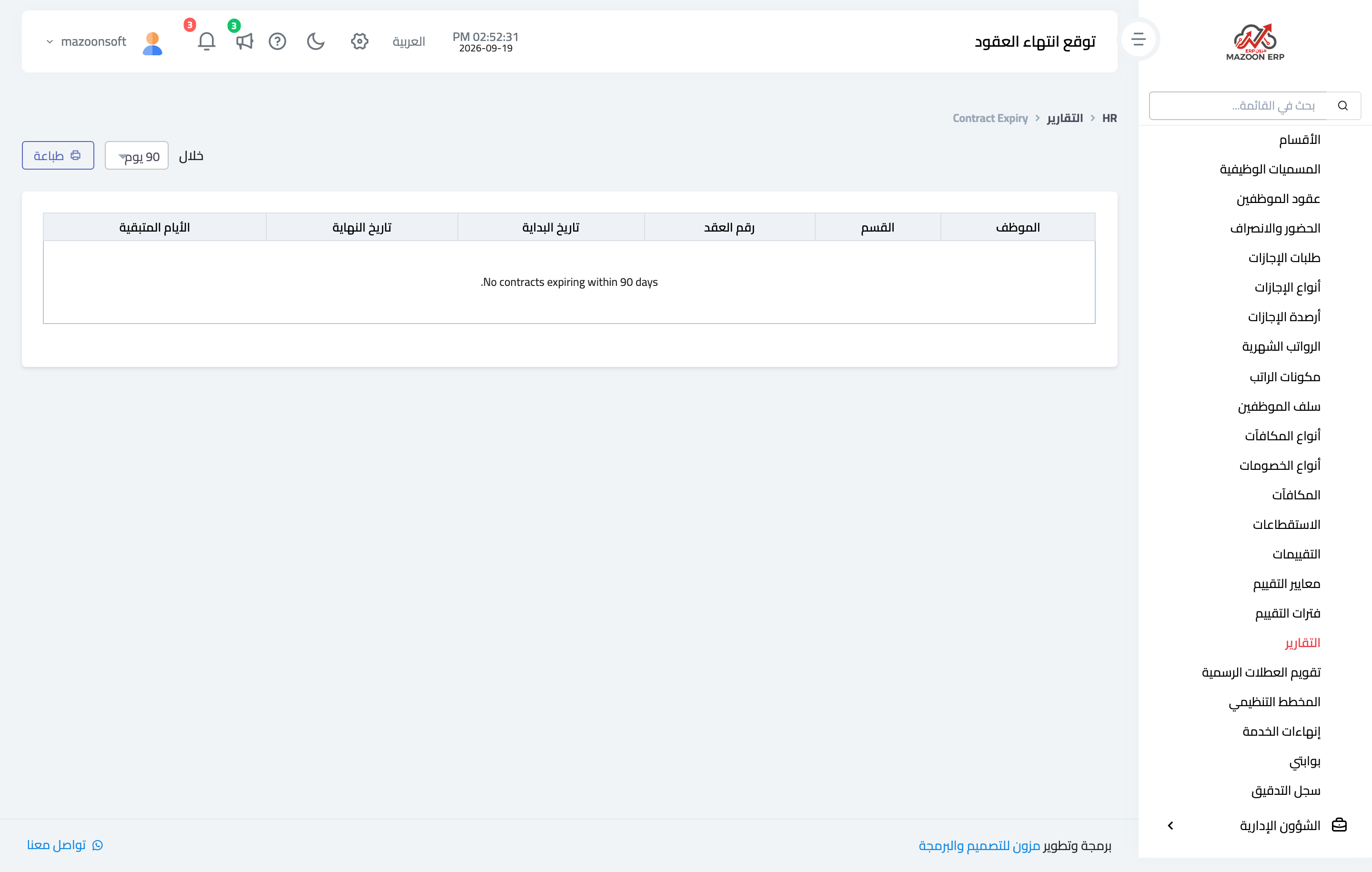
Figure 1
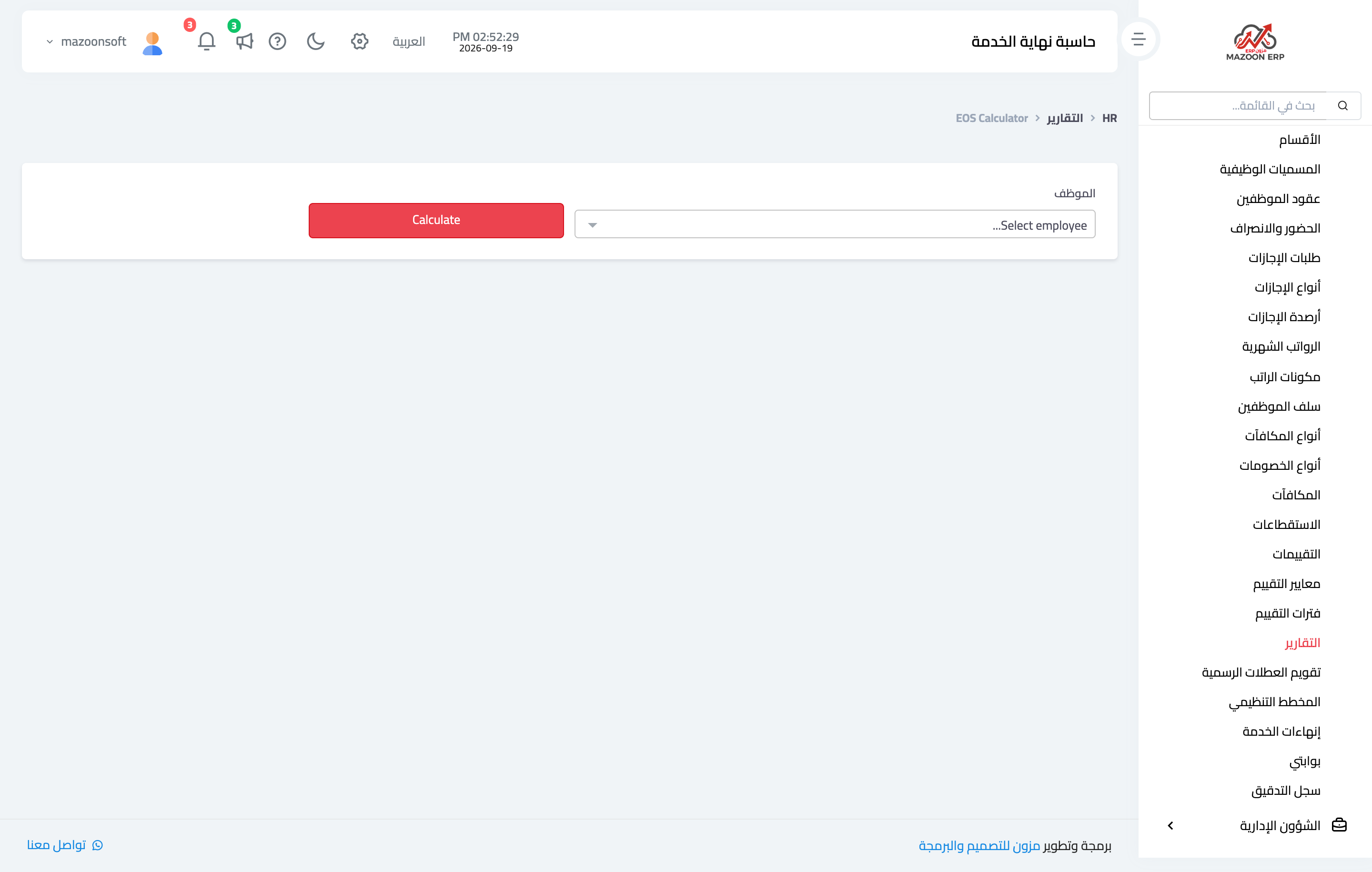
Figure 2
Try what you just read on your own data
Open a free 7-day trial — no credit card, with your own company link in minutes.