
Cancelling an approved or paid payroll
The payroll was approved and then an error surfaced. Deleting is no longer available — the path is cancellation, which preserves the trail instead of erasing it.
What cancelling does
- Open the payroll, press Cancel and write a cancellation reason.
- The system reverses every journal entry linked to the run — both the accrual and the disbursement — with reversing entries, not deletions.
- The payroll becomes cancelled, and the reason is appended to its notes with a tag.
Only an approved or paid payroll can be cancelled; a draft is deleted, and a cancelled run cannot be cancelled twice.
The period is released
A cancelled payroll does not reserve its month and year, so you can generate a new run for the same period straight after cancelling. That is the usual correction path: cancel, fix the cause, generate again.
This differs from a deleted (archived) payroll, which keeps holding the period until you restore it or delete it permanently.
Check this before regenerating
Cancelling a paid payroll reverses the accounting entries, but it does not undo two things the payment did:
- Advance instalments that were collected stay recorded, and the remaining balance stays reduced.
- Bonuses and deductions that became "paid" stay that way and stay linked to the cancelled run.
So if you regenerate the same month, open each advance and record the correction, and check that the bonuses you expect to be included are still approved and not linked to a run — otherwise the instalment is taken twice or the bonus is dropped.
Closed periods
Reversing entries post like any other entry, so if the fiscal period is closed you will need to reopen it before cancelling.
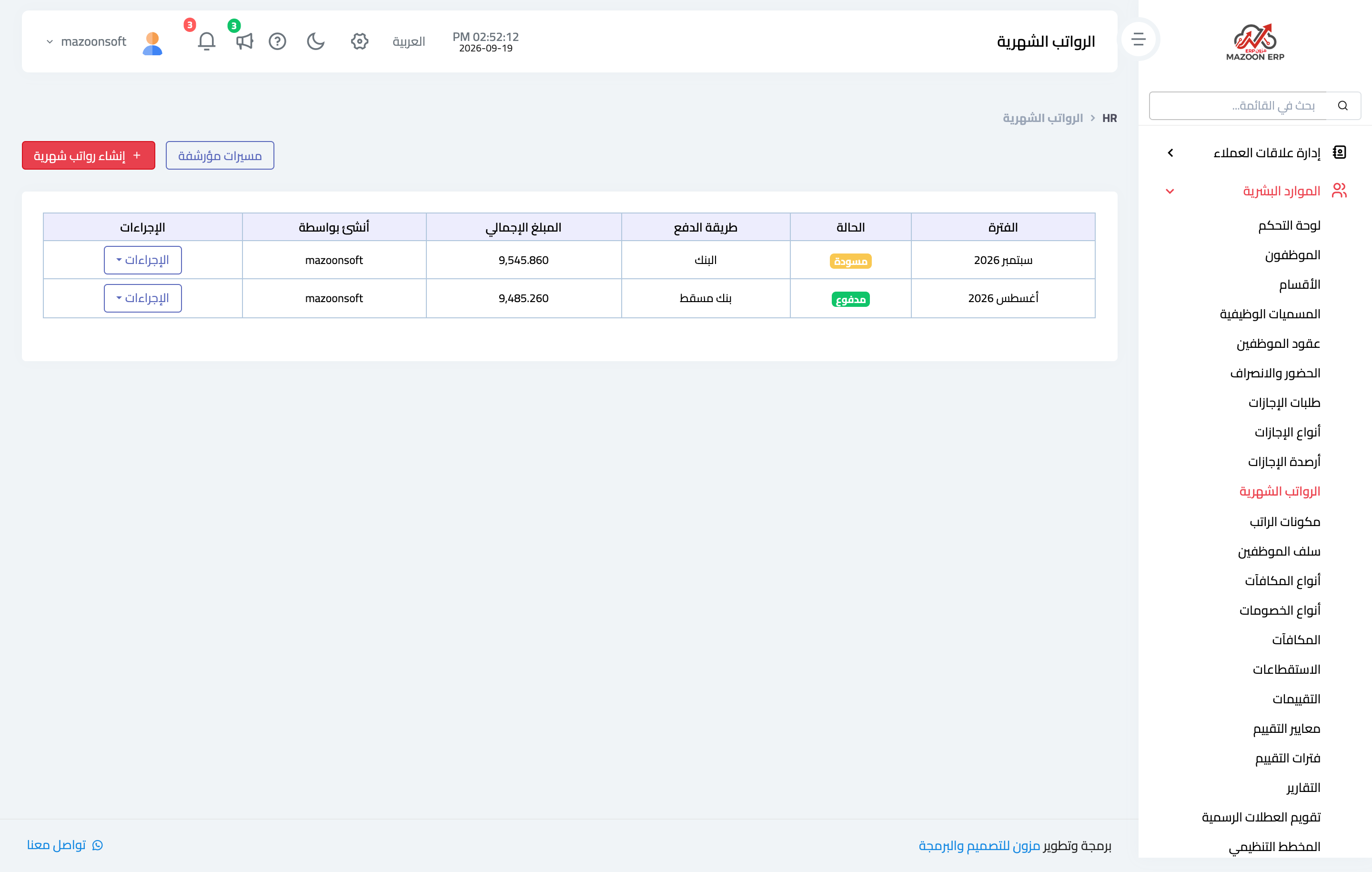
In the payroll list — image 1 — a cancelled run still shows with its status, keeping the history readable for whoever reviews it later.
Screenshots
Try what you just read on your own data
Open a free 7-day trial — no credit card, with your own company link in minutes.