
Employee vs user, and how to give staff their own portal
"Employee" and "user" are two different records that people often confuse. Understanding the difference saves a lot of questions.
The difference
- An employee is an HR record: a contract, a salary, attendance, leave and entitlements. The storekeeper is an employee even if they never open the system.
- A user is a login with a name, a password and permissions. Your external accountant is a user but not your employee.
Not every employee is a user, and not every user is an employee. Linking them is optional, and you do it when you want staff to see their own data.
Linking them
- Create a user for the employee under General Settings → Users.
- Open the employee's card under HR → Employees and press Edit.
- Pick the linked user and save — image 1.
What the employee sees in "My Portal"
Once linked, the employee opens HR → My Portal and finds their own data only — image 2:
- Leave balances for the current year, per type.
- My recent leave requests with their statuses.
- My attendance for the last 14 days, plus a wider screen with monthly and calendar views.
- My payslips with basic, earnings, deductions and net.
- Active advances and what remains on them.
Notes
- An employee with no linked user sees: "No employee profile linked to your account." — the fix is the link, not a new employee record.
- The portal is read-only; staff cannot change their attendance or salary from it.
- Do not link one user to more than one employee.
- The portal is the quickest way to cut repeated questions to HR: "what is my leave balance?" and "where is my payslip?".
- User permissions are separate from the portal; an employee can see their portal with no other permission in the system.
Screenshots
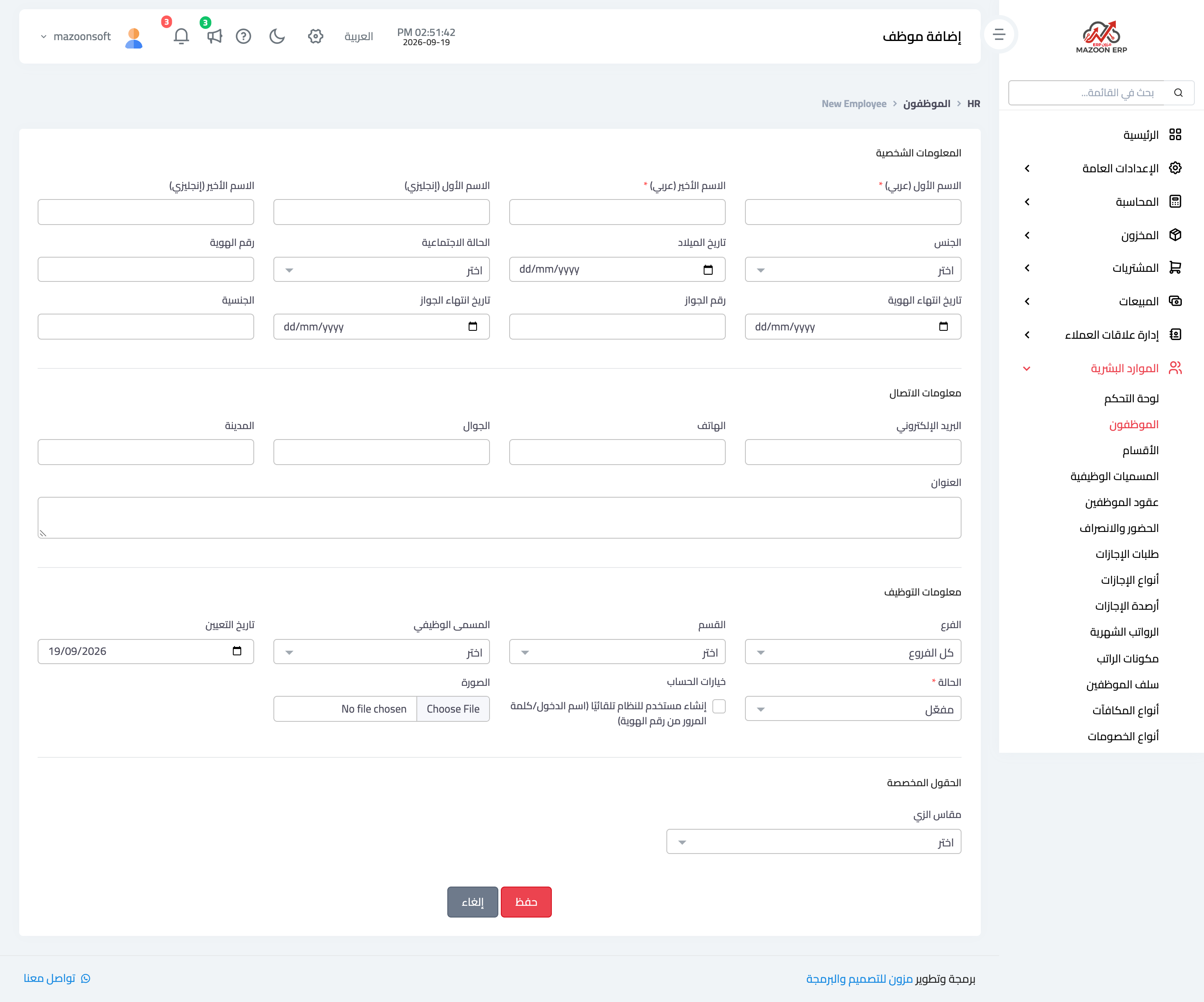
Figure 1
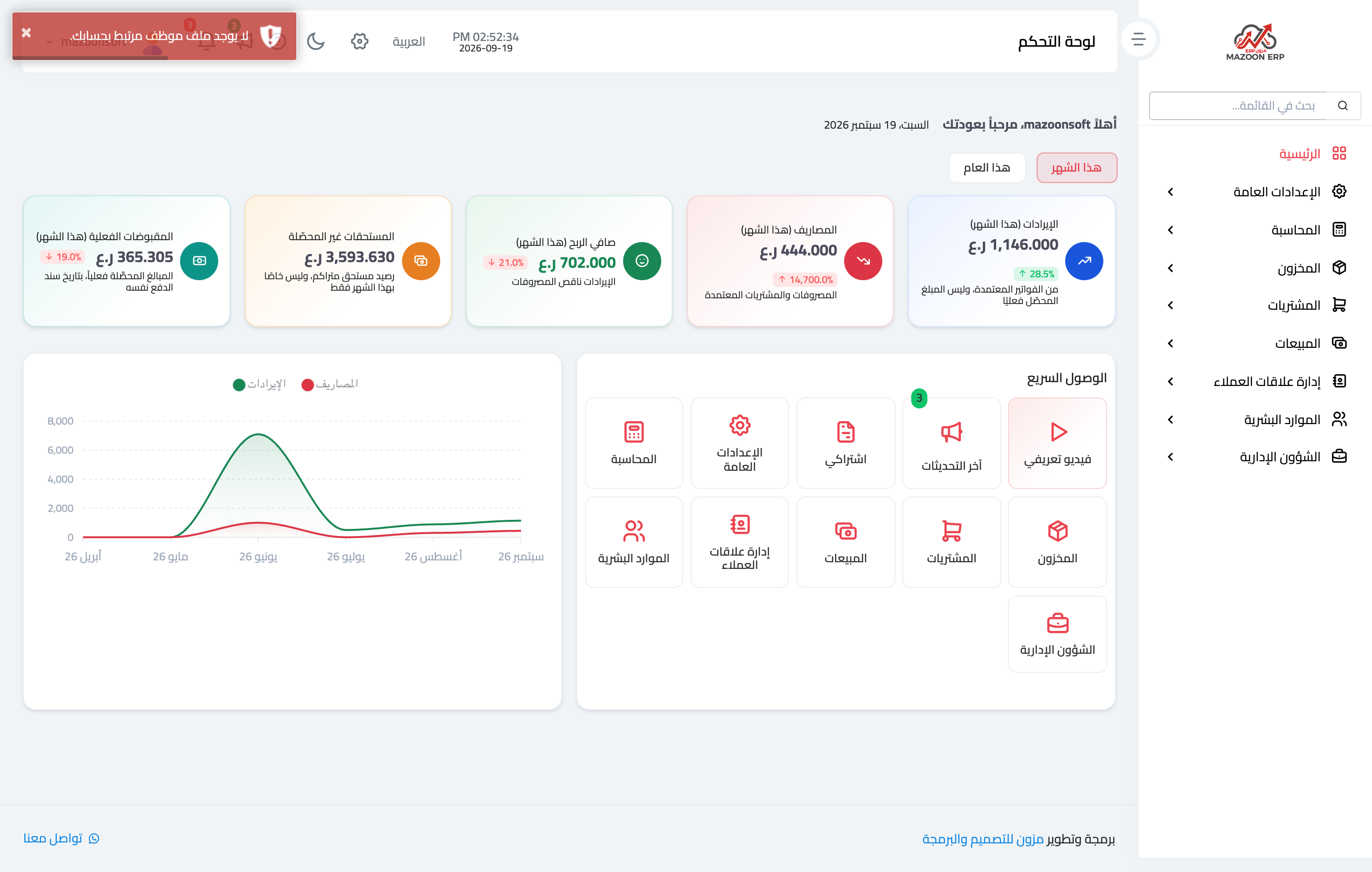
Figure 2
Try what you just read on your own data
Open a free 7-day trial — no credit card, with your own company link in minutes.