
What does the property rental dashboard show?
The dashboard is what you open at the start of your day to know where you stand before you begin working.
What it shows
Open Property Rental → Dashboard — Figure 1 — and you get: rented and vacant units, active contracts, contracts expiring soon, overdue instalments, draft owner settlements and current daily bookings.
A suggested morning routine
- Start with overdue instalments; that is money that left your hand and has not come back.
- Then contracts expiring soon; those are your renewal calls.
- Then vacant units; every vacant day is income that never returns.
- Then draft owner settlements before month end.
- Move to Reports — Figure 2 — when you want the trend rather than the present.
Notes
- The dashboard numbers are only honest if receipts are recorded and contracts closed as things happen.
- A unit still marked “rented” after the tenant left corrupts the whole occupancy figure.
- The dashboard shows you today, the reports show you the months; do not base a long-term decision on a single day’s dashboard.
Screenshots
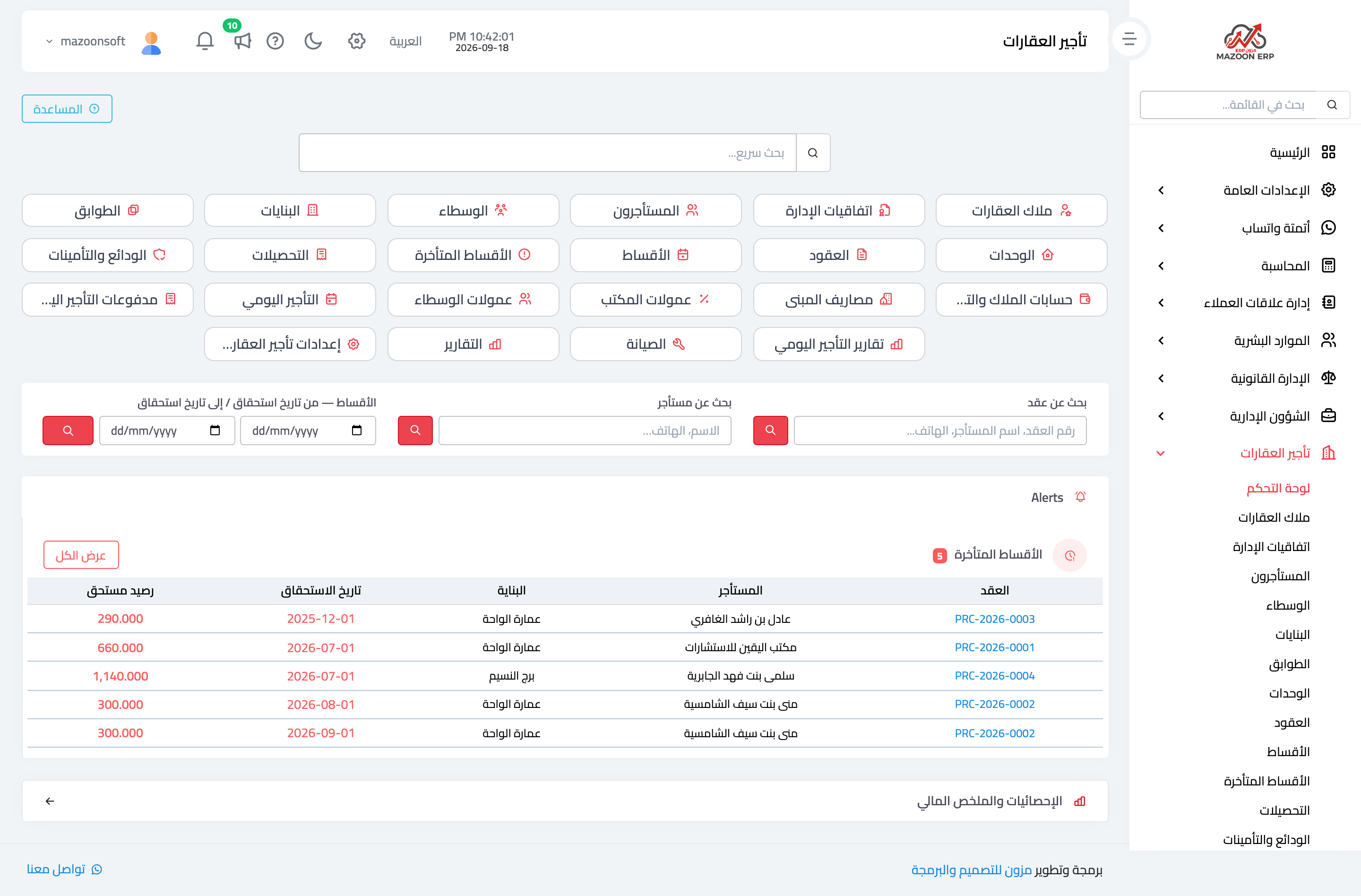
Figure 1
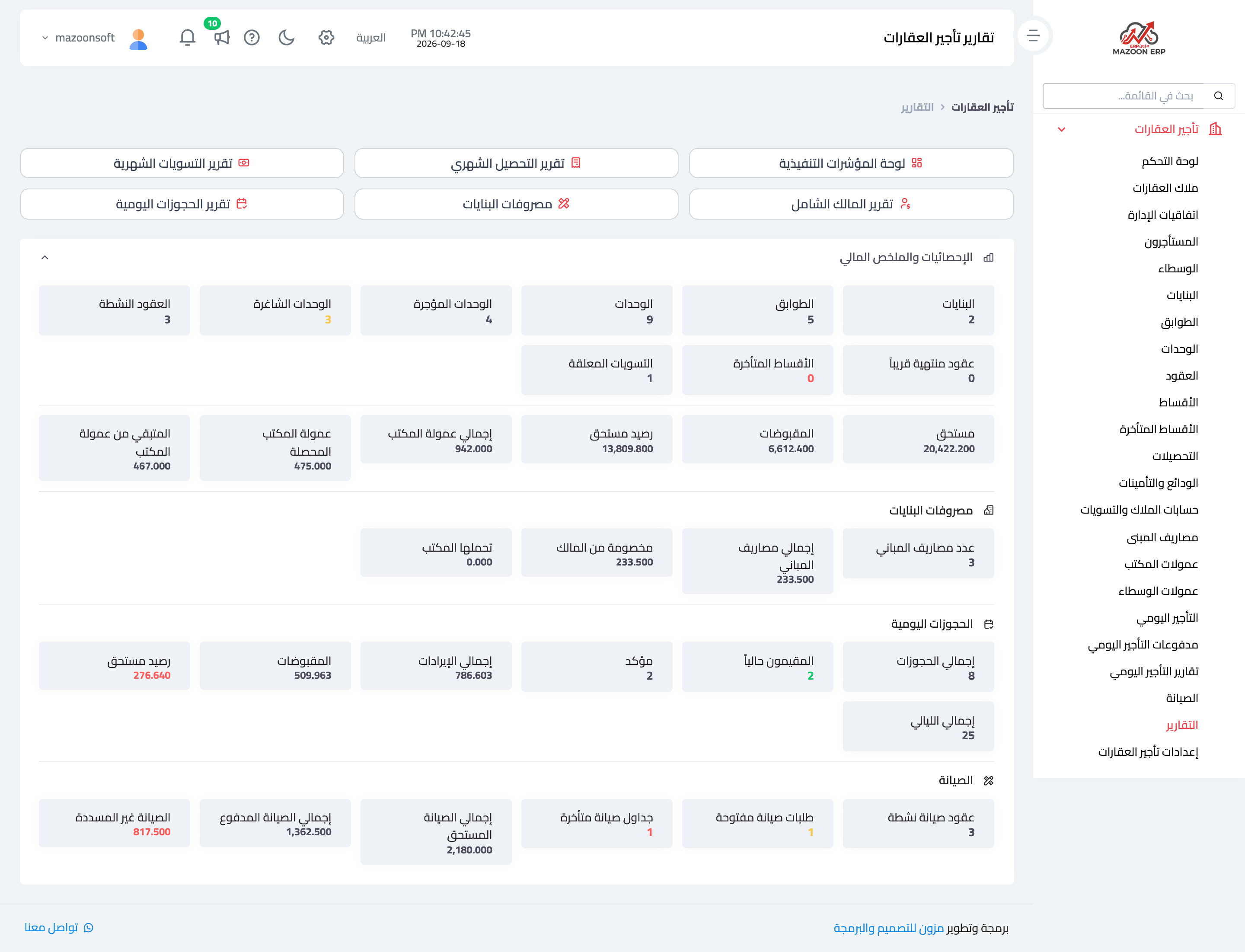
Figure 2
Try what you just read on your own data
Open a free 7-day trial — no credit card, with your own company link in minutes.