
How do I enable the owner portal and the tenant portal?
What eats a property office’s time most is the same two calls: “how much do I still owe?” and “when will you transfer my money?” The two portals answer both without you.
The owner portal
- Open Property Rental → Owner portal — Figure 1.
- The owner sees their units and contracts, the collections for each period, the expenses deducted and their past settlements.
- Share the link and they can review their account whenever they want without calling you.
The tenant portal
- Open Tenant portal — Figure 2.
- The tenant sees their contract, their instalments, what they have paid, what is outstanding and the due dates.
- That alone removes half the office’s phone calls at the start of every month.
Notes
- Do not open the portal before the balances and expenses are right; an owner seeing a wrong number is worse than an owner seeing nothing.
- Transparency with owners is a real competitive advantage; offices that hide the detail lose owners to those that show it.
- Review what the portal displays before sharing it with your first owner, and look at it through their eyes rather than your own.
Screenshots
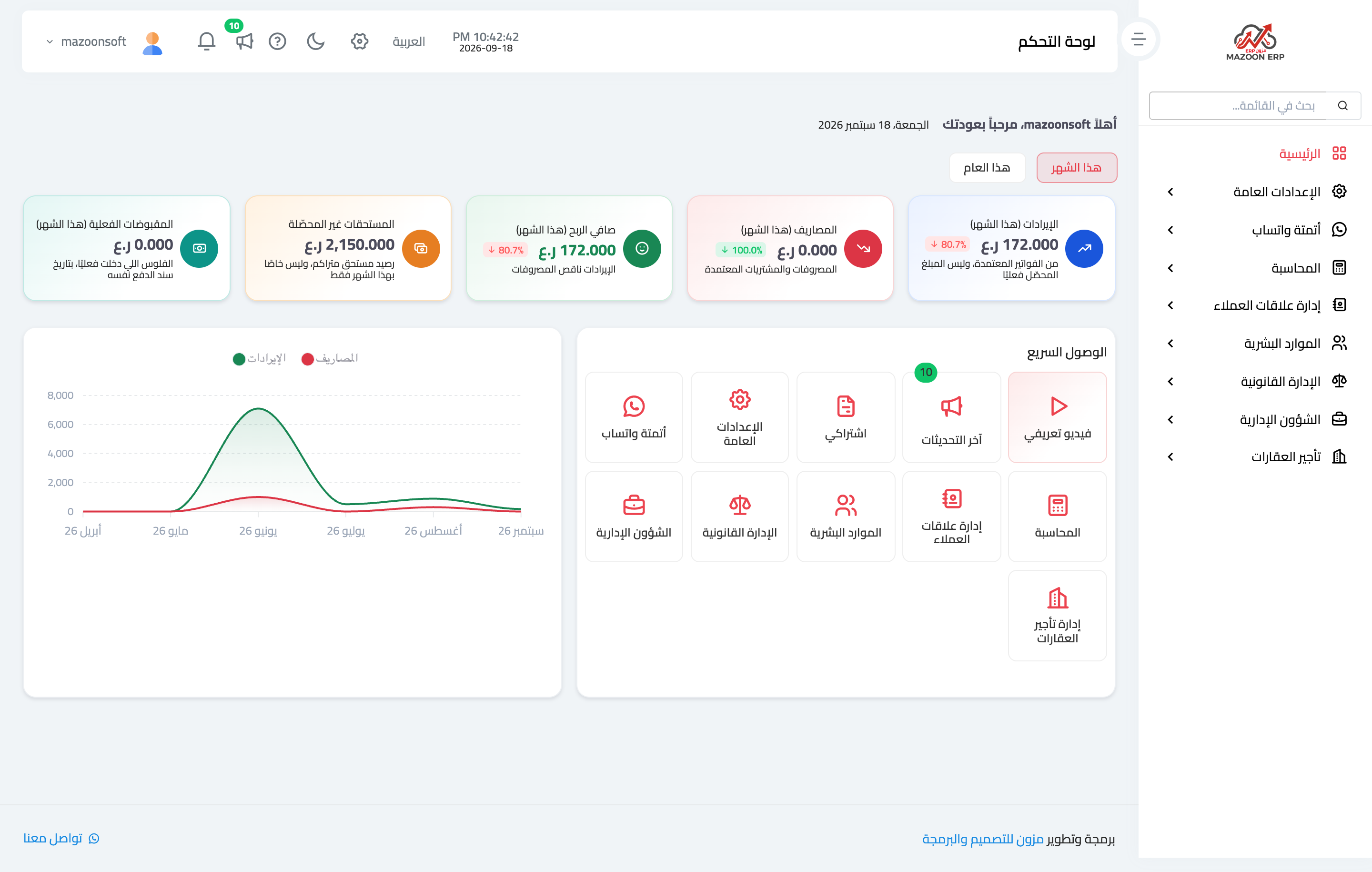
Figure 1
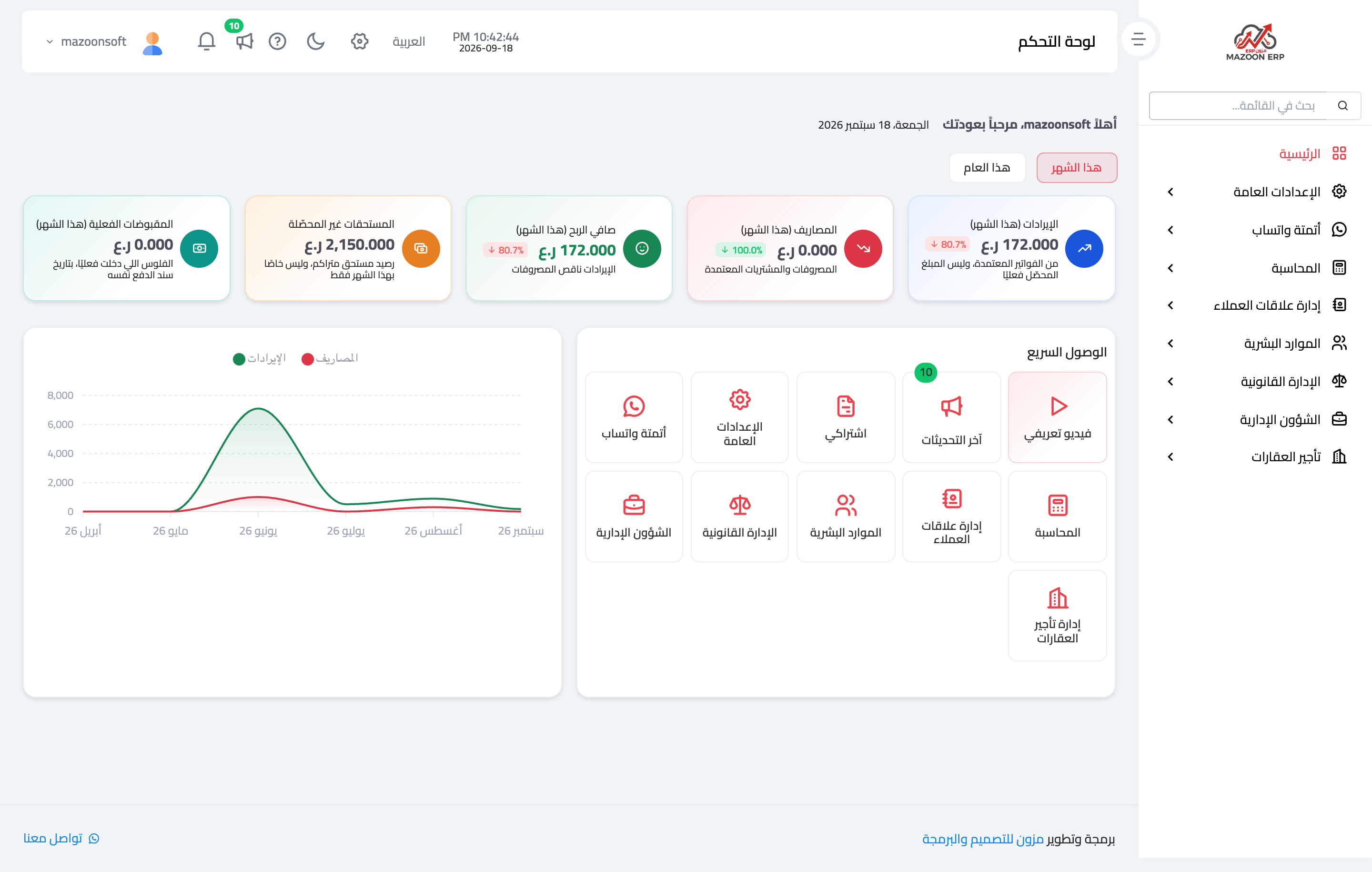
Figure 2
Try what you just read on your own data
Open a free 7-day trial — no credit card, with your own company link in minutes.