
How do I produce an owner statement?
The owner statement is what you send them every month: what came in from their units, what was deducted, and what was transferred to them.
Steps
- Open Property Rental → Reports → Owner statement — Figure 1.
- Pick the owner and the period, then display it.
- The statement appears in detail: collections per unit, the office commission, the deducted expenses and the net.
- Print or export it and send it to the owner with the transfer.
- To follow a running balance with no fixed period, open Owner account — Figure 2.
How it differs from a settlement
The statement is a report you can run at any time for any period; the settlement is a financial document that is approved and paid against. Use the statement to review and the settlement to pay.
Notes
- Send the statement on a fixed date each month; regularity builds more trust than the size of the amount.
- Attach the expense invoices with the statement when they are significant; it ends the discussion before it starts.
- An owner who can see their account clearly does not ask about it, so a good statement saves your time, not just theirs.
Screenshots
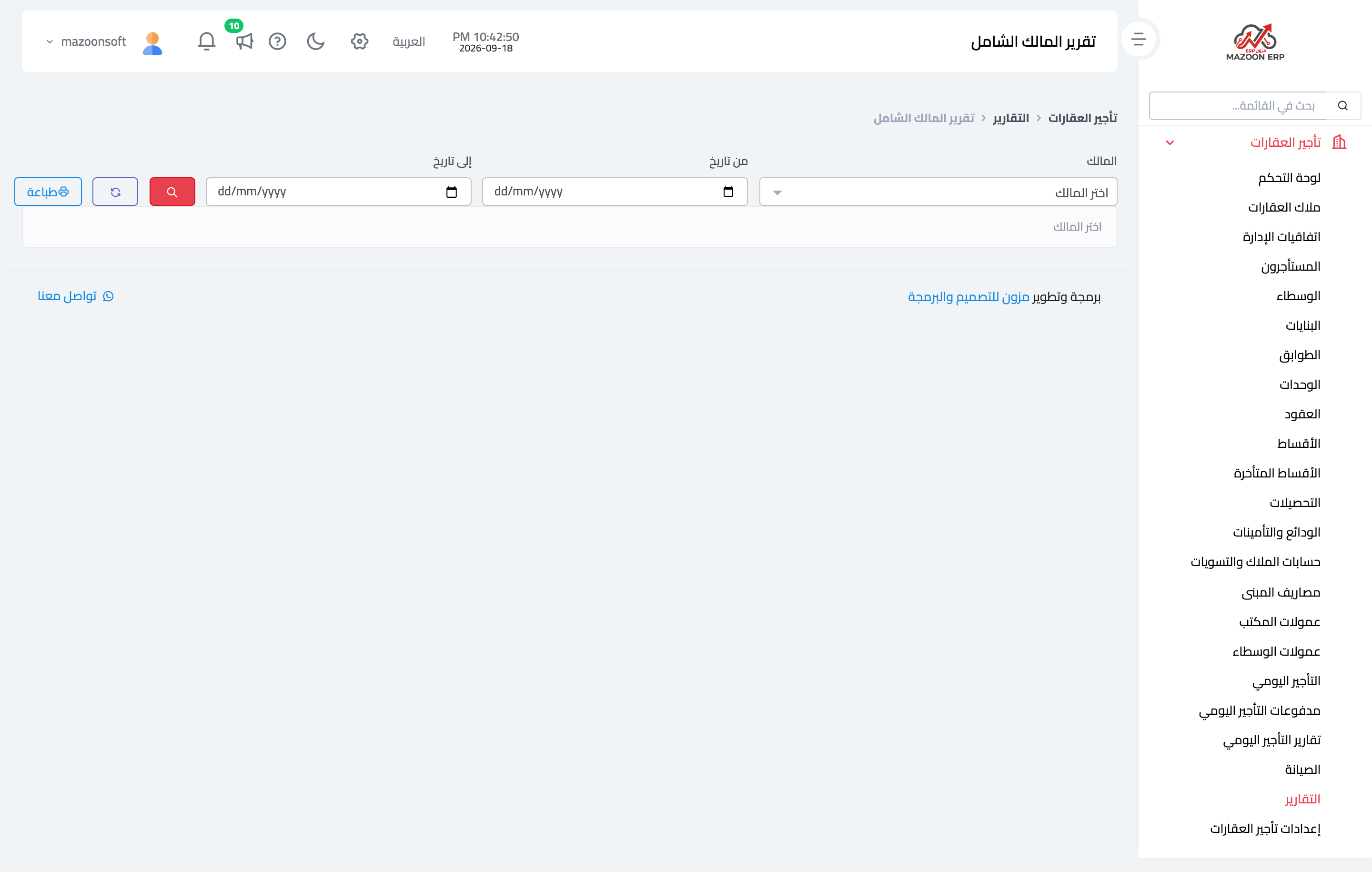
Figure 1
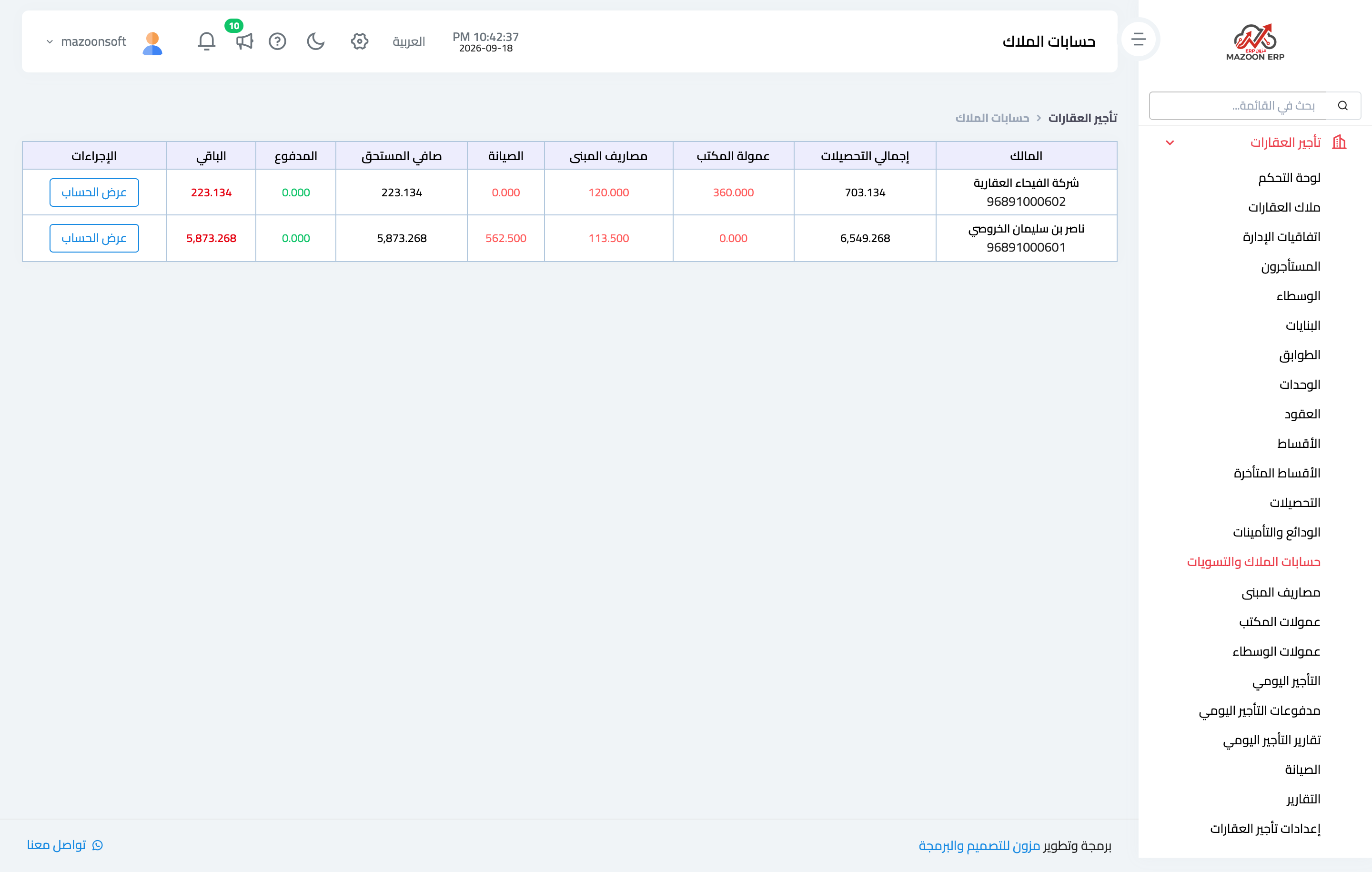
Figure 2
Try what you just read on your own data
Open a free 7-day trial — no credit card, with your own company link in minutes.