
How does each lawyer see only their own cases and execution files?
An office with five lawyers and three hundred cases: nobody wants to scroll through three hundred to find their own. The "My Cases" and "My Execution Files" screens show only what is assigned to you.
Steps
- First make sure the user account is linked to a lawyer record under Settings & Master Data → Lawyers through the linked user field; without that link both screens are closed.
- Open Legal → My Cases — image 1. Only the cases ticked with your name appear, with search and a case-status filter.
- Open Legal → My Execution Files — image 2 — for the execution files assigned to you in the same way.
- To make the restriction binding across the whole office, switch on Restrict lawyer access to assigned cases only in Office Settings; a lawyer then cannot see other cases even on the general Cases screen.
Notes
- The difference between Cases and My Cases is assignment, not permission: the first is every file in the office, the second is what was assigned to you on the Lawyers & Contract tab.
- Anyone holding the view all cases permission still sees everything even with the restriction on; that suits the managing partner and the archivist.
- Archived cases do not appear under "My Cases"; use the general cases screen to reach them.
- Assigning more than one lawyer to a case is allowed, and it then appears for each of them.
Screenshots
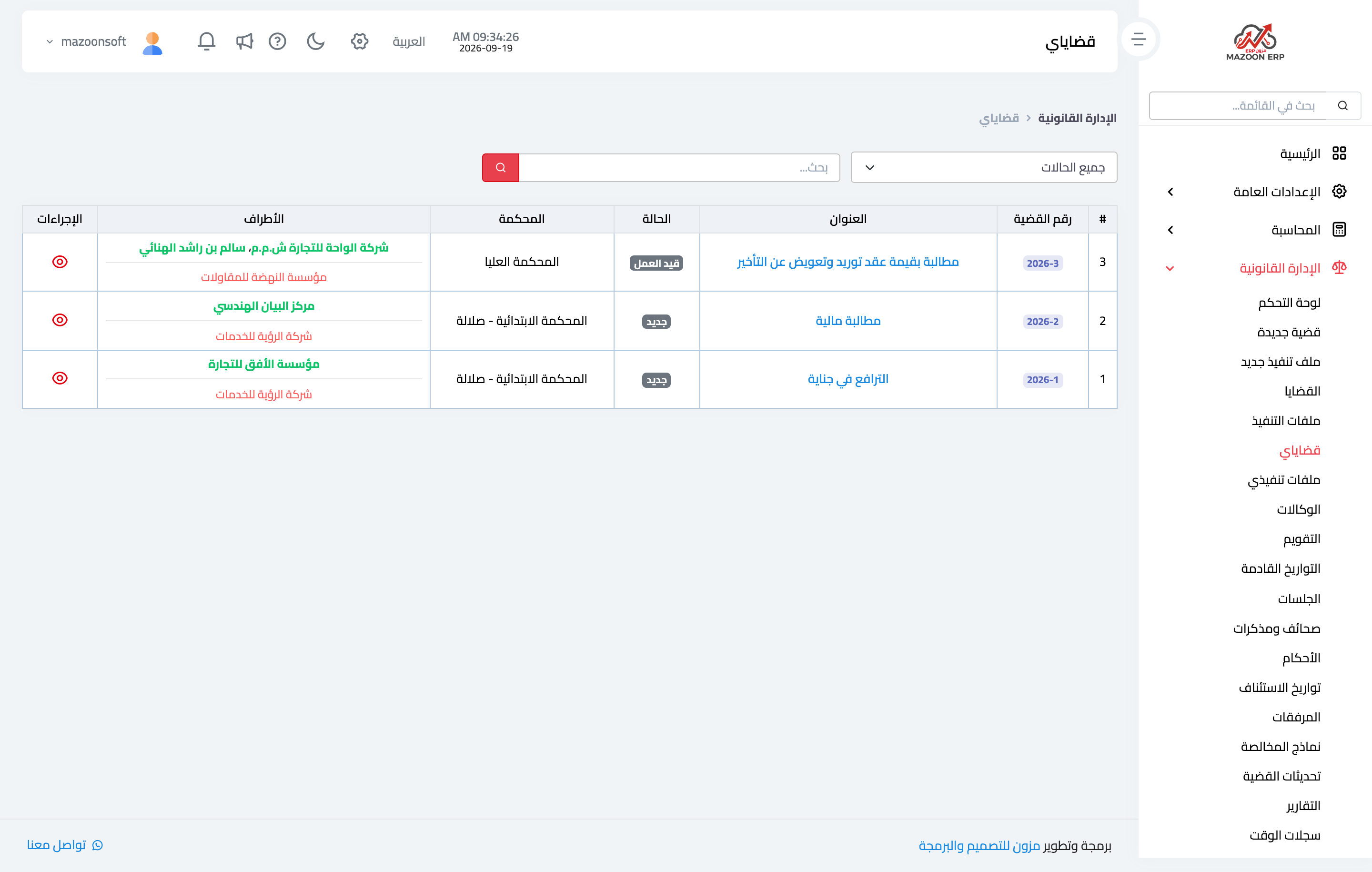
Figure 1
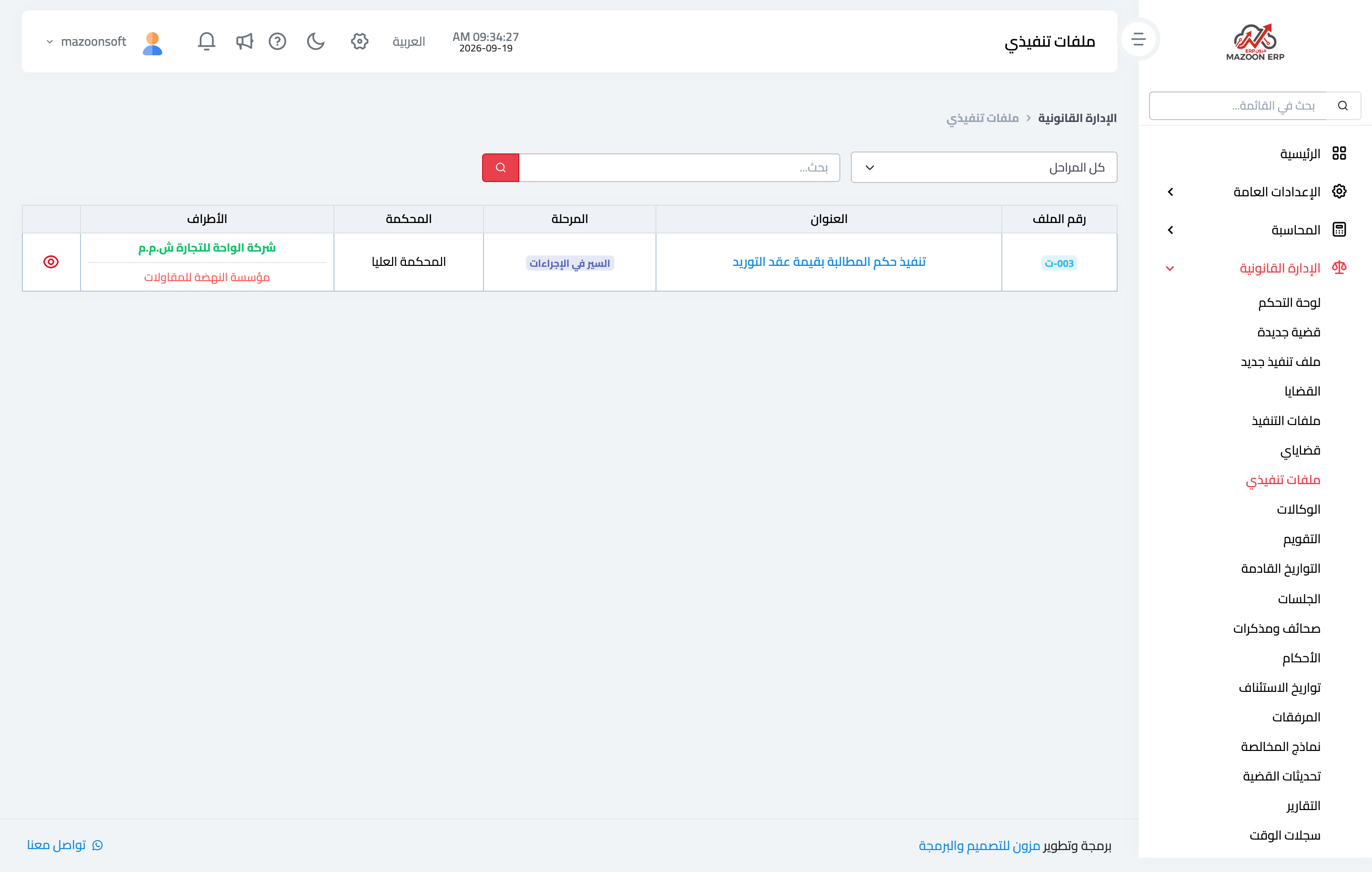
Figure 2
Try what you just read on your own data
Open a free 7-day trial — no credit card, with your own company link in minutes.