
How do I record the case numbers across the degrees of litigation?
One case carries many numbers: the first-instance claim number, the appeal number, the cassation number, perhaps an expert-registration or a service number. Keeping them in one place inside the file saves you digging through correspondence every time the court asks for one.
Steps
- Open the case, then the Case Numbers tab — image 1.
- Press Add Case Number — image 2.
- Enter the name, which describes what the number is (first-instance claim number, expert registration number, appeal number), then the number exactly as registered at the court, then the date.
- Save, and repeat for each new number that appears as the claim progresses.
- To export the list, press Export Excel (CSV) at the top of the tab.
Notes
- Do not overwrite the old number with the new one when the case moves to appeal; add a new line and leave the previous one, because the chain of numbers is the history of the claim.
- Name the number after the degree it belongs to rather than something generic like "number", so a colleague still understands it a year later.
- These numbers belong to the courts; the number the system generates (e.g. 2026-3) and the office file number stay on Basic Info.
Screenshots
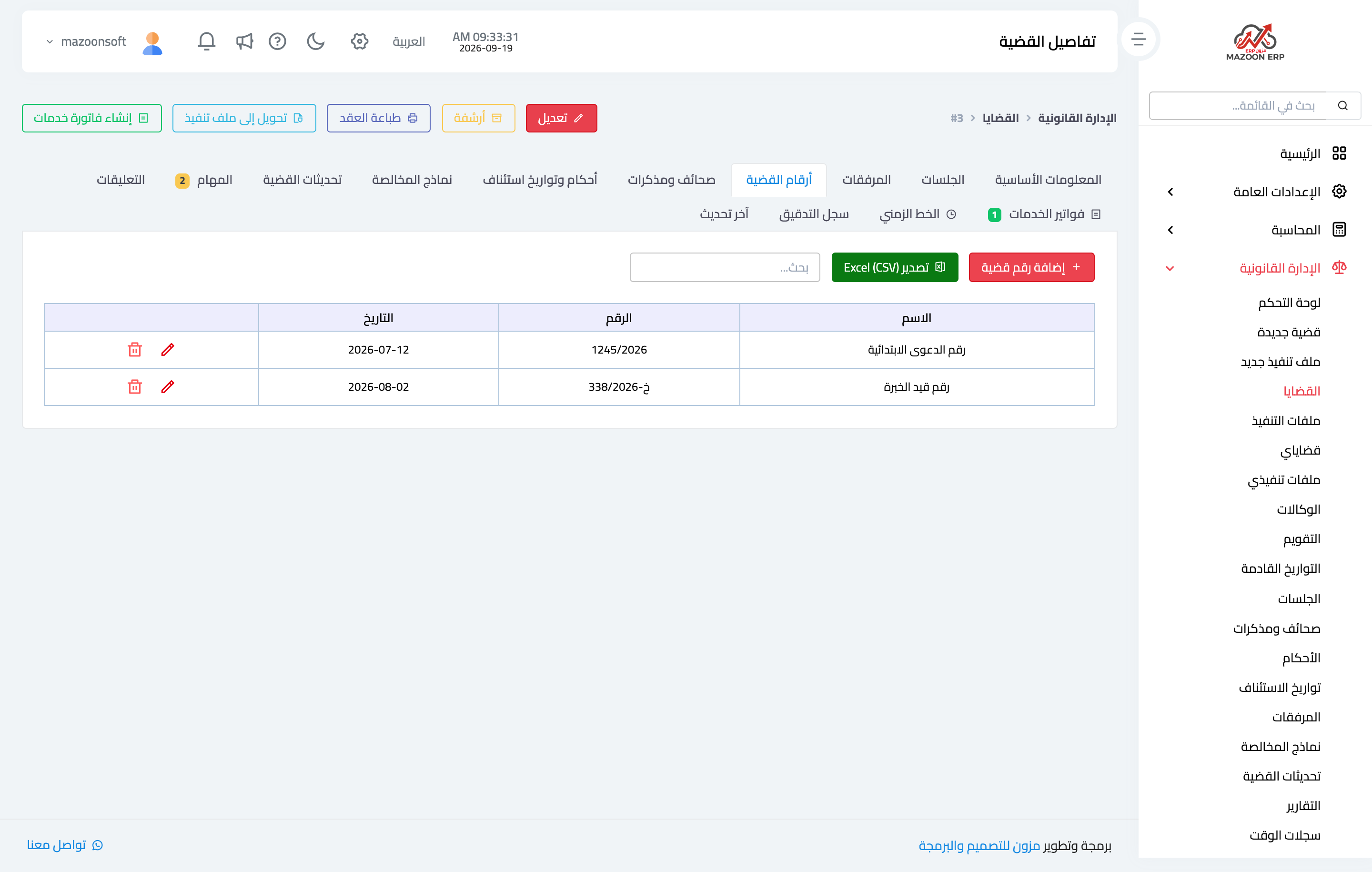
Figure 1
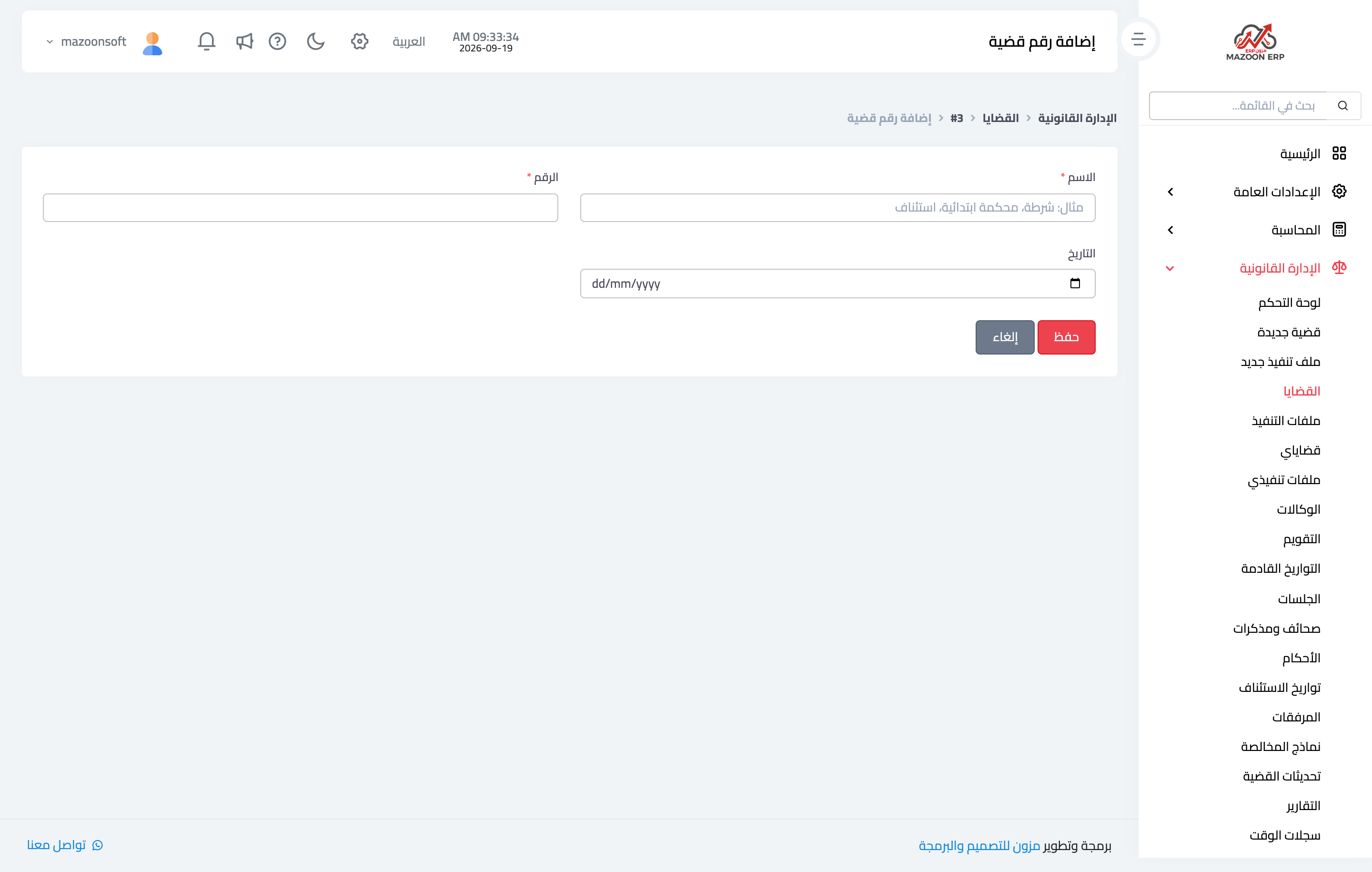
Figure 2
Try what you just read on your own data
Open a free 7-day trial — no credit card, with your own company link in minutes.