
How do I add a farm and split it into houses or orchard blocks?
The farm is the file that holds everything, and the house or orchard block is what the numbers are actually attributed to.
Adding a farm
- Open Farm Management → Farms — Figure 1 — and press the add button — Figure 2.
- Enter the name in both languages; the code is suggested automatically and you can edit it.
- Choose the farm type and the branch, and enter the location, the area and the establishment date.
- Set the farm manager and the default warehouse that inputs are issued from.
- Save, then open the farm page — Figure 3.
Houses, sites and orchard blocks
- Open Houses & Sites / Orchard Blocks — Figure 4.
- Add a section for every separate unit: poultry house 1, the cattle shed, the northern palm block, and so on.
- Every production, mortality and consumption record is logged against a section, and that is what the comparisons are built on.
Notes
- Divide the farm only as far as you can actually measure; a house whose feed you do not weigh separately gains nothing from being separated.
- The default warehouse saves you choosing it on every issue, so set it from the start.
- Do not delete a section with records against it; disable it and its history stays in the reports.
Screenshots
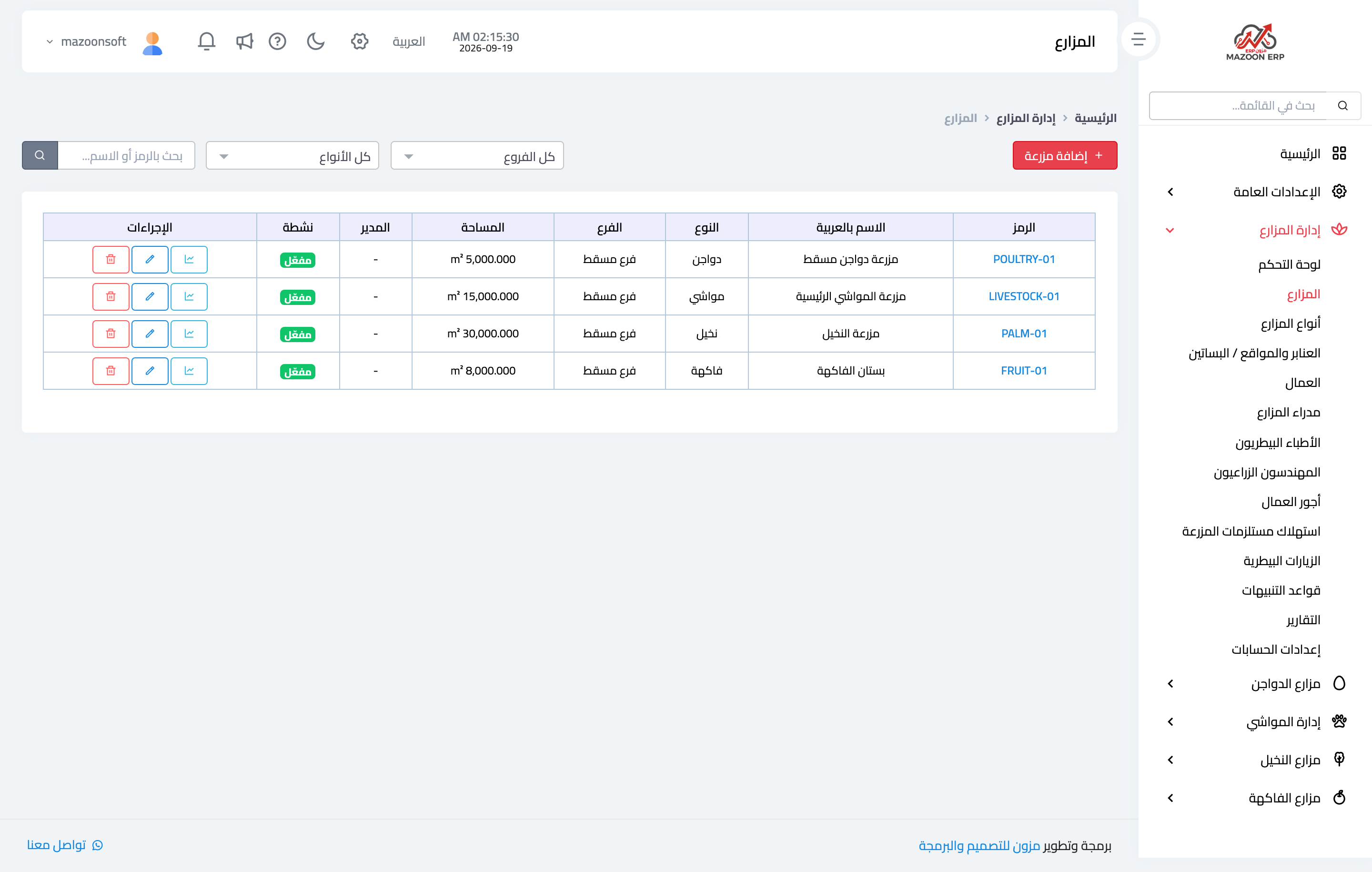
Figure 1
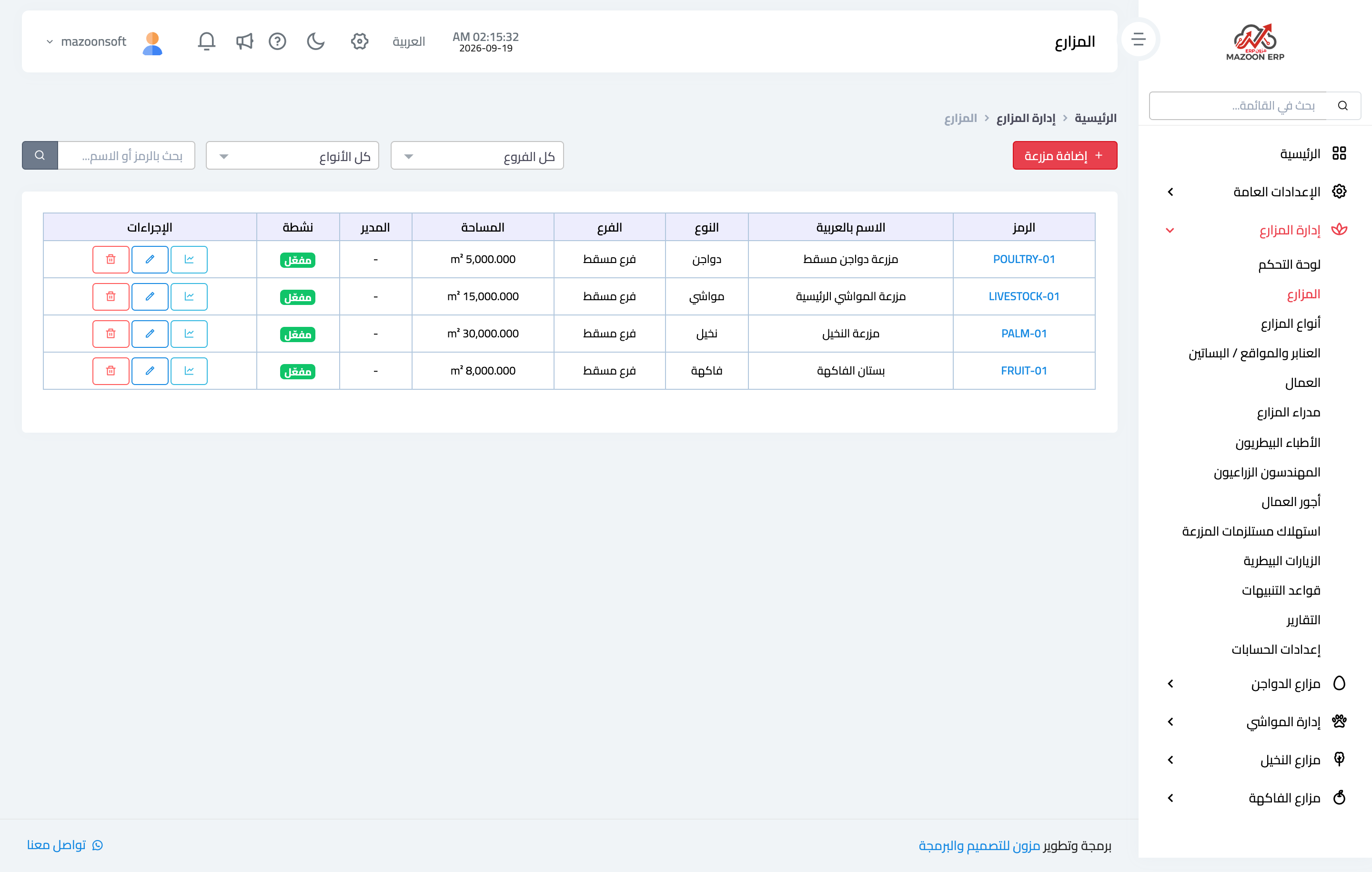
Figure 2
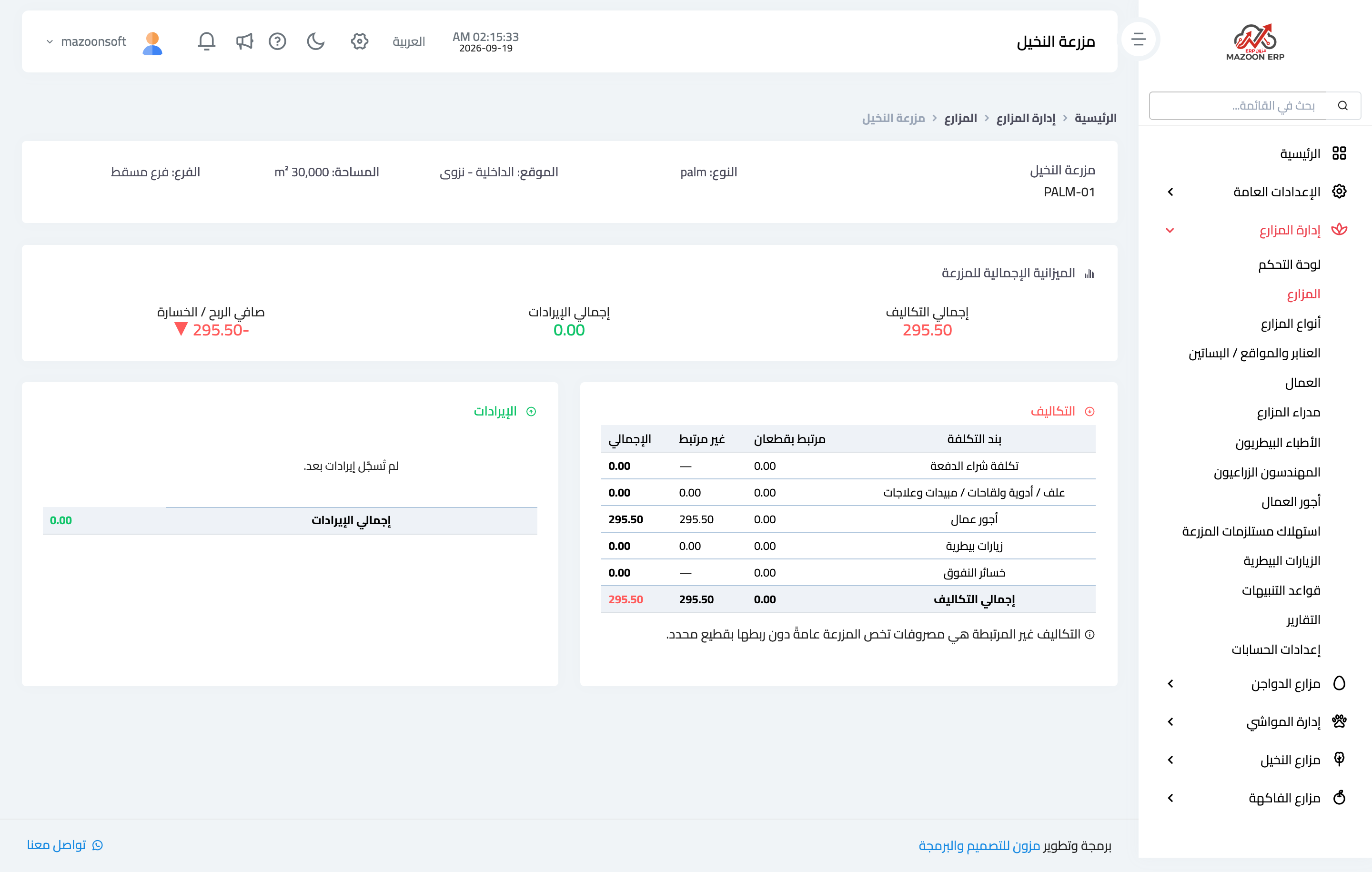
Figure 3
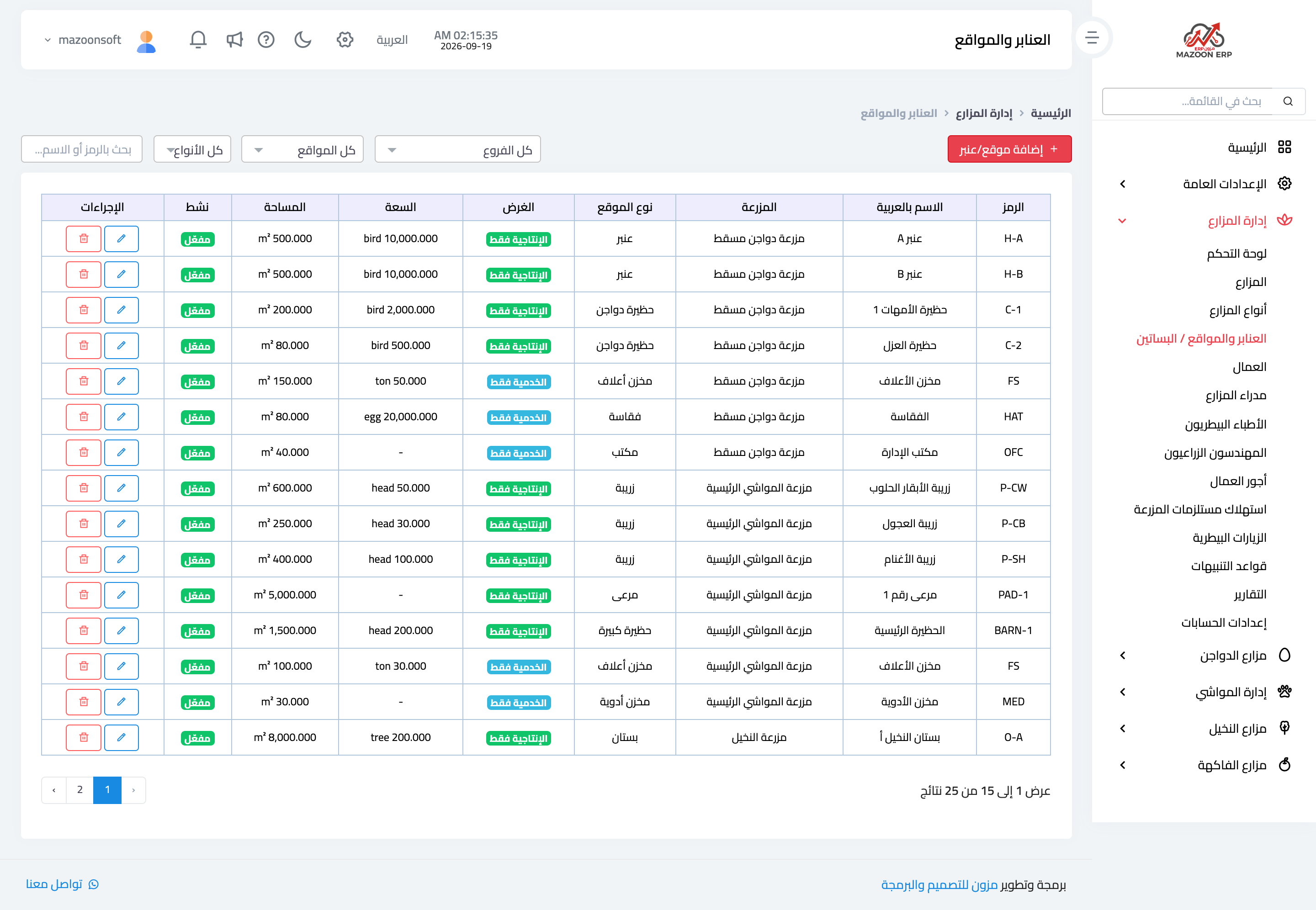
Figure 4
Try what you just read on your own data
Open a free 7-day trial — no credit card, with your own company link in minutes.