
What is the difference between a user and a contact?
A common early confusion: both are "people" in the system, yet they are two entirely different things and neither replaces the other.
The difference in short
- A user — image 1 — is someone from inside your organisation who logs in and works: they have an e-mail, a password, a role, permissions and a branch. The salesperson, the accountant and the manager are all users.
- A contact — image 2 — is an external party you deal with who does not log in: a customer, a supplier, a property owner, a client, a broker. They have a name, phone, address and a contact role, and no password.
- Invoices, contracts and orders are issued in a contact's name, while the system records which user created them.
Notes
- Do not create a user account for a customer just so they can receive an invoice; the customer is a contact, and the invoice is sent or printed for them.
- Some modules open a dedicated portal for a contact, via a link or a limited login (the property-owner portal, the engineering client portal) — that is not an admin-panel user account.
- The same person may be both: an employee who also buys from you — they then have a user account and a separate contact record.
- The number of users is capped by your plan; contacts are unlimited.
Screenshots
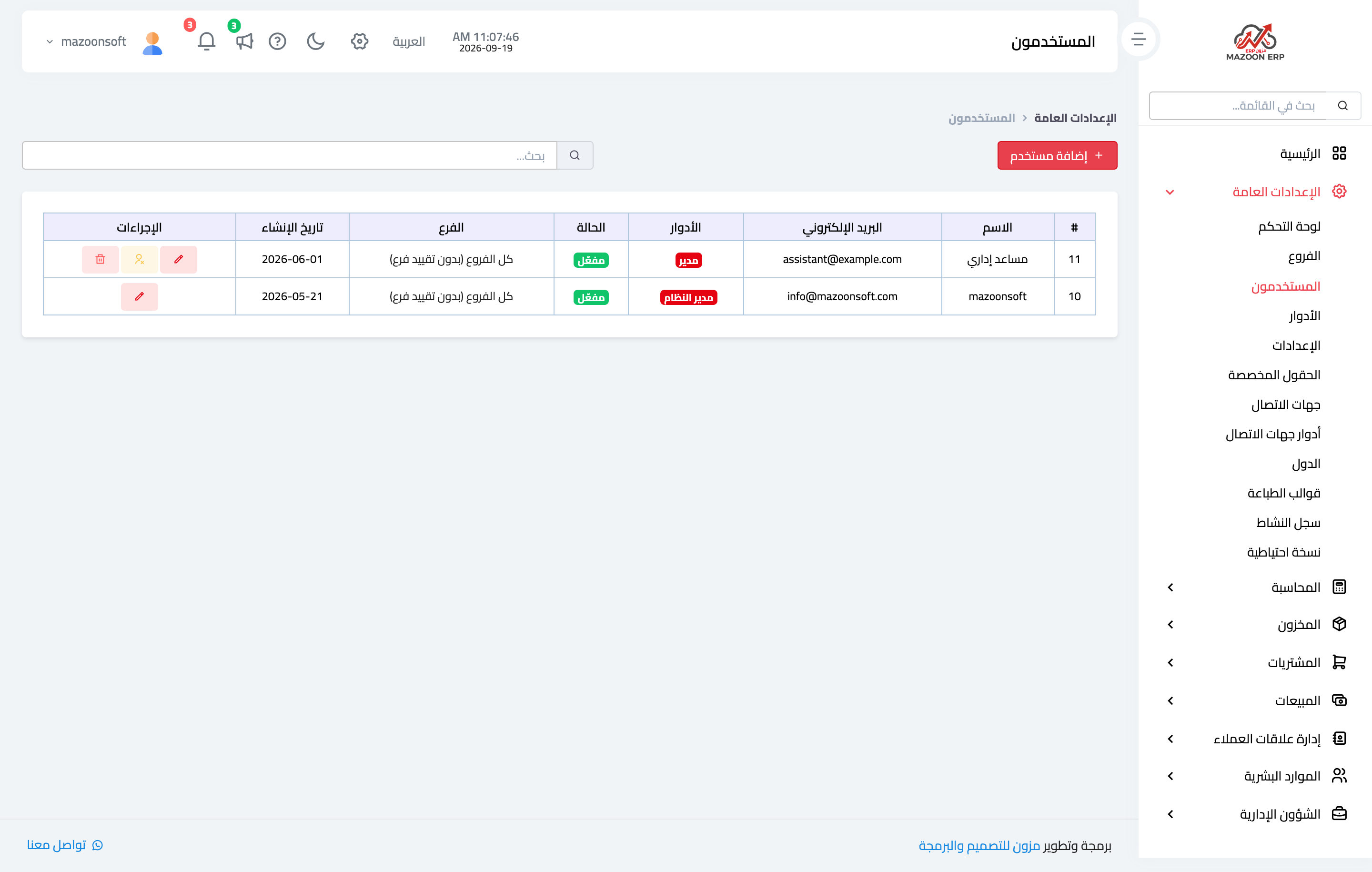
Figure 1
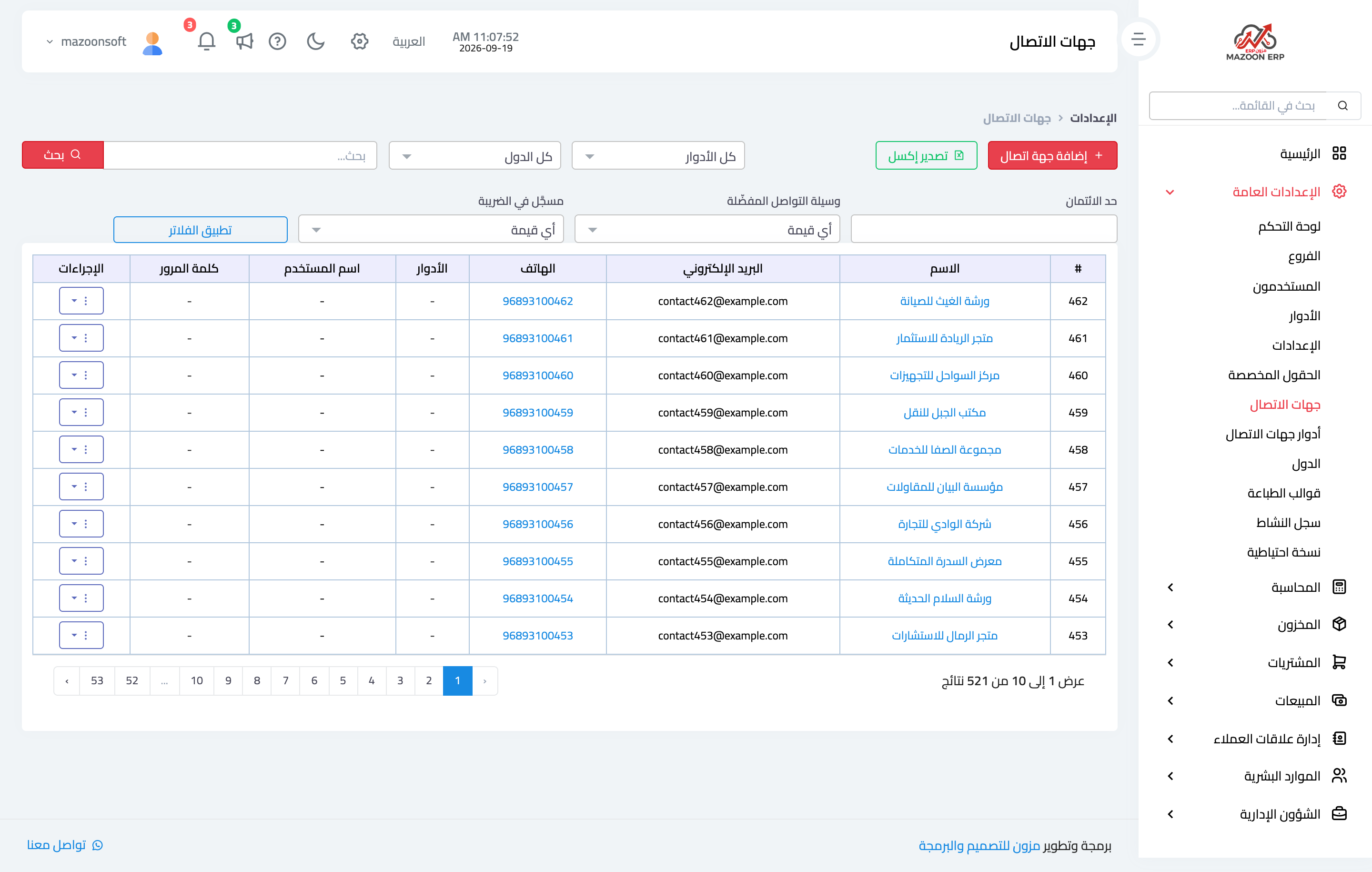
Figure 2
Try what you just read on your own data
Open a free 7-day trial — no credit card, with your own company link in minutes.