
How do I set SEO and install tracking codes (Google Analytics, Meta Pixel)?
A store that does not know where its visitors come from is spending on advertising blind.
SEO
- Open Store → Settings → SEO & Tracking — Figure 1.
- Write the meta description and keywords in both languages; they are used for the homepage and for any page without its own fields.
- Products, categories and blog posts each have their own SEO fields, and those take precedence over the general ones.
Tracking codes
- On the same tab, put your Google Analytics (GA4) or Meta Pixel code in header scripts, which is where most tracking codes belong.
- Use body scripts for anything the vendor asks you to place before the end of the page.
- Press Save, then verify the code is firing from the vendor’s own dashboard.
Notes
- Never paste a script you do not trust; it runs on every page of your store and sees what your visitors see.
- The meta description is the two lines people read in search results, so make it an invitation, not a dry summary.
- The store has an automatic
sitemap.xml; submit it to Google Search Console once.
Screenshots
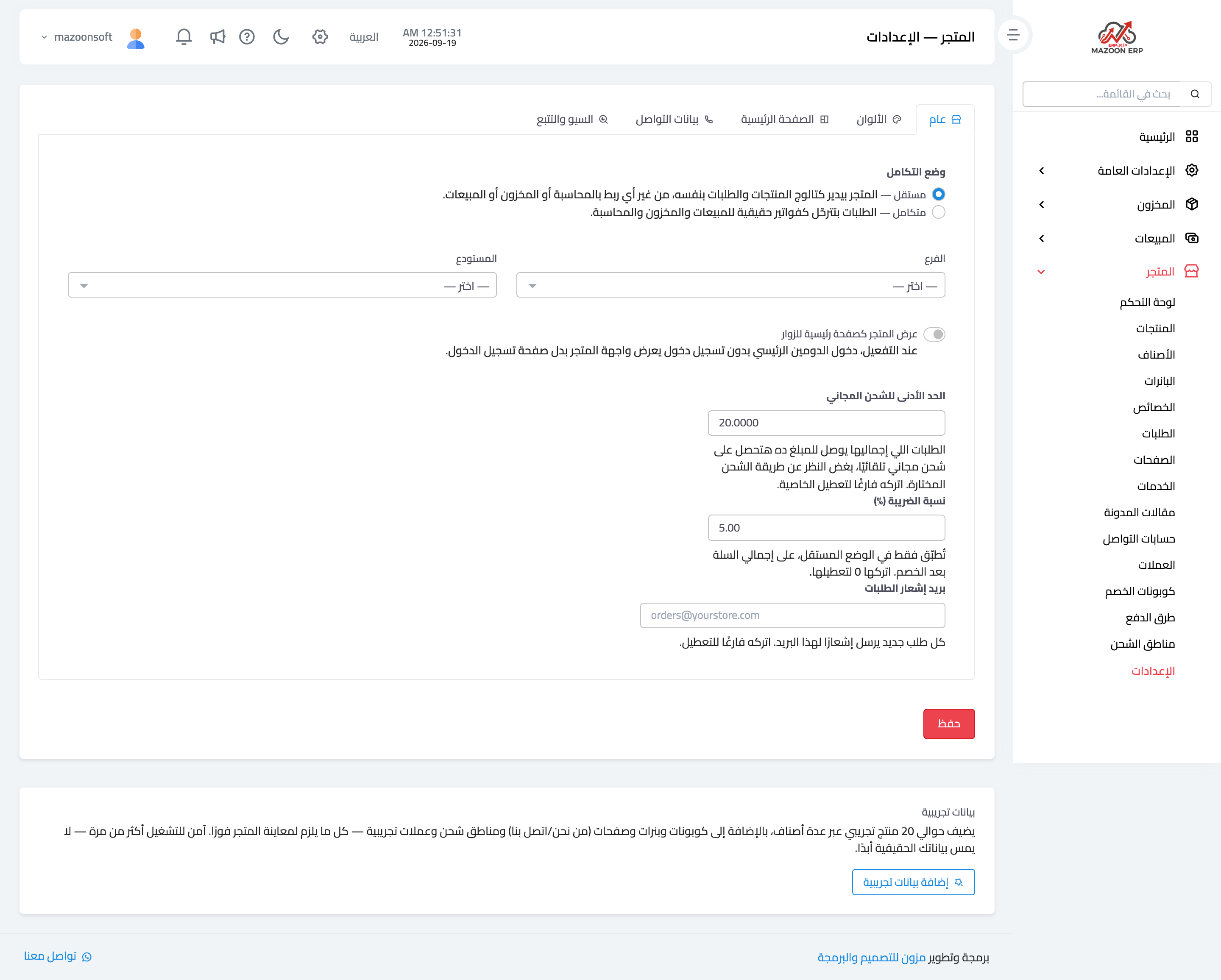
Figure 1
Try what you just read on your own data
Open a free 7-day trial — no credit card, with your own company link in minutes.