
How do I run the store blog?
A blog is the cheapest way to earn visits from Google without advertising, and it is also what makes a customer trust that you know what you sell.
Categories
Open Store → Blog Categories — Figure 1 — and add a few clear ones such as buying guides, offers and store news.
Posts
- Open Store → Blog Posts — Figure 2 — then add a post.
- Write the title, excerpt and content in both languages, and choose the category.
- Upload the featured image; it is what appears when the link is shared on WhatsApp and social networks.
- Fill the SEO fields, then turn on published and set the publish date.
Notes
- Write what your customer searches for before buying, not what you would like to say: “How do I pick the right size?” beats “We are the best”.
- One useful post a month is worth more than five copied ones.
- An unpublished post stays a draft that nobody sees, so there is no harm in writing it slowly.
Screenshots
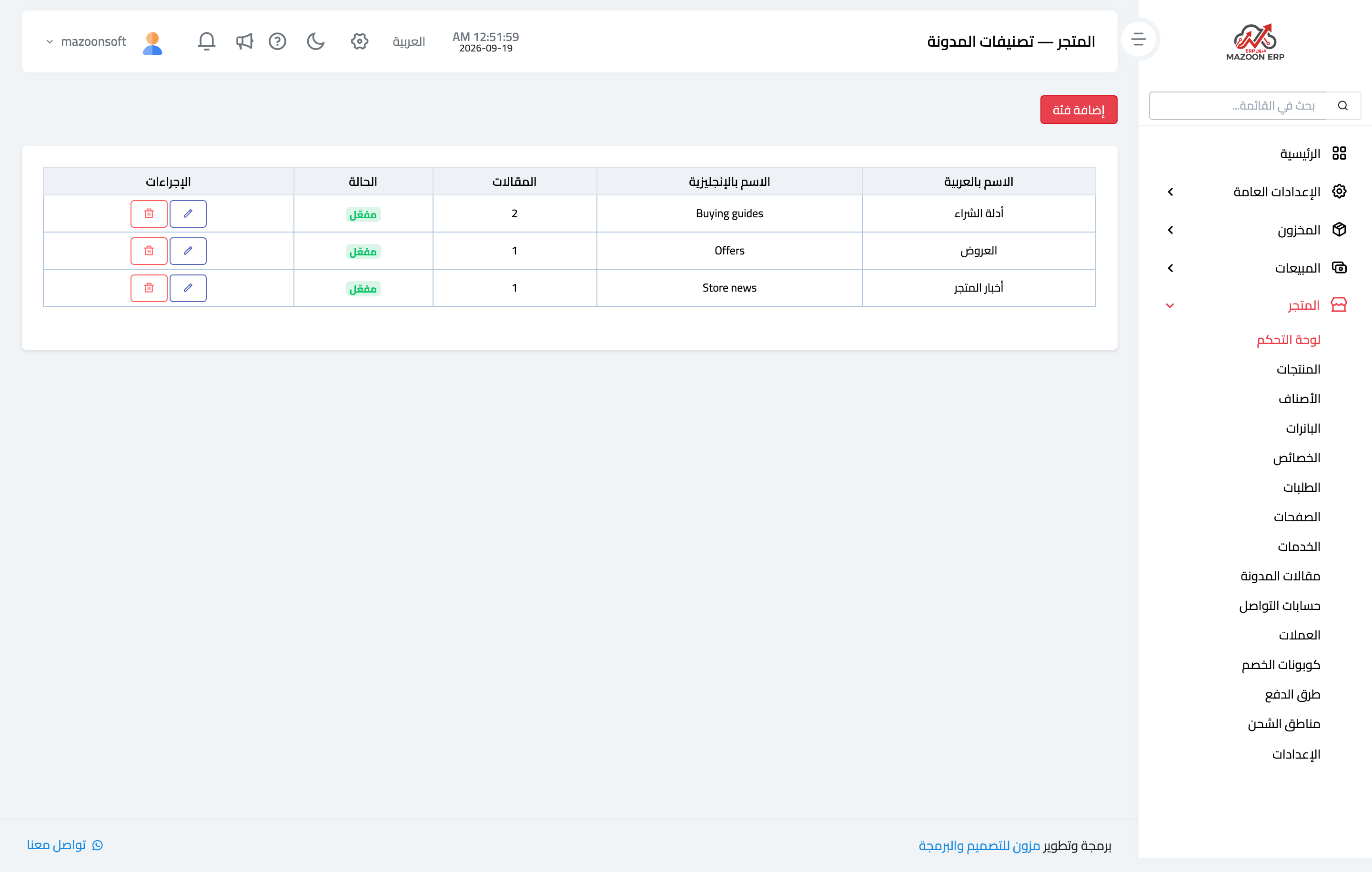
Figure 1
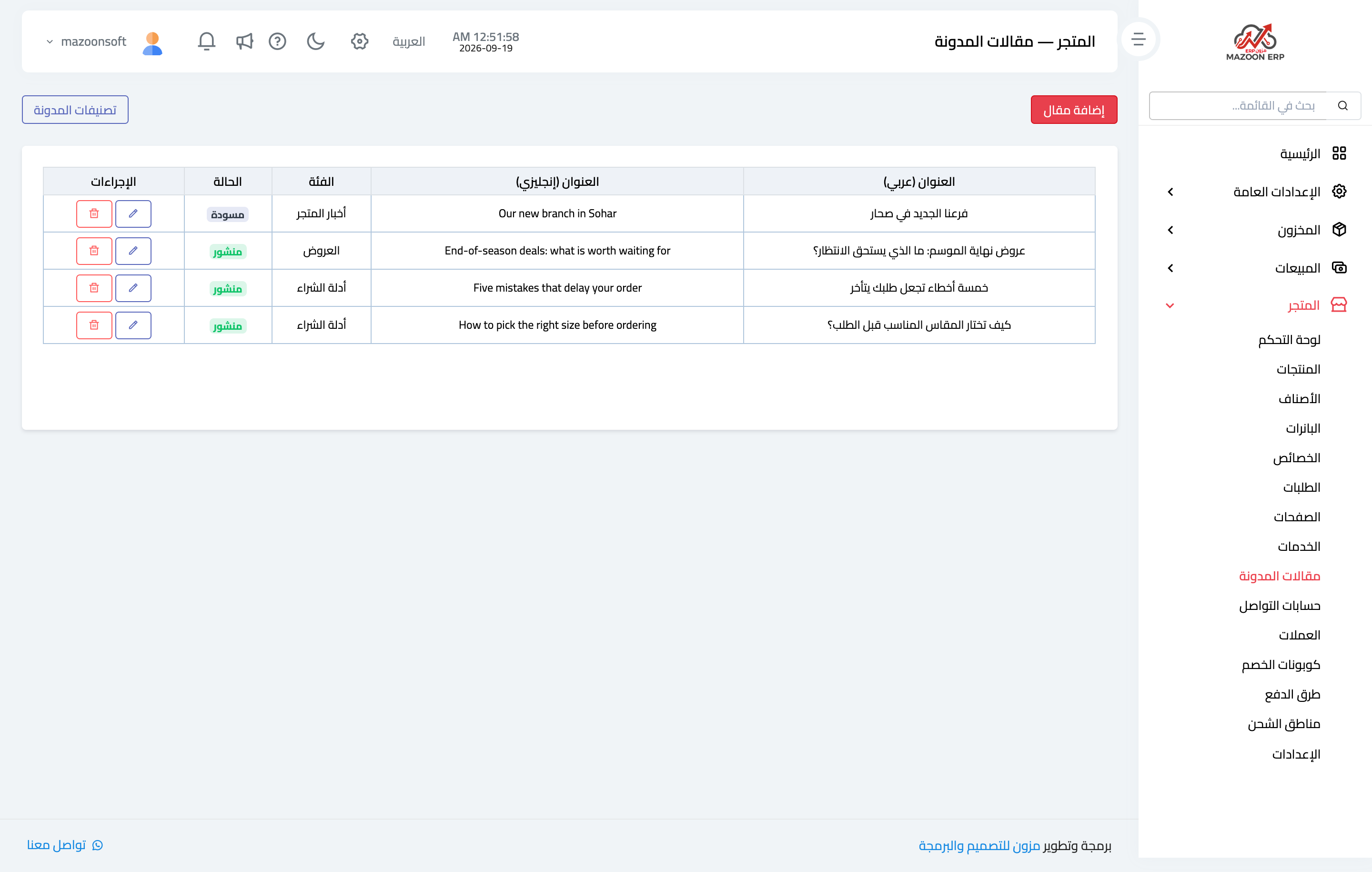
Figure 2
Try what you just read on your own data
Open a free 7-day trial — no credit card, with your own company link in minutes.