
How does a customer buy from the store? (the visitor’s journey)
It is worth walking your customer’s path once before you open the store to the public.
The path
- The homepage — Figure 1 — with the banner, the categories, the featured products, the deals and the latest products.
- The product list — Figure 2 — with search and filtering by category and price.
- The product page — Figure 3 — with images, description, colour and size selection, then Add to cart.
- The cart — Figure 4 — where quantities are adjusted and a coupon code is entered.
- Checkout — Figure 5 — name, phone and address, choice of shipping zone and payment method, then confirm.
- The customer gets an order tracking link, and you get a notification at the email set in the settings.
Notes
- A customer does not need an account to buy; registering simply lets them save addresses and follow their orders.
- Test the purchase on your phone, not your computer; most of your visitors are on a phone.
- Buy from your own store once before launch; you will see what nobody looking at the dashboard can see.
Screenshots
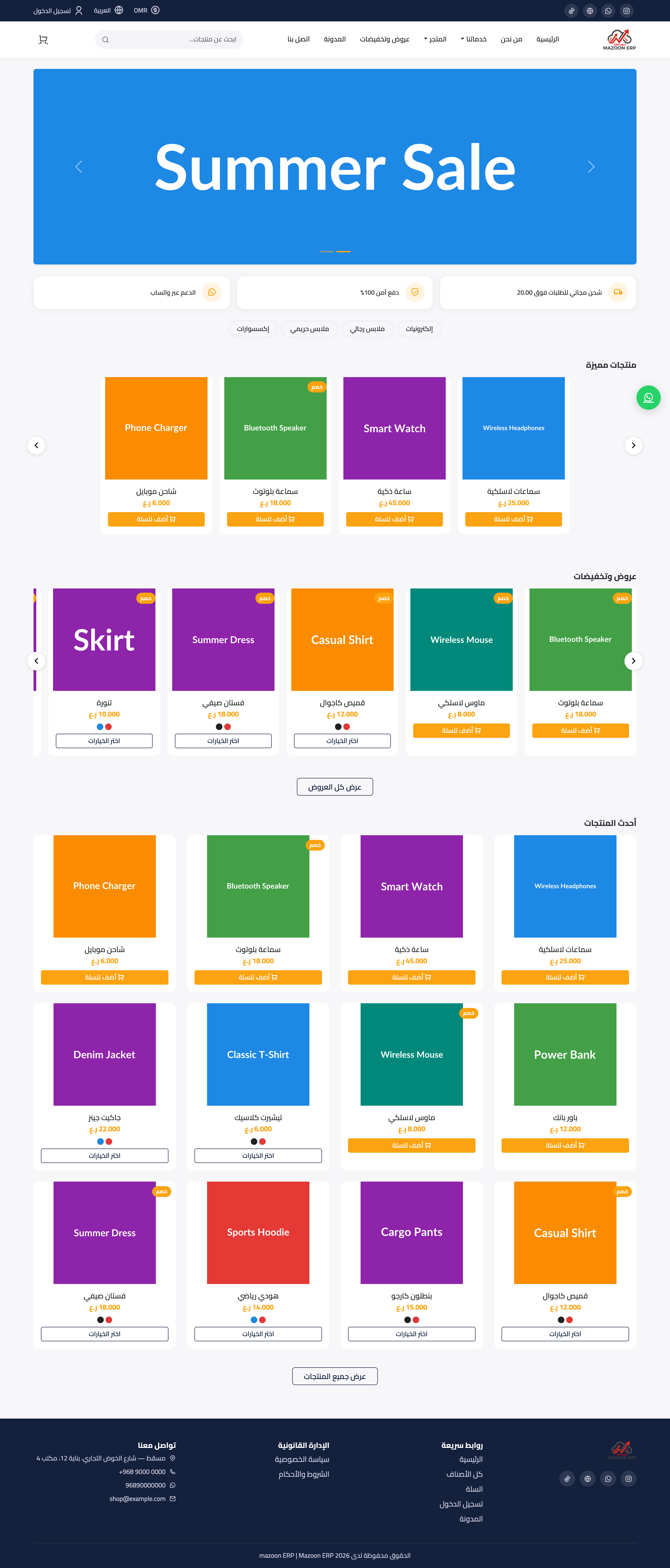
Figure 1
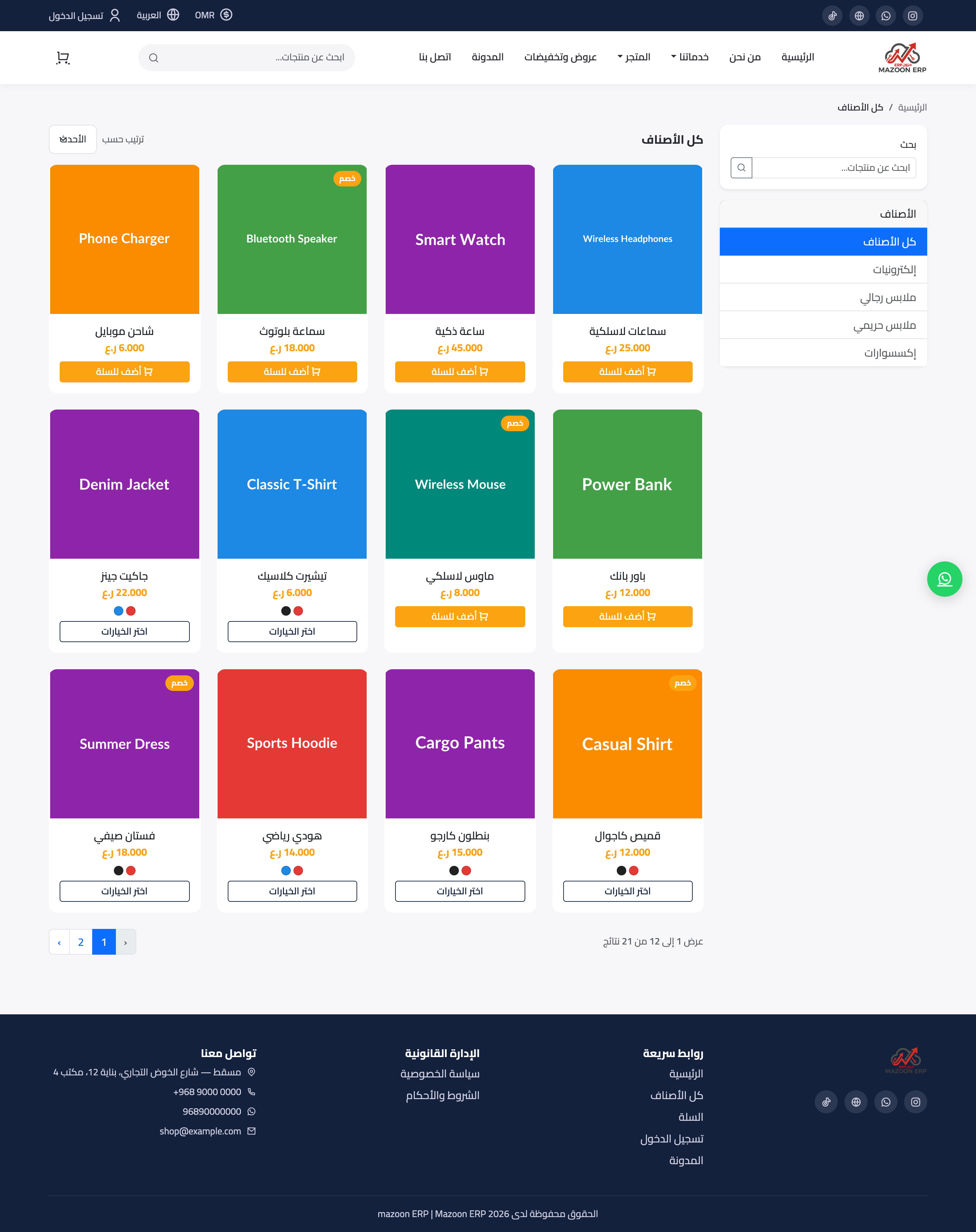
Figure 2
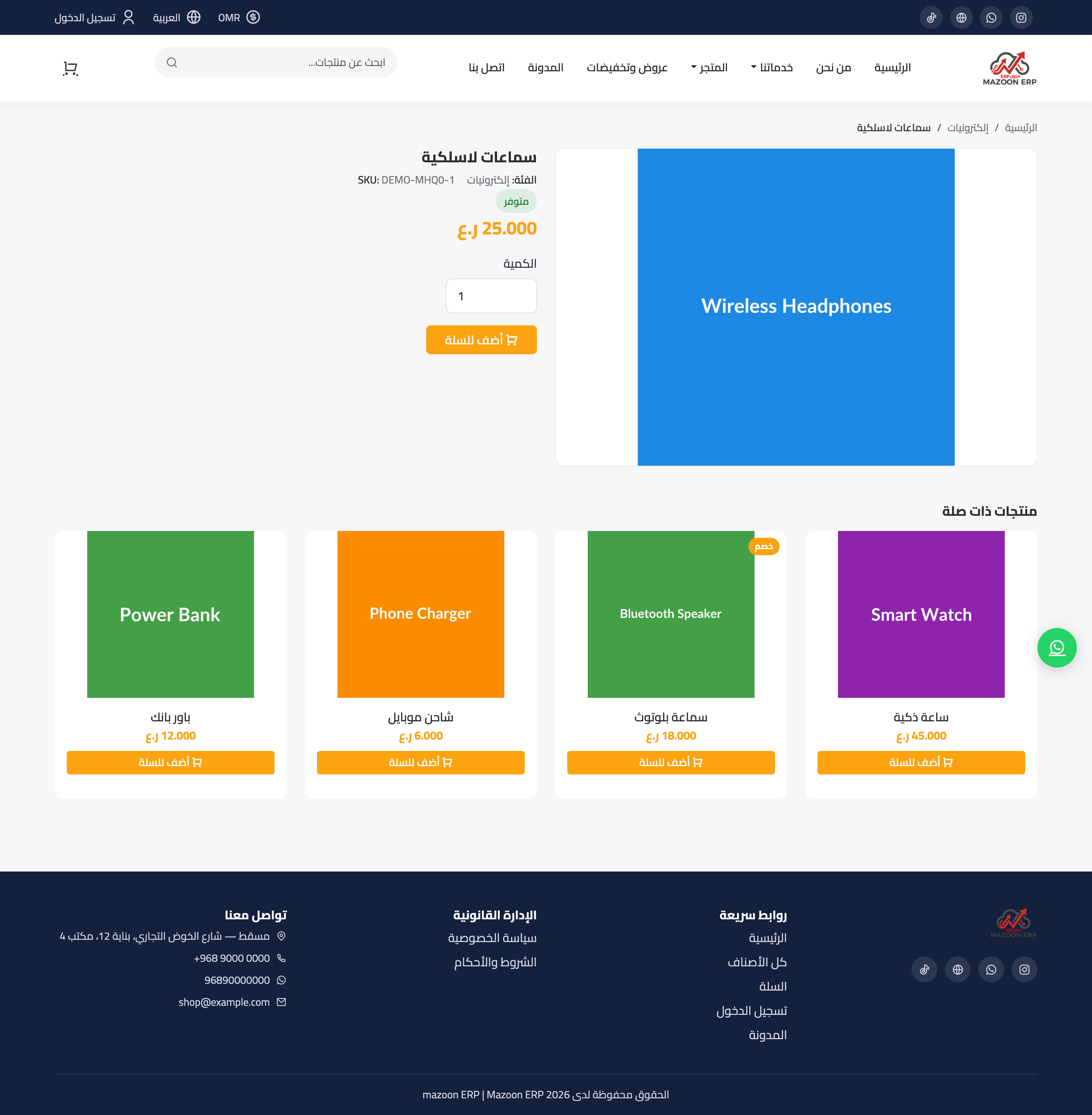
Figure 3
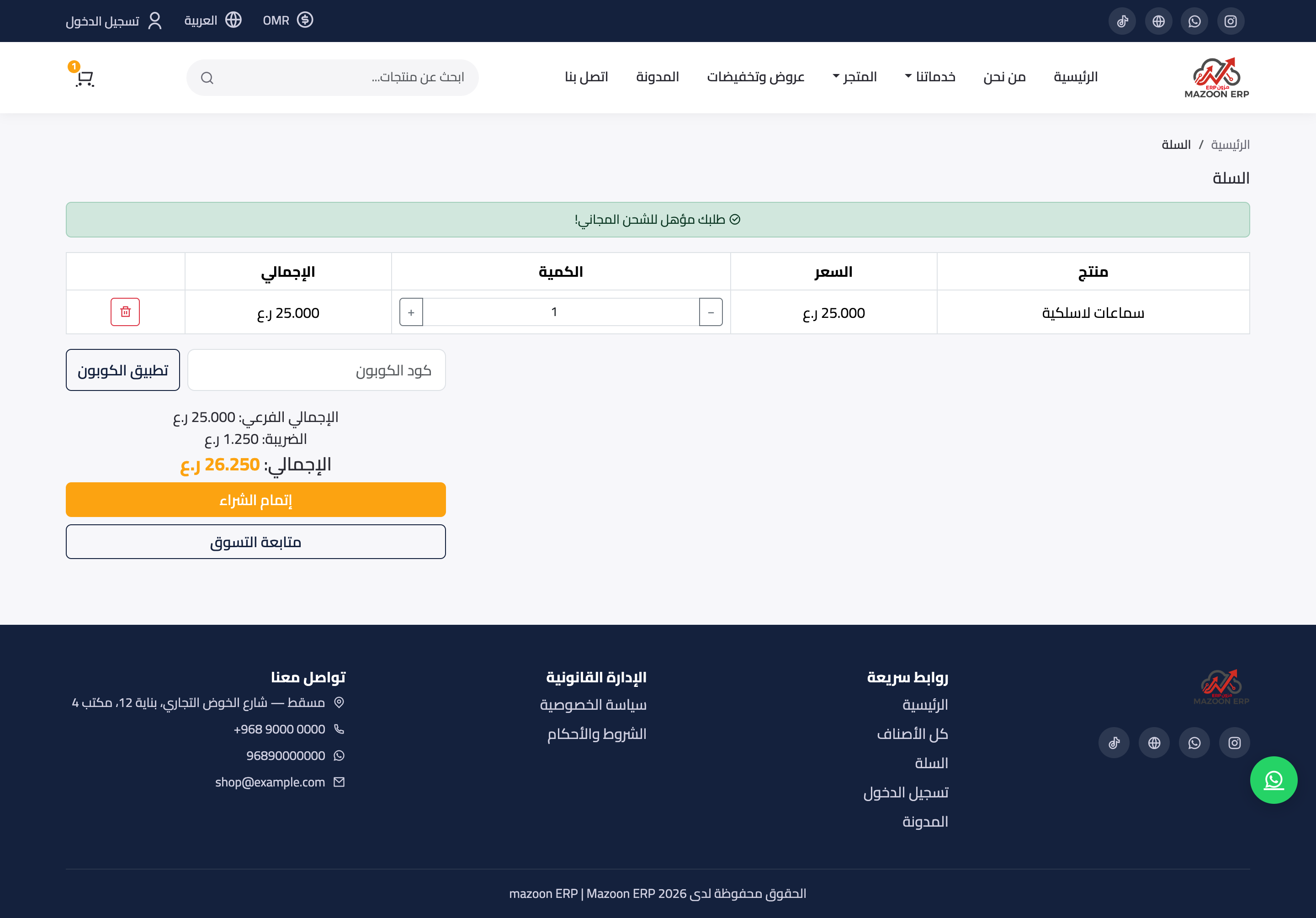
Figure 4
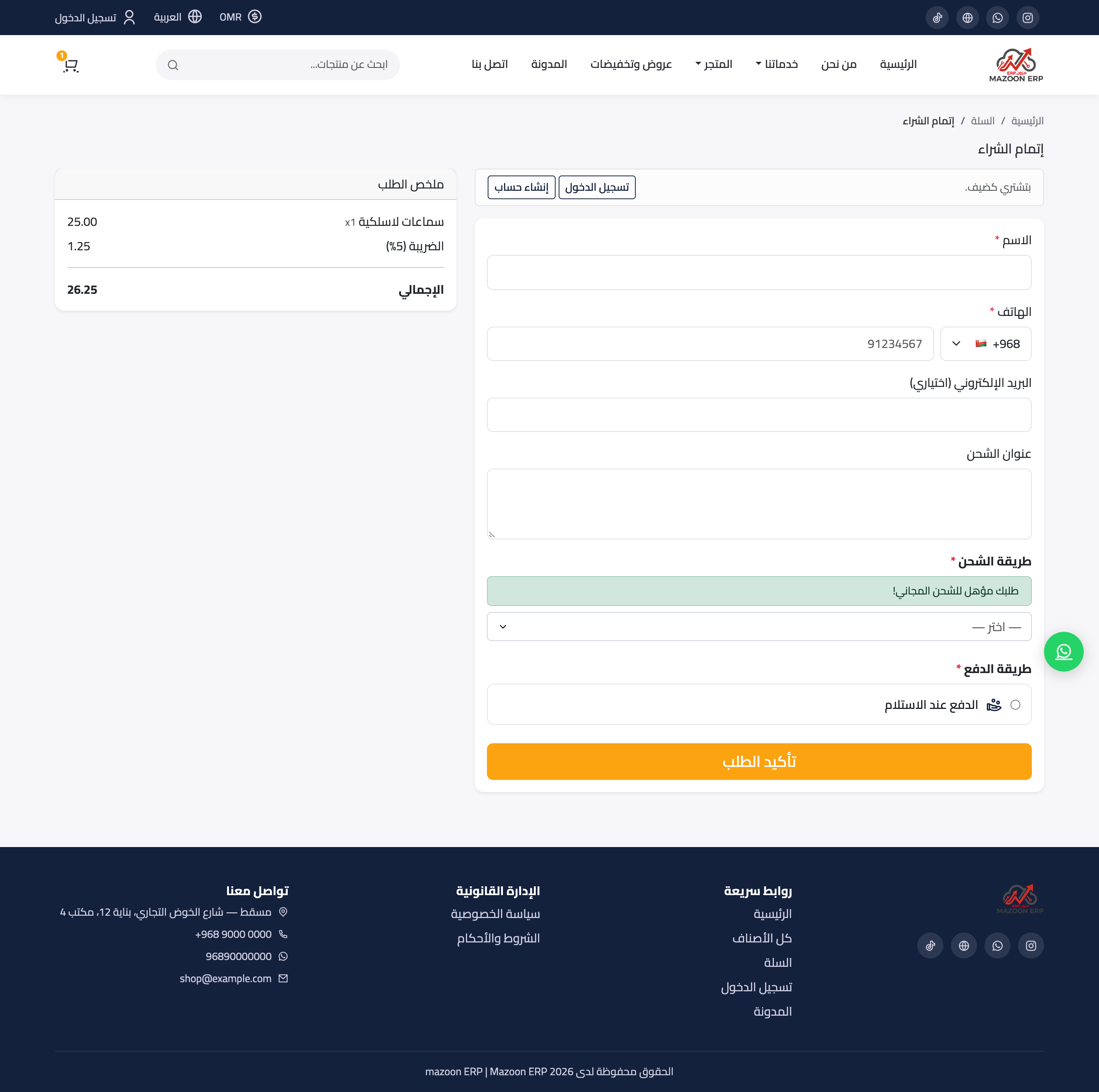
Figure 5
Try what you just read on your own data
Open a free 7-day trial — no credit card, with your own company link in minutes.