
How do I build visitor trust: team, clients, stats and testimonials?
Four small sections with a single job: to make the visitor believe you.
Team
Website Builder → Team — Figure 1: add the name and job title in both languages with a portrait, and social links if you want them.
Clients and partners
Clients / Partners — Figure 2: upload each client’s logo with their name and website link where there is one.
Stats and counters
Stats / Counters — Figure 3: four numbers that sum up your experience, such as “years in business” and “projects delivered”. Enter the number and label and pick an icon.
Testimonials
Testimonials — Figure 4: write the person’s name, their role and their words in both languages, with a photo and a star rating.
Notes
- Never invent testimonials or numbers; exaggeration gets found out and costs you all your credibility.
- Ask permission before publishing a person’s name and photo, and a client’s logo.
- Disable any of these sections you have no real content for, from the Website Sections screen.
Screenshots
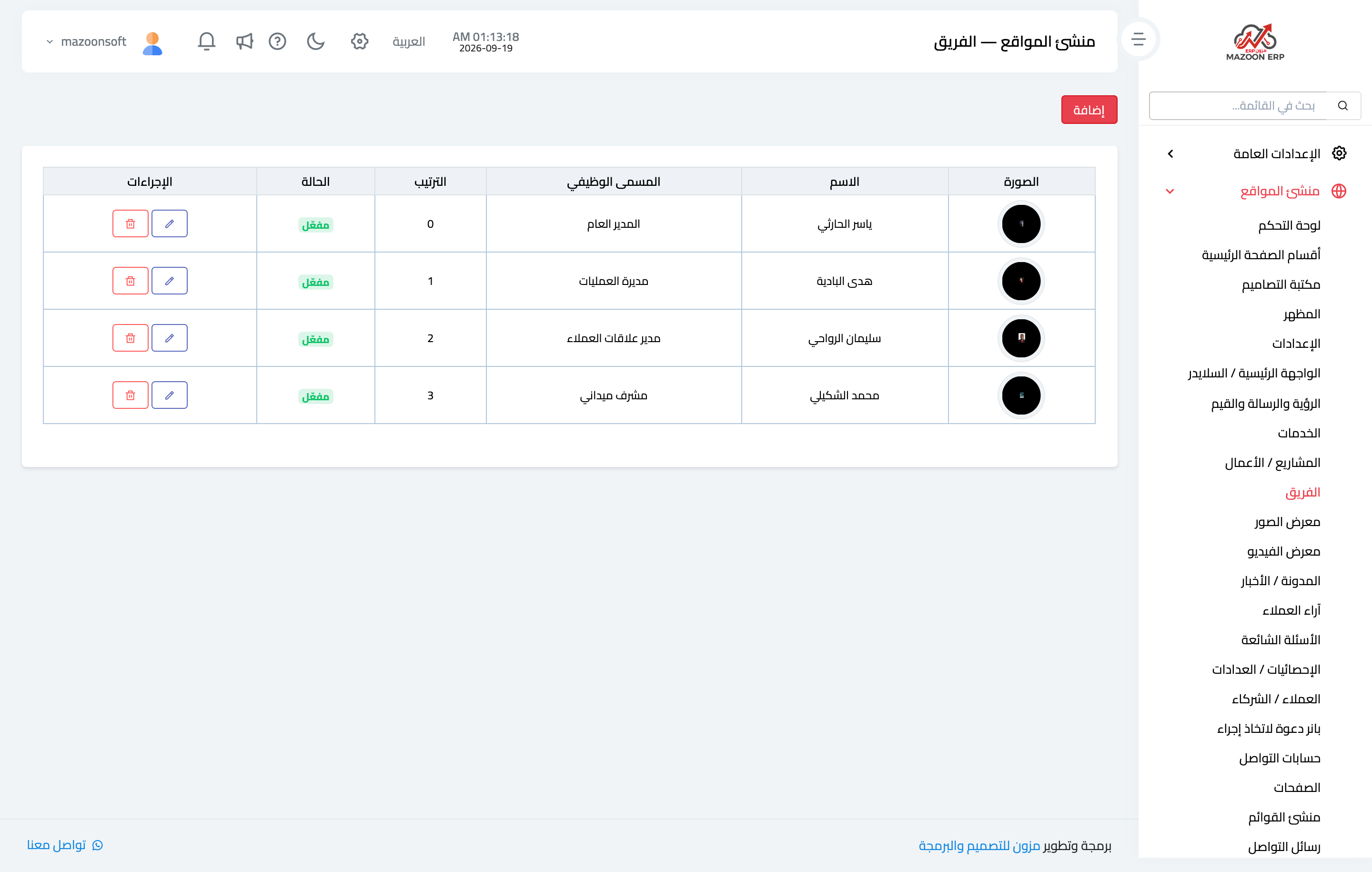
Figure 1
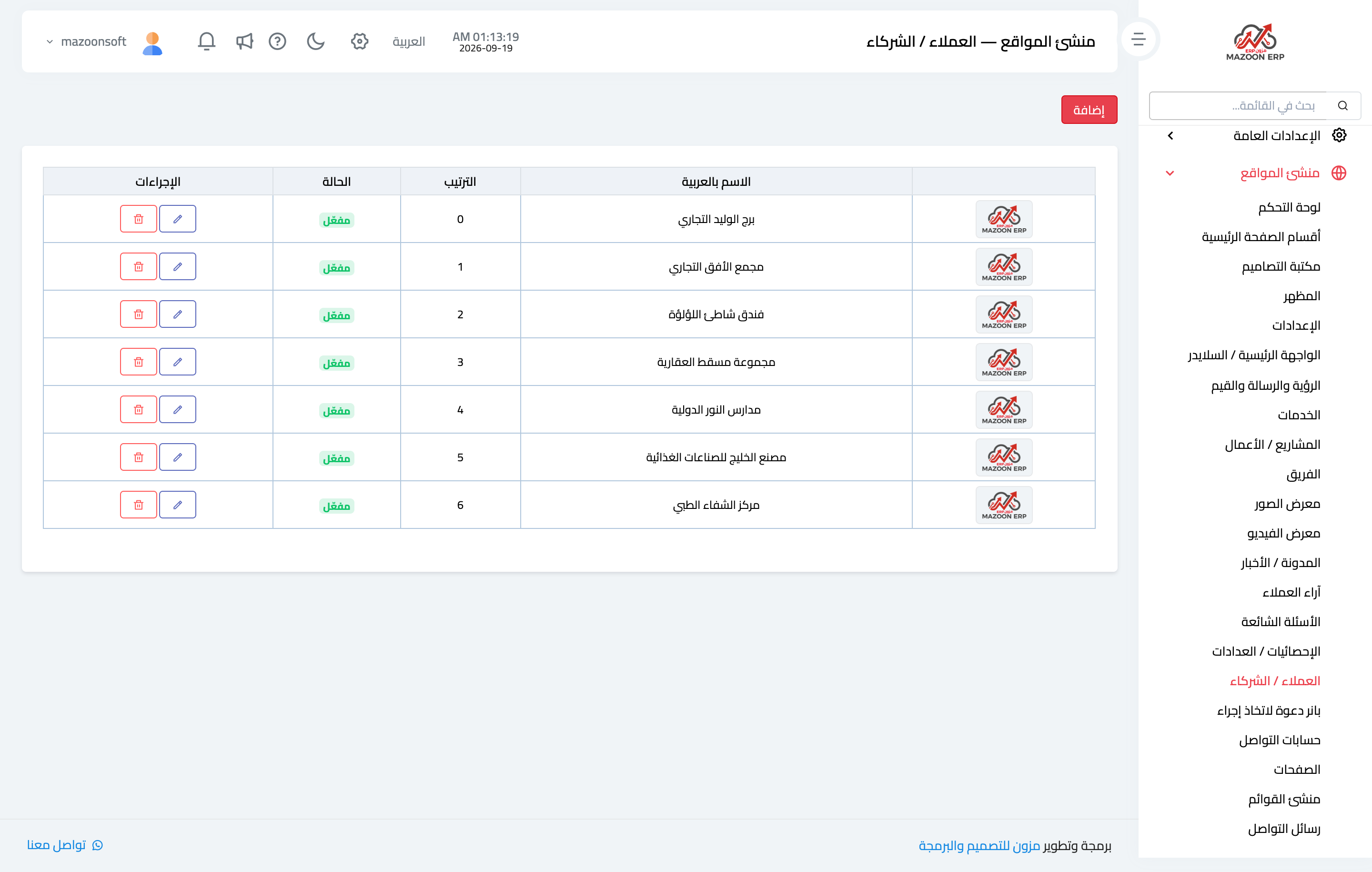
Figure 2
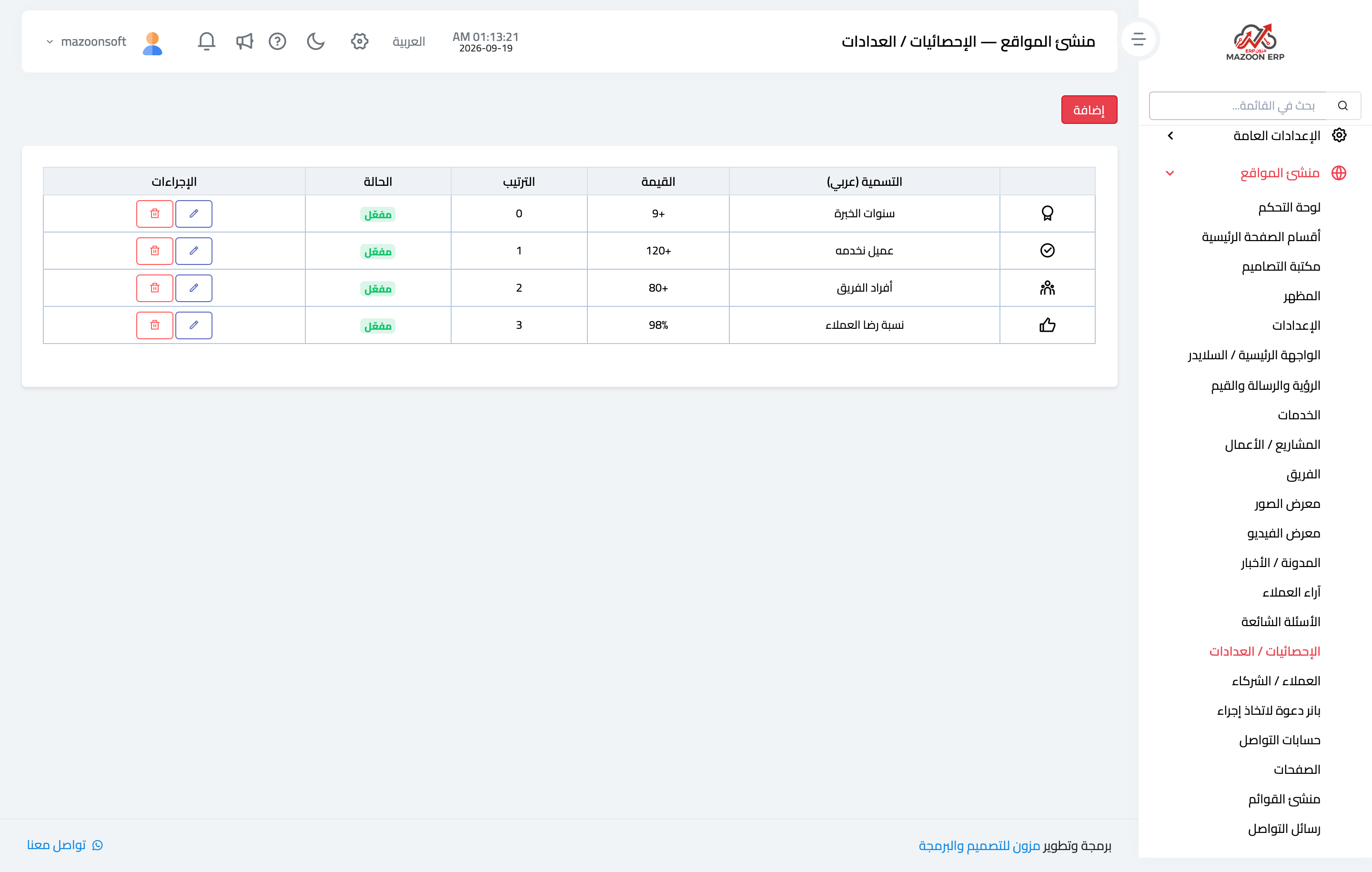
Figure 3
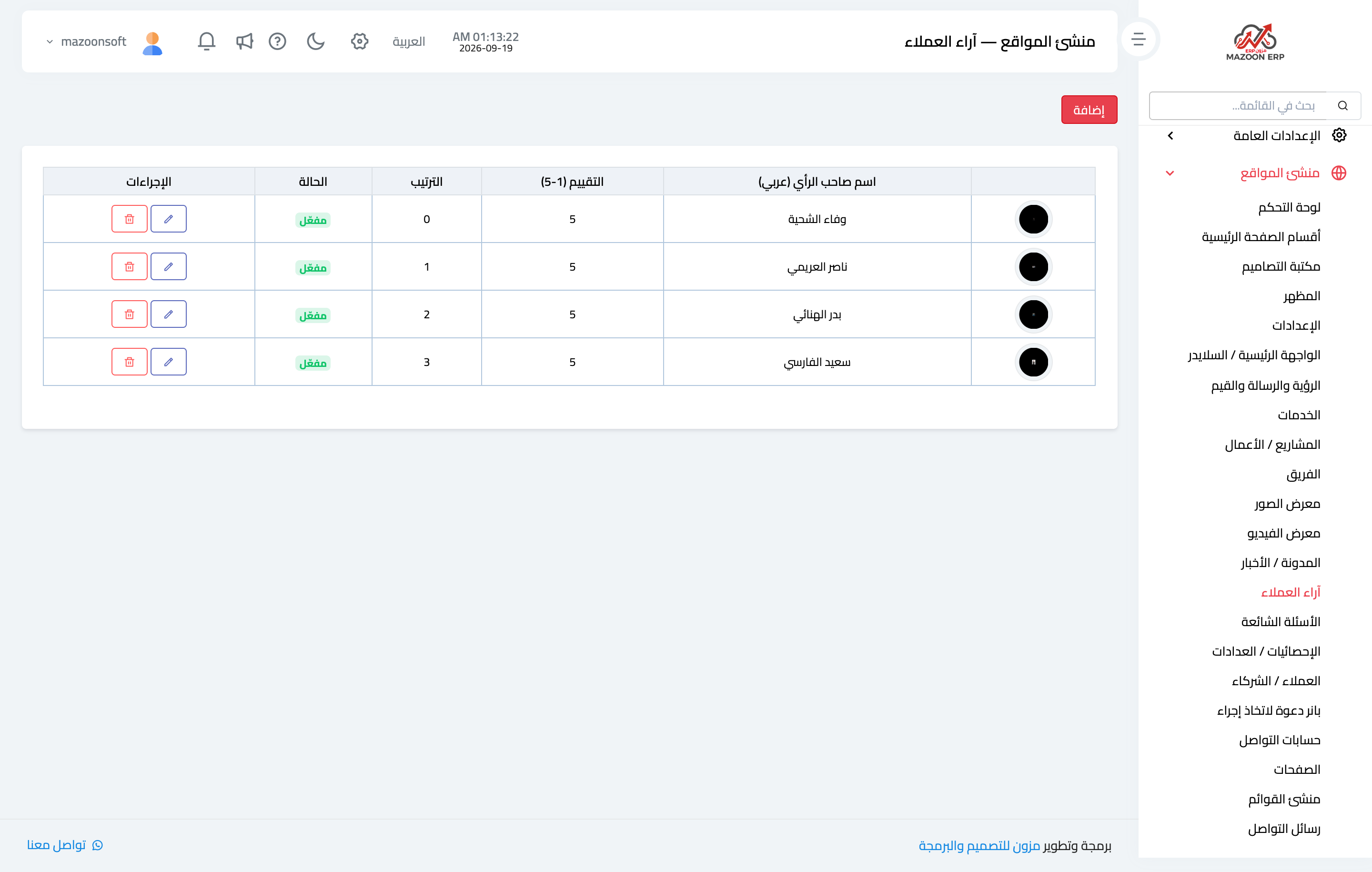
Figure 4
Try what you just read on your own data
Open a free 7-day trial — no credit card, with your own company link in minutes.