
How do I showcase my projects and past work?
What you say about yourself is a claim; what you have delivered is evidence. The projects section is your evidence.
Steps
- Open Website Builder → Projects / Portfolio — Figure 1 — and press the add button.
- Write the project name and description in both languages — Figure 2.
- Enter the client name, location and completion date where you have them; they add credibility.
- Upload the project images from the media gallery and drag them so the strongest comes first.
- Set the sort order and active state, then Save.
Notes
- Never publish a client’s name or a photo of their site without their permission; that is their right, not your courtesy.
- Three well-documented projects with good photos are stronger than twenty names with no detail.
- A before-and-after picture says more than any description, when your line of work allows it.
Screenshots
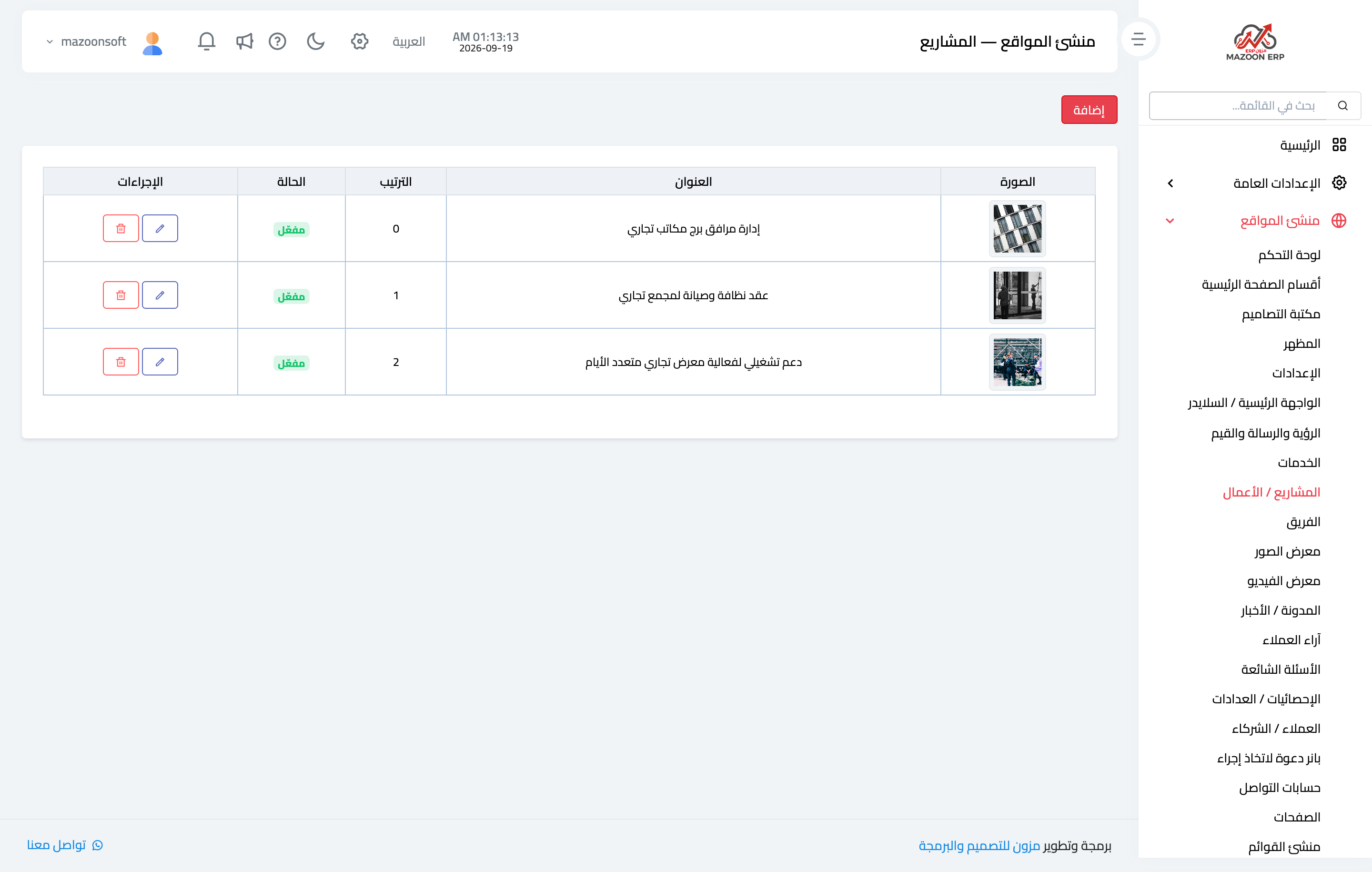
Figure 1
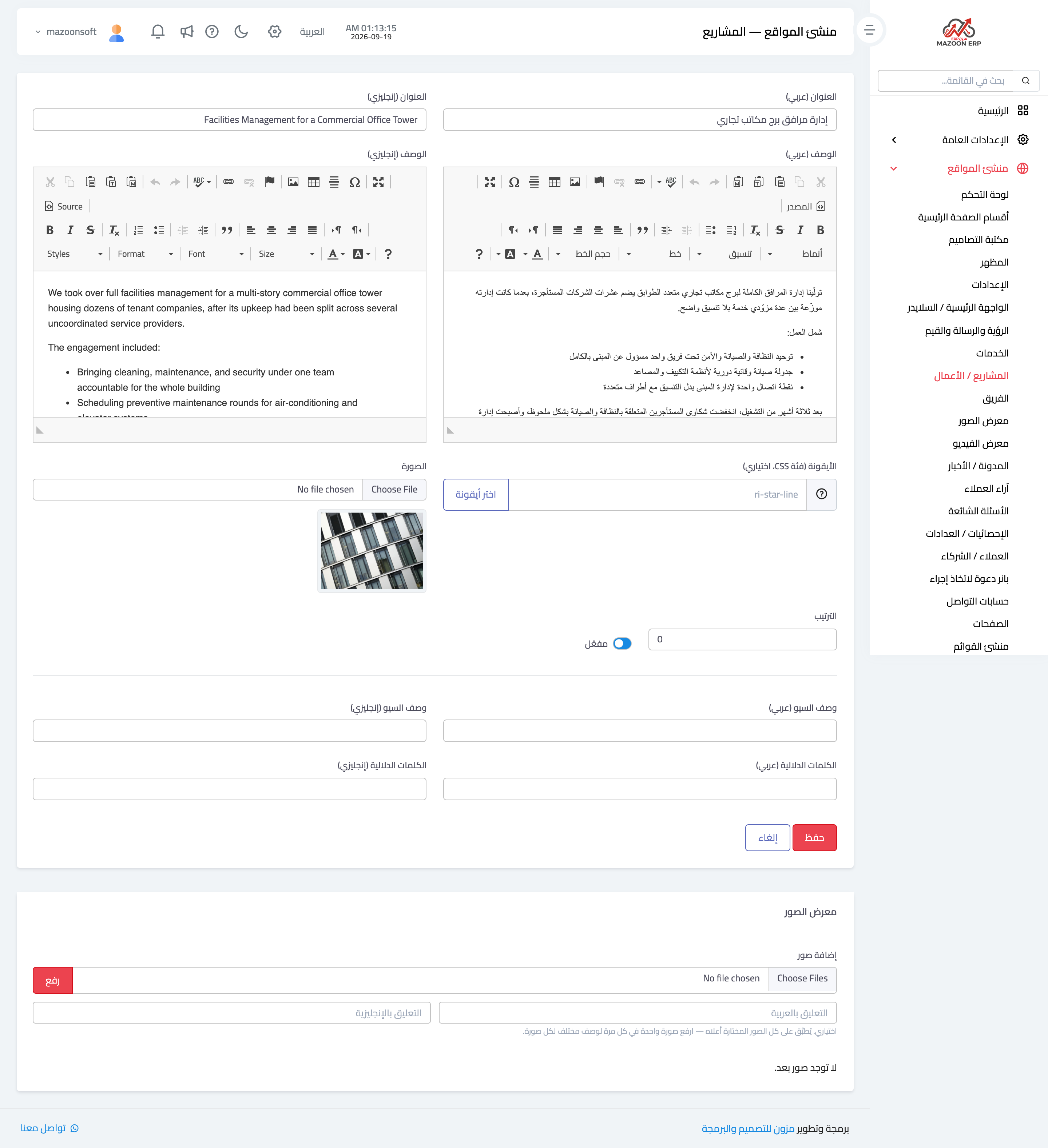
Figure 2
Try what you just read on your own data
Open a free 7-day trial — no credit card, with your own company link in minutes.