
How do I add custom pages and build the site menu?
Sections build the homepage; custom pages are for what does not fit into a section: privacy policy, terms, careers and so on.
Pages
- Open Website Builder → Pages — Figure 1 — and press the add button.
- Write the title and content in both languages; the slug is the page’s address in the browser.
- Fill the SEO fields, activate the page, then Save.
The menu builder
- Open Menu Builder — Figure 2.
- Add an item and point it at an inner page, a homepage section, or an external link.
- Drag items to reorder them, and nest one under another to create a dropdown.
Notes
- Six menu items is a sensible ceiling; a crowded menu loses the visitor instead of guiding them.
- Do not change the slug of a published page; you break its old links and its position in Google.
- Add a privacy policy and terms page; many platforms require both before they will accept your ads.
Screenshots
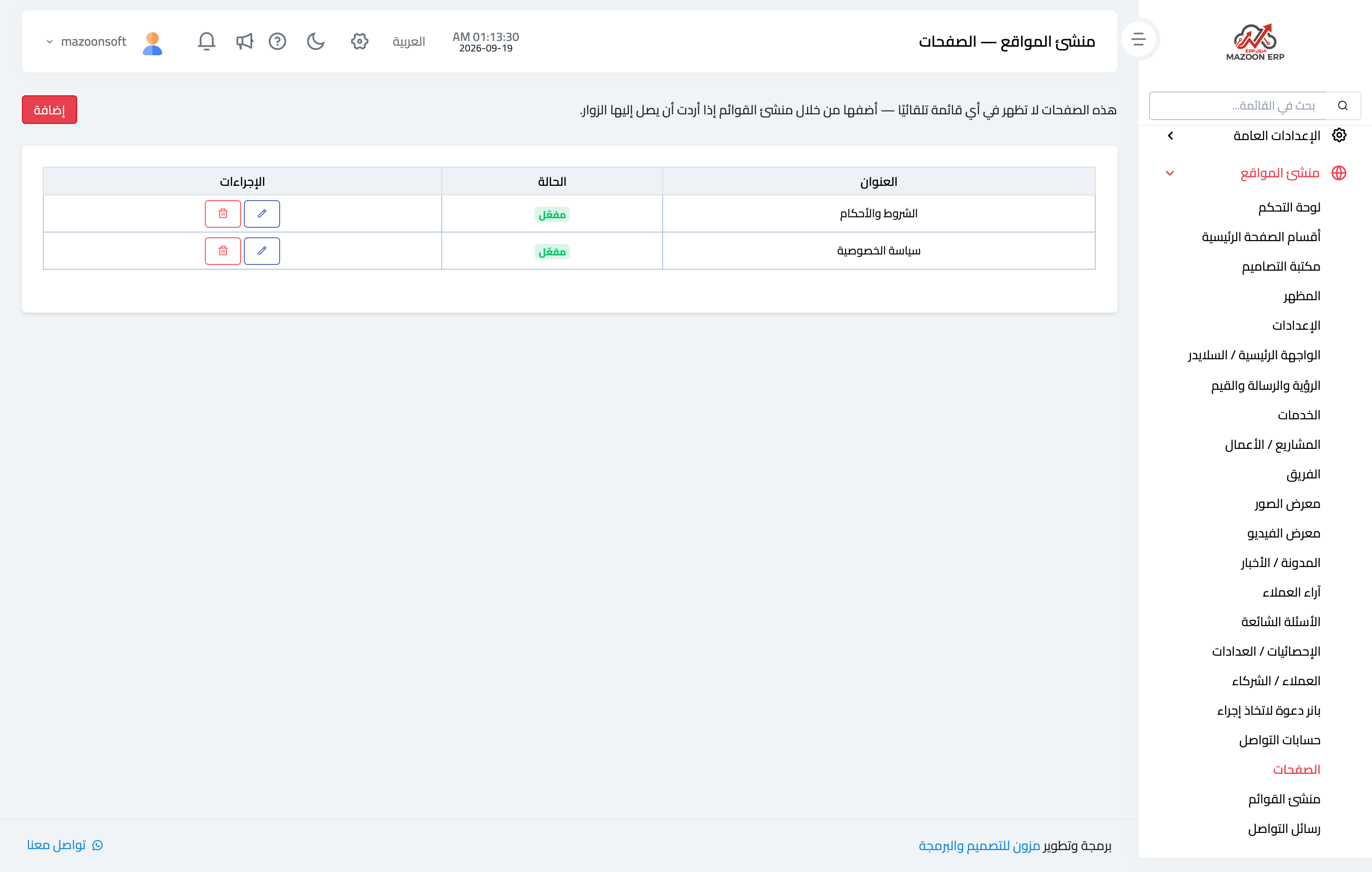
Figure 1
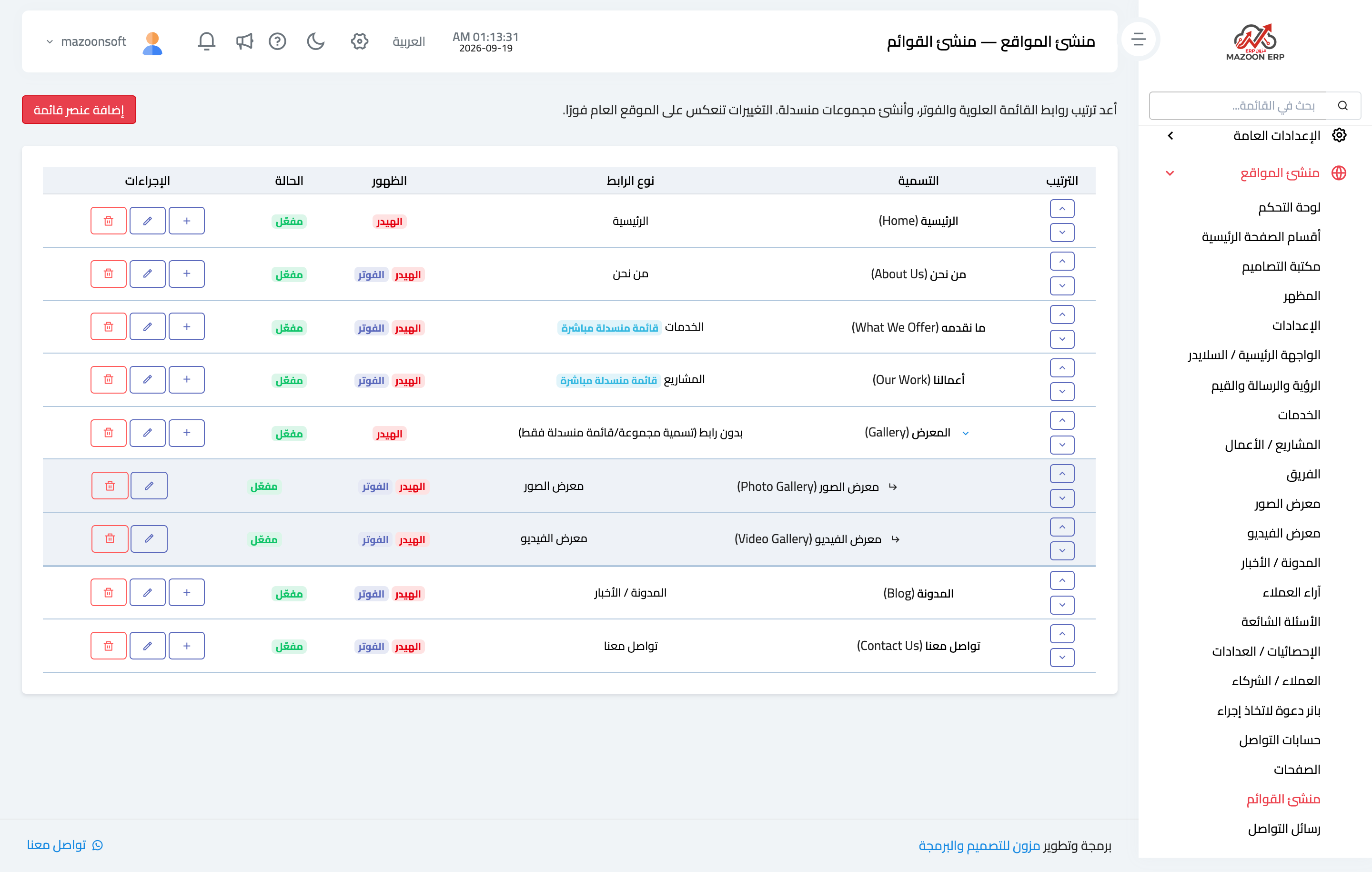
Figure 2
Try what you just read on your own data
Open a free 7-day trial — no credit card, with your own company link in minutes.