
How do I set SEO, tracking scripts and the call-to-action banner?
A site that does not show up in Google and does not ask the visitor for anything is just a business card hanging on the internet.
SEO
- Open Website Builder → Settings → SEO & Advanced — Figure 1.
- Write the meta description and keywords in both languages.
- Pages, services, projects and blog posts each have their own SEO fields, which take precedence over the general ones.
Tracking scripts
On the same tab put your Google Analytics or Meta Pixel code in header scripts, and anything the vendor wants near the end of the page in body scripts. The system warns you: pasted scripts run as-is on your public site, so only paste code from sources you trust.
The call-to-action banner
- Open Website Builder → Call To Action Banner — Figure 2.
- Write the title, the text, the button label and its link in both languages, and upload a background image if you want one.
- Enable the section on the Website Sections screen so it appears.
Notes
- Make the banner button one clear action — “Request a quote” or “Message us on WhatsApp” — not three competing choices.
- The meta description is the two lines people read in search results, so make it an invitation, not a dry summary.
- Never paste code from an unknown source; it runs on every page of your site and sees what your visitors see.
Screenshots
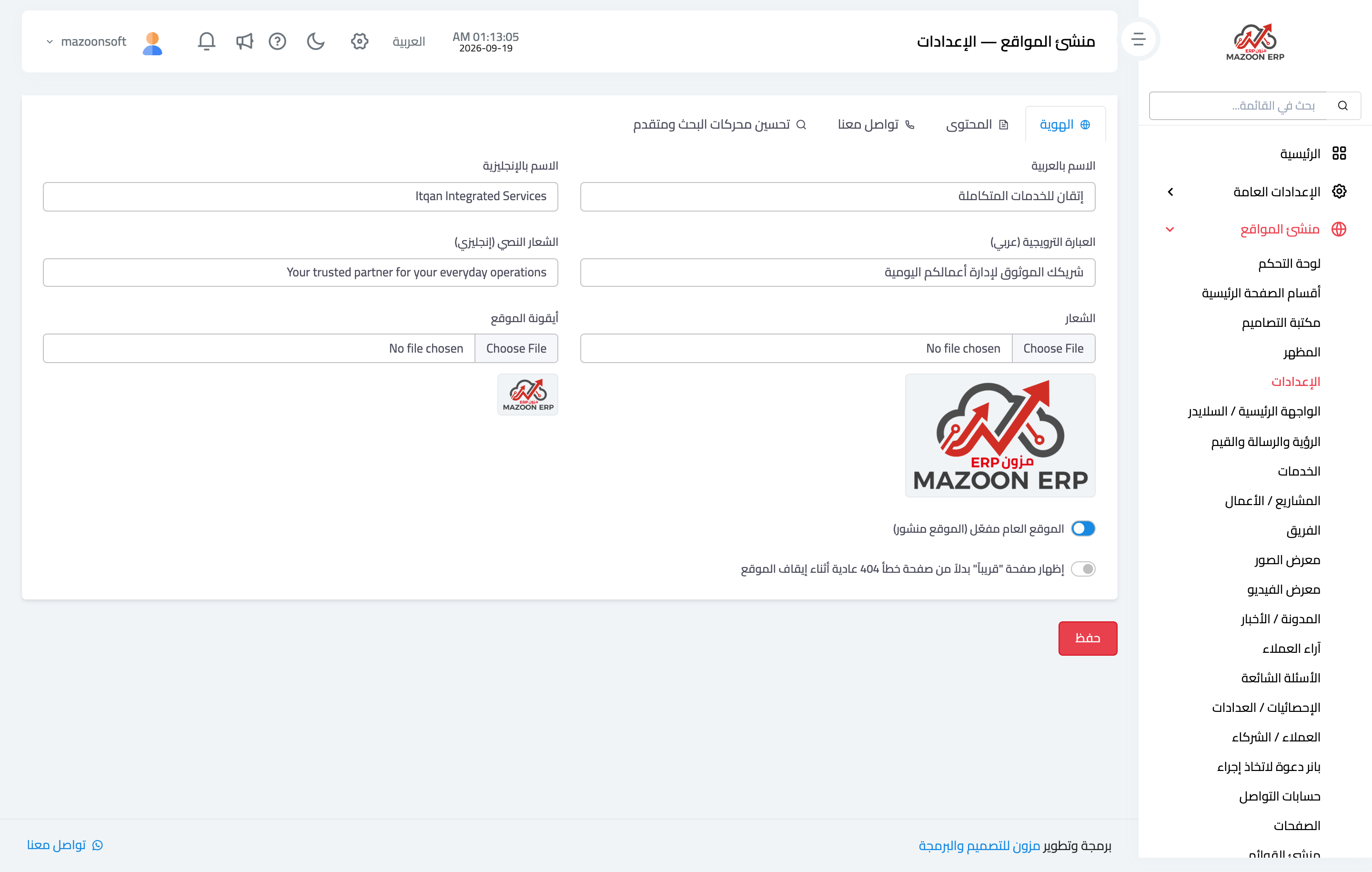
Figure 1
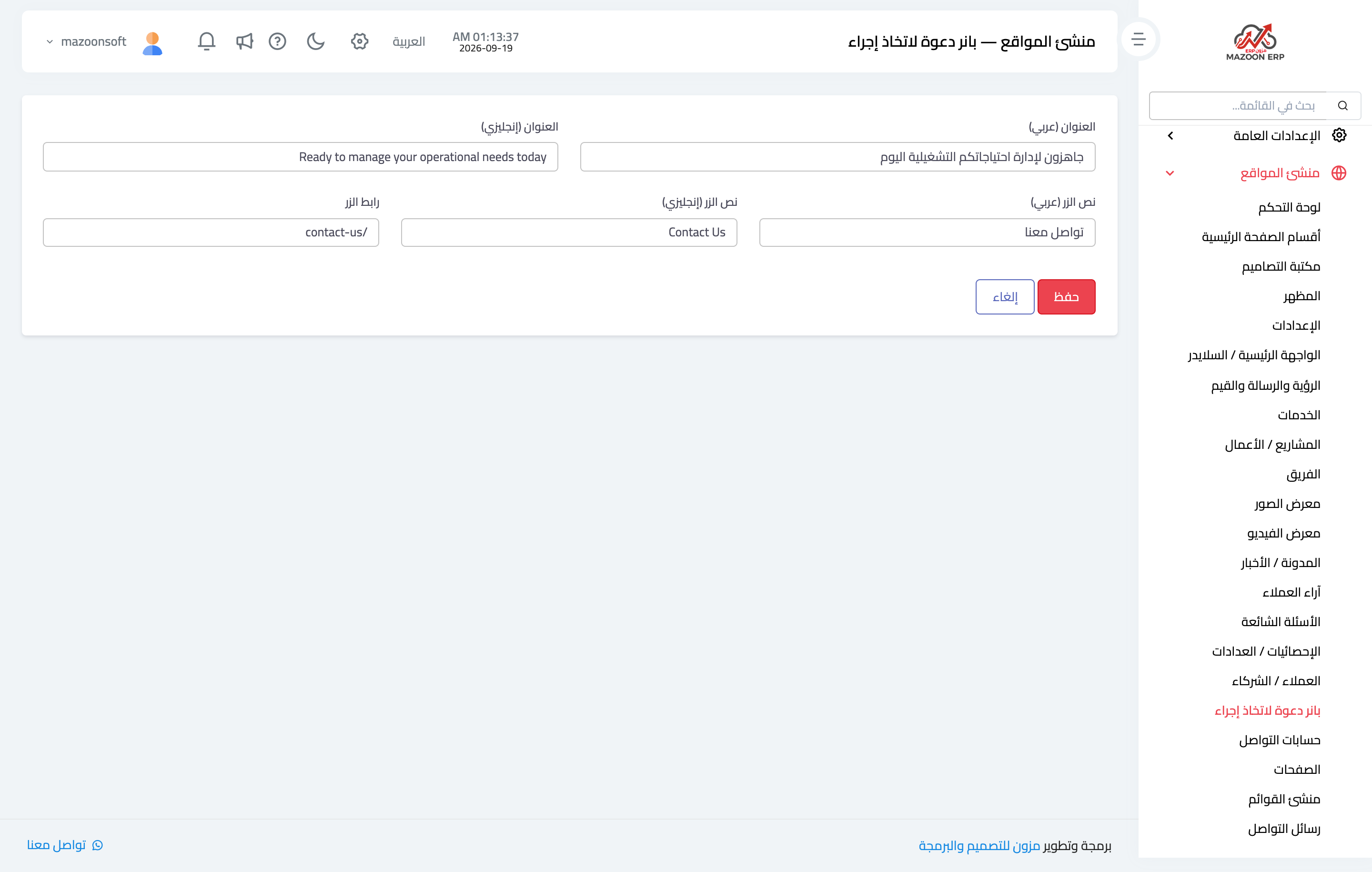
Figure 2
Try what you just read on your own data
Open a free 7-day trial — no credit card, with your own company link in minutes.