
How do I run the website blog and its categories?
The blog is what keeps your site alive in Google’s eyes; a site unchanged for two years looks abandoned.
Categories
Open Website Builder → Blog Categories — Figure 1 — and add three or four clear categories in both languages.
Posts
- Open Blog / News — Figure 2 — and press the add button.
- Write the title, excerpt and content in both languages, and pick the category.
- Upload the featured image, and add more images from the media gallery if you need them.
- Fill the SEO fields, then turn on published and set the publish date.
Notes
- The homepage blog section is enabled from the Website Sections screen, where you also set how many posts appear.
- One useful post a month beats five copied ones — and both beat nothing.
- Write about what you know from your own work; that is what sets you apart from people copying off the internet.
Screenshots
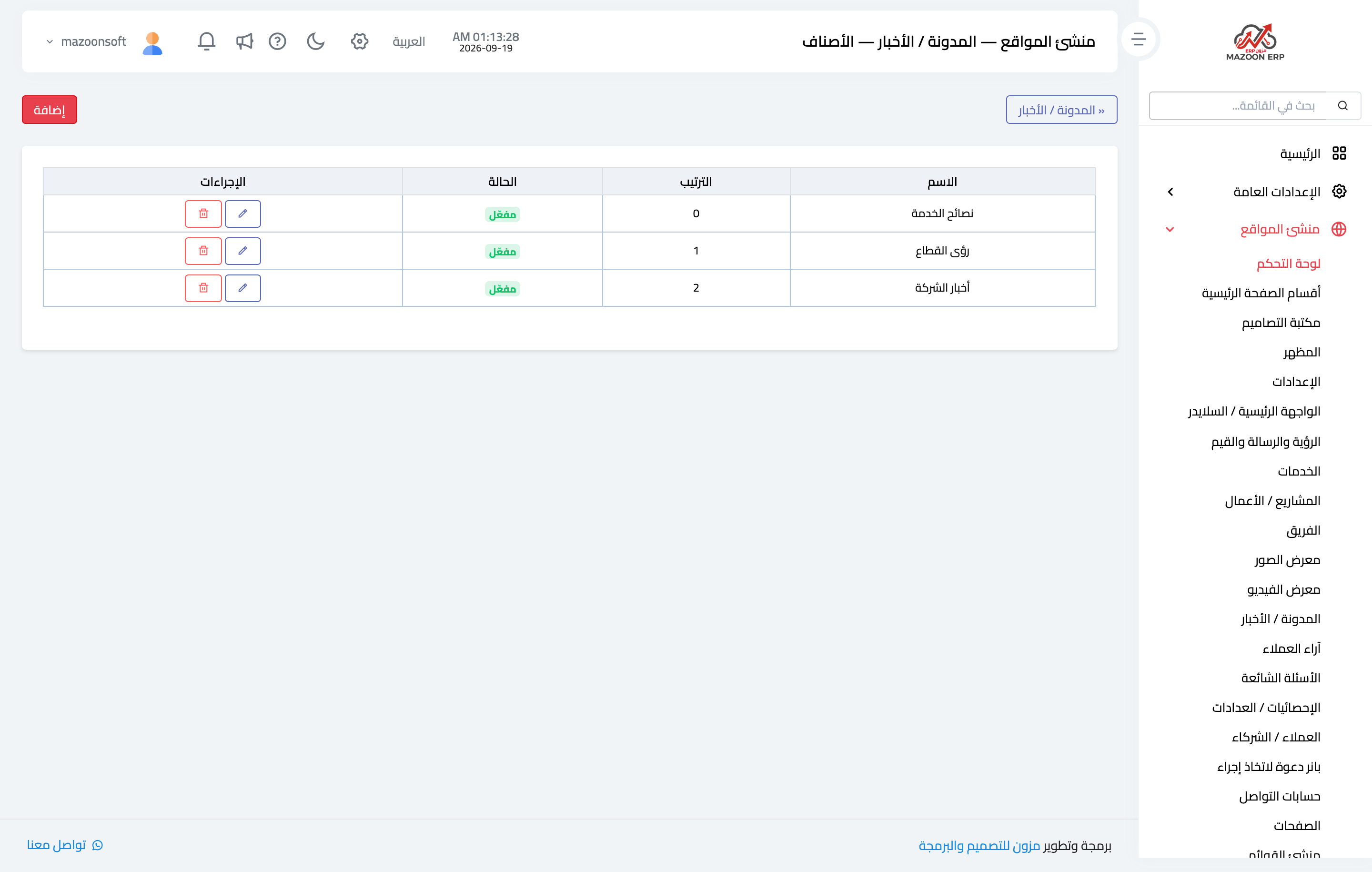
Figure 1
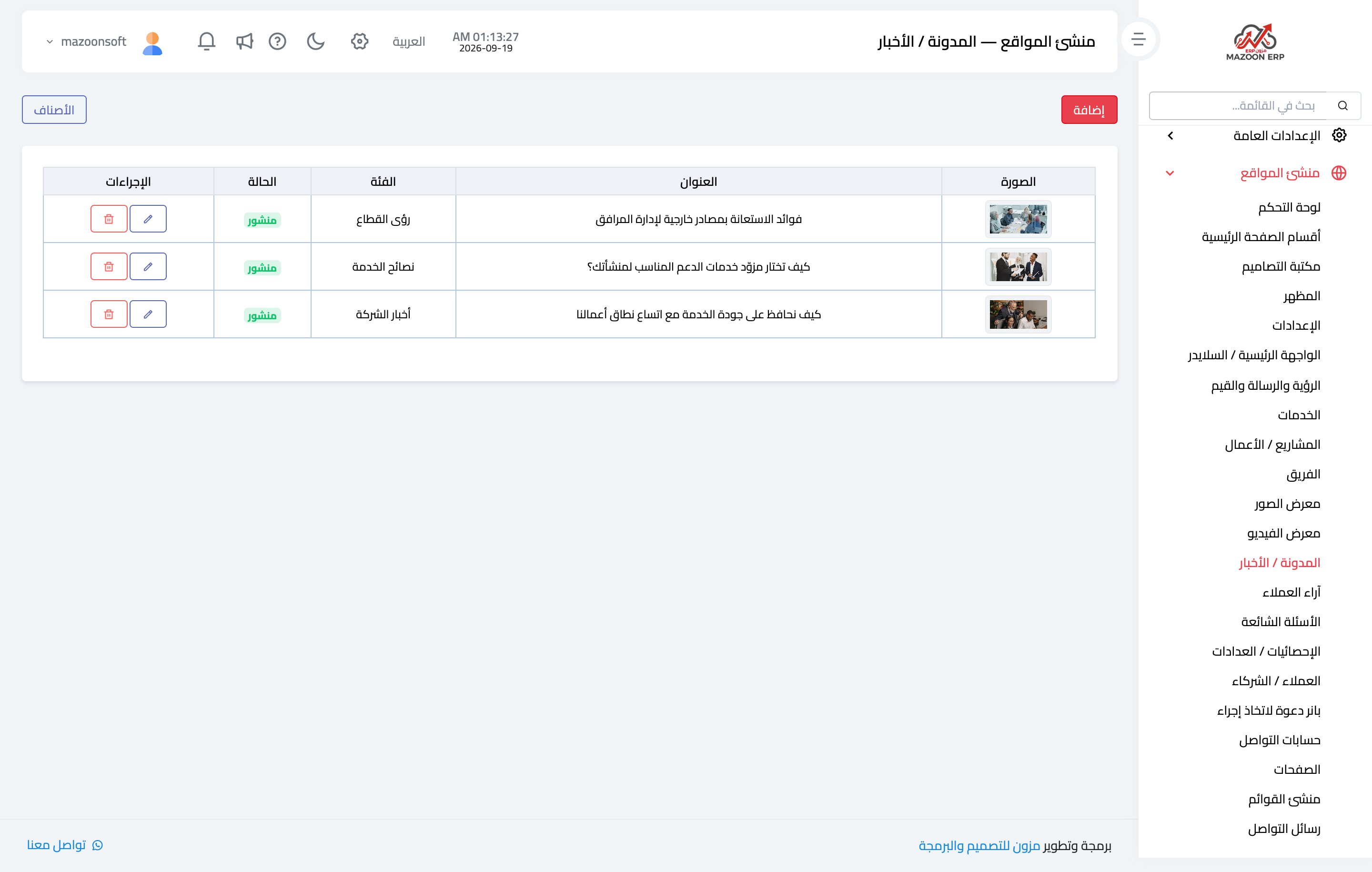
Figure 2
Try what you just read on your own data
Open a free 7-day trial — no credit card, with your own company link in minutes.