
How do I set the appearance: theme, colours, fonts, header and footer?
A single page controls the look of the whole site.
Steps
- Open Website Builder → Appearance — Figure 1.
- Choose the theme; it sets the site’s overall character in one go.
- Set the primary and secondary colours, plus the footer, copyright bar and breadcrumb colours.
- Pick a font pairing, or leave it on theme default.
- Choose the header layout, footer layout and page header layout; the last one is used by every inner page.
- Turn the floating WhatsApp button on or off, then Save.
Notes
- The WhatsApp button only appears if a WhatsApp number is set under Settings → Contact Us; the switch here exists to hide it even when a number is set.
- Take your colours from your logo, not from today’s taste; the site is an extension of your identity, not a separate painting.
- Check the contrast between colour and text; light text on a light background is unreadable on a phone in sunlight.
Screenshots
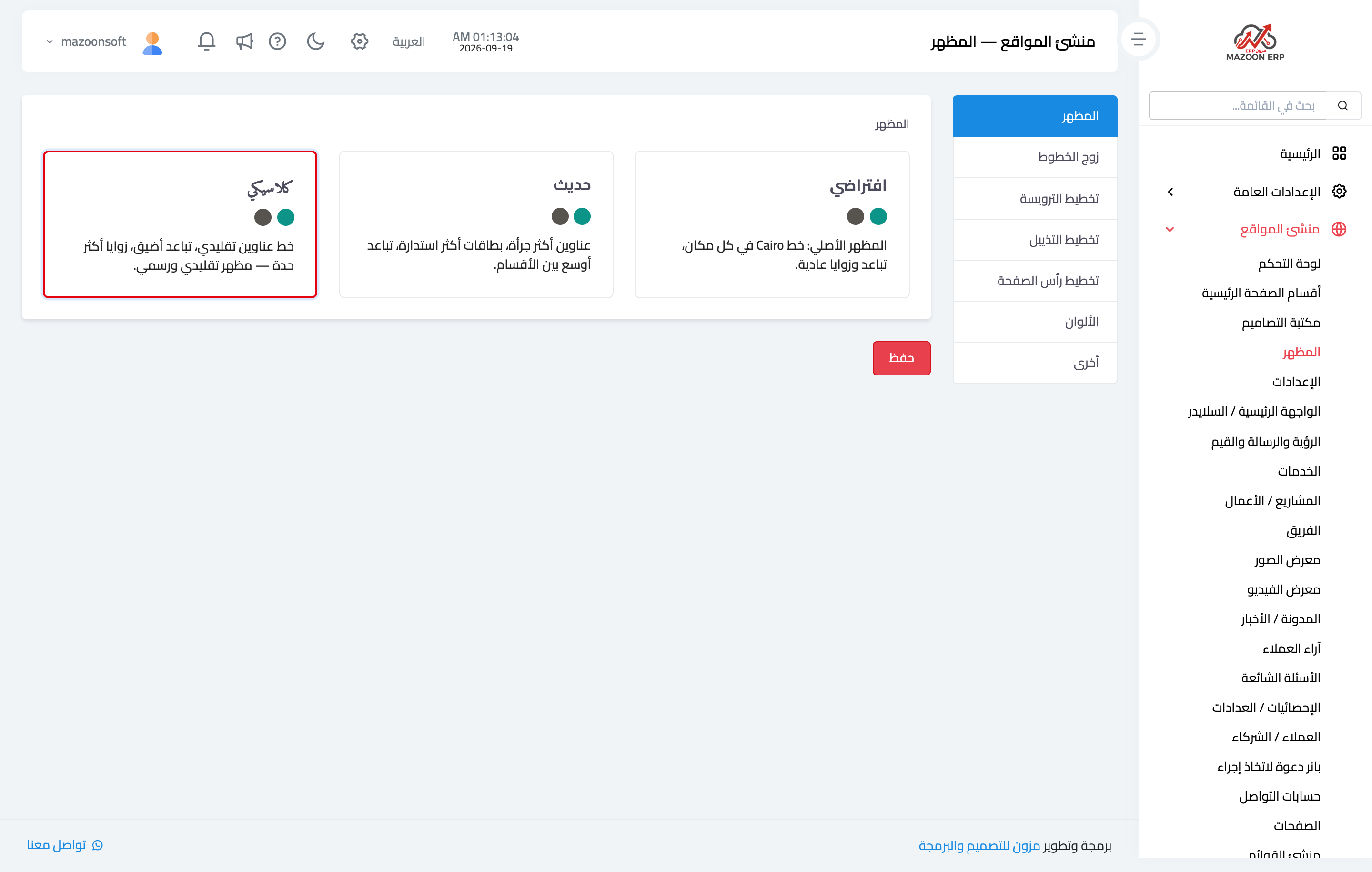
Figure 1
Try what you just read on your own data
Open a free 7-day trial — no credit card, with your own company link in minutes.