
How do I define the booking periods and their prices?
A venue is not sold at a single price: a full day, a half day, or with an overnight stay. All of it is configured in the venue form itself.
Steps
- Open Venues → Edit on the venue — Figure 1.
- The base price is the full-day rate, and the other periods are derived from it.
- Turn on allows full day and allows half day according to what you actually sell.
- Enter the half-day discount, the amount taken off the full-day price when only one period is booked.
- If the venue is a chalet people stay overnight in, turn on supports overnight and enter the overnight surcharge.
- Enter the default deposit amount suggested on every booking for this venue.
- Save, then check availability — Figure 2 — to see the periods as the customer will.
Notes
- Do not offer half days on a hall that needs hours of setup and cleaning between two events; you will lose both events.
- The half-day discount is not necessarily half the price; the setup cost is the same either way.
- The default deposit is a suggestion, not a rule; you can change it on any booking.
- For seasonal and holiday prices use the pricing rules, not the base price.
Screenshots
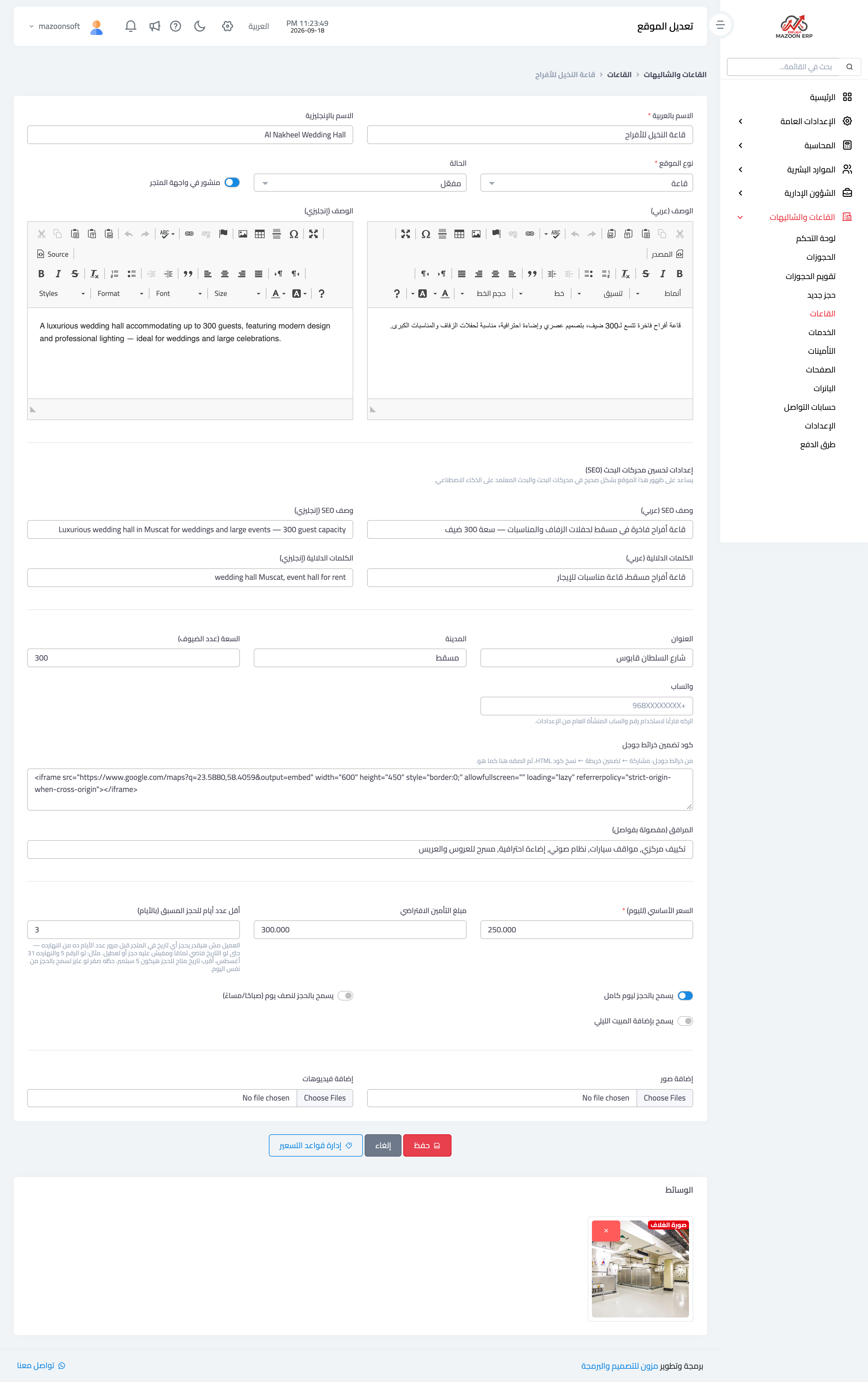
Figure 1
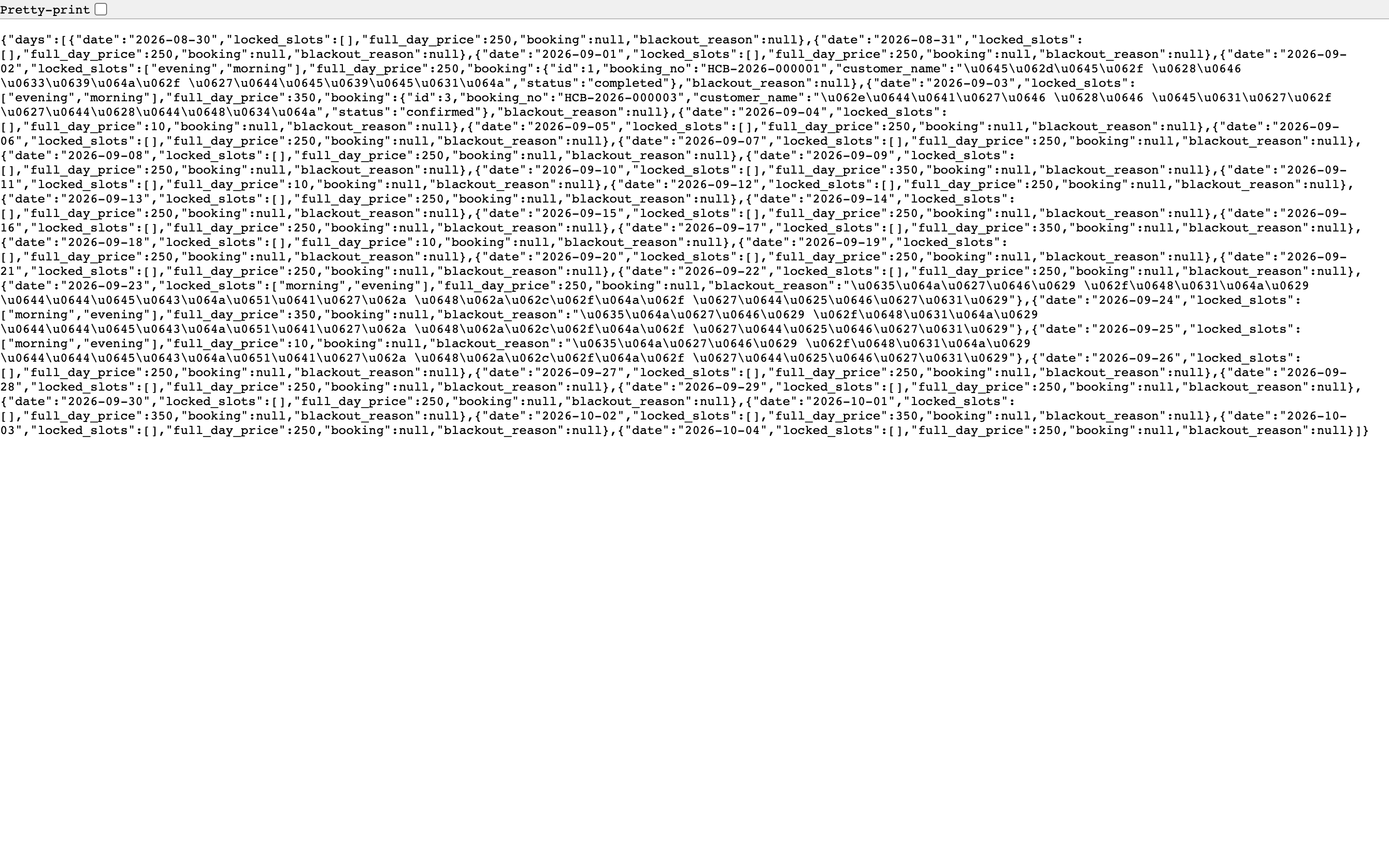
Figure 2
Try what you just read on your own data
Open a free 7-day trial — no credit card, with your own company link in minutes.