
How do I configure the laundry settings before the first order?
Before you take in the first bag, set three fields on one screen; they govern every order that follows.
Steps
- Open Laundry → Settings — Figure 1.
- Enter the order number prefix: the letter before the number, such as
LinL-2026-0001. - Set the next order number. This helps when you are carrying numbers over from an old paper book and want to continue where you stopped.
- Set the default tax rate. It applies automatically to every new order, and you can still change it on an individual order.
- Press Save.
Notes
- Change the prefix before you start, not later; changing it midway leaves you with two differently shaped books.
- Do not lower the next order number to one already used; the system will reject the duplicate on save.
- If you are not tax registered, leave the rate at zero rather than removing the field.
Screenshots
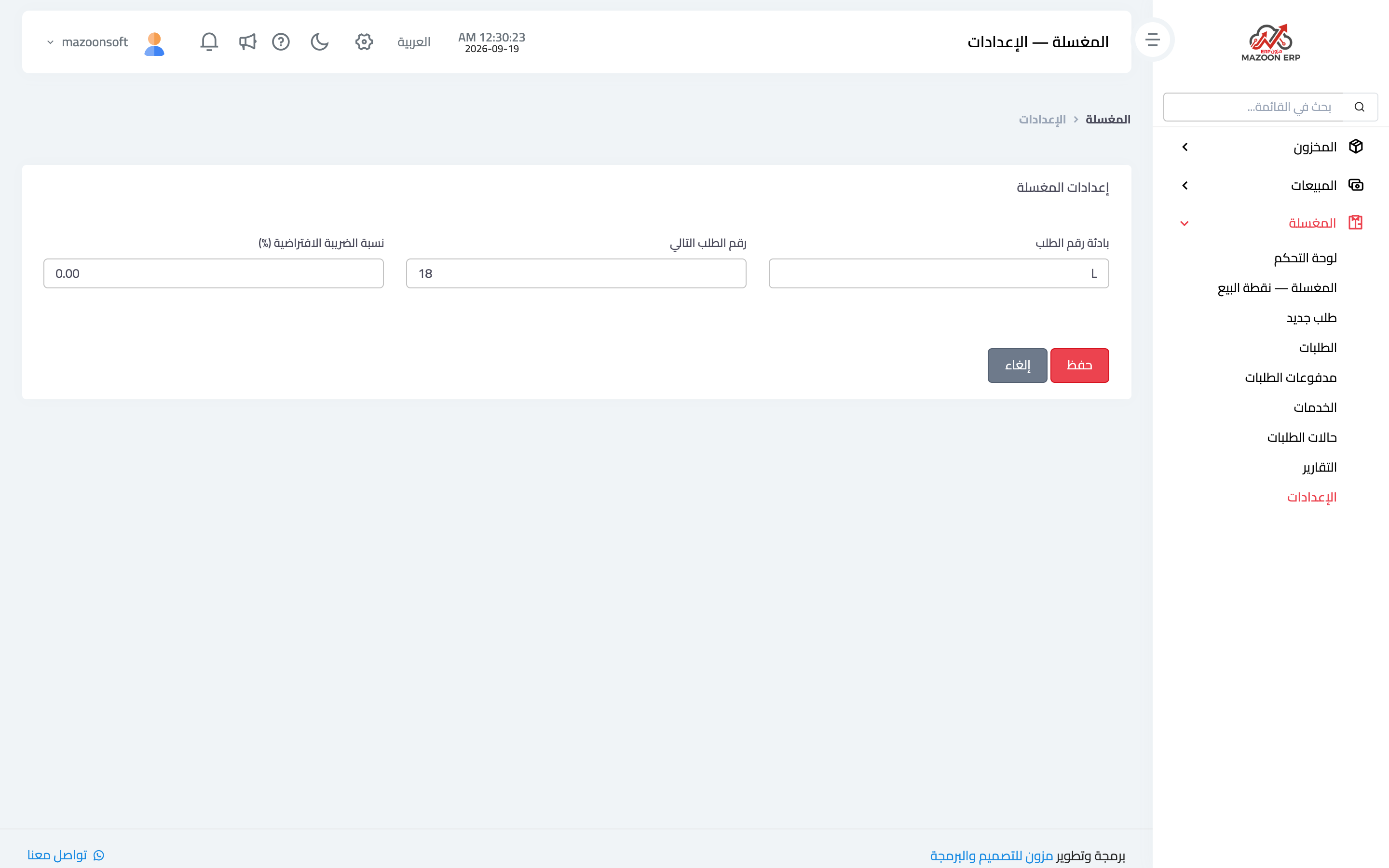
Figure 1
Try what you just read on your own data
Open a free 7-day trial — no credit card, with your own company link in minutes.