
Where do I see all order payments and find the outstanding balances?
The order page tells you about one customer; this page tells you about the whole laundry.
Steps
- Open Laundry → Order Payments — Figure 1.
- Filter by date from/to, branch and payment method, or search by order number or customer name.
- Read the totals at the top: total orders count, total orders amount, total paid and remaining.
- Press View order to jump to the order itself, or Export CSV to take the list into a spreadsheet.
Notes
- The gap between total orders amount and total paid is what people owe you; do not let it grow unattended.
- Filter by a single payment method to reconcile against the bank statement or the card terminal slips at month end.
- What you see here is dated by payment date, not order date — which is the right basis for reconciling cash.
Screenshots
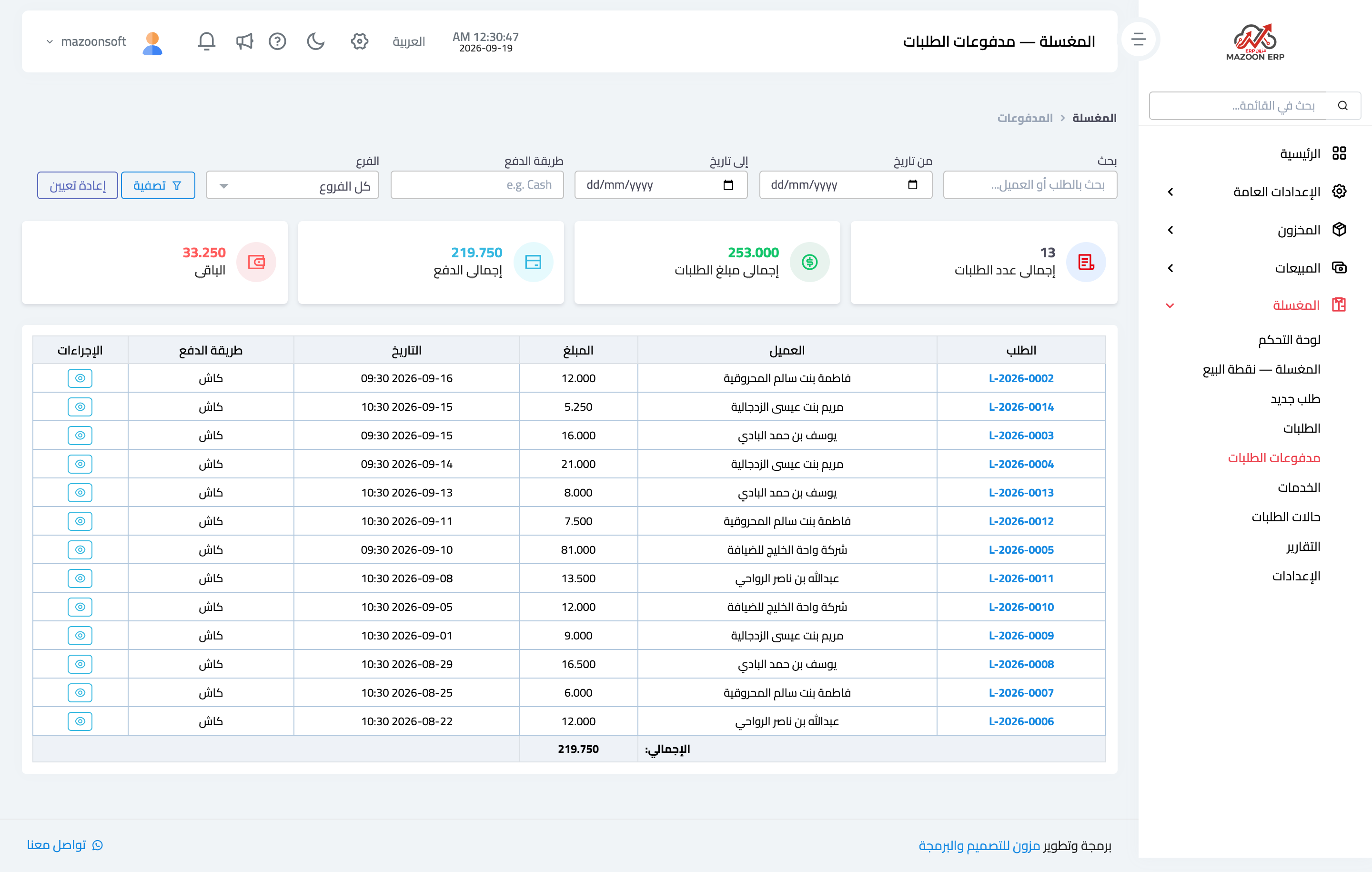
Figure 1
Try what you just read on your own data
Open a free 7-day trial — no credit card, with your own company link in minutes.