
How do I record attendance and read its report?
A student’s absence is not just an administrative matter; it is the first sign of a problem that deserves a call to the guardian.
Recording attendance
- Open Schools → Attendance — Figure 1.
- Pick the grade, the section and the date, and the student list appears.
- Mark each student: present, absent, late or excused.
- Write a note for an absence — such as “notified by the guardian” — then save.
The attendance report
- Open the attendance report — Figure 2 — and set the period, the grade and the section.
- Per student you get the days present, absent and late, and their percentage.
- Export or print the report for a parents’ meeting.
Notes
- Record attendance daily and early in the day; entering a whole week at once turns the numbers into guesswork.
- Distinguish absent from excused; the latter does not count against the student under most regulations.
- Repeated absence from one student calls for a phone call, not just a note in the system.
- The attendance report is the strongest thing to show a guardian asking about their child’s progress.
Screenshots
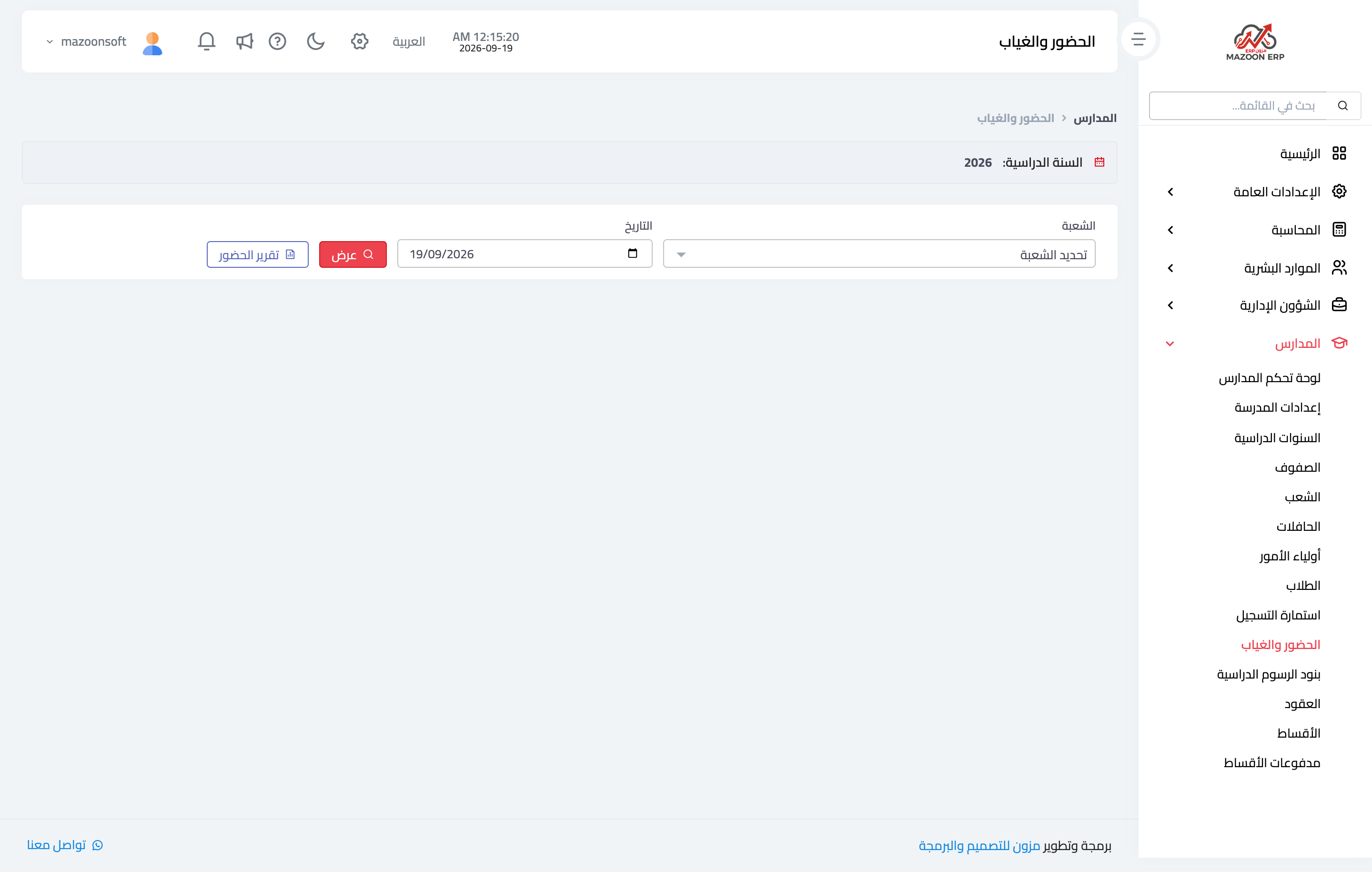
Figure 1
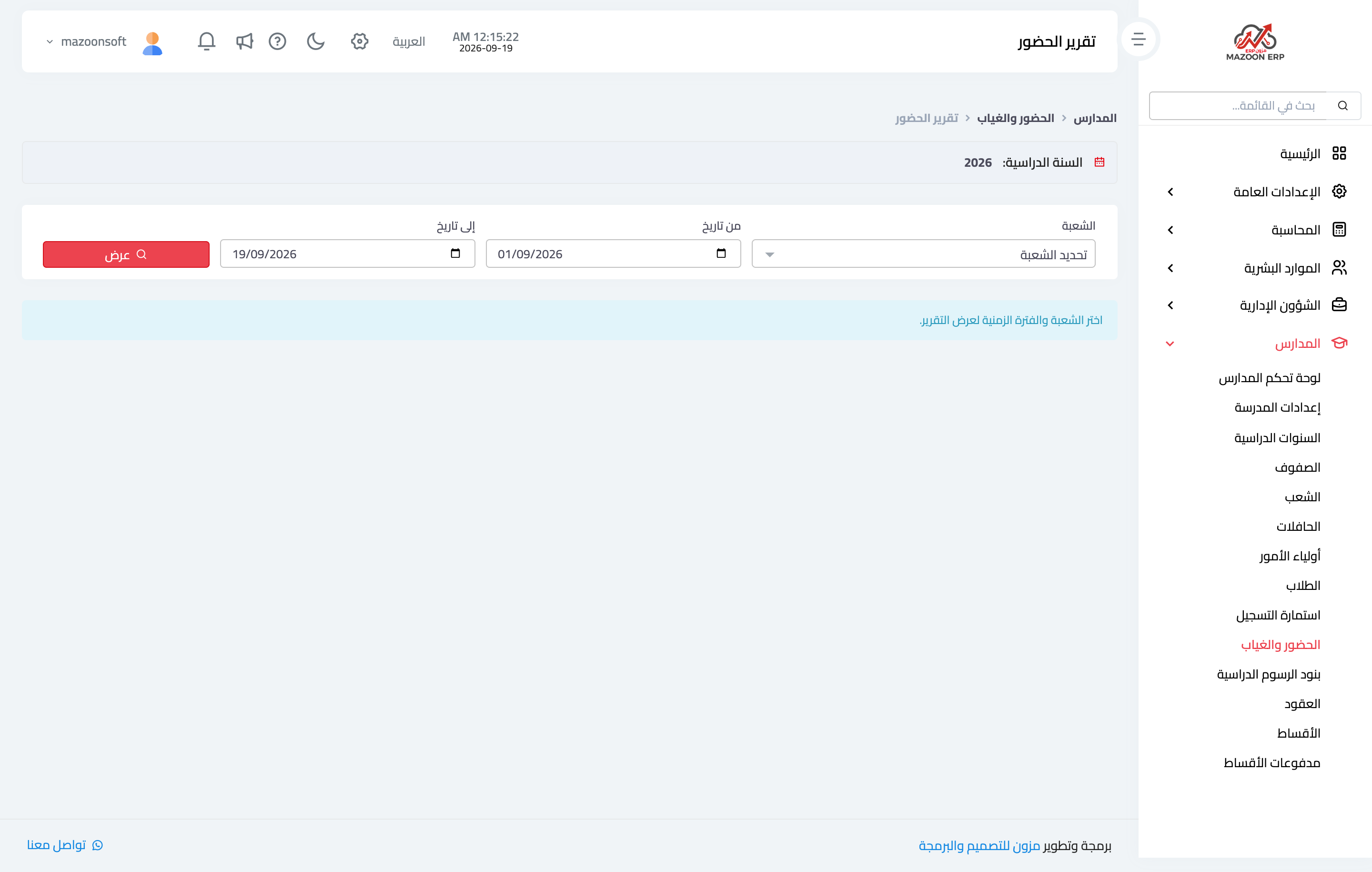
Figure 2
Try what you just read on your own data
Open a free 7-day trial — no credit card, with your own company link in minutes.