
Expense types and document types: setup that saves you later
Two short lists are configured once and used daily: expense types, which classify every cost that lands on a vehicle, and document types, which organise attachments.
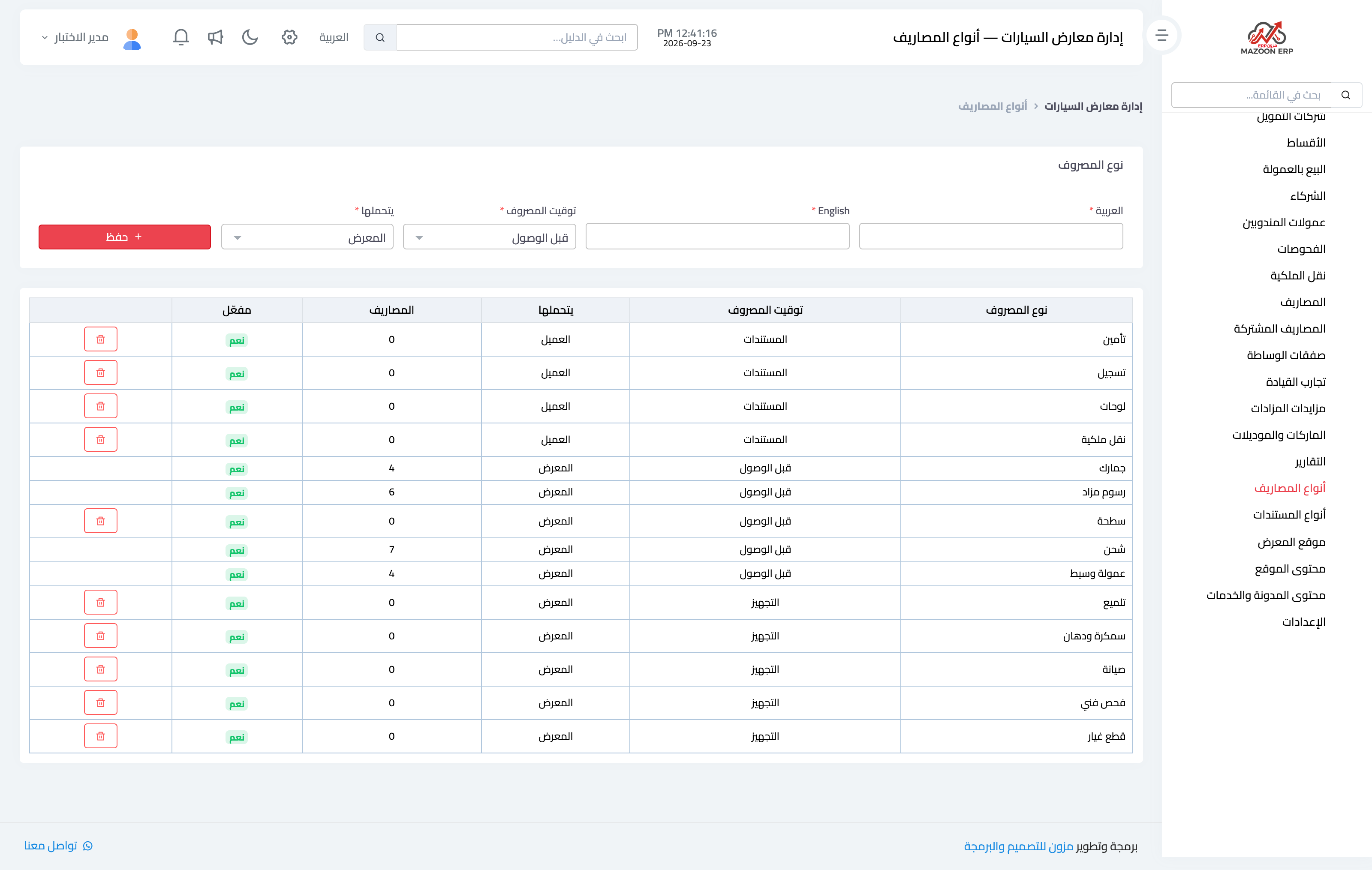
Image 1 — the expense types screen.
Expense types
Every expense you record against a car must carry a type: customs, shipping, towing, servicing, detailing, auction fees, broker commission. The list is created with common entries when the module is enabled, and you add whatever suits your business.
The type matters for more than tidiness:
- It decides which accounting account the expense posts to.
- It powers the "expenses by type" report, which shows where your money actually goes.
- It sets the default for who bears the expense — the single most consequential field in the module, and the subject of its own article.
Document types
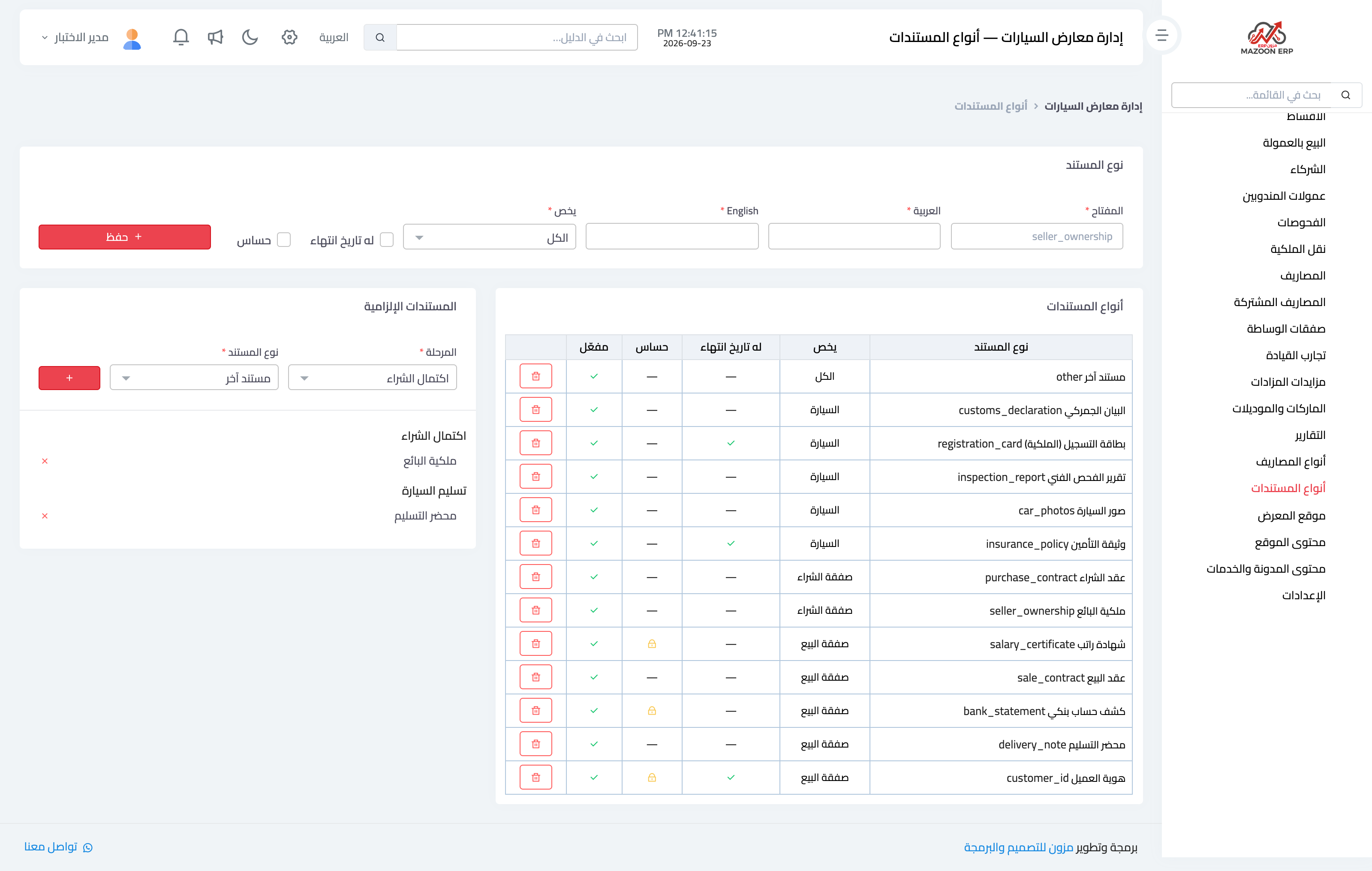
Attachments on a vehicle or a deal (registration, owner's ID, contract, inspection certificate, delivery photo) are assigned a document type. The benefit is that you can mark which documents are required for each situation, so the system warns you when you try to complete a deal that is missing an essential paper — instead of discovering the gap a month later at the ownership transfer.
A practical note
Do not over-classify. Ten clear expense types serve you better than forty that leave staff hesitating and picking at random — and a report built on random choices tells you nothing.
Screenshots
Try what you just read on your own data
Open a free 7-day trial — no credit card, with your own company link in minutes.