
Purchases, suppliers and their payments
The purchases section in Accounting tracks what you buy from suppliers and the obligations and payments that follow. It suits straightforward accounting purchases; if you run a full procurement cycle with requests and goods receipts, that belongs in the separate Purchasing module.
Suppliers
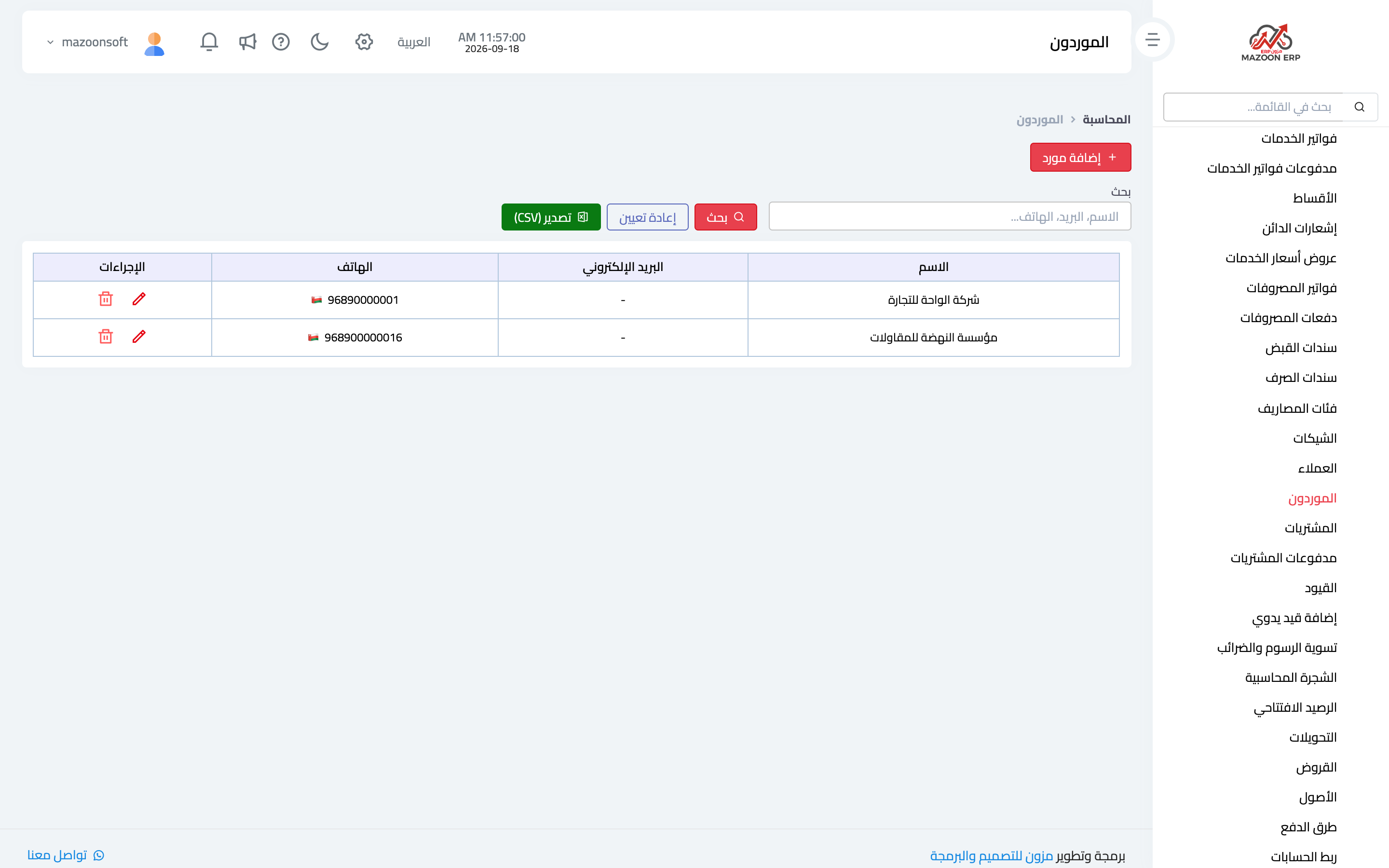
The Suppliers card lists who you buy from, as in image 1: name, contact details and the balance owed to each.
A supplier here is a contact holding the supplier role. If one is missing from a selection list, it is usually because the contact was never given that role — see the contacts and contact roles article.
Purchase bills
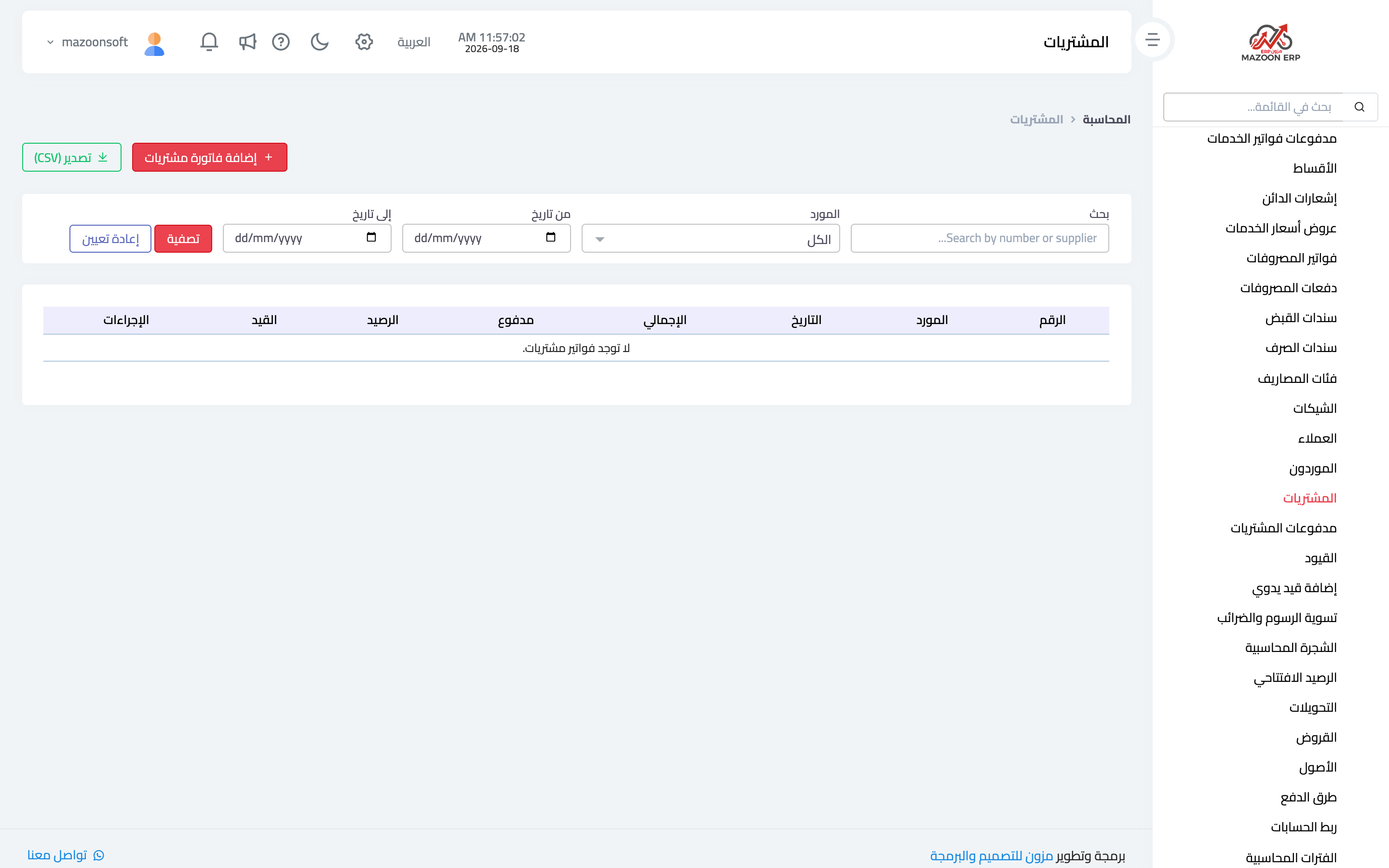
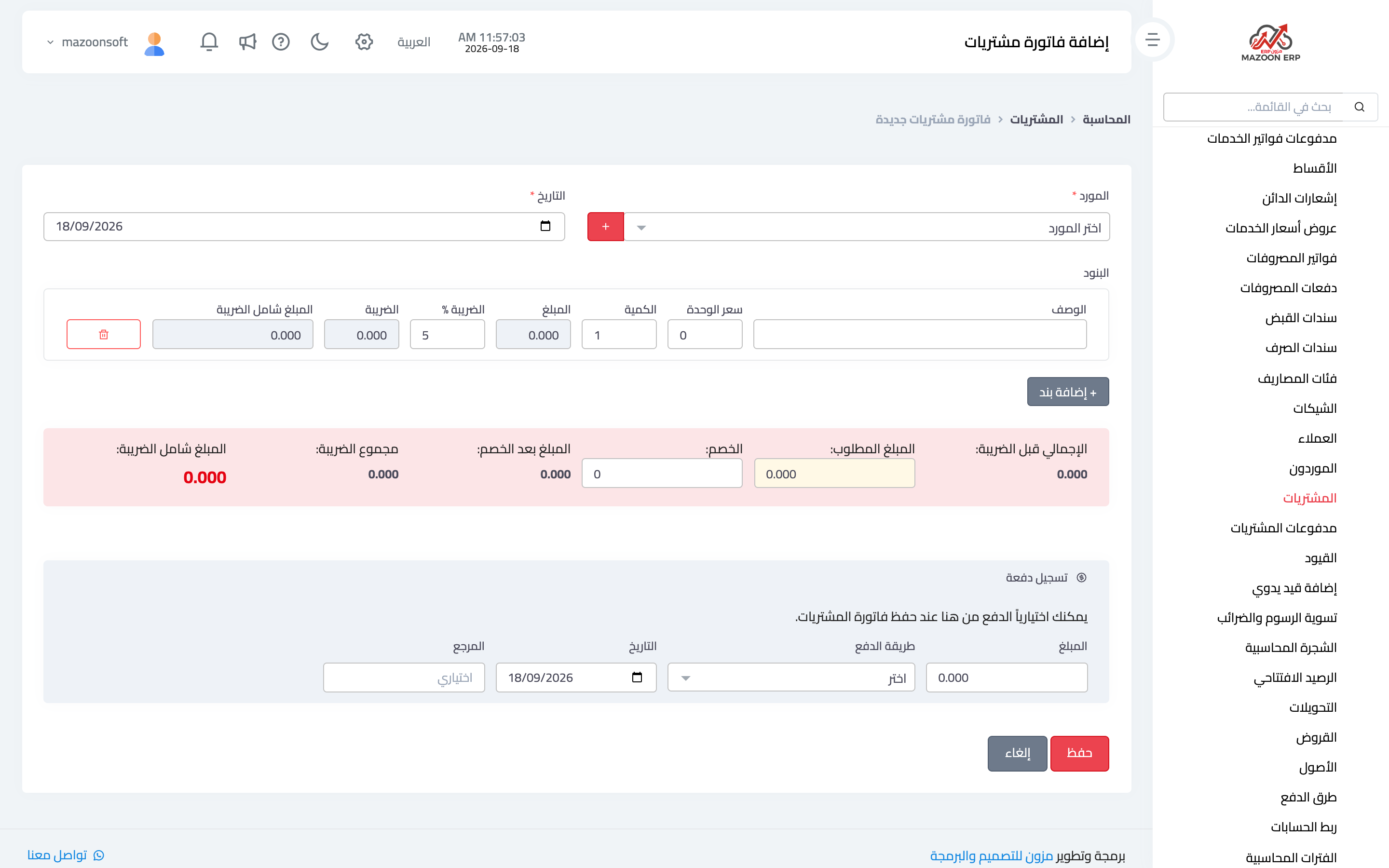
The Purchases card lists purchase bills, as in image 2. To record one press Add, which opens the page in image 3: supplier, date, the supplier's own invoice number, the lines with their prices, quantities and taxes, then the totals.
On save the entry is created: purchases or an expense on the debit side, the suppliers account on the credit side, with tax if any.
Purchase payments
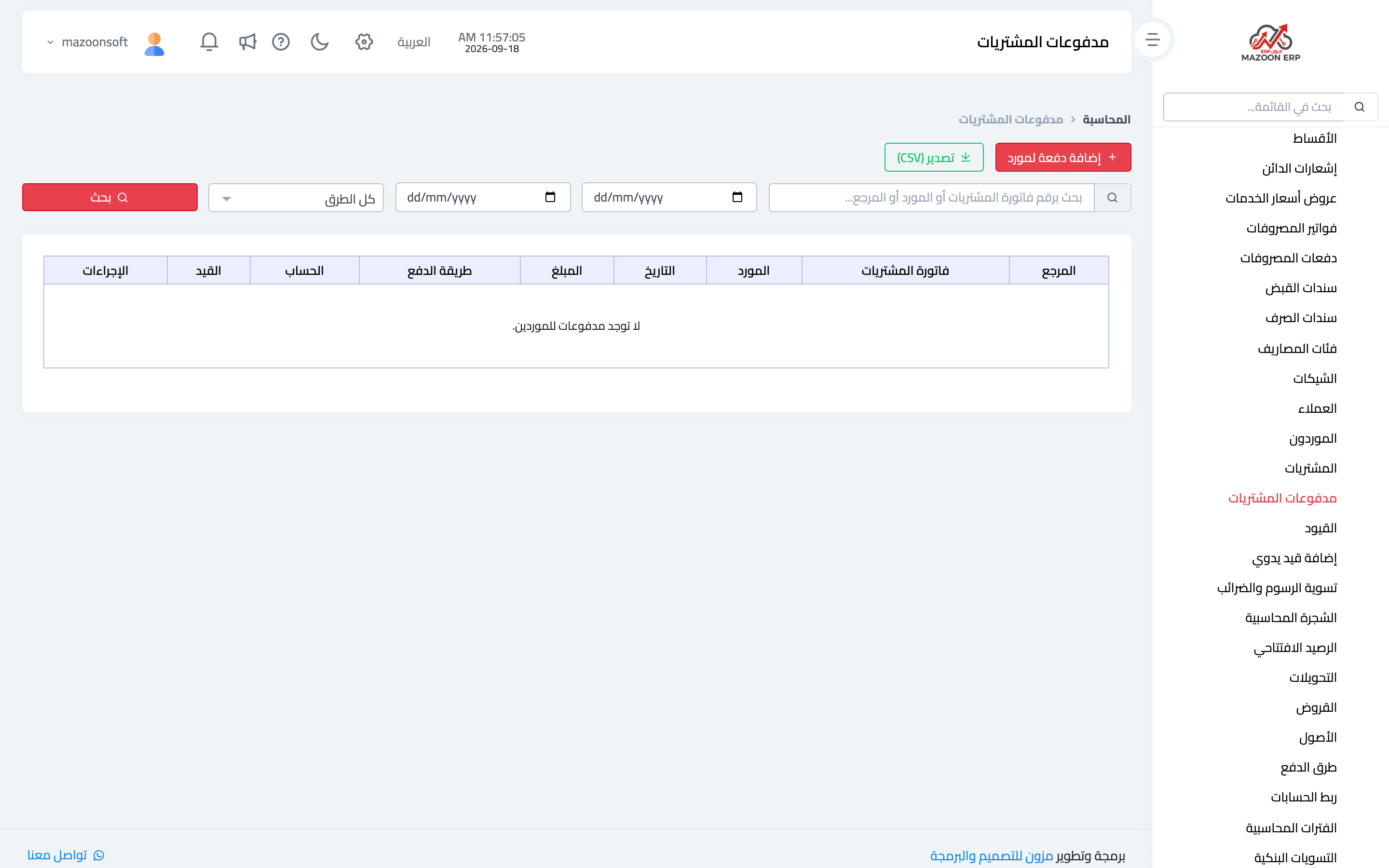
The Purchase Payments card — image 4 — records what you paid a supplier against their bills: amount, payment method, date and the related bill. The supplier's balance falls by what was paid, and the remainder shows in the payables aging report.
The right order of work
- Create the contact with the supplier role.
- Record the purchase bill with its real date and the supplier's invoice number.
- Record the payment when money actually leaves, not when payment is promised.
- Review payables aging weekly to see what is coming due.
A common warning
Never record the same bill twice — once as an expense bill and once as a purchase — because that doubles both the expense and the liability. Pick one path per kind of buying and stick to it: operating expenses through expense bills, goods and materials through purchases.
Screenshots
Try what you just read on your own data
Open a free 7-day trial — no credit card, with your own company link in minutes.