
How do I edit and print a tailoring invoice?
Customers change their mind about a colour or add a garment; that is normal in a tailoring shop.
Editing
- Open the invoice and press Edit — Figure 1.
- Add or remove a line, change the colour or the attached measurement, or adjust the delivery date.
- Save; the total and the balance are recalculated for you.
- On an approved invoice with products, changing a quantity moves only the difference from or back to the warehouse, and the entry is re-posted automatically.
- Once stock has left the warehouse, the invoice's warehouse can no longer change.
- A delivered invoice cannot be edited.
Printing
- From the invoice page press Print — Figure 2.
- It prints with the customer details, the lines — services, then products — the amounts and the delivery date, along with the fiscal code if that applies to you.
- Give the customer one copy and keep the other with the garment in the workshop.
Notes
- Edit before the tailor starts on the garment; changing the colour after cutting is wasted cloth.
- Any change agreed over the phone should go into the line notes; what is not written is forgotten on delivery day.
- A printed copy travelling with the garment saves the tailor from asking, and that alone speeds the work up.
Screenshots
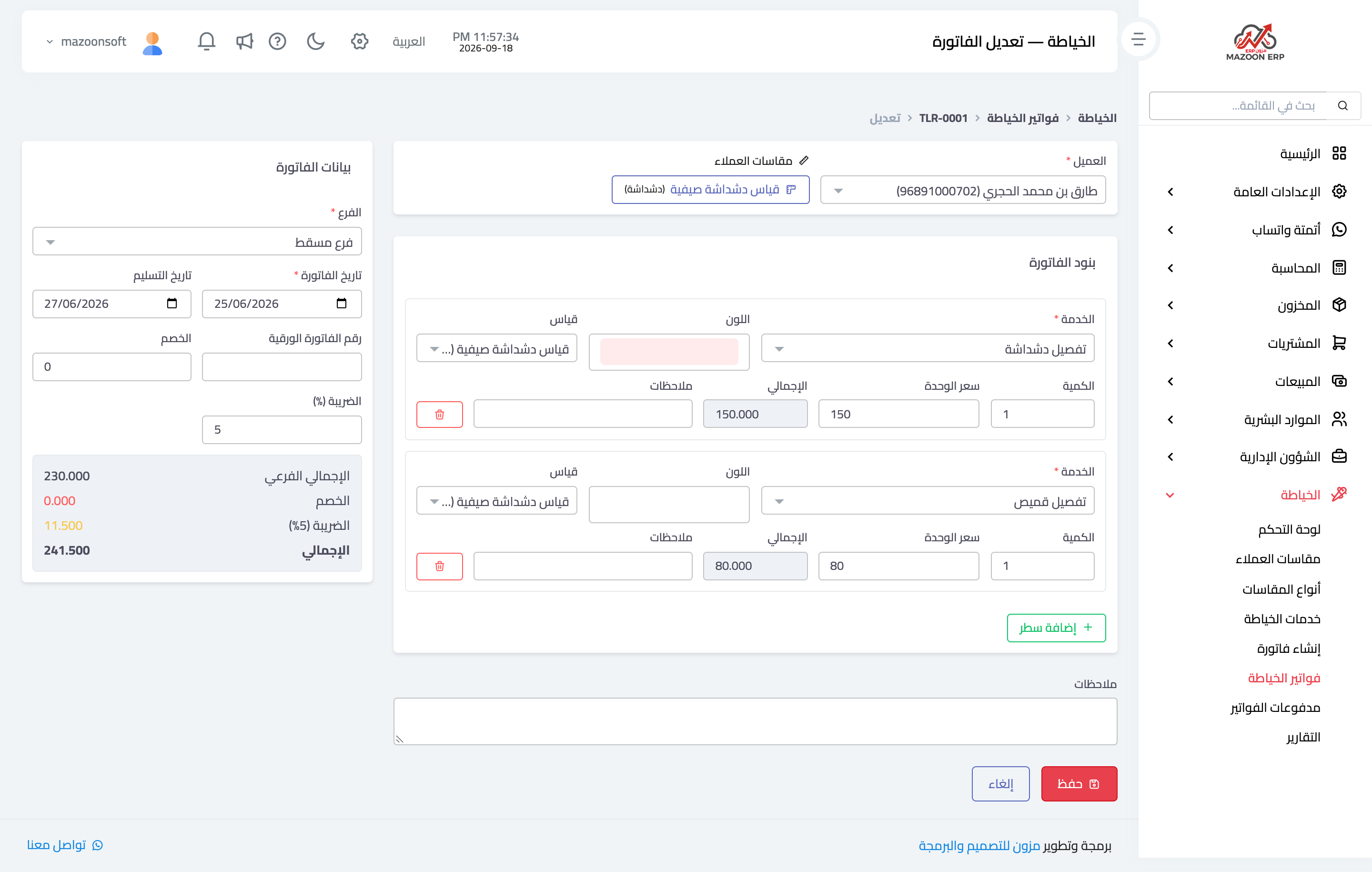
Figure 1
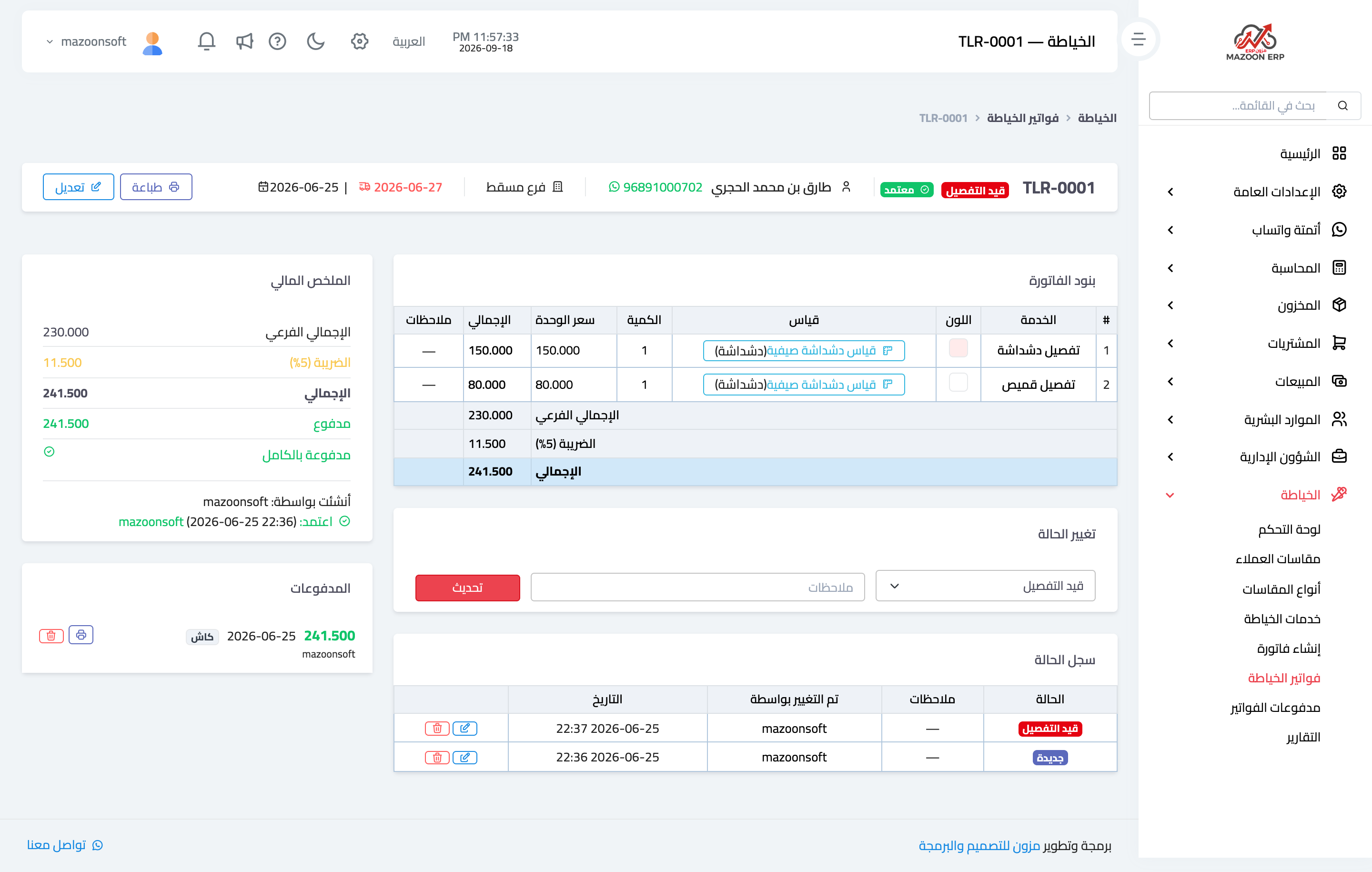
Figure 2
Try what you just read on your own data
Open a free 7-day trial — no credit card, with your own company link in minutes.